

 folke
folke
Potential bug?: Trouble does not respect sidebar
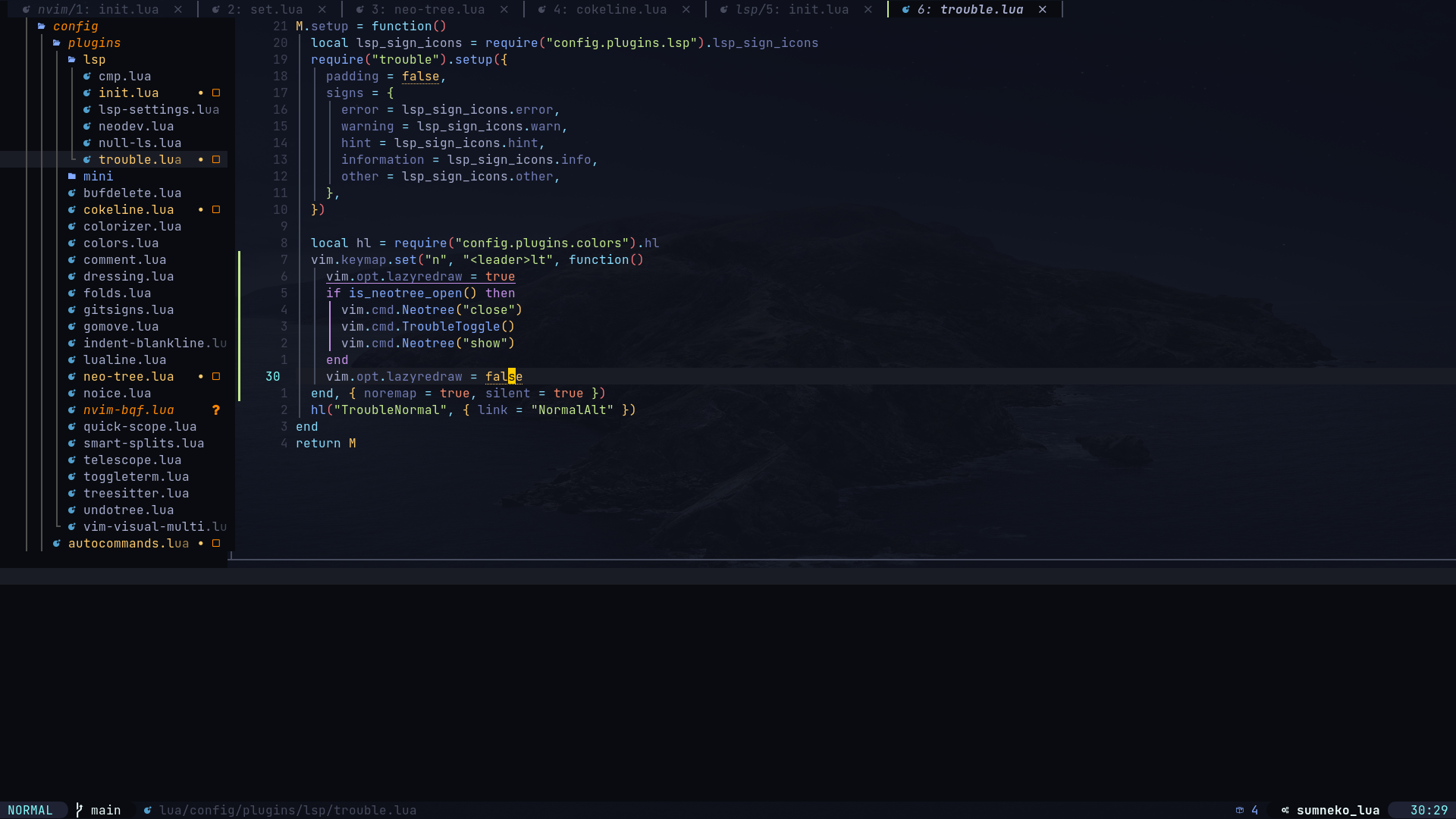
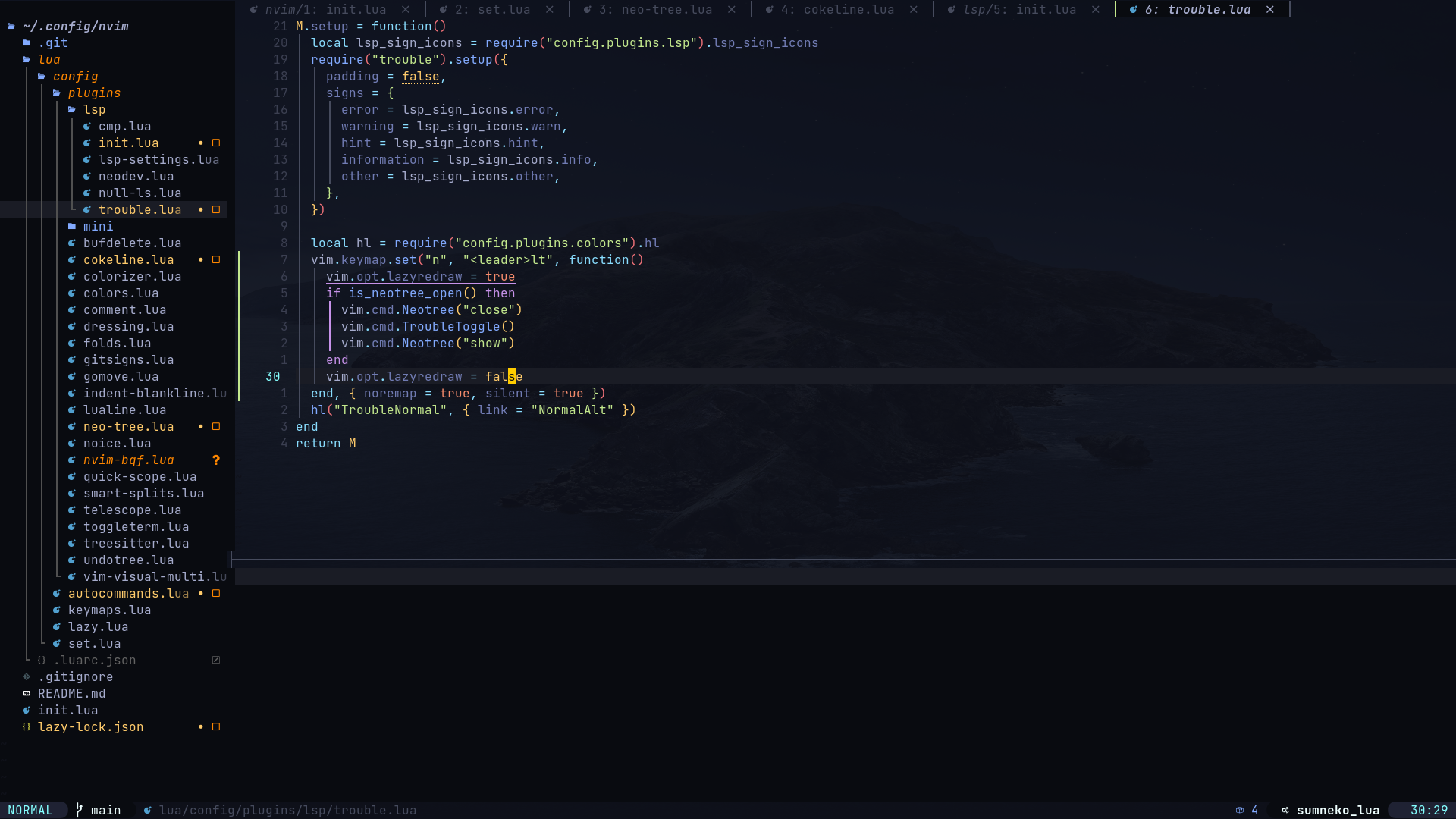
When using trouble.nvim with a sidebar plugin such as nvim-tree or neo-tree, opening trouble does not really respect the sidebar like a regular split does. Where a regular horizontal split is created, it ignored the sidebar area completely and opens in the space where the buffer currently is, whereas trouble splits the whole buffer in half, messing with both the sidebar and my tabline. Screenshots for this are as below.
It does resize properly when the sidebar is closed and re-opened and I have a mapping which closes my sidebar, opens trouble and re-opens it, but I was wondering if there is a better way to do this as this does not reflect when I open trouble manually without the keybinding.
Current behaviour:
Expected behaviour:

This may be a potential bug indeed, cause in my case, if I first open neo-tree and toggle Trouble, then quit Trouble, the cursor will focus on the neo-tree (I prefer the cursor focus on code window because I toggle trouble in that window).
It can be solved by change two lines:
https://github.com/folke/trouble.nvim/blob/490f7fe6d227f4f7a64f00be8c7dcd7a508ed271/lua/trouble/view.lua#L352-L353
to:
 local pos = { bottom = "j", top = "k", left = "h", right = "l" }
 vim.cmd("wincmd " .. (pos[config.options.position] or "k"))
This solution sort of solved my problem. Perhaps you (@folke ) could think about modifying the command that opens the window?

Development on the main branch is EOL.
Trouble has been rewritten and will be merged in main soon.
This issue/feature either no longer exists or has been implemented on dev.
For more info, see https://github.com/folke/trouble.nvim/tree/dev
