

 folke
folke
Actual highlights nothing to do with the ones in screenshot:
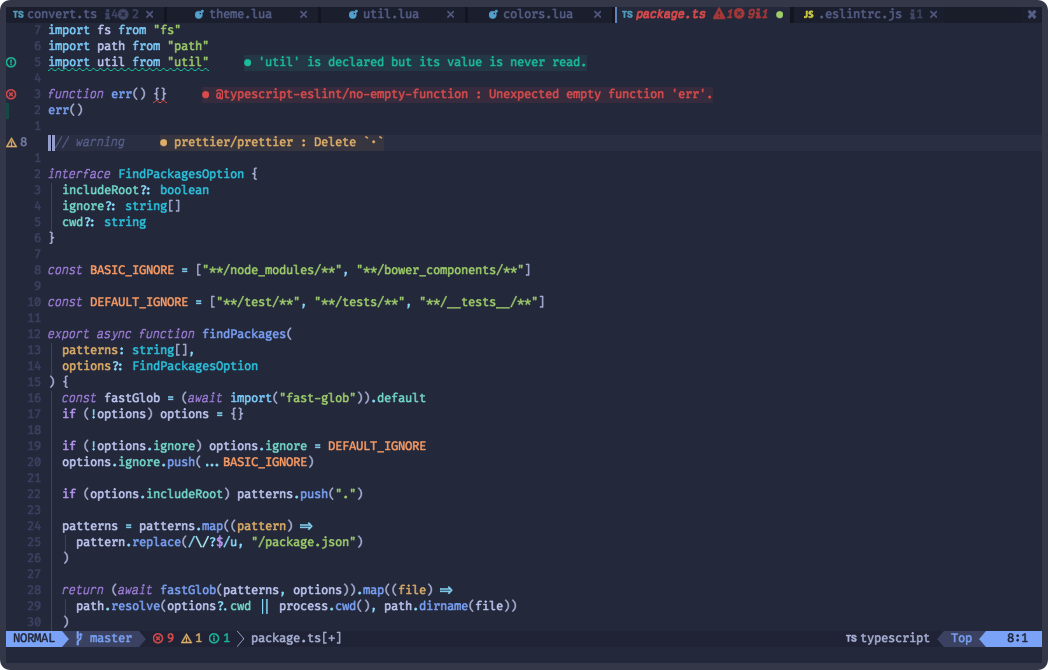
Your screenshot:
When i installed, on a .tsx file with treesitter enabled:
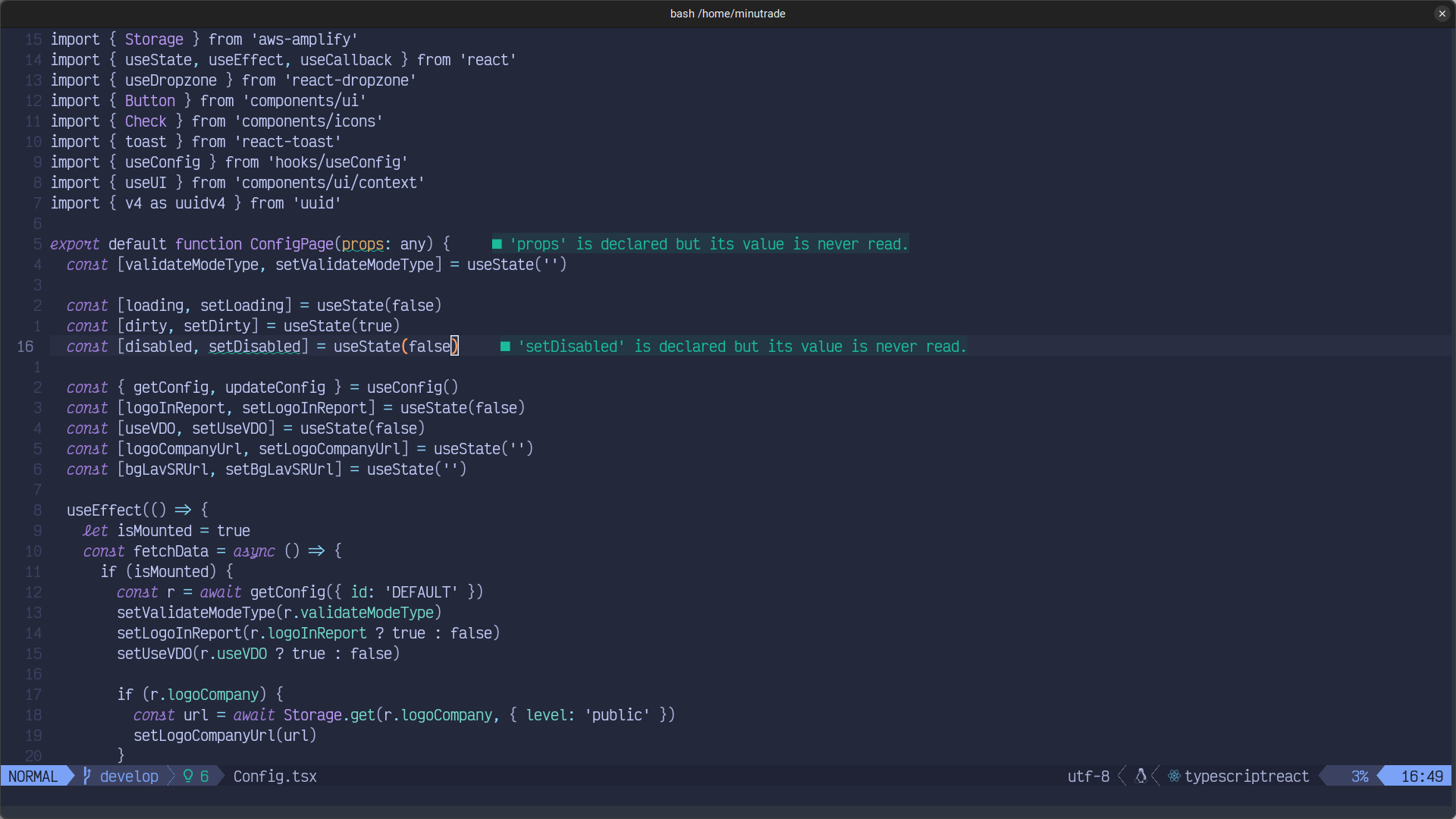
It looks very dim compared to your screenshot, why?

Just to confirm, have you installed the TypeScript parser with :TSInstall typescript?
It may also be that you have conflicting syntax highlighting plugins like leafgarland/typescript-vim or HerringtonDarkholme/yats.vim. If so it might be worth uninstalling those to verify that that fixes things.


Definitely because you don't have treesitter running in that buffer
I have, and i literally wrote that. With treesitter enabled it looks like the second image i posted.
Just to confirm, have you installed the TypeScript parser with
:TSInstall typescript?It may also be that you have conflicting syntax highlighting plugins like
leafgarland/typescript-vimorHerringtonDarkholme/yats.vim. If so it might be worth uninstalling those to verify that that fixes things.
Yes, i do have it installed and i don't have any other plugin that conflitcs with the syntax highlighting.
The file still looks like it has no treesitter enabled.
What happens when you do :TSBufToggle highlight? Either way, you need to fix your treesitter first.