

 florisboard
Can't paste when switching back keyboard
Short description
When a user copies text while using another keyboard, the Paste button is unclickable and the user therefore can't paste text. This occurs even when the clipboard has text.
Steps to reproduce
- Switch to Florisboard as the primary keyboard.
- Go to a text box and copy some text. If the Paste button previously isn't clickable, it should now be.
- Clear the clipboard using the Clear primary clip button.
- Switch to another keyboard and copy some text.
- Switch back to Florisboard. The Paste button should be not clickable.
Environment information
- FlorisBoard Version: 0.4.0-debug-c3fae09 (88)
- Install Source: GitHub
- Android: 10

Are you suggesting that the content copied by another keyboard should be available in Florisboard? If yes:
- I don't think this is possible if the other keyboard doesn't want to share that information
- However, there is a setting that makes Florisboard read content copied via Android's copy-menu.
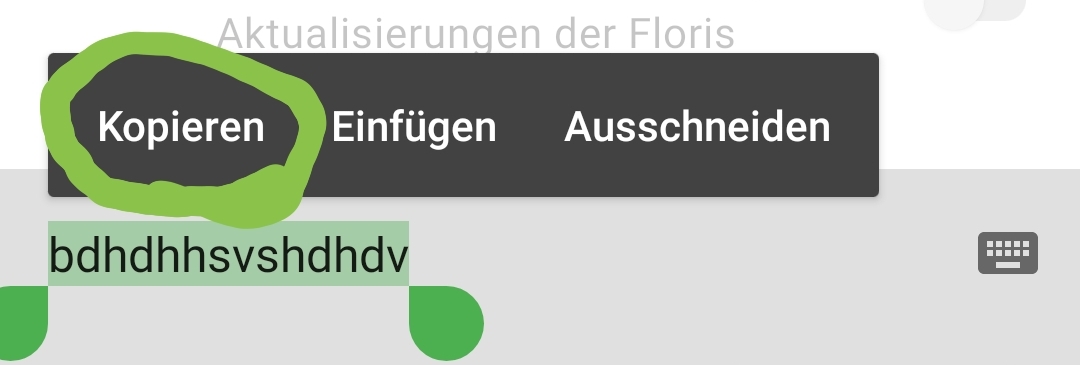 In the settings, check this option:
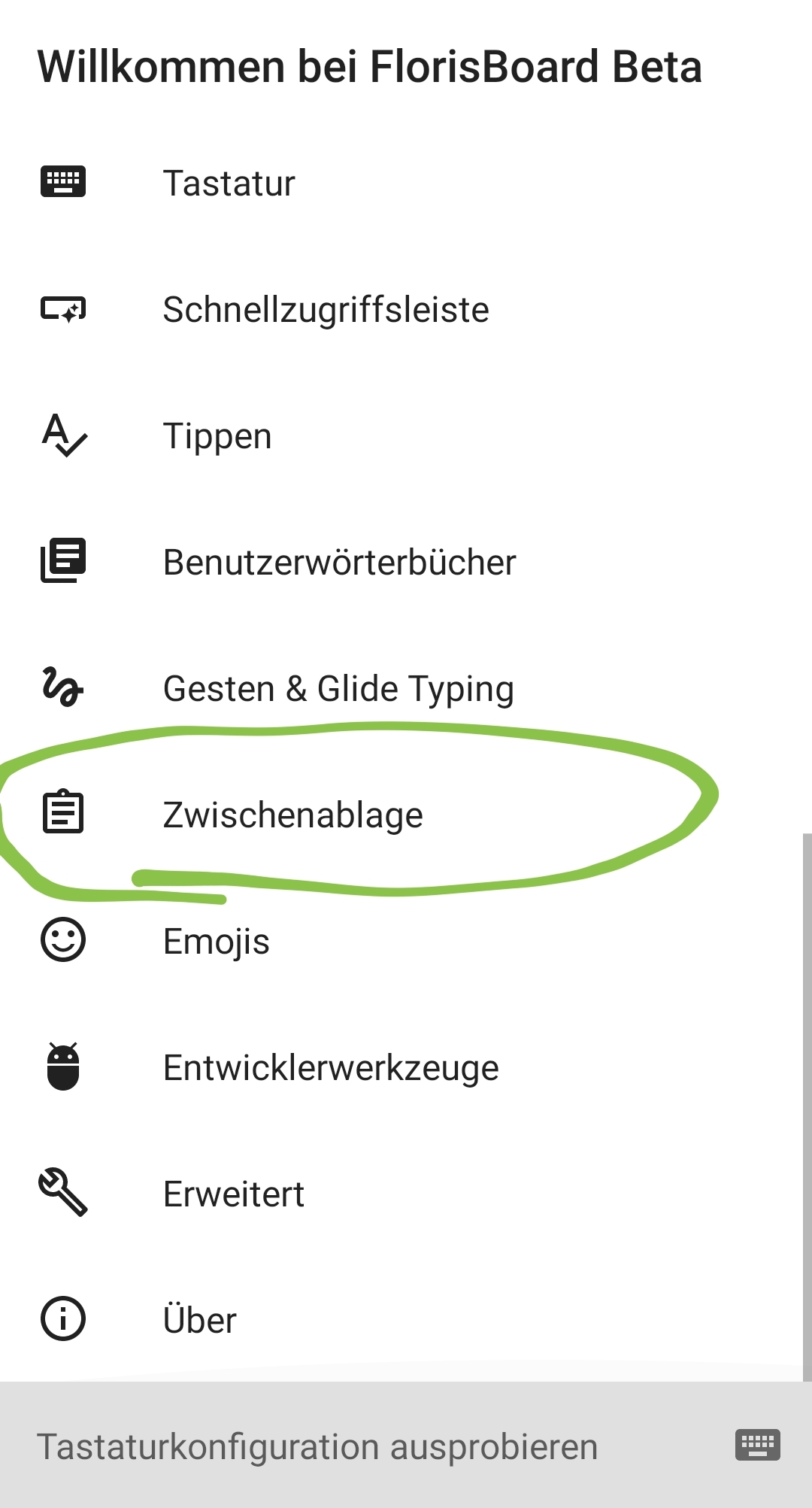
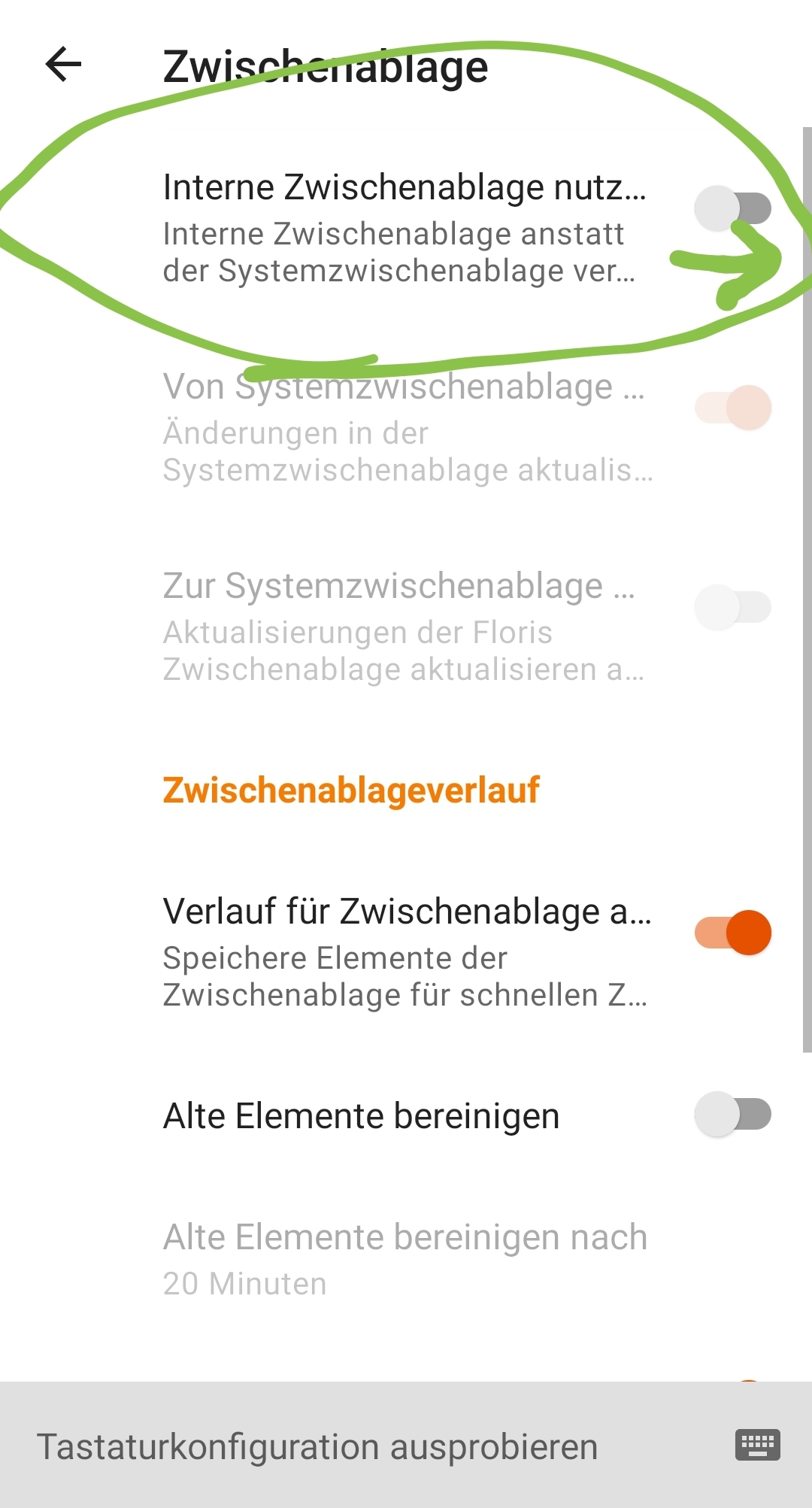
EDIT: I may have misunderstood your issue.

I meant to mention that the text should be copied while using another keyboard but not necessarily via inbuilt functionality of that keyboard (the bug still happens when copying via the system Copy button that appears when selecting).
I'll attempt to record a video that illustrates the issue.
Just to make sure: Did you try it after activating the setting I showed (the first option inside the clipboard-settings)?
Yep. Enabling the internal clipboard (and the options Sync from system clipboard and Sync to system clipboard) doesn't solve it.
The reason is very simple why this does not work: FlorisBoard has only access to the clipboard as long as it is the default IME, else it gets "null" items delivered, which are useless. This is to protect the privacy of the clipboard data and is enforced by the Android system.
As FlorisBoard relies solely on the clipboard primary clip changed listener it thus does not notice a change if you use another keyboard. What I could try is every time the IME window is shown again to manually query the current system primary clip and compare it with the cache. If it matches I assume nothing changed, if it doesn't match I will treat this as a change event. Of course reading from the system clipboard is only done either if you have disabled the internal clipboard or if you have enabled it AND have enabled sync from system.
The corresponding update code can be seen here: https://github.com/florisboard/florisboard/blob/de2b3b9433ba56bc629d53e9538cea5446fea6ff/app/src/main/kotlin/dev/patrickgold/florisboard/ime/clipboard/ClipboardManager.kt#L162-L202

I would be okay with that solution. I also don't think there's a problem with assuming that no clipboard operations occurred if the stored clipboard is the same, since the Paste button would still be clickable (or if the clipboard is empty this entire time, unclickable) regardless.