flore2003
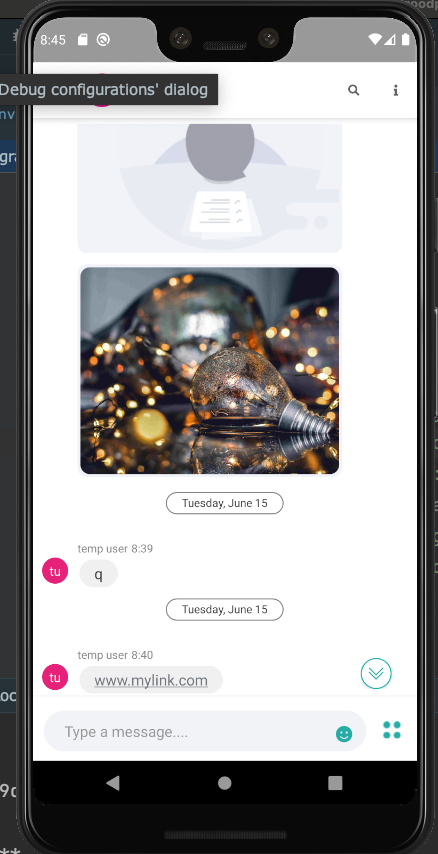
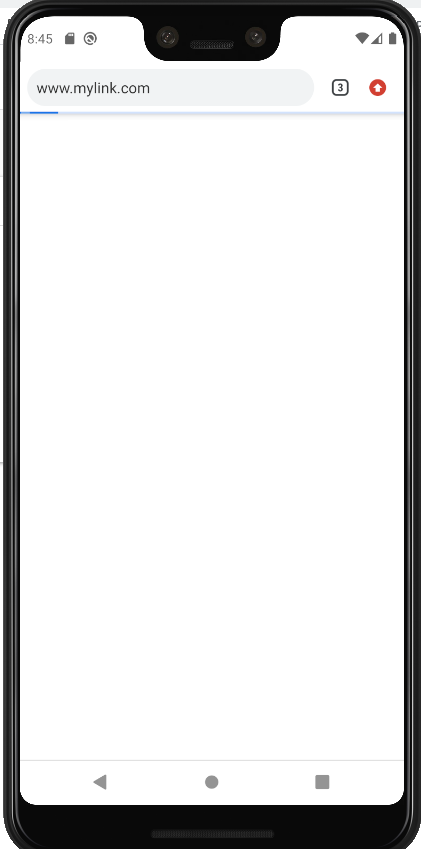
Click on url from markdown rendered text will popup a browser but I need to override this behavior...any hint ?
I suppose it's all about override the LinkResolver behavior from java side...but honesty I don't know how to do that from typescript markdown-view.android.ts ... It seems the link resolver is inside the core and not as a plugin somewhere...
https://noties.io/Markwon/docs/v4/core/configuration.html#linkresolver
Someone has already find a solution to catch that click event instead of popup a new browser activity ?
Thanks anyway... But I know that no one will answer ... but we never know...

This project currently uses Markwon without any plugins. In order to use a plugin, the call to create Markwon at https://github.com/flore2003/nativescript-markdown-view/blob/3317ad7d650268c88b0c87124cb0ba35ee8acbb3/src/markdown-view.android.ts#L23 should be changed to ru.noties.markwon.Markwon.builder(this._context).usePlugin(...).build() like described in https://noties.io/Markwon/docs/v3/core/configuration.html#linkspan-resolver

Yes @flore2003 Thanks for your reaction ;), I know, I already did the same change on my side exactly as @dudipsh from its pull request.
But here it's not as easy cause this is not a plugin but an override of what exists. I'm currently using Nativescript-angular...and I don't have a clue how to override this...cause it's typescript codebase...and this has to be done in java.
Can you point me to the right direction ?
Thanks. Lo.
As it seems you don't really care people using your lib... I was pretty sure you won't answer me. back... always a pleasure. thx.
@lostation I understand your frustration right now you have several options 1: Copy my code and try to deal with it 2: Find a way to do it with the plugin
export function markedOptionsFactory(): MarkedOptions {
    const renderer = new MarkedRenderer();

    // renderer.blockquote = (text: string) => {
    //   return '<blockquote class="blockquote"><p>' + text + '</p></blockquote>';
    // };
    //
    // renderer.blockquote2 = (text: string) => {
    //     return '<blockquote class="blockquote"><p>' + text + '</p></blockquote>';
    // };
    renderer.link = (href, att) => {
        return `<a href="${href}" target="_blank">${href}</a>`;
    };

    // renderer.image = (alt: string, src: string) => {
    //     console.log('src', src)
    //     return `<div class="image image-quill">
    //         <img class="blockquote" src="${src}"/>
    //     </div>`;
    // };

    // renderer['messageImage'] = (alt: string, src: string) => {
    //     console.log('src', src)
    //     return `<div class="image image-quill">
    //         <img class="blockquote" src="${src}"/>
    //     </div>`;
    // };
    //
    // renderer['imageLoader'] = (alt: string, src: string) => {
    //     return `<div style="background-image: ${src};"></div>`
    // };

    return {
        renderer: renderer,
        gfm: true,
        breaks: true,

        pedantic: true,
        smartLists: true,
        smartypants: true,
    };
}

@dudipsh Thanks for your answer!
Can you just tell me where I need to connect that piece of code ?
I have only <MarkdownView markdown="{{ Content }}" (loaded)="onMarkdownViewLoaded($event)"></MarkdownView> from an view.tns.html file...
How to add the MarkedOptions ? Maybe you can show me how you do this ?
Thanks. Lo.
@lostation I could not find a way to add MarkedOptions in nativescript This code works for me on the web Regardless of this, link work on mobile