
fleet
 fleet copied to clipboard
 fleetdm
Host applied to incorrect policy after removing Windows and installing Ubuntu
Fleet version: 4.11.0
🧑💻 Expected behavior
When a host is reformatted with a new operating system, Fleet will no longer include the host in the results of policies that only apply to the original operating system.
💥 Actual behavior
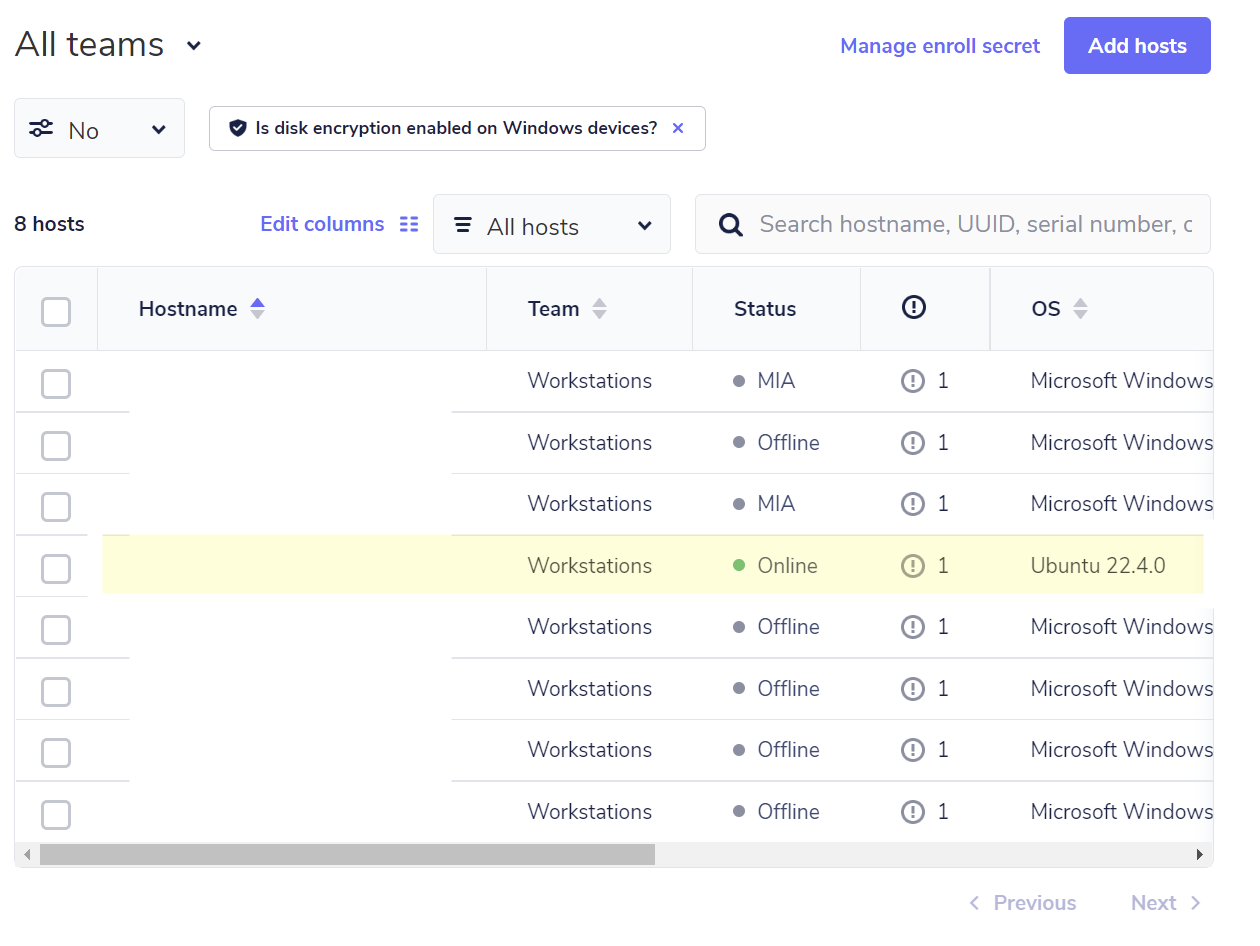
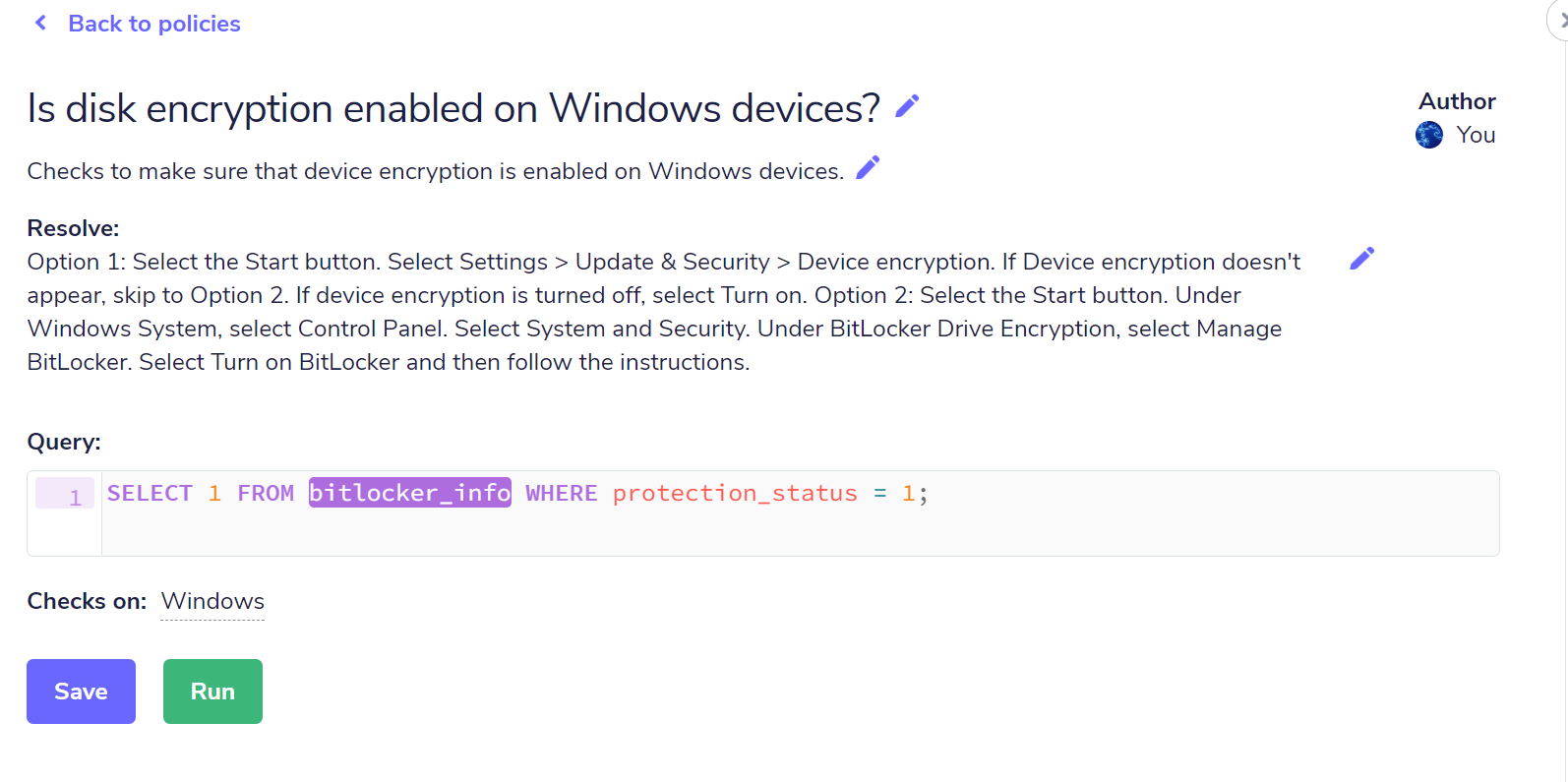
After wiping a Windows machine enrolled to Fleet, installing Ubuntu as the new operating system, and enrolling the host in Fleet, the host is incorrectly listed as failing a Windows-only policy:
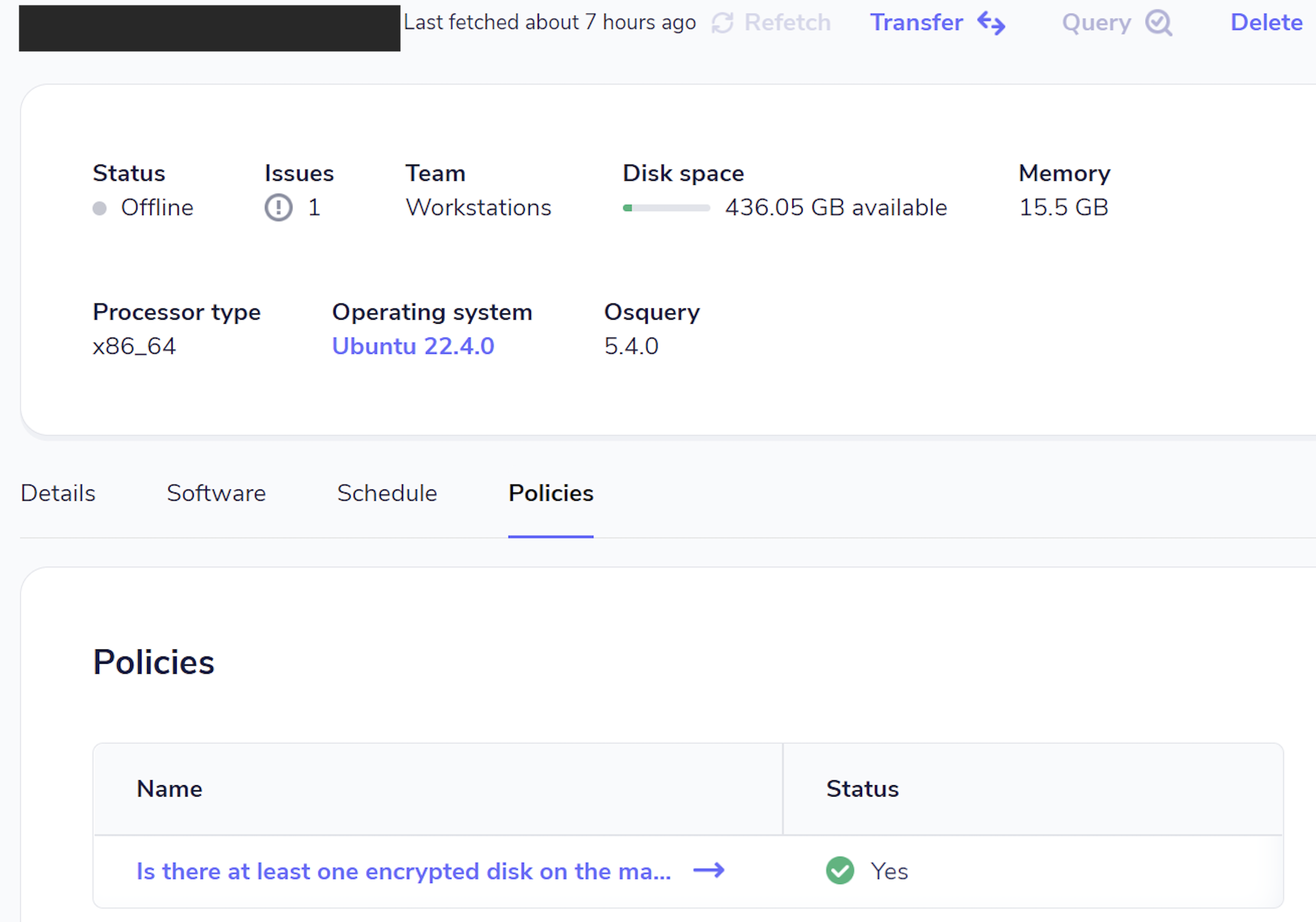
When viewing host details, the correct Linux-specific policy is shown:

Here are my thoughts on a possible fix for this.
Currently, when a host re-enrolls we do the following (conditional) cleanup for the policies of the host: https://github.com/fleetdm/fleet/blob/26f210f3f674509e955a79a94e5210bb32df95dc/server/datastore/mysql/hosts.go#L780-L797
To support a case like the one described in this issue (host re-enrolling with new different platform field), and to reduce complexity, we should always delete all entries of such re-enrolling host in policy_membership, something like:
// cleanupPolicyMembershipOnHostReenroll would be a new method that does:
// `DELETE FROM policy_membership WHERE host_id = ?`
if err := cleanupPolicyMembershipOnHostReenroll(ctx, tx, []uint{host.ID}); err != nil {
	return ctxerr.Wrap(ctx, err, "EnrollHost delete policy membership")
}

// Update existing host record
sqlUpdate := `
	UPDATE hosts
	SET node_key = ?,
	team_id = ?,
	last_enrolled_at = NOW()
	WHERE osquery_host_id = ?
`
_, err := tx.ExecContext(ctx, sqlUpdate, nodeKey, teamID, osqueryHostID)
if err != nil {
	return ctxerr.Wrap(ctx, err, "update host")
}

@roperzh Would you have any insight into how I can validate this fix locally? Bonus points if it doesn't involve needing to install any operating systems. :)

Bonus points if it doesn't involve needing to install any operating systems. :)
At the time I was able to test this scenario the following way (using two VMWare VMs, one Windows, one with Ubuntu):
- Install Orbit in the Windows VM. Check that the host enrolls to Fleet.
- Get Hardware UUID of the Windows VM (see video below)
- Turn off Windows VM.
- Turn off Ubuntu VM.
- Set Hardware UUID of Ubuntu VM to be the same as the one fetched in step (2) (see video below)
- Turn on Ubuntu VM.
- Install Orbit in the Ubuntu VM. Check that the host enrolls to Fleet.
In step (6) you should not see two hosts, but one, the old one will now be a "Ubuntu" host.
In VMWare you need to right click on the VM, then press Ctrl for the option to show up:
https://www.loom.com/share/a572a3b8ed0d47849cd02626dee00b75