

 flant
flant
More sort options
What is wrong?
- Metrics sort is a sort by metric id (A,B,C... as on https://raw.githubusercontent.com/flant/grafana-statusmap/master/src/img/queries-example.png). Grafana have ability to move up/down individual metrics. That is a new option — sort by metrics position.
- Of course sort by metrics should be reversible!
What to do?
- research how to get A,B,C,... order
- add Reverse option
- remove z → a option
- add options to customize sort with arguments of localeCompare. ignorePunctuation, numeric, caseFirst.

Hi,
None of the sorting options (metrics, a->z, z->a) are working for me. I've added an influxdb "order by time" and that seems to put the metrics in the the "correct" order in the influx json response. I want the row with the earliest time to be at the top of the status map, and subsequent times should line up beneath that....for a timeline that begins at the earliest time at top.
This describes the desired effect:
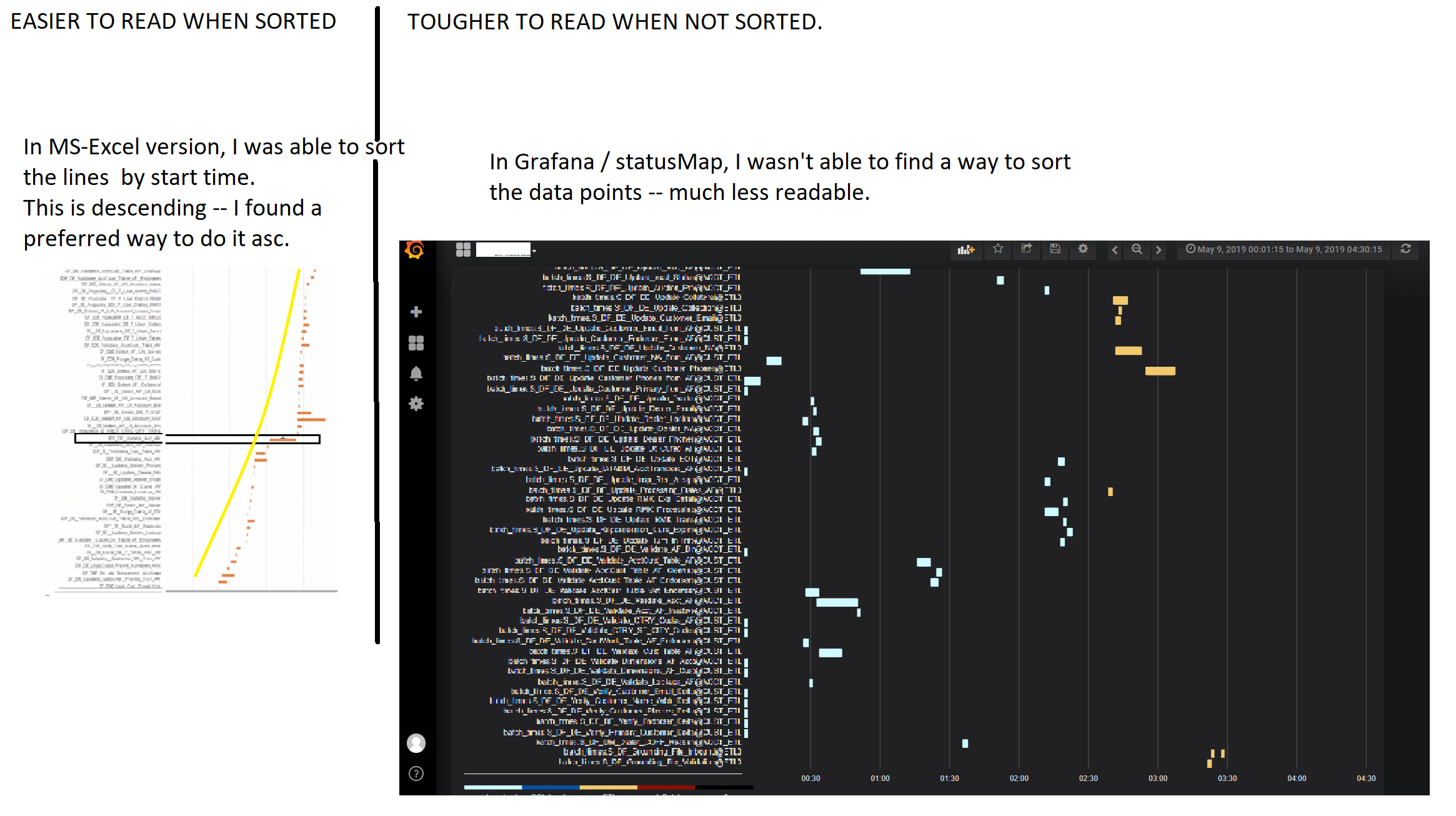
Here is my json, and the timestamps are ordered correctly, but I haven't found a way to get statusmap (discrete) to use this order.
influx-response-with-sort-by-time_02.zip
StatusMap version: v0.1.1 Grafana version: 5.4.3

Sort by metrics is for setup in which queries define rows. In your use case one query defines all rows. I think your idea to «sort by first timestamp» is great.
the timestamps are ordered correctly, but I haven't found a way to get statusmap (discrete) to use this order A note mostly for me to investigate: there is a datasource level that interpret influxdb response and pass data to panels in form of hash of arrays of [timestamp, value] and order can be lost in this process.