

 firemaples
(Suggestions) instead of Google translate app choose your favorite app
- [ ] #218
- [ ] #219
Original comment:
Instead of these
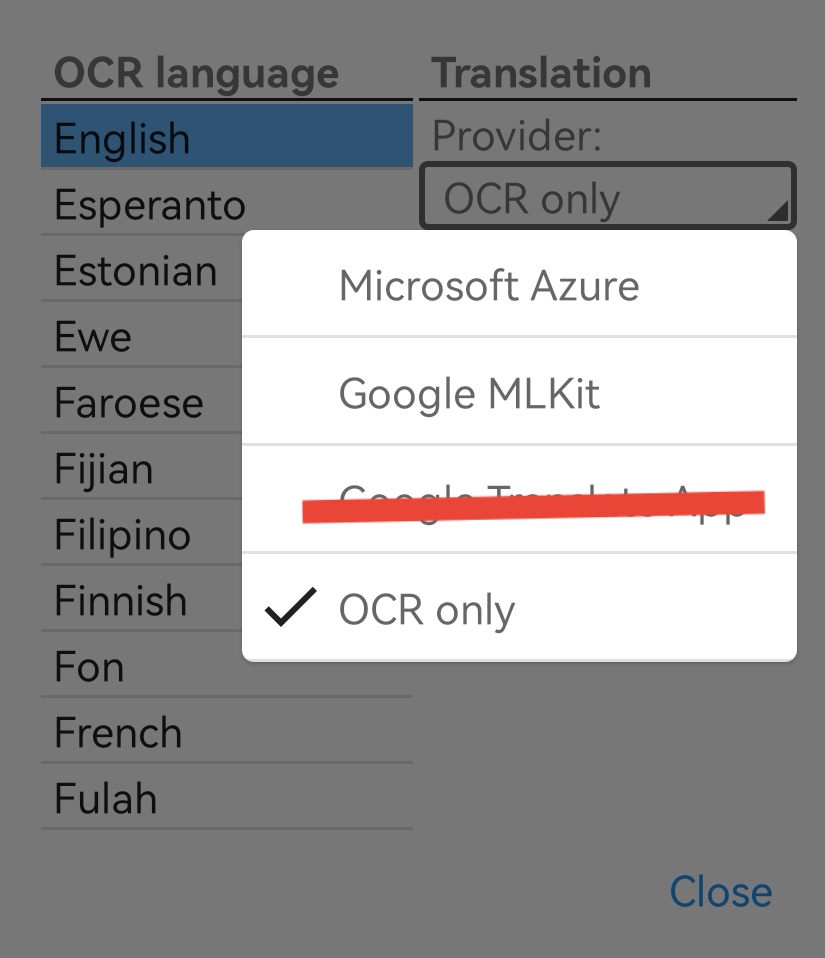

Option for 1- option to choose your favorite app instead of Google translate app for example bing translate app yandex translate app
I think by doing that we could say all apps are supported :)
2- This could take some time
Update your other app Quick Translater to accept shared text and custom websites
Or adding this this future to this app
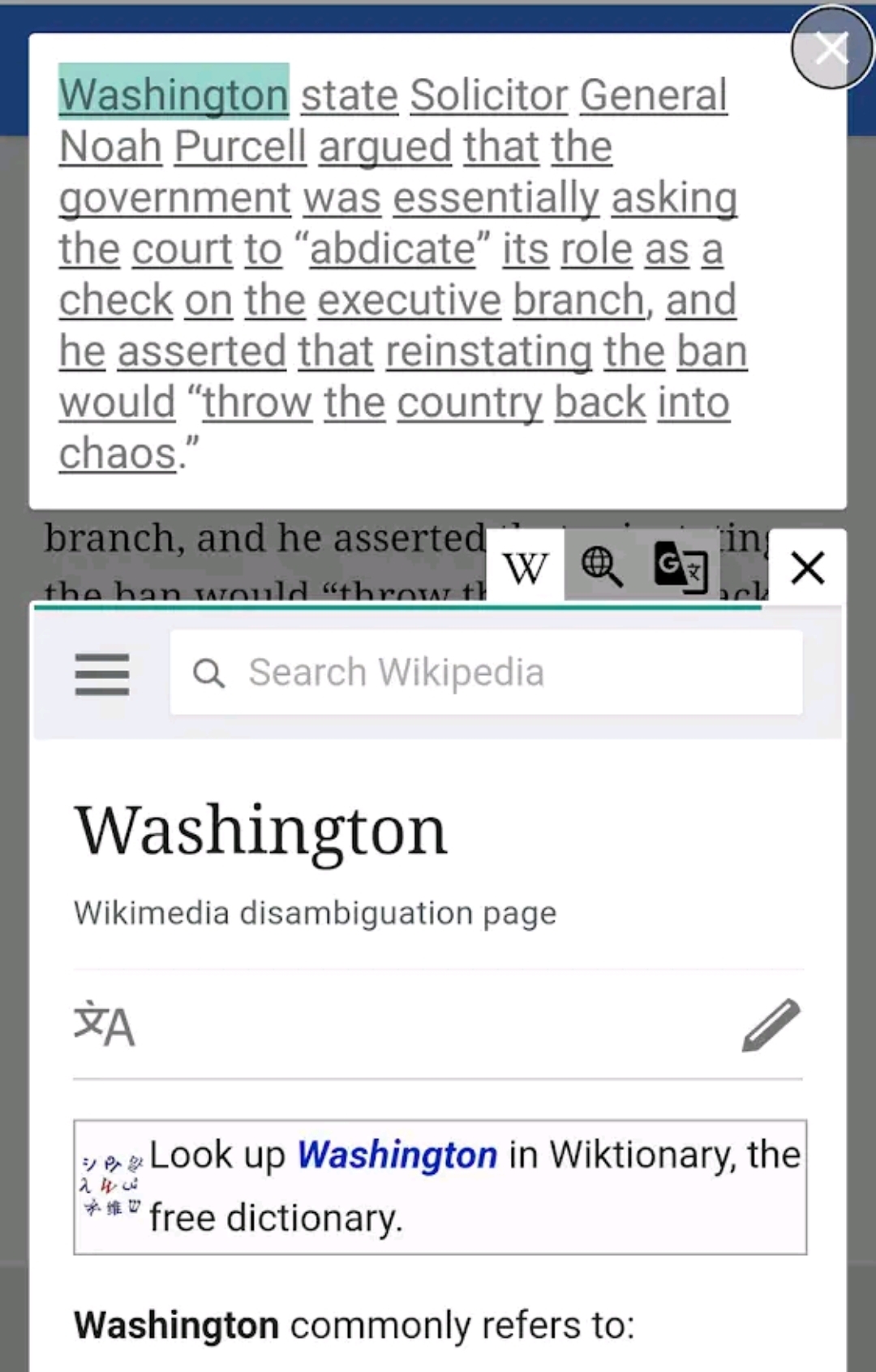
By doing that we could say all websites are supported too :)

Hi @uomar8, first, thanks for a lot of useful suggestions, there's some thinking about them:
- To support directly opening other translation apps, I need to investigate how they accept text to translate from other apps if they support it, so I think the only way to support it is by making a built-in supported list (as more as possible) to let users can select.
- I was thinking about taking some features from QuickTranslator to EverTranslator, by using the website, I can support Google translation for free inside of my app😄(the service is very expensive).
- Let users can customize websites is feasible but may be hard to use since they need to config the URL parameter by themself, but still can give it a try.

Oh, for updating the QuickTranslator, I think it may not be possible now. Google shrank the usage of the accessibility service, all the apps need to apply for a form to use it, and it's hard to have permission if your app is not designed for disabled people. QuickTranslator has been rejected, so I can not update the app now. 😫 Maybe I need to do the research again to see if there're any exceptions I can use.
About 1- Oh, sorry for my lack of information
How about instead of directly opening other translation apps
directly share to other translation apps because I tried the share button to Google translate app, Microsoft translate app and Yandex translate app all of them worked great :)
mainly I keep the share button for notes :)
About 1- Oh, sorry for my lack of information
How about instead of directly opening other translation apps
directly share to other translation apps because I tried the share button to Google translate app, Microsoft translate app and Yandex translate app all of them worked great :)
mainly I keep the share button for notes :)
Okay, I'll survey what they defined in their AndroidManifest.xml.
They should have some IntentFilter in common so I can filter them without specifying the package names (to support more translators).
About 1- Oh, sorry for my lack of information How about instead of directly opening other translation apps directly share to other translation apps because I tried the share button to Google translate app, Microsoft translate app and Yandex translate app all of them worked great :) mainly I keep the share button for notes :)
Okay, I'll survey what they defined in their AndroidManifest.xml. They should have some
IntentFilterin common so I can filter them without specifying the package names (to support more translators).
I just found something interesting
https://stackoverflow.com/questions/35986714/how-do-i-launch-the-same-activity-into-a-separate-window-in-android-n-multi-wind
If the app doesn't support floating mode for example DeepL translate it can be open with freeform
I tried this app https://play.google.com/store/apps/details?id=com.farmerbb.taskbar
It works with DeepL translate and open it as freeform
Helpful it will help
About 1- Oh, sorry for my lack of information How about instead of directly opening other translation apps directly share to other translation apps because I tried the share button to Google translate app, Microsoft translate app and Yandex translate app all of them worked great :) mainly I keep the share button for notes :)
Okay, I'll survey what they defined in their AndroidManifest.xml. They should have some
IntentFilterin common so I can filter them without specifying the package names (to support more translators).I just found something interesting
https://stackoverflow.com/questions/35986714/how-do-i-launch-the-same-activity-into-a-separate-window-in-android-n-multi-wind
If the app doesn't support floating mode for example DeepL translate it can be open with freeform
I tried this app https://play.google.com/store/apps/details?id=com.farmerbb.taskbar
It works with DeepL translate and open it as freeform
Helpful it will help
That's cool thank you! I'll try it in the feature development.