
ipyregulartable
 ipyregulartable copied to clipboard
 finos
finos
High performance, editable, stylable datagrids in jupyter and jupyterlab






An ipywidgets wrapper of regular-table for Jupyter.
Examples
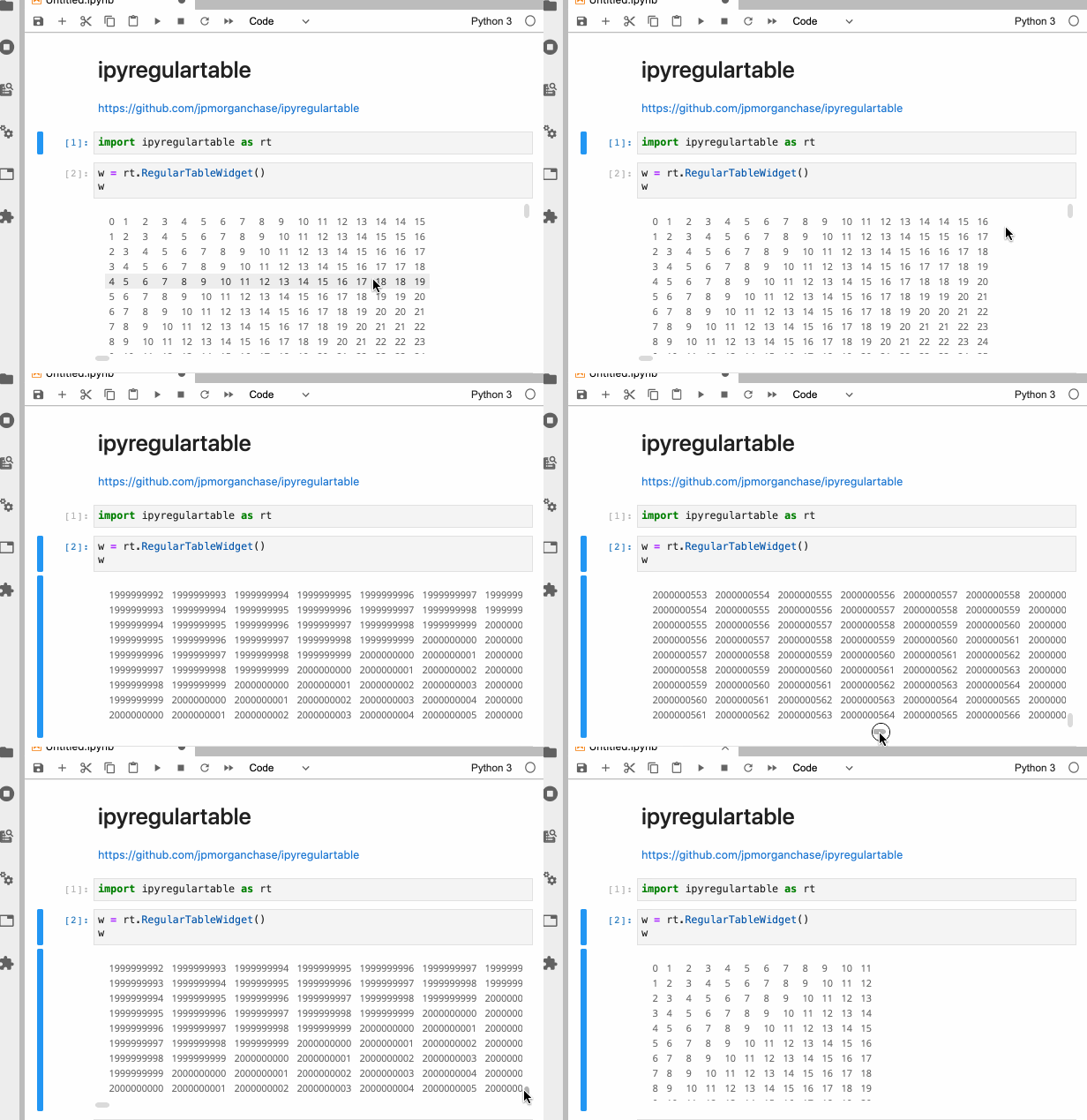
Two Billion Rows
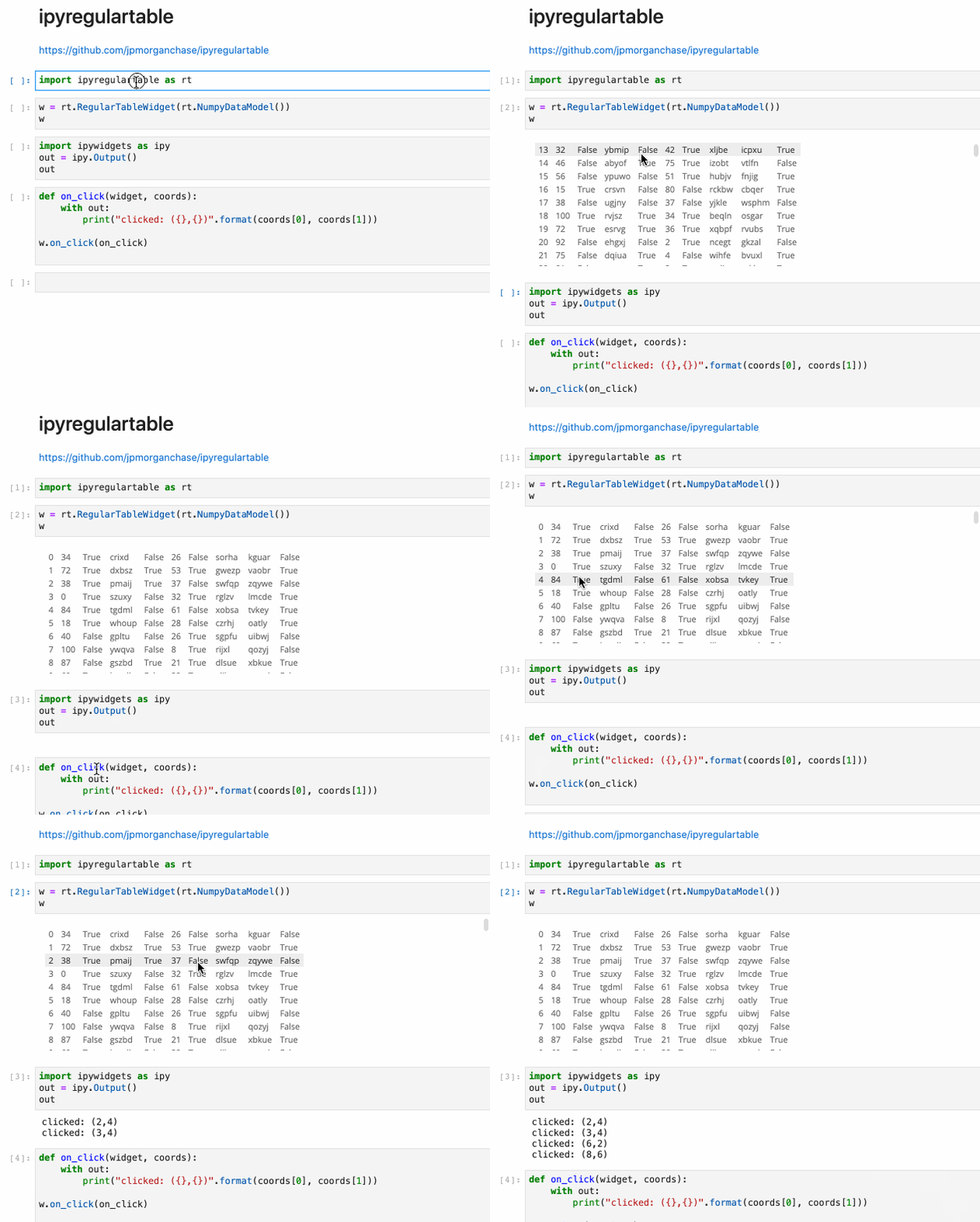
Click Events
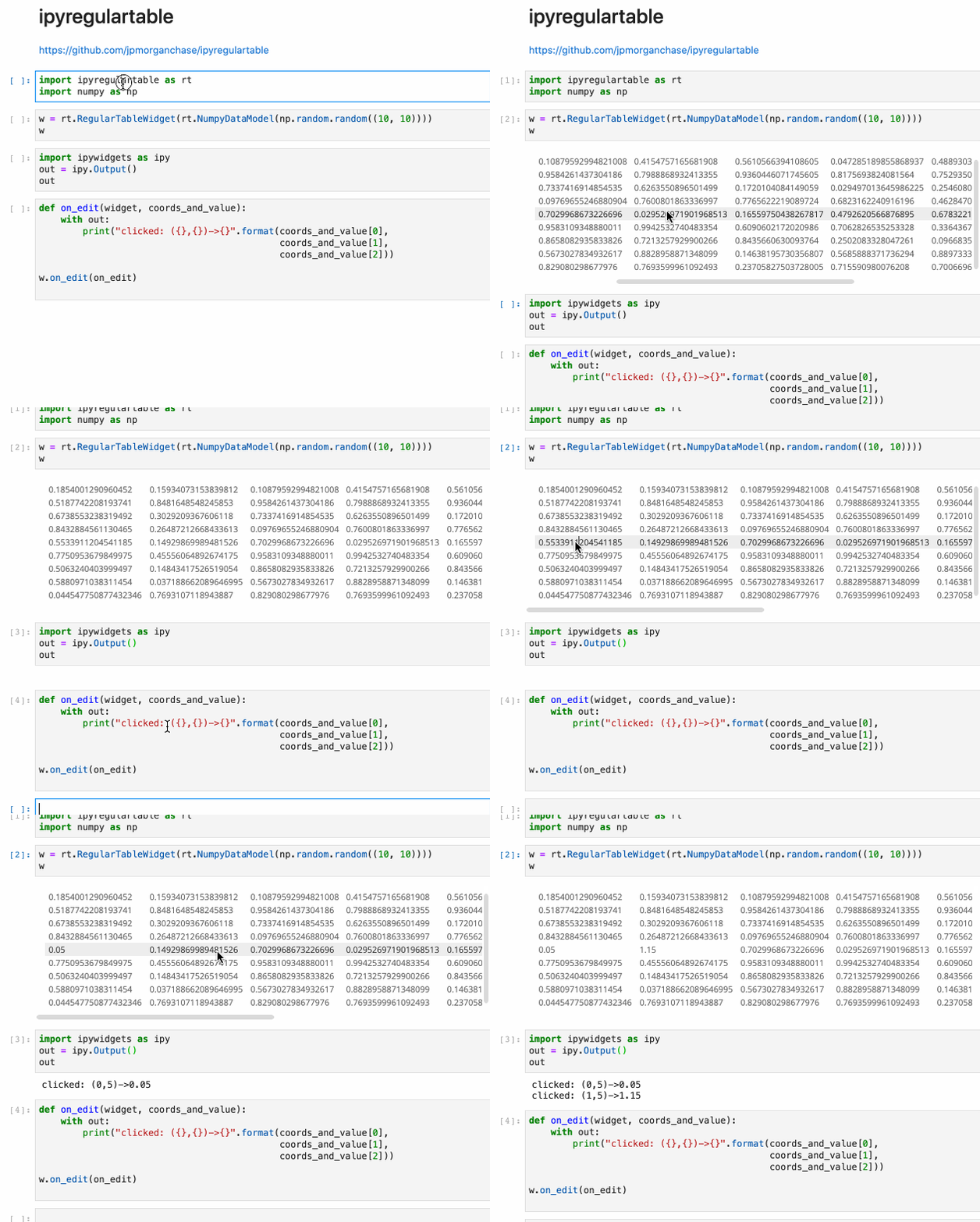
Edit Events
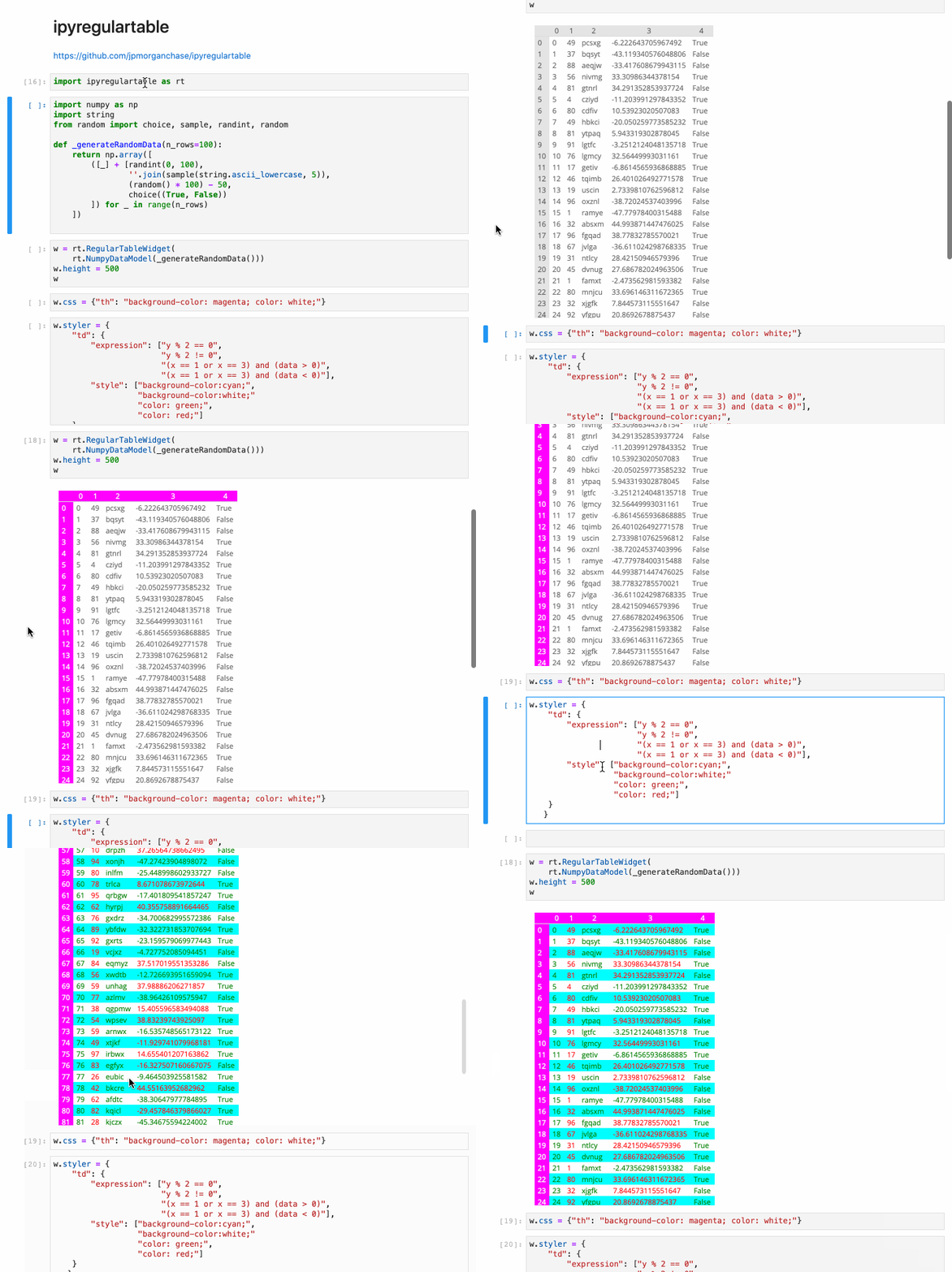
Styling
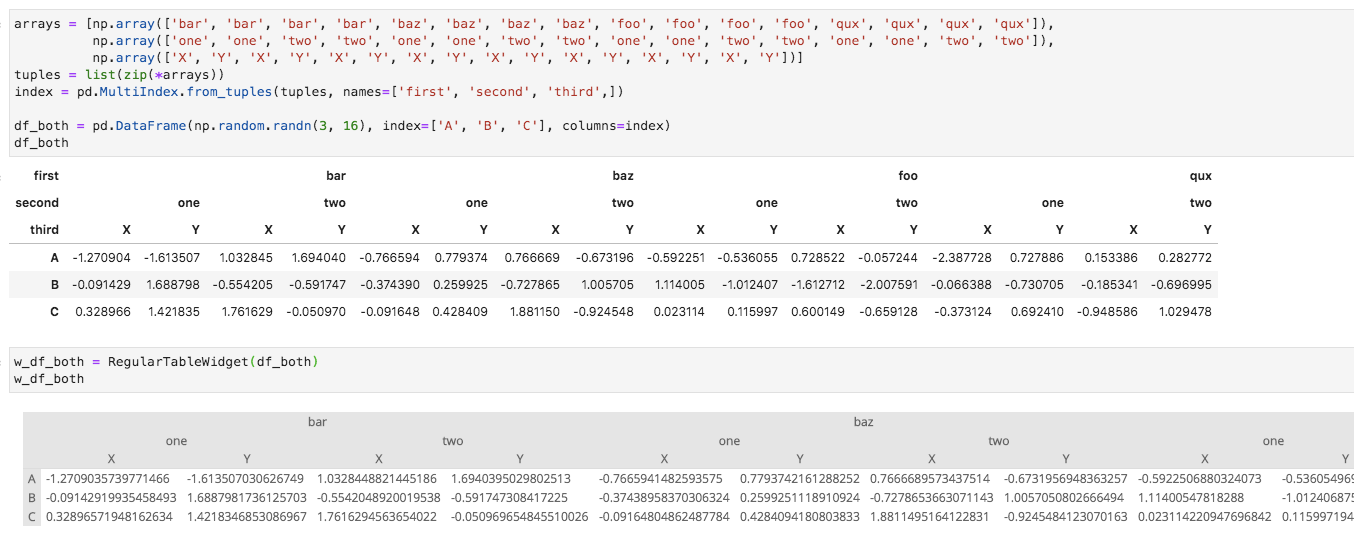
Pandas Data Model
For interactive/streaming sorting/pivoting/aggregation, take a look at Perspective, Streaming pivot visualization via WebAssembly, which also leverages regular-table.
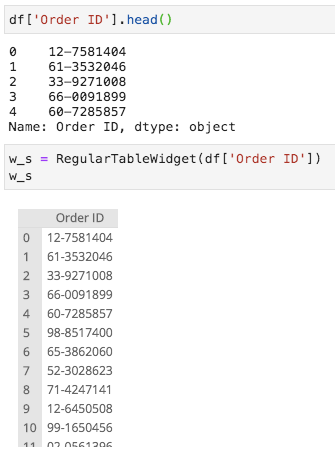
Series
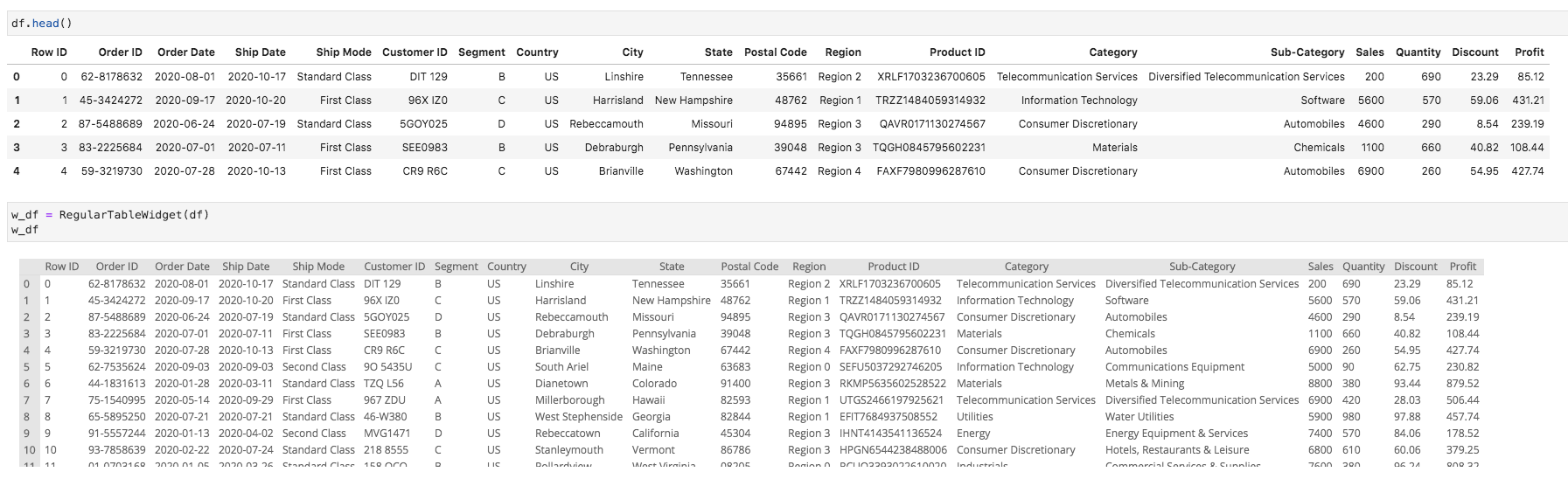
DataFrame
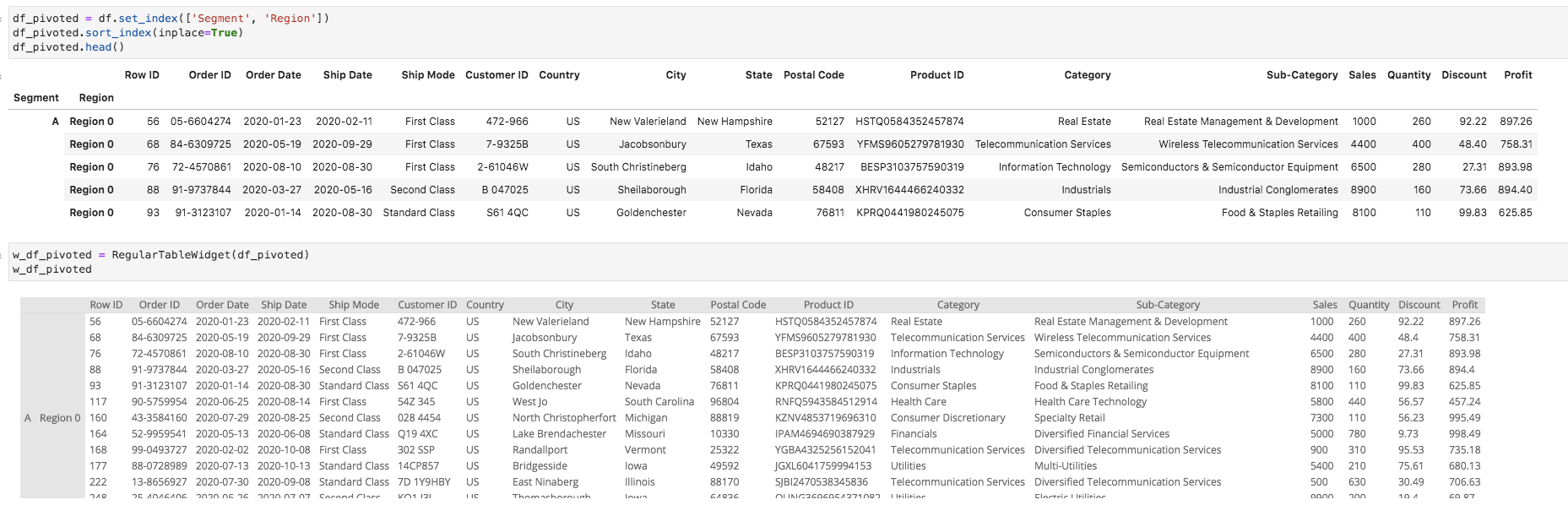
DataFrame - Row Pivots
DataFrame - Column Pivots
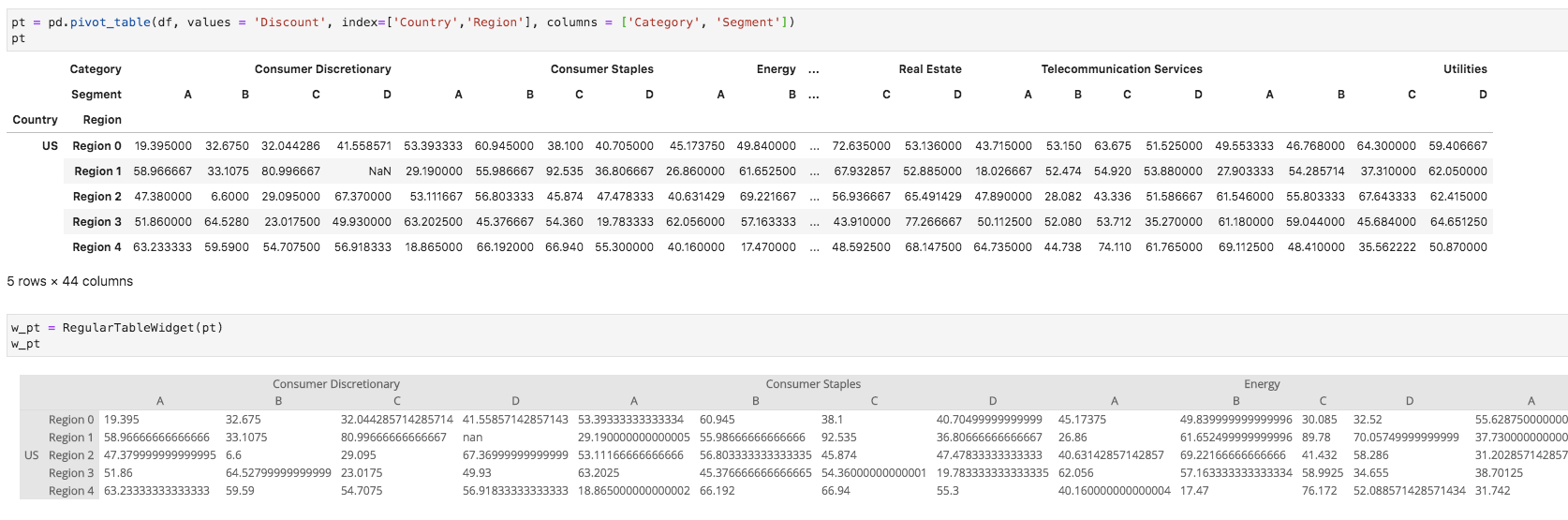
DataFrame - Pivot Table
Installation
You can install using pip:
pip install ipyregulartable
Or if you use jupyterlab:
pip install ipyregulartable
jupyter labextension install @jupyter-widgets/jupyterlab-manager
If you are using Jupyter Notebook 5.2 or earlier, you may also need to enable the nbextension:
jupyter nbextension enable --py [--sys-prefix|--user|--system] ipyregulartable
Data Model
It is very easy to construct a custom data model. Just implement the abstract methods on the base DataModel class.
class DataModel(with_metaclass(ABCMeta)):
    @abstractmethod
    def editable(self, x, y):
        '''Given an (x,y) coordinate, return if its editable or not'''

    @abstractmethod
    def rows(self):
        '''return total number of rows'''

    @abstractmethod
    def columns(self):
        '''return total number of columns'''

    @abstractmethod
    def dataslice(self, x0, y0, x1, y1):
        '''get slice of data from (x0, y0) to (x1, y1) inclusive'''
Any DataModel object can be provided as the argument to RegularTableWidget. Note that regular-table may make probing calls of the form (0, 0, 0, 0) to assess data limits.
Development
See CONTRIBUTING.md for guidelines.
License
This software is licensed under the Apache 2.0 license. See the LICENSE and AUTHORS files for details.
 finos
finos