
Files

Files copied to clipboard
 files-community
Cannot connect to default share of remote machines
Description
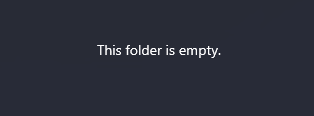
Hi everyone! I'm trying to browse a server's default share (e.g.: C$) but nothing is being shown nor errors are thrown.
Steps To Reproduce
- put the server address in the address bar like: \servername\c$
- press enter
Steps to fix
- no fixes available
Files Version
2.3.45.0
Windows Version
Windows 11 22H2 22623.730
Relevant Assets/Logs


What is the server type (FTP, SFTP, WebDAV)
Hi @Josh-65, it is SMB (Windows Server)
Do the files show if you map it as a network drive?
Yes! I guess that the problem is due to my regular user, which is not admin of that server.
But with regular file explorer, UAC pops out for credentials. With Files it doesn't.