

 filerun
Cannot regenerate session id - session is not active
Hello,
I'm currently facing an issue with session on the docker. My docker is pretty new and empty from any modification.
At a certain time, i can't reconnect to my filerun account on my instance.
I've got this error:
[php7:error] [pid 27] [client 172.17.0.1:37318] PHP Fatal error: Uncaught ErrorException: session_regenerate_id(): Cannot regenerate session id - session is not active in /var/www/html/system/classes/vendor/FileRun/Auth/PHPSessions.php:69\nStack trace:\n#0 /var/www/html/system/classes/vendor/FileRun/Auth/PHPSessions.php(69): FileRun\\{closure}(2, 'session_regener...', '/var/www/html/s...', 69, Array)\n#1 /var/www/html/system/classes/vendor/FileRun/Auth/Actions/Login.php(126): FileRun\\Auth\\PHPSessions::renewSessionId()\n#2 /var/www/html/system/classes/vendor/FileRun/Auth.php(107): FileRun\\Auth\\Actions\\Login::login('LOGIN', 'PASSWORD', true, '', '')\n#3 /var/www/html/system/modules/fileman/sections/default/php/login.php(87): FileRun\\Auth->authenticate('LOGIN', 'PASSWORD', true, '', '')\n#4 /var/www/html/index.php(183): unknown()\n#5 {main}\n thrown in /var/www/html/system/classes/vendor/FileRun/Auth/PHPSessions.php on line 69, referer: URL
Can someone help me to understand what's the problem?
Thx.

It's not a big problem. Most probably the session data was forcefully cleaned. F12 -> Application -> Cookies -> remove the FileRun related cookies and login again.

It's still the same, I've got the error in the log and the webpage say: Communication with the server failed. Please try again later. (it's a local machine).
The first time this happened I did a docker reinstall. But two days later, same error. Maybe the docker doesn't support the latest update (it's since)
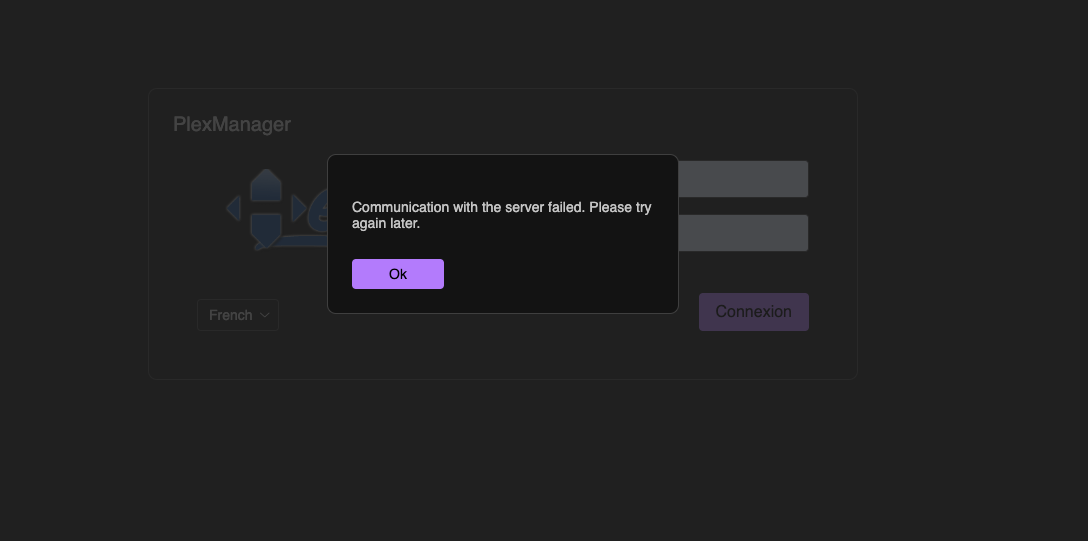
Can you provide an older version of the docker? The last update broke everything.
Hello. I found a solution by editing the file located in: /usr/local/etc/php/conf.d/filerun-optimization.ini.
I changed session.save_path located in /var/www/html/system/data/temp/ to session.save_path = /tmp. Restart the docker and it seems to work.