a11y.css

a11y.css copied to clipboard
 ffoodd
High Contrasts
Handling Windows High Contrast Mode should be pretty easy:
- [ ] use
-ms-high-contrast: activeto override levels' colors with system colors (see Greg Whitworth's post on "How to usems-high-contrast" - [ ] change or remove website's
background-color(overriden to black, in the screenshot), since withbackground-imageit gets very noisy; - [ ] use system colors for logo, too :)
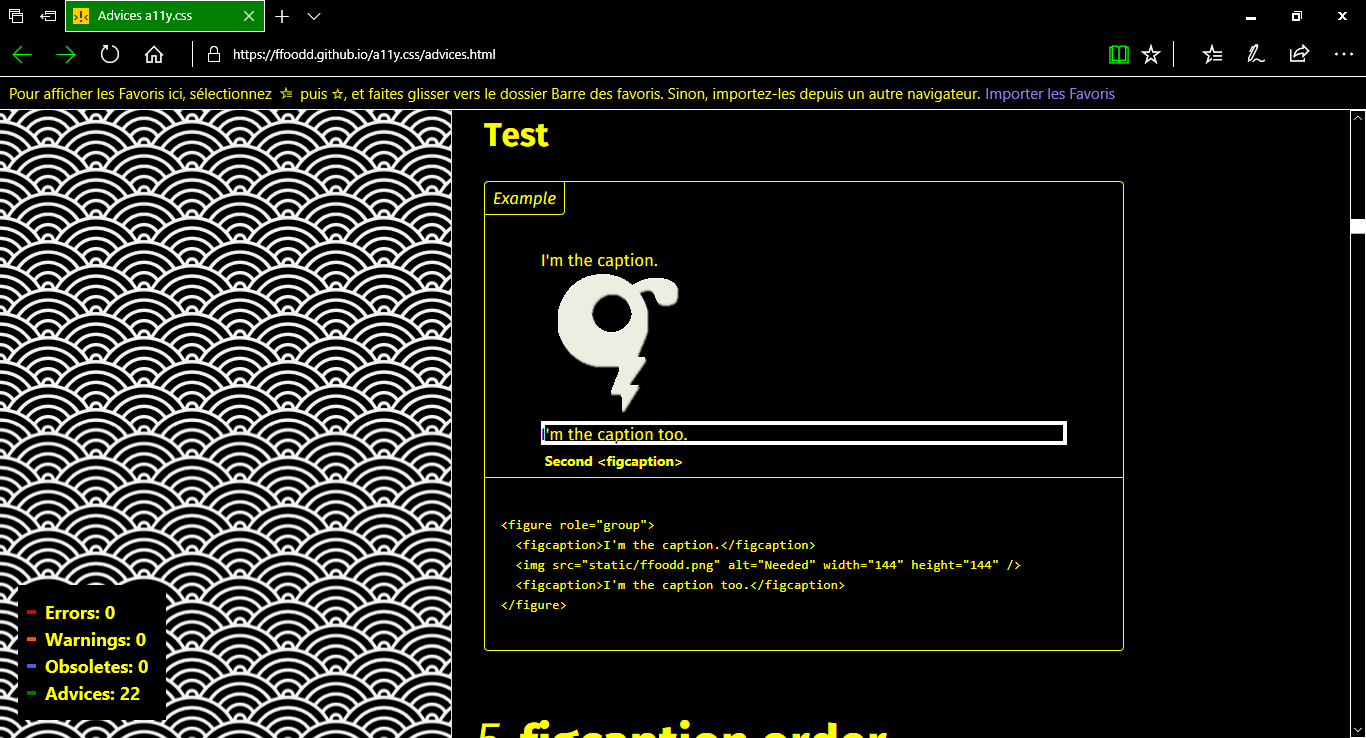
Here is a screenshot: