
dash-bootstrap-components
 dash-bootstrap-components copied to clipboard
 facultyai
Example with collapsible sidebar and navbar
Thank you very much for this awesome library. I would like to suggest including an example (for multi-page apps) where both a collapsible sidebar and a navbar are present in the layout. What I have in mind is something similar to what we see in many bootstrap templates nowadays such as this.
In this PR I have created the barebones of the example but since I'm very weak at the css part I cannot make it look right.
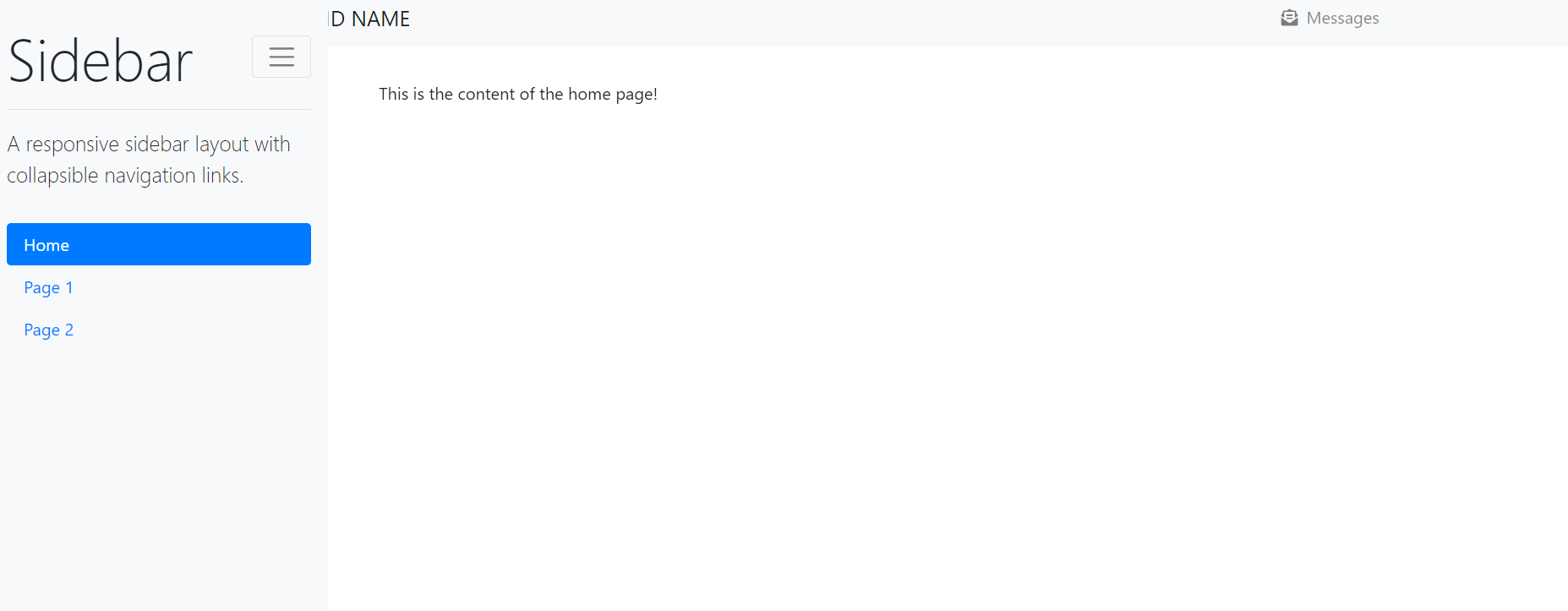
Any help to finish this example would be much appreciated

Hi @harisbal
Thanks so much for this!
We're currently working on dash-bootstrap-components v1.0.0, which will add support for Bootstrap 5. Bootstrap 5 has a neat new component called "Offcanvas" (you can see a demo in their documentation here) which is basically a collapsible sidebar. I think that component will make it much easier to build this example with less custom CSS needed.
We should have a beta version ready to go in the next couple weeks, so I'm thinking it might be worth holding off on this right now then updating it to use Offcanvas when that's ready. What do you think?

This is great news. Of course we should wait for the new functionality in Bootstrap 5. Cheers!
I'm trying to have a go with Offcanvas but I I'm not sure it can help us achieve what I have in mind, since Offcanvas disappears completely from the view.
What I would likeis to place a collapsible sidebar (with icons and a toggle button) alongside a navbar like
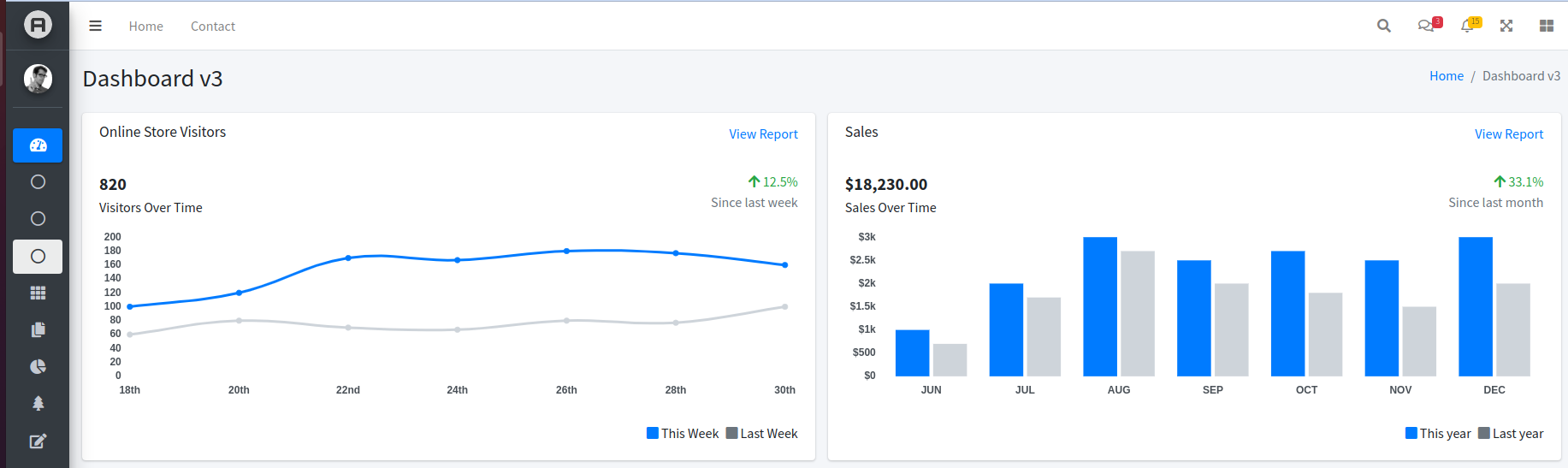
Happy to further work on this but some help with the css would be much appreciated
It is close but not exactly what I'm looking for. The main issues are two:
- Use of a toggle button instead of
onhover - Resize the content of the page depending on the state of the sidebar (collapsed or not)
I understand that the solution is to mix the responsive-collapsible-sidebar and collapsible-sidebar-with-icons but I haven't managed to make this work.
hello, I would also be interested to do the same things as @harisbal Did you make any progress on this ? Do you have any example ? Thank you
