
GptHidra
 GptHidra copied to clipboard
 evyatar9
GptHidra is a Ghidra plugin that uses the OpenAI Chat GPT to explain functions. With GptHidra, you can easily understand the purpose and behavior of functions in your codebase. Now with GPT4 Support!
GptHidra
GptHidra is a Ghidra plugin that uses the OpenAI Chat GPT to explain functions. With GptHidra, you can easily understand the purpose and behavior of functions in your codebase.

What's New
GPT-4 Integration: Benefit from the latest advancements in natural language processing, providing even more insightful and accurate code explanations.
Learn more about accessing to GPT-4.
Requirements
- Ghidra
>= 10.1.5(https://ghidra-sre.org). - An API key for the OpenAI Chat GPT API (https://beta.openai.com/account/api-keys).
Installation
- Download the GptHidra script GptHidra.py.
- Open the Ghidra Script Manager (found in the
Toolsmenu). - Click the
Newbutton to create a new script. - Select
Pythonas the language and give the script the nameGptHidra.py. - Paste the contents of the GptHidra.py script into the editor window.
- Replace
API_KEY = ''with your OpenAI Chat GPT API key. - Click the
Savebutton to save the script.
Usage
To use GptHidra, select a function in the Ghidra decompiler and do one of the following:
-
Press
Ctrl + Alt + G(you can edit the script to change this shortcut). -
Go to
Tools -> GptHidra(you can edit the script to change this menu item).
An explanation of the selected function will be printed to the Ghidra console.
Contact
Telegram: @evyatar9
Discord: evyatar9
Contributing
If you would like to contribute to the GptHidra extension, feel free to submit a pull request or report any issues you encounter on the GptHidra repository.
References
https://ghidra.re/ghidra_docs/api/ghidra/app/decompiler/DecompInterface.html
Support
You can support my work buying me a coffee:

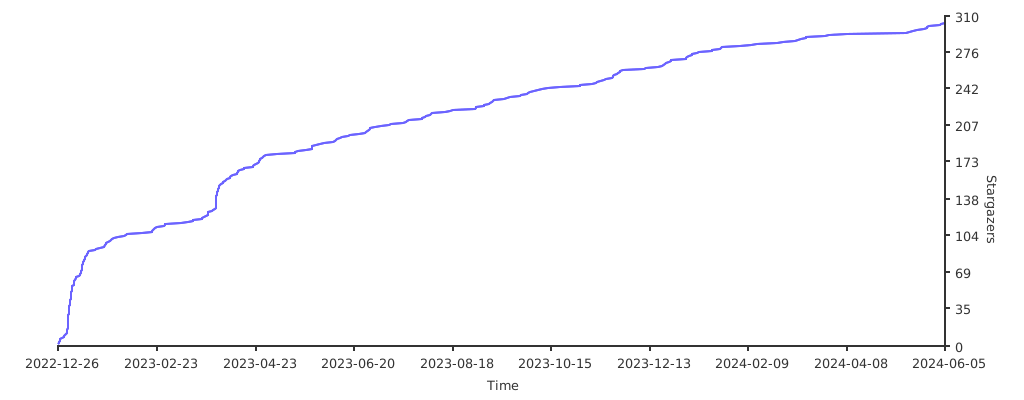
Stargazers over time
 evyatar9