

 evidence-dev
BigValue Component
Adds a beloved BI feature: the Big Number Viz™ to Evidence.
Includes:
- Number
- Sparkline
- Comparison
- Comparison is configurable for "down is good"
- Multiple Big Numbers stack into a row
- Smart enough defaults that only the
dataprop is required


🦋 Changeset detected
Latest commit: 50e713edc197d38e8ff4e2d6a992c15149827b5f
The changes in this PR will be included in the next version bump.
This PR includes changesets to release 3 packages
| Name | Type |
|---|---|
| @evidence-dev/components | Patch |
| @evidence-dev/evidence | Patch |
| evidence-test-environment | Patch |
Not sure what this means? Click here to learn what changesets are.
Click here if you're a maintainer who wants to add another changeset to this PR
![changeset-bot[bot] avatar](https://avatars.githubusercontent.com/in/28616?v=4 "Published by a pub.dev verified publisher")
The latest updates on your projects. Learn more about Vercel for Git ↗︎
| Name | Status | Preview | Updated |
|---|---|---|---|
| evidence-docs | ✅ Ready (Inspect) | Visit Preview | Aug 16, 2022 at 3:06PM (UTC) |
![vercel[bot] avatar](https://avatars.githubusercontent.com/in/8329?v=4 "Published by a pub.dev verified publisher")
Love this feature! Some implementation details
Defaults
- Not sure the default behaviour is working perfectly here. Or maybe it is but the results are a bit puzzling.
- I think I'm using it wrong, but feel like the acid test here is what if I do the naive-est thing. Don't make me read the docs to work out how to use it
Eg1: Grabs a string as a "comparison"
```orders
select * from orders limit 10
```

<BigValue data={orders}/>

Eg2: Fails when two columns are passed. I think this should succeed, but without a comparison
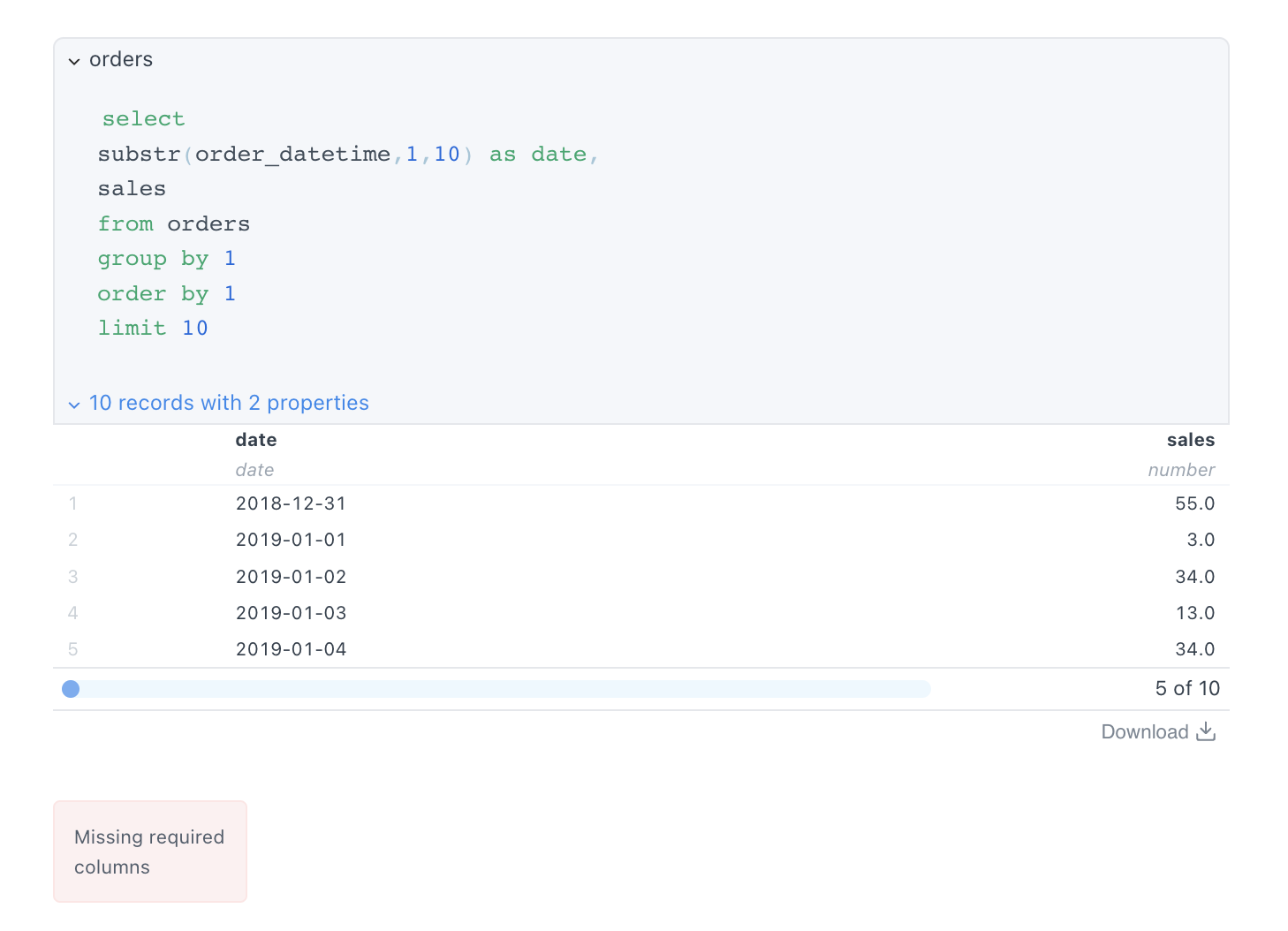
Eg3: an unexpected comparison (and cropped sparkline, see more below)
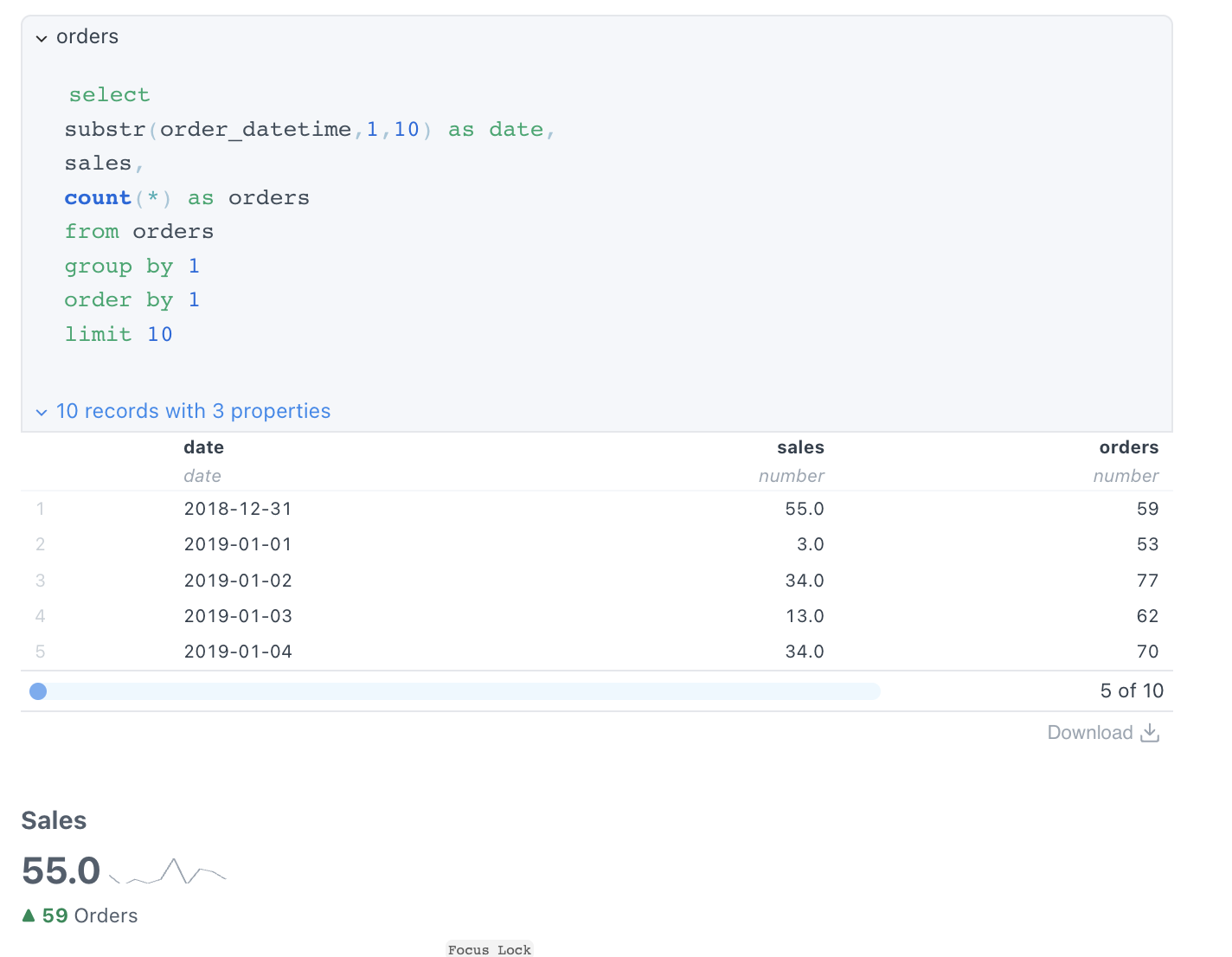
I know I'm tuning 180, but maybe we should try to infer less...
- Perhaps the value prop is mandatory, and the others are off by default?
- (Aside from title, for which inferring the column name seems sensible)
Visual Nits (for considerations)
-
It looks a bit like the sparkline is cropped at the bottom (but actually I think it is to do with the svg "brushstroke", rather than margins etc?)
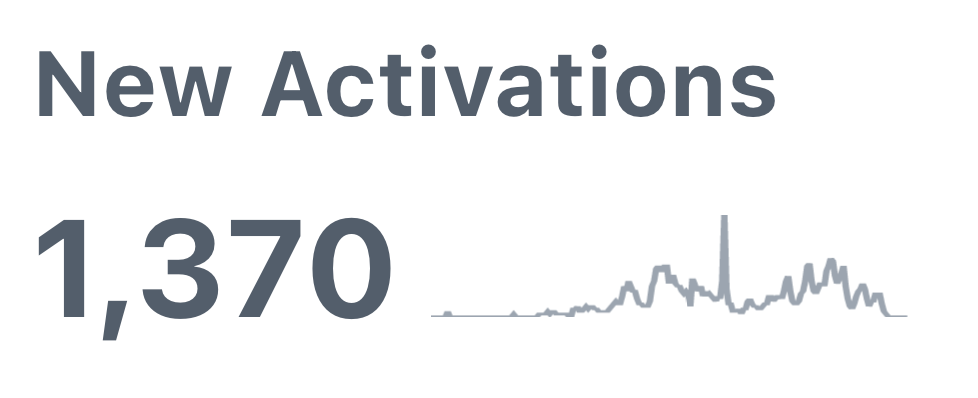
-
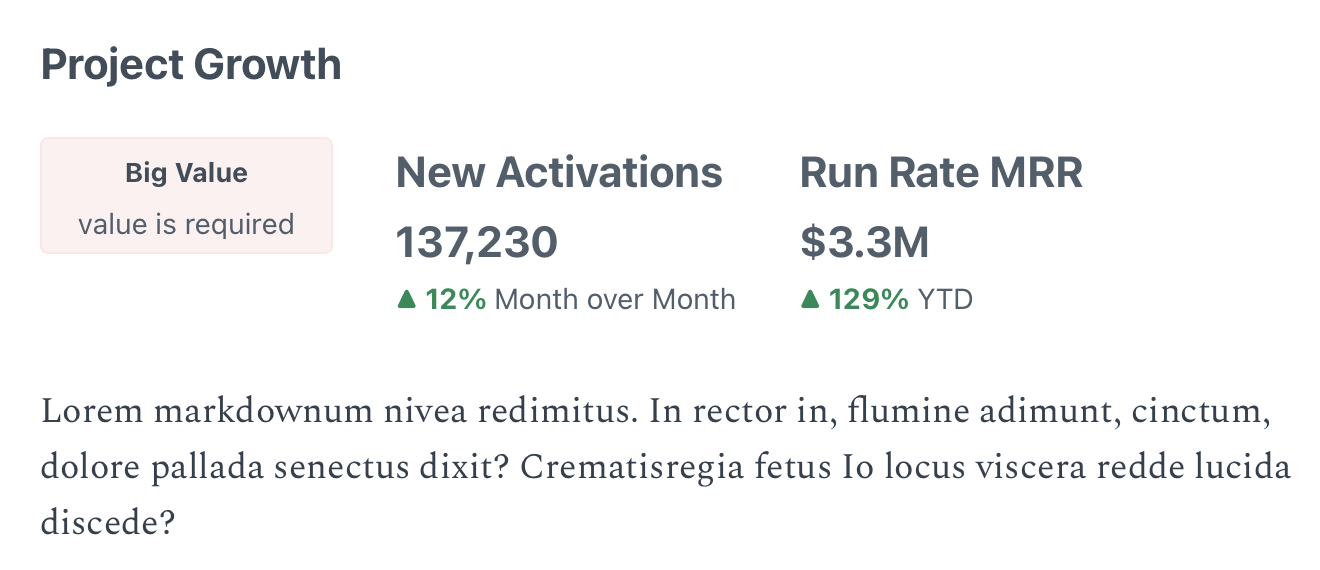
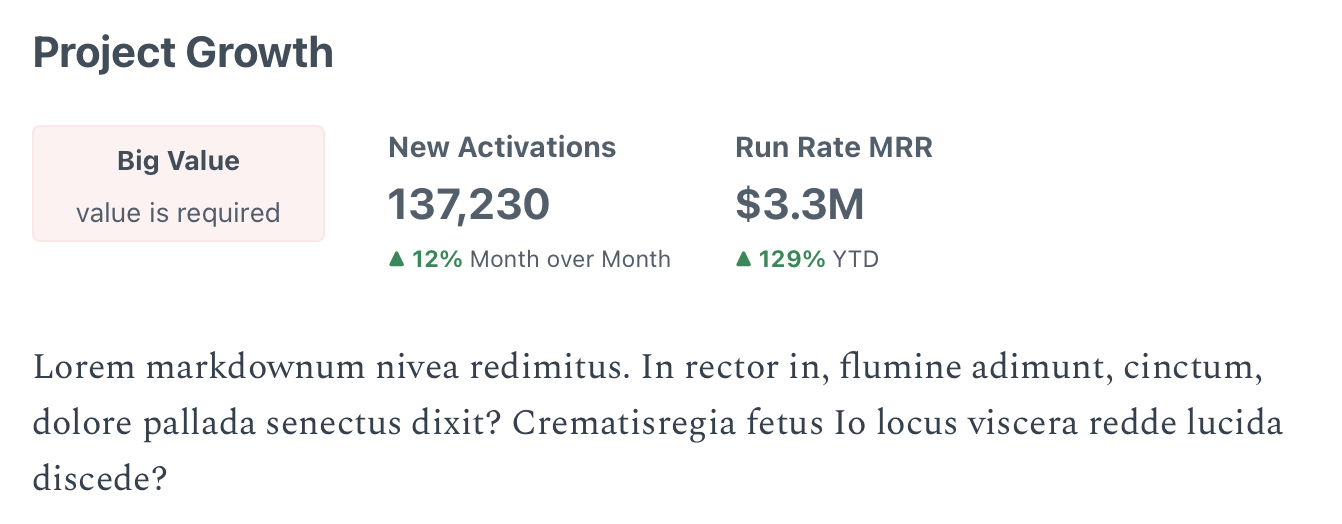
For a BigValue, the Value could be a bit Bigger, perhaps closer to H1 than H2 size - cant remember exactly how em vs rem work but 1.5em looks like this:
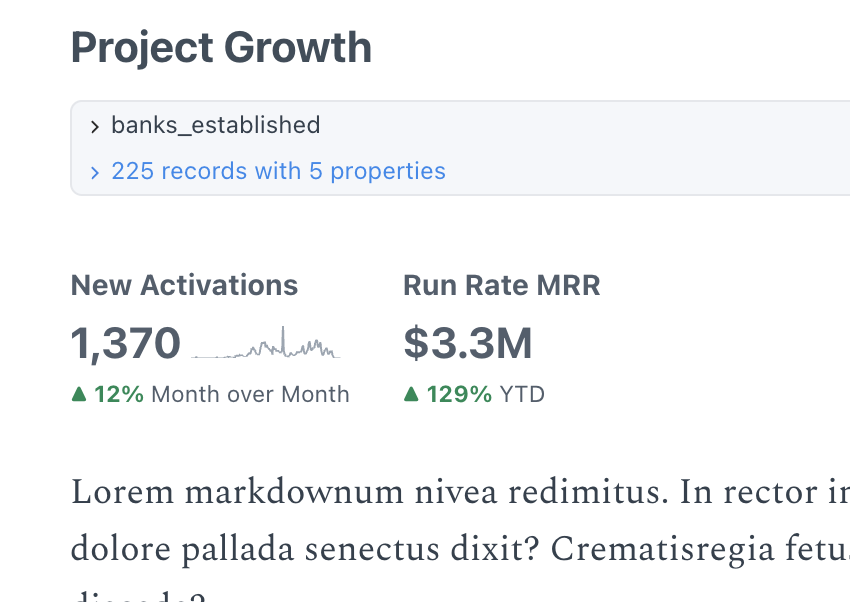
-
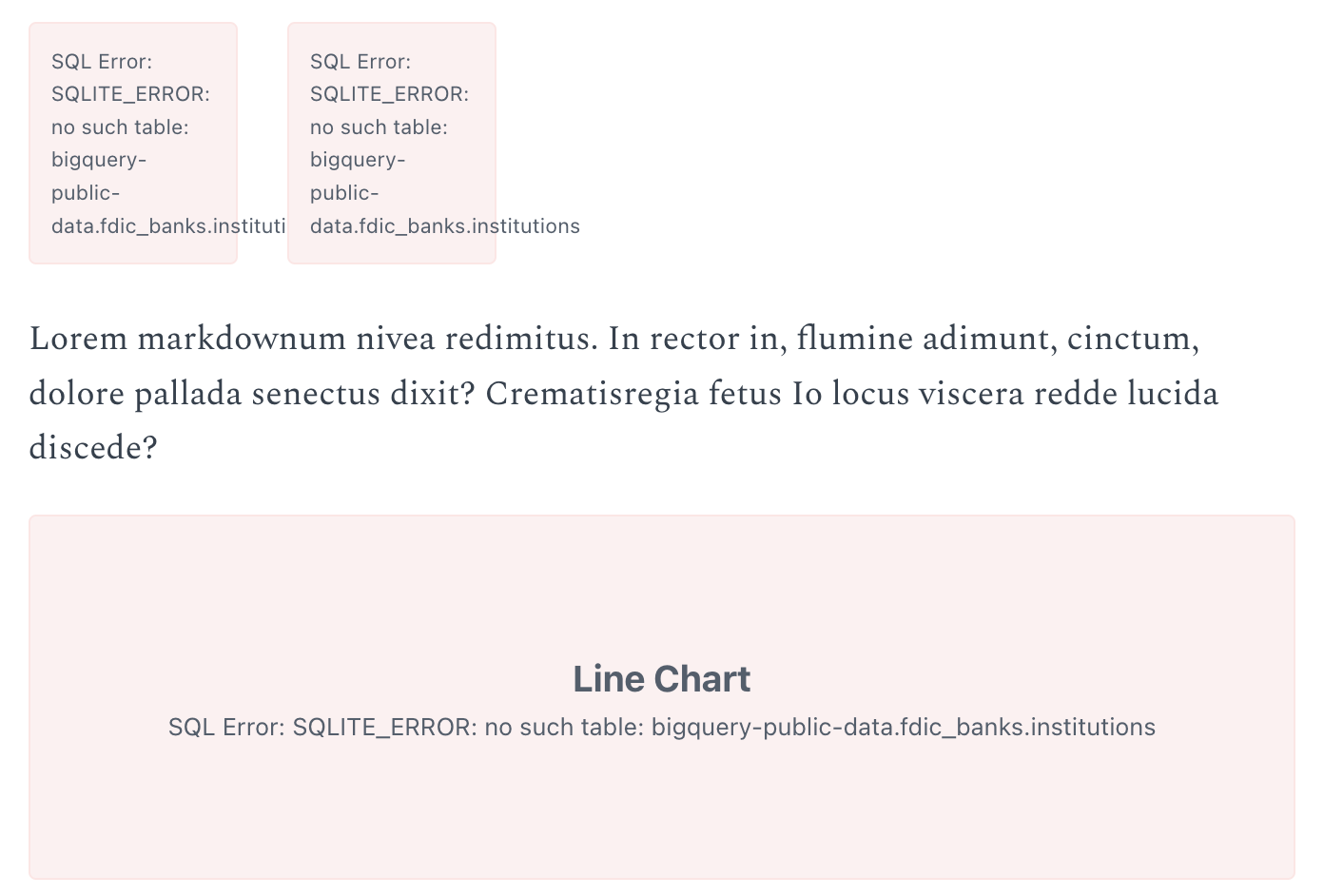
Not sure this is an issue but the error message bleeds out rather than truncates. Also other components label what they are in this error message (eg LineChart)
File structure
- Any reason this is not in the Viz folder with other chart / value components?


Thanks @archiewood, excellent feedback as always. Just consolidating here:
- [x] Drop the default system
- [x] Tidy up error messages
- [x] Move the component to viz, and add it to the preprocessor default imports
- [x] Take one more look at sizing and consider nudging up
@archiewood updates in the branch, except for the size changes. Take a look, and feel free to merge if you're comfortable.
Once you get the actual value close to H1, two things happen:
- They compete with the H1 Headers, so it's harder to understand where they necessarily fit.
- Just a lot less space for these.
I'd propose shipping at the current size and seeing how that feels in practice.
Current Size:

H1 Sized:
Will have a play around with the new lack of defaults
Re sizing: happy to ship as is:
- I was probably thinking of making just the number sized H1, not the title of the
<BigValue/>. Agree above definitely competing with actual H1s
EDIT: TableOfContents not Breadcrumbs
I noticed that if you are in a wide enough viewport to see it, the <TableofContents/> shows "Big Value" every time there is one, as the logic in this displays all the H1 elements.

Solved this by using the <ErrorChart/> component for Big Value's error message, which styles the Error differently.
