

 euphy
euphy
Machine crashes while drawing from SD card
"Using PolargraphSD v3.0 2018
i had some awesome pictures drawn jet. But sometimes the drawing randomly (or not?) stops. The pen is still down and the motors are on I guess.
below there is the .txt data. maybe we can find the problem in there...??
(The Data: I did an death to sharpie gcode export. Imported that in the polygraph, did my settings. and pressed draw vectors as usual. then I put it on SD card and go.)"
Forum post: http://www.polargraph.co.uk/forum/polargraphs-group2/troubleshooting-forum5/drawing-vector-stops-thread745/
GCode file: 4rew2-gcode.txt
This may be related to the drawing-while-updating-screen issue I had earlier.

okay, here ist the command queue file, that I put on the SD card and than to the Polargraph. lilia_a2_d2s.txt gcode.txt
I tried to draw it a second time. Than it looked more crazy. The lines where jumping of there position, and where not there, where they should to be. Like the Polargraph was drawing the right line at the wrong position. But it happens by accident. So when I start over again, it could go right or wrong I guess.
thank you for your help

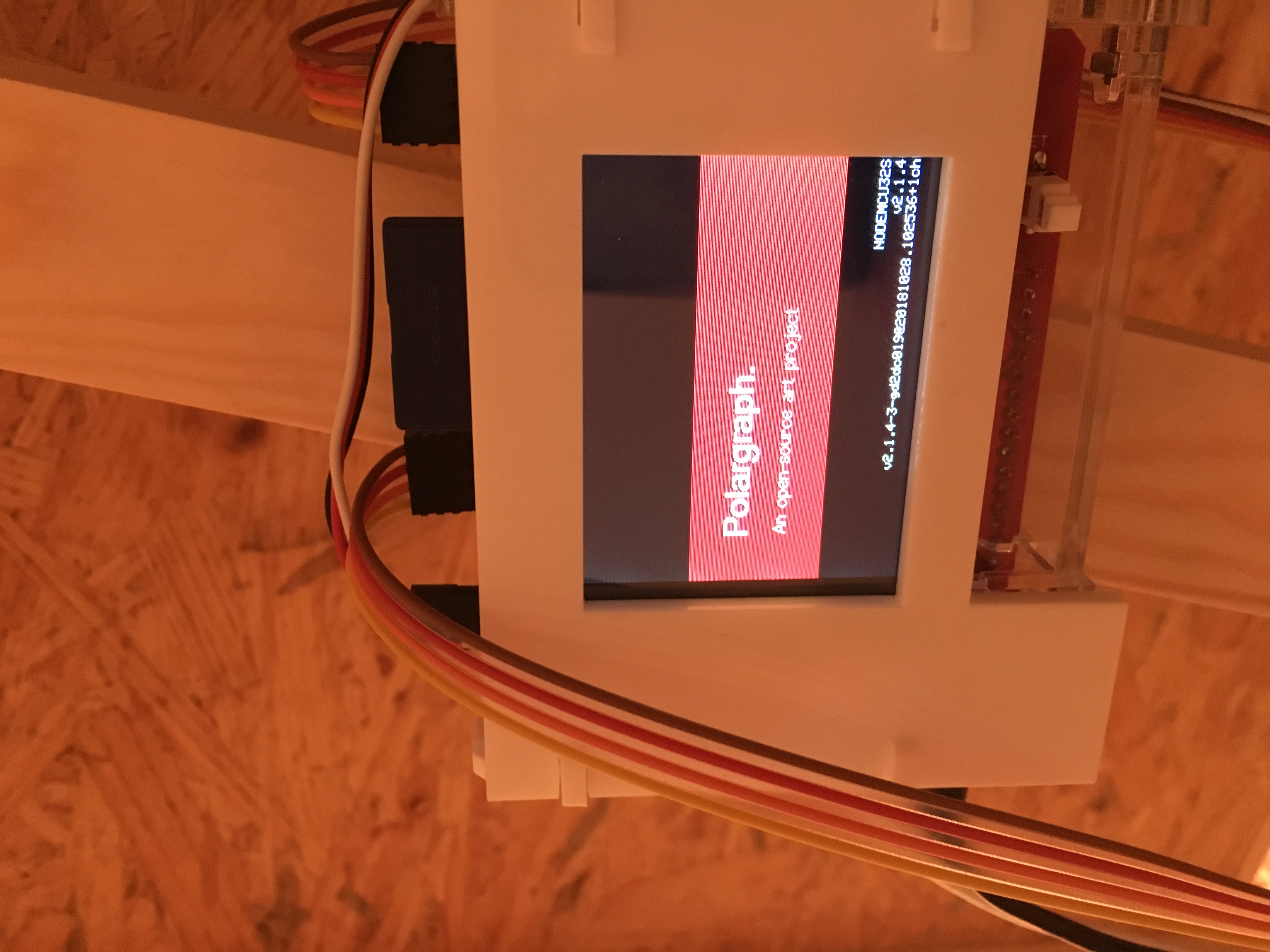
Which version firmware are you using? I think I know which it shipped with but want to make sure.
Aha, I mean which version of the firmware - the number comes up in the bottom-right of the screen on restart. It might be v2.2.0!
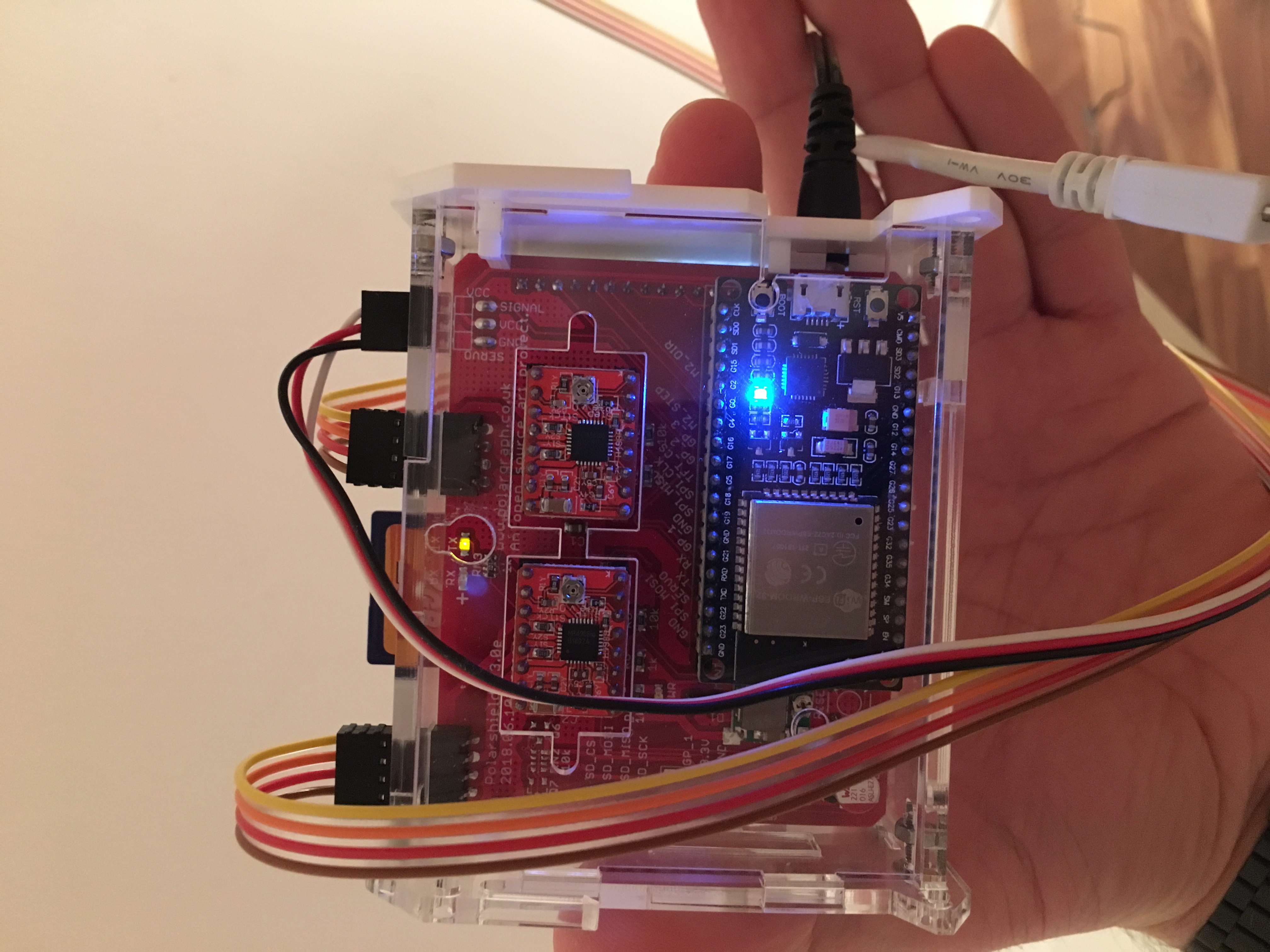
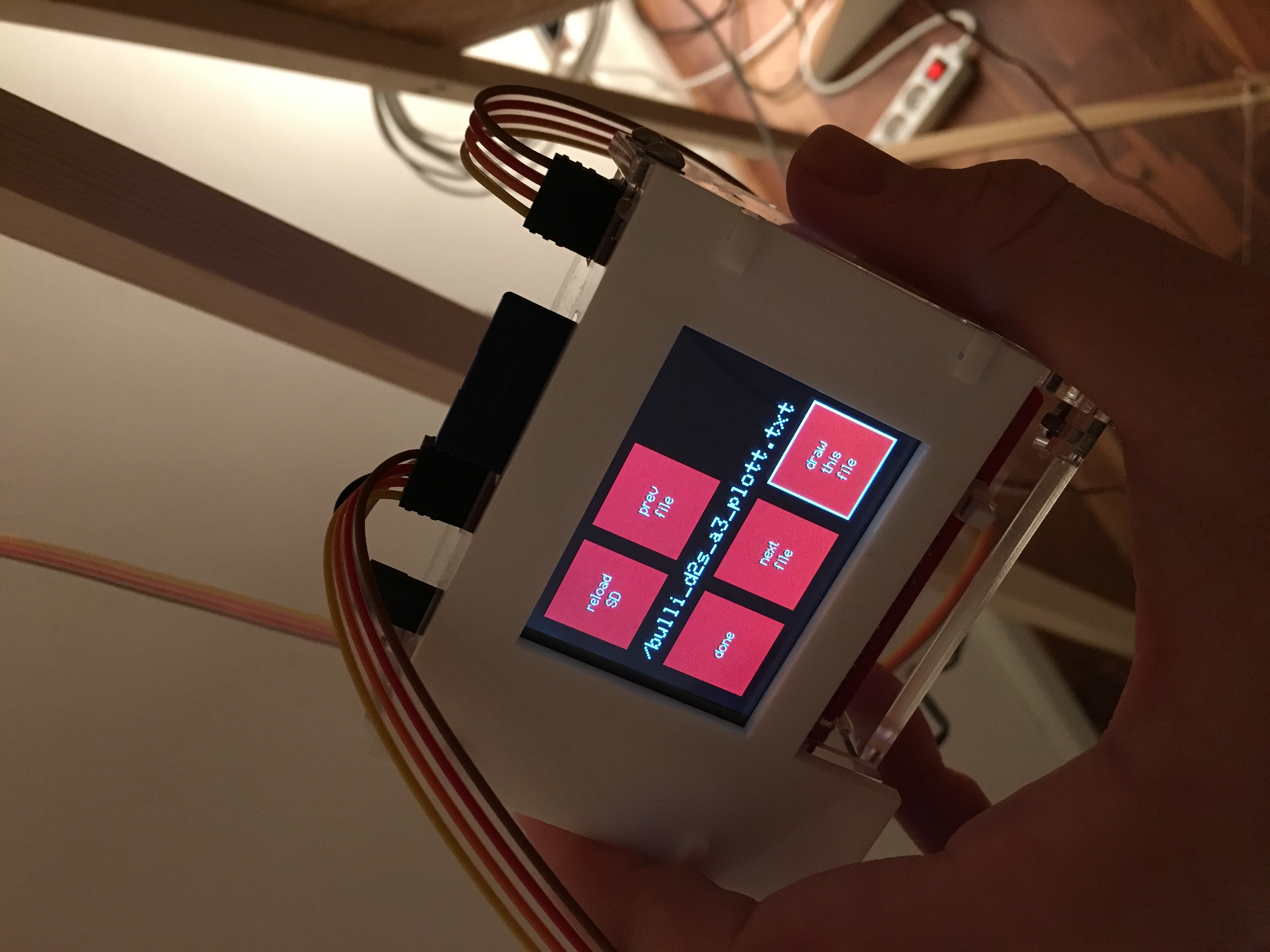
Hi, oh sorry. img 1+2 is looking like, when its stops working. And the Motors are not mobile. The pen is down on the paper. Maybe its good to know for you...
img 3 is the information when it starts.
I would update the firmware, but thats a bit to high for me right now. Its probably not that difficult, but ya... ;D
Hi sorry! I did test this a couple of weeks ago and could run your original supplied file (lilia_a2_d2s.txt) fine. It took a long time, but it finished drawing and was still responsive.
Now, I didn't have a pen and gondola attached, it was just moving motors on the desktop, so I can't tell whether it was drawing correctly, or even whether it finished the whole piece... But it didn't crash, because I could use the menu and start it off right away again afterwards.
The changes to the firmware might have an impact, but I didn't deliberately address any specific issues like that directly in the latest version (v2.2).
I'm not sure what more to try. I could get it shipped back and do some direct testing or a build a replacement? I'd be happy to do so - but I'd suggest updating firmware first.
oh okay, that sounds good in one way. So I think I have to try the Firmware update. I just have a Mac with OSX running. So how can is do the Firmware update? Do you have a detailed instructions for Mac?
Hum, that's a good question... I've never done it on a mac before.
There's two ways: compile from source (install vscode/atom with PlatformIO and get libraries etc) or use esptool to upload the pre-compiled binaries that are in git as well (https://github.com/euphy/polargraph_server_polarshield_esp32/tree/master/binaries)
I imagine the best route is to use esptool to upload the binaries as described here: https://github.com/euphy/polargraph_server_polarshield_esp32/blob/master/binaries/how%20to%20upload.md , but you will need to get esptool itself (and the python environment) set up first. I can see a bunch of articles around the web describing how to do that, but you probably know best.
Okay, i installed visual code and PlatformIO. So how can I upload the files? I already downloaded the the master folder with the binaries...
Did you try the method described in https://github.com/euphy/polargraph_server_polarshield_esp32/blob/master/binaries/how%20to%20upload.md?
Hm... I have it, and I assumed it was packaged as part of PlatformIO (https://github.com/euphy/polargraph_server_polarshield_esp32/blob/master/binaries/how%20to%20upload.md#using-esptool).
But now I think about it, it is more likely to be installed as part of the "Espressif 32" platform in PlatformIO! Oops, I will change the readme to reflect that. You can add the espressif 32 platform in PlatformIO by following the "Setting up the project" step of this page: http://docs.platformio.org/en/latest/tutorials/espressif32/arduino_debugging_unit_testing.html#setting-up-the-project.
Afterwards, as the readme says, open a console in PlatformIO and try to run esptool.py, and if it's installed, you'll get some help response.