
dotfiles
 dotfiles copied to clipboard
 eualexandrerrr
Arch Linux DotFiles - Managed by GNU stow
~/.dotfiles
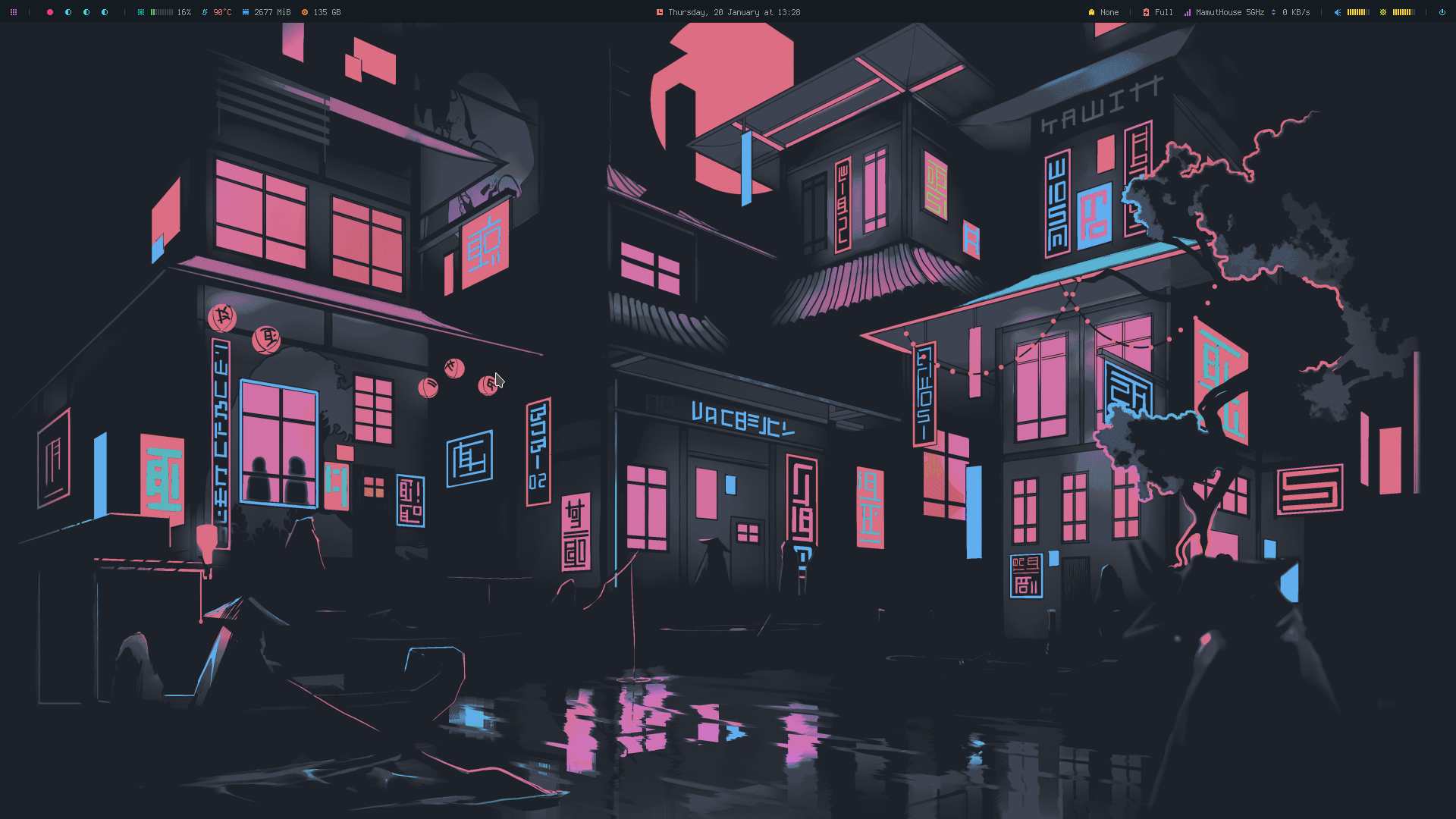
Some of the worthy tools that I use, develop or help maintain:
- stow (symlink manager)
- i3-gaps (window manager)
- i3lock (improved screen locker)
- polybar (A fast and easy-to-use status bar)
- picom (A lightweight compositor for X11)
- rofi (A window switcher, application launcher and dmenu replacement)
- zsh + oh-my-zsh + zsh-syntax-highlighting (terminal sexy <39)
- alacritty (A cross-platform, GPU-accelerated terminal emulator)
- grim + ffmpeg + slurp + xclip (screenshots and screencasts)
- gotop (an interactive process viewer)
How to use?
You need to install some packages that are dependencies for everything to work. The setup.sh script will do this for you, except if you don't use ArchLinux or derivatives, if not, adapt the packages for your distribution.
Do this preferably on some tty
Want to use Arch? Use my install script
$ sudo pacman -Sy git --noconfirm
$ git clone https://github.com/mamutal91/dotfiles ~/.dotfiles
$ cd ~/.dotfiles
$ ./setup/setup.sh
$ ./install.sh
$ startx
Shortcuts
Shortcuts to apps
| Key1 | Key2 | Key3 | Description |
|---|---|---|---|
| Super | Enter | --- | Terminal |
| Super | D | --- | Quick shortcuts defined by me |
| Super | B | --- | Connect my bluetooth devices |
| Super | P | --- | Power menu |
| Super | F2 | --- | Google Chrome |
| Super | F3 | --- | Telegram |
| Control | Shift | K | Opens the screencast (screen recorder) |
| --- | --- | Cropped Screenshot | |
| Control | --- | Full Screen Screenshot |
Workspace usage shortcuts
| Key1 | Key2 | Key3 | Description |
|---|---|---|---|
| Super | W | --- | Close current window |
| Super | Tab | --- | Next workspace |
| Super | {0 to 9} | --- | Workspace change |
| Control | Shift | {0 to 9} | Move the current window to another workspace corresponding to the number |
How to resize floating windows
| Key1 | Key2 | Key3 | Description |
|---|---|---|---|
| Control | Shift | Space | Window in floating mode (To move it, hold Super, click and drag the window) |
| Control | Shift | R | Activates resize mode, use keyboard arrow keys to set size |
Polybar
Available modules
- alsa
- apps
- backlight
- battery
- battery_bar
- brightness
- browser
- cpu
- cpu_bar
- date
- files
- filesystem
- filesystem_bar
- keyboard
- launcher
- memory
- memory_bar
- menu
- mpd
- mpd_bar
- network
- powermenu
- pulseaudio
- settings
- sysmenu
- temperature
- term
- title
- updates
- volume
- wired-network
- wireless-network
- workspaces
 eualexandrerrr