eth-p
eth-p
bat-extras image previews
Is there a possiblity of having an "image/media preview" extra? its literally the only thing missing.

As in, running bat some.png would show an image in the terminal?
I suppose it's possible if you use batpipe with less (and add a custom viewer), but image support in terminals is very terminal-specific and not well supported.

yes thats exactly right, but for all (or at least the most command formats), the plan is to use it via fzf.
I don't think this is something I would want to directly add to batpipe, since there isn't any standard around displaying images inside a terminal.
If you don't mind doing a little work yourself, you can create an external batpipe viewer and have it print the appropriate escape sequences for displaying images in your terminal.
An example (for iTerm2) would be something like this:
BATPIPE_VIEWERS=(iterm2img "${BATPIPE_VIEWERS[@]}")

viewer_iterm2img_supports() {
	# Ensure it only works in iTerm and that imgcat is installed.
	[[ -n "$ITERM_SESSION_ID" ]] || return 1
	command -v "imgcat" &> /dev/null || return 1

	# Filter it to only show for png and jpg.
	case "$1" in
		*.png|*.jpg)
			return 0
	esac

	return 1
}

viewer_iterm2img_process() {
	imgcat "$1"
}

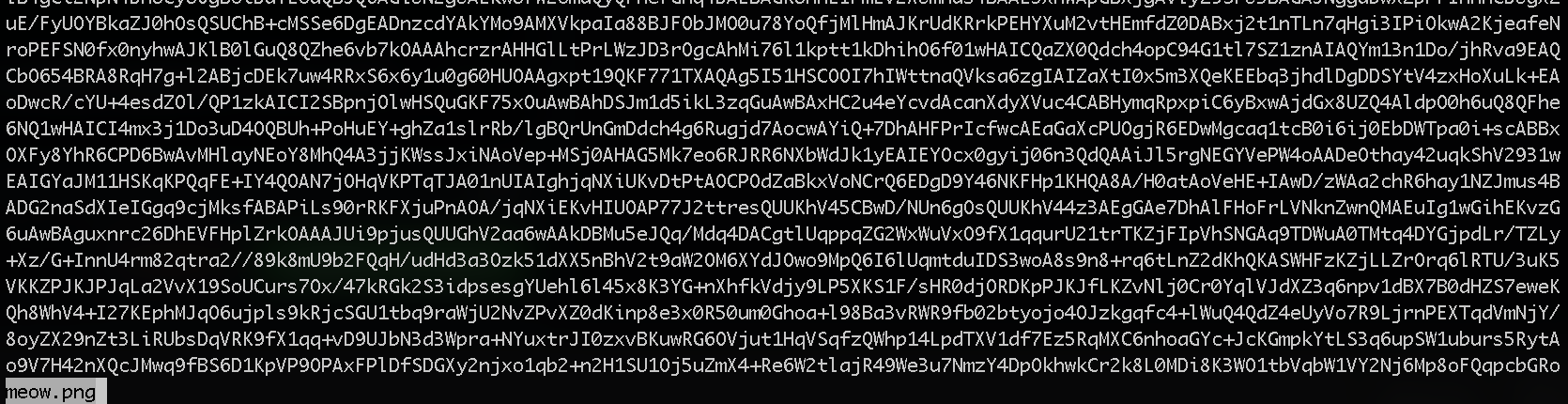
Keep in mind that it doesn't actually work inside less. less doesn't forward the escape sequence (ESC ] 1337 ; ... ^G) correctly, and it just ends up printing the base64 representation of the file.