

 espressif
Version 2.4.1 (Eclipse) and 2.4.0 (Espressif IDE): Build fail after image is build for working project without clear reason. (IEP-647)
After update plugin to version 2.4.1 build fail at the end when image is generated (compilation without errors). Tried with Espressif IDE also and got same result.
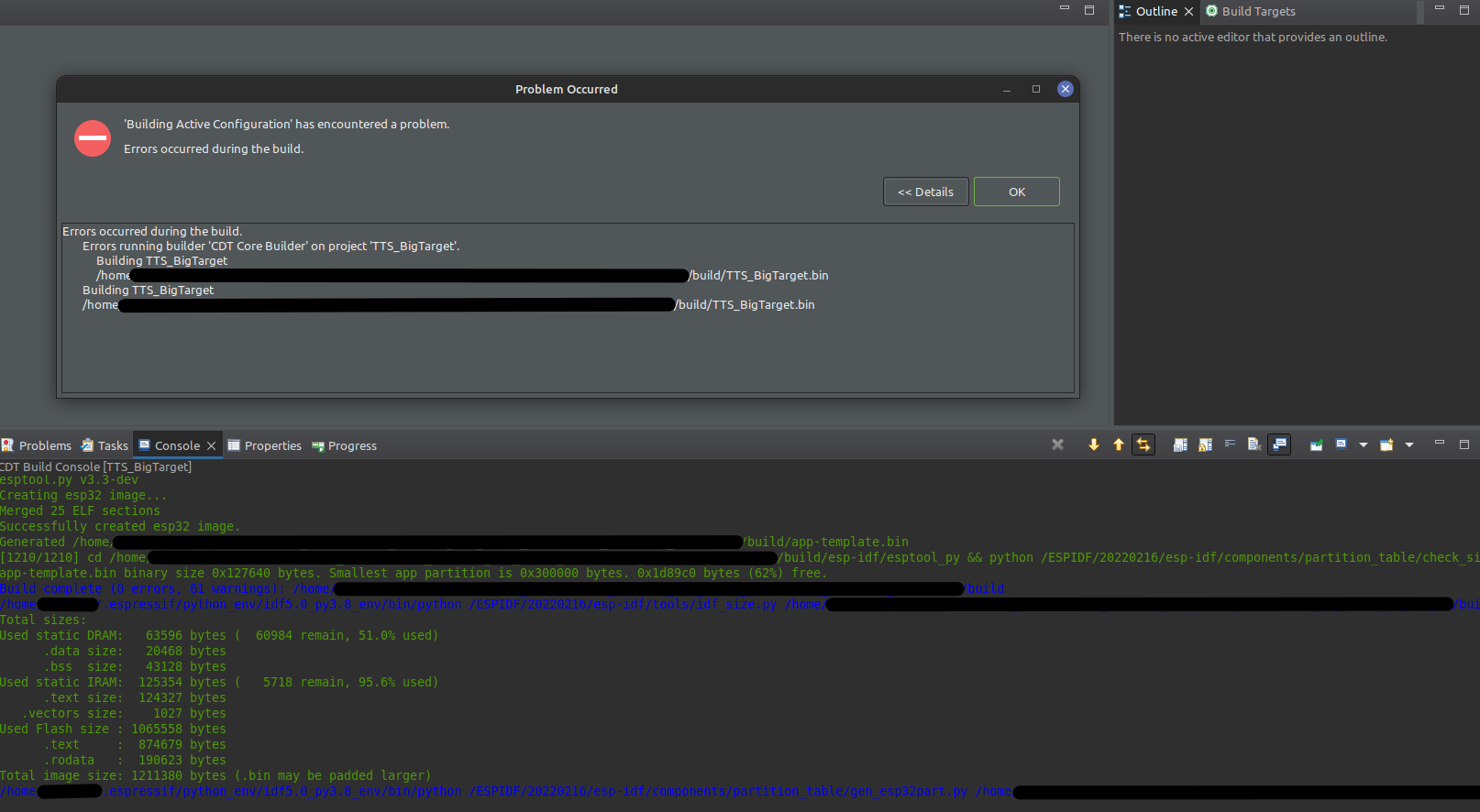
New test project based on "Hello word" example builds without problems.
After downgrade Eclipse to plugin 2.3.0 building of project is without problem.
OS: Linux

More detailde investigation in .log file show the problem source: - compiled binary filename is: app-template.bin - but final stage looking for binary name: TTS_BigTarget.bin
Problem resolved by fixing top level CMakeLists.txt
project(app-template)
replaced with :
get_filename_component(ProjectId ${CMAKE_CURRENT_LIST_DIR} NAME)
string(REPLACE " " "_" ProjectId ${ProjectId})
project(${ProjectId})
Hi @Maksons,
Thank you for reporting this issue. Check if CMakeLists.txt under your project folder contains these lines:
get_filename_component(ProjectId ${CMAKE_CURRENT_LIST_DIR} NAME) string(REPLACE " " "_" ProjectId ${ProjectId}) project(${ProjectId})
with these two lines, the project binaries will match the project name.

I think the problem, and possibly solution, is more complex than this. Our build system generate ~20 differently named ??????.bin/elf/map files
- all from the exact same source code in the exact same Eclipse project folder,
- based on the specific hardware platform selected and the functional components included,
- finish with a build "error" message at the end of a successful build,
- but with the correctly named output files in the ?/build subdirectory.
The error message is always, independent of the options selected, as follows:
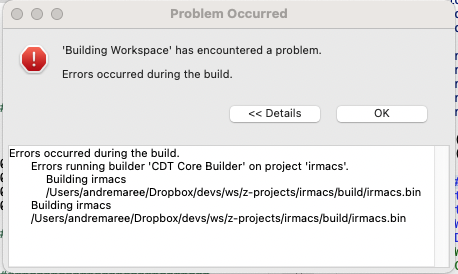
Seems the plugin is looking for irmacs.bin (irmacs being the name of the project folder) but the output files will always be named differently, based on the ${ProjectId} variable. This error also results in us not being able to flash from the IDE since it cannot wind the irmacs.??? files.

Hi @ammaree,
in this build I changed the way we search for the bin file during the build. Now we get the binaries based on "app_bin" in project_description.json which is in the build folder. Thus, with these changes, there is no need to make changes to the CMakeLists.txt file mentioned above.
@sigmaaa
Thanks, but what do I do with the build to apply it and fix my problem. Or better to wait for the next release (2.4.2) coming when?
@ammaree
if you want to install this build to take a look if this fixes a problem for your project, you need to follow steps mentioned here. Other option is to download Espressif-IDE with this build and test it there. Looks like you are using mac, here is espressif-ide-macos.
Also, I will update this topic, when PR with these changes will be approved and be included to the next release. Thank you
@sigmaaa
Thanks, have used the installer option. The build itself still works with correct output files names and no error at the end.
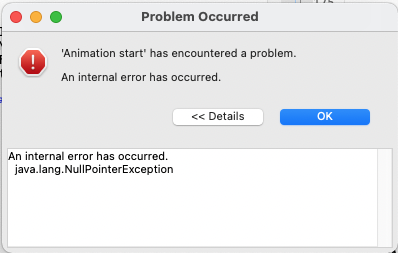
However, it now starts with an error message as below.
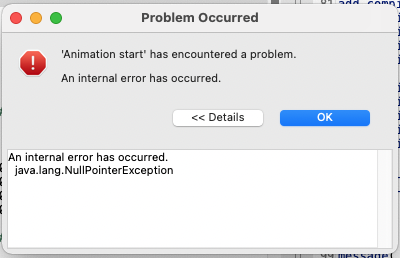
Subsequently this error stop "Launch" from running...
@ammaree
'Animation start' the problem may be due to -Xdock:icon option in eclipse.ini points to a non-existing .icns file.
how to check it on mac:
- Right click on eclipse icon -> Show package contents -> Contents -> Eclipse -> open
eclipse.ini - find
Xdock:iconthere and check if it points to correct file. In my case it's-Xdock:icon=../Resources/Eclipse.icnsand this file exists under Resources folder
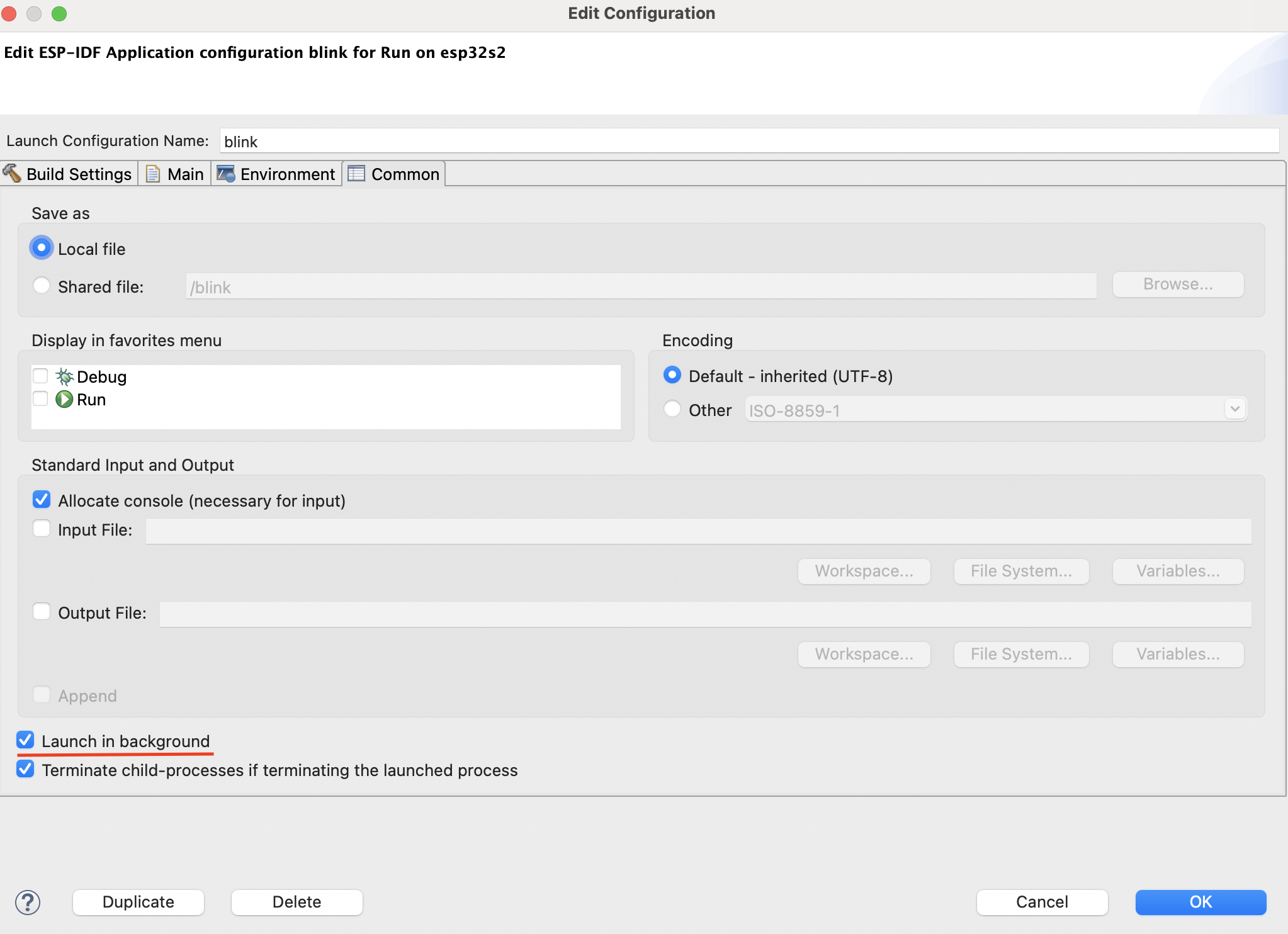
the other workaround for this issue may be to uncheck the 'Launch in background`, but I'd rather stay on other approaches to fix it. However, to unselect it:
-
edit the launch configuration by clicking on the "wheel icon" in the launch bar

-
go to 'Common' tab and unslecet the option 'Launch in background'
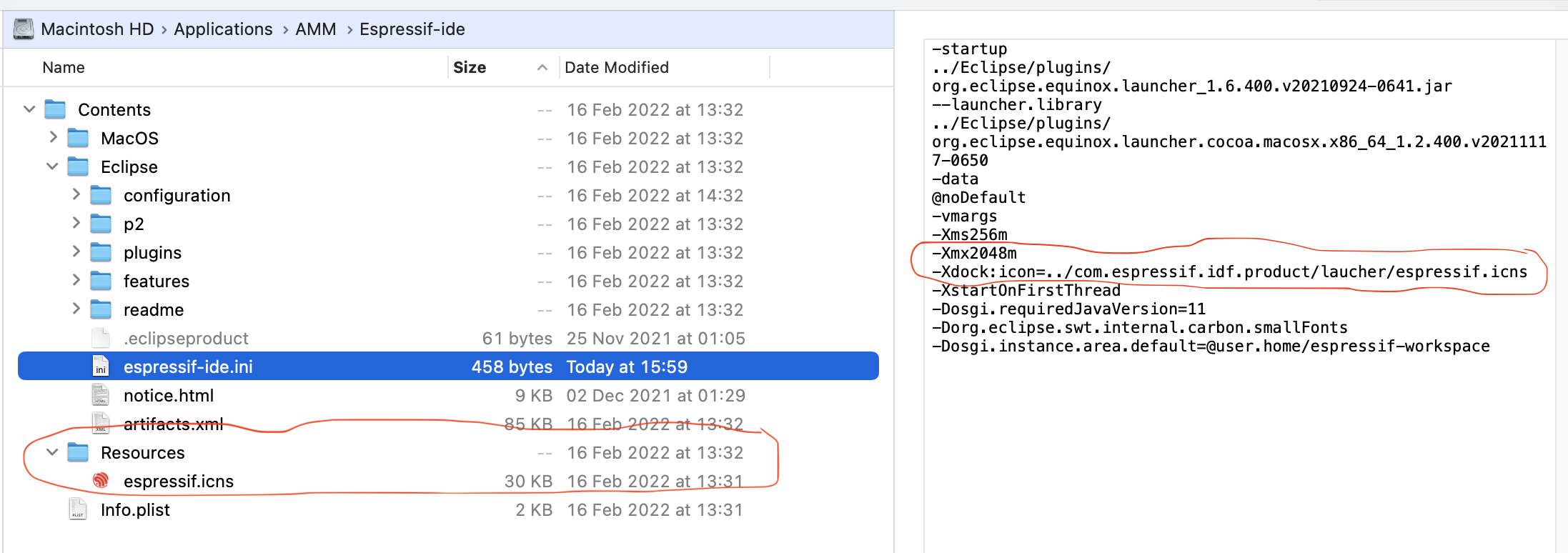
@ammaree have you tried to replace your -Xdock line with -Xdock:icon=../Resources/espressif.icns?
Will try tmrw
Sent from my iPhone
On 19 Feb 2022, at 17:22, Denys Almazov @.***> wrote:
@ammareehttps://github.com/ammaree have you tried to replace your -Xdock line with -Xdock:icon=../Resources/espressif.icns?
— Reply to this email directly, view it on GitHubhttps://github.com/espressif/idf-eclipse-plugin/issues/485#issuecomment-1046042085, or unsubscribehttps://github.com/notifications/unsubscribe-auth/AAYT7GAQD2HY3D3H327X4STU36YUNANCNFSM5OQ7PB3A. You are receiving this because you were mentioned.Message ID: @.***>
@sigmaaa
Is there any way to "install" the Espressif-IDE to enable the persistence of common options?
Hi @ammaree
I'm not sure about this, I'll ask my colleagues about it. Regarding your problem, you can also try giving the full path to espressif.icns in the -Xdock line instead of a relative path, or even remove that line. I was able to reproduce this error when I manually entered the wrong path, the problem went away when I simply removed that line as well.
Also the option to Launch in background helped in this case.