

 esm7
esm7
Show on map Not working
when I select "Show On Map" I get an error message saying "Map View unable to open map titles. Try switching the map source using the View controls". Not sure where to go next.. I have looked in the documentation and come to dead ends.. any thoughts on how to fix.. I can click on same link and select "Open with Google Maps" and it works to open in a new tab in Chrome..

- In the map controls, click View and choose the map source CartoDB, this should work.
- If it doesn't, can you open the Obsidian Developer Console (Ctrl+Shift+I on PC) and copy or screenshot what you see there when the error happens?

Yes Click on that "CartoDB" and still get error.. here is the screen shot from Console.. let me know if you need something else..
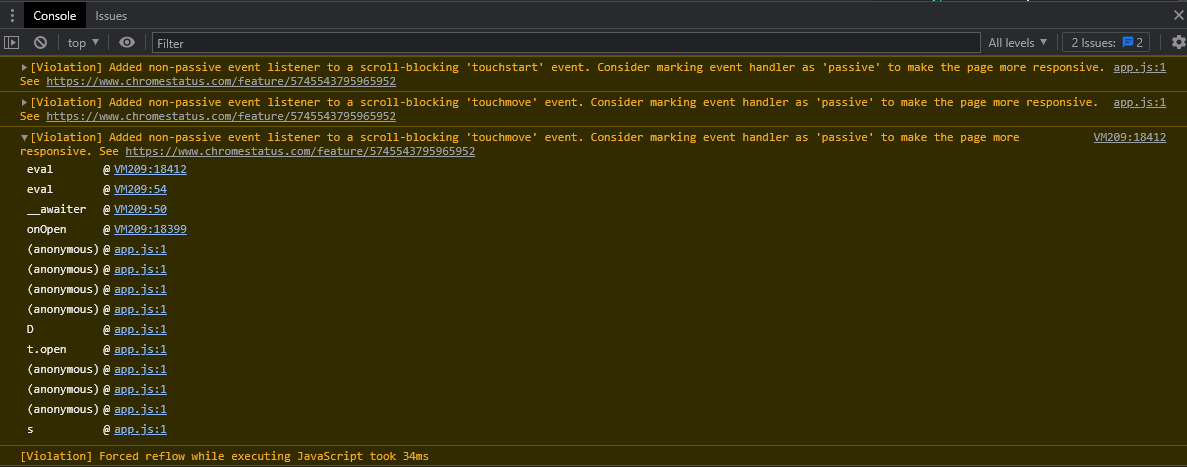
These warnings unfortunately don't give a hint about what went wrong :-/ Is there more on the console? Maybe above and below?
Humm, I tried again here is the screen shot -- I also enabled "debug logs" in the plugin just not sure where they are put in the folder.. If you tell me where they are located I can attached them to the this chat...

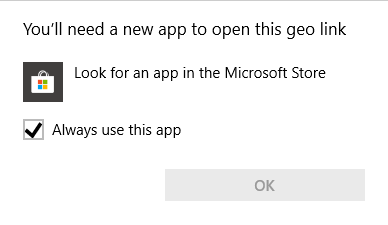
I am also experiencing an error when I click on a geo code [Boston](geo: 42.3145186, -71.110365) Windows 10 asks me for a new app to open the geo link.
I am experiencing the same problem. I use a dedicated map server. I think in my case it could be caused by the fact that "show on map" asks for a zoom level (15) which the map server doesnt provide.

@kalmir note that you can configure the zoom level for your specific map server in the Map View settings pane (under Map Sources).
You're right, I was using older version. After updating and setting the zoom limit, problem solved. Thanks a lot for implementing the zoom limit option.