

 ericmatte
Not working with Cync by GE lights and bulbs
Describe the bug
"Media Player"(android TV) is setup and watching the app daemon can see it working and making calls but the lights never change or do anything.
Expected behavior
Lights change or respond.
Screenshots or error stack trace
No response.
Environment versions
- ad-media-lights-sync: 1.2.0
- Home Assistant: 2023.2.5
- AppDaemon: 0.11.0
App configuration (from you apps.yaml)
media_lights_sync: module: media_lights_sync class: MediaLightsSync media_player: media_player.fire_tv_192_168_1_48 lights: - light.bed_light - light.bedroom_lights ha_url: homeassistant.local:8123 reset_lights_after: true use_saturated_colors: true use_current_brightness: false condition: entity: input_boolean.sync_tv_lights state: "on"

After changing the HA url. Now, the lights turn on but won't change color.
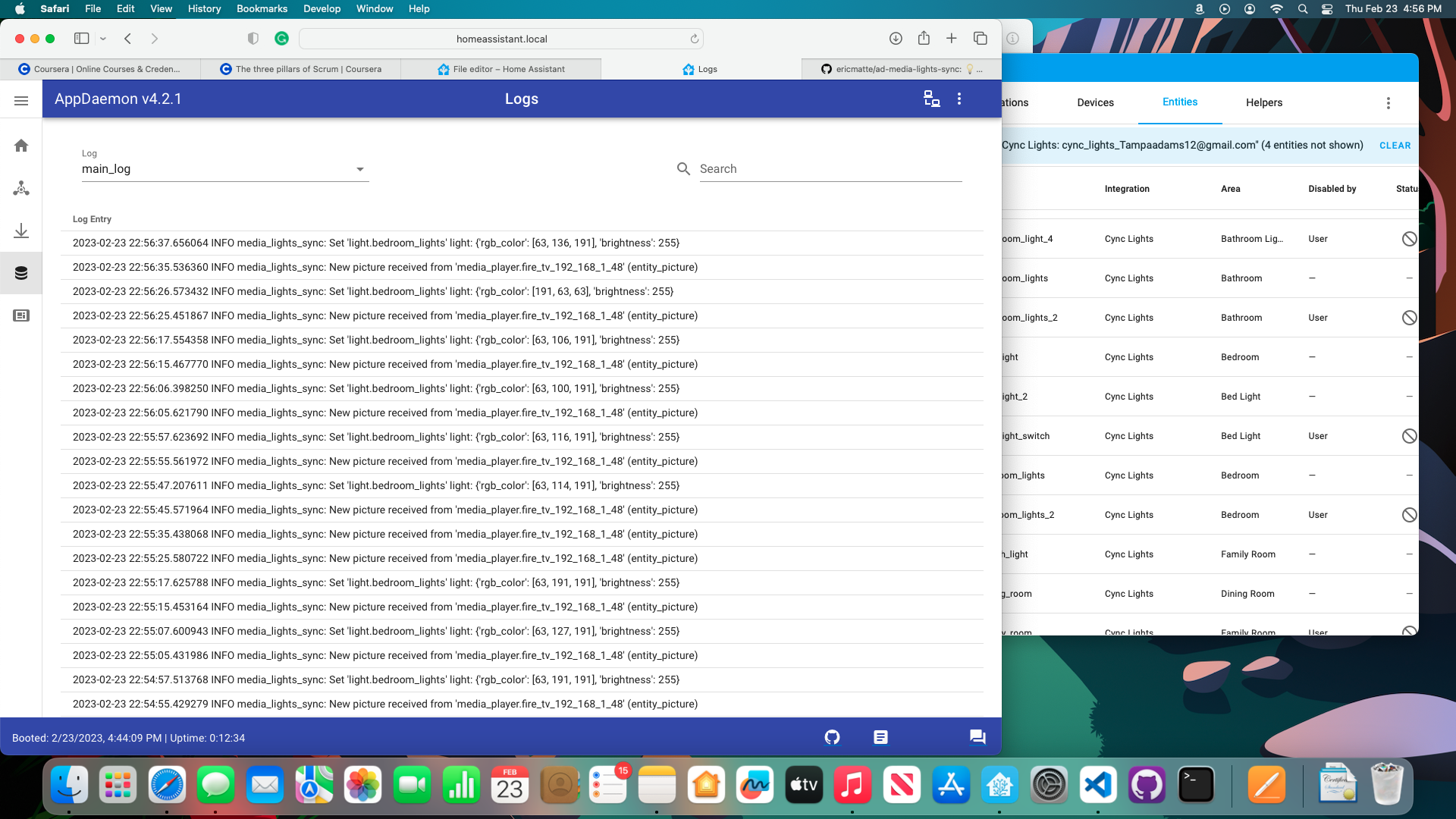
Hi, did you find a solution to your problem? If not, are-you able to change the color of your light.bedroom_lights in the Developer tools -> Services of your Home Assistant with the same arguments ({rgb_color': [63, 136, 191], 'brightness': 255})?
This script basically does the same thing, but using AppDaemon. So normally if it works in your Home Assistant and your light is compatible with AppDaemon, it should work with this app.
