

 ericblade
Investigate if Data URLs should work and if they do or not
per https://github.com/serratus/quaggaJS/issues/433
there may be an issue with using Data URLs in browser? should they work?

@danisss9 So, you can confirm that decodeSingle on a data URI works, in which environment, browser or node, or both?
I tested the decodeSingle() method in browser (Chrome 85) using Quagga 1.2.2 version with the following config:

The ImageUrl parameter is a DataUrl jpeg image taken using GetUserMedia() API (to use device's camera) and exported with Canvas toDataUrl() method.
The result object is one of the following:
- Undefined
- Array of objects with only "Box" propriety

- Array of objects with "Box", "CodeResult" and other proprieties
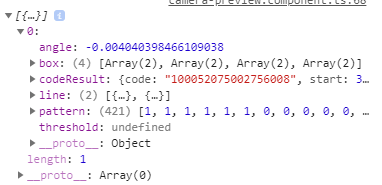

Yeah, that seems about right. Undefined when nothing at all found, box areas when it finds a potential barcode area, but isn't able to decode it, and full result when it figures it all out.
Glad to know it works in browser, should probably write a testcase for it, and make sure it works in node as well.
I'm trying to use Quagga to detect and crop barcodes from images. When I'm using Quagga with a video stream it works fine and gives the right "Box" coordinates.
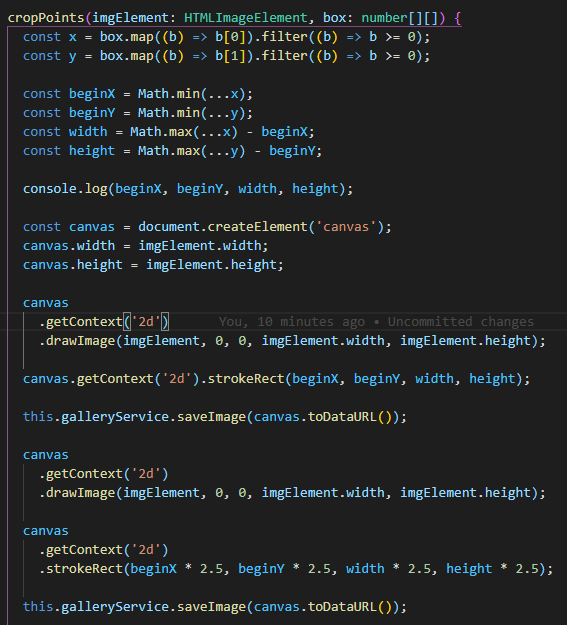
Now I was trying to do the same using decodeSingle() method and using my own html canvas to crop the img:
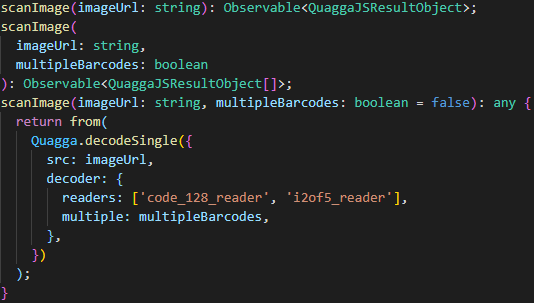
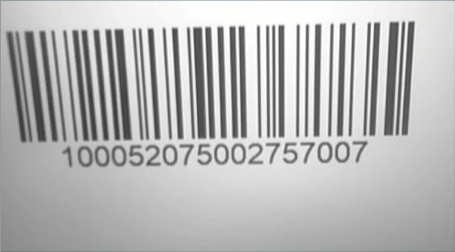
And when I try to draw the detected barcode area this happens:
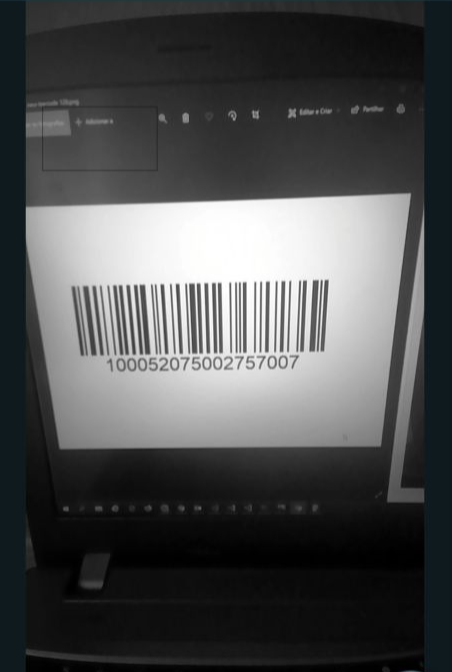
So I tried to multiply all the coordinates by 2.5 and it seems better now (but this doesn't work everytime):
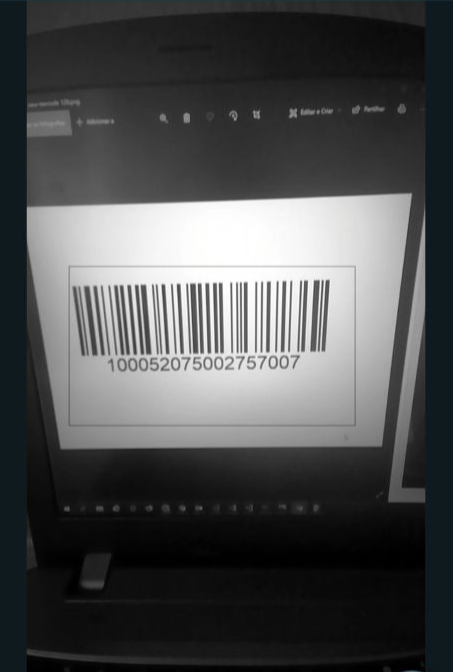
I did it by getting the min and max of the X and Y coordinates and using them in canvas drawImage():
The image resolution and canvas size are 1920x1080. Could it be that the algorithm used to detect the barcode has a different resolution? If yes what is its resolution?
Worth noting on the topic of this investigation, is that DataURI is used in the sample that uses file input in browser. Still there absolutely should be a test that definitely proves that this functionality is tested. And that it works in node as well.
@danisss9 There is a "size" parameter that can be passed to the inputStream object in Quagga config, which according to somewhere in the code indicates the length of the "longest" side of the image. There may be problems in setting it as high as 1920, although I did do some changes a while back in an attempt to fix that. I believe it assumes 800 if not specified.
A lot of the locator code remains like magic to me, so I'm not entirely certain why it doesn't just pick these things up automatically.
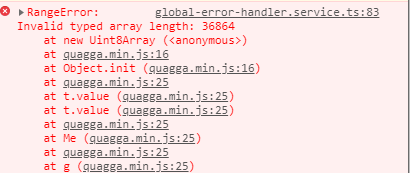
Thank you for the quick reply. Yes, it is not possible to set the size to 1920:
But multiplying the coordinates with 2.4 (1920 / 800 = 2.4) seems to work:
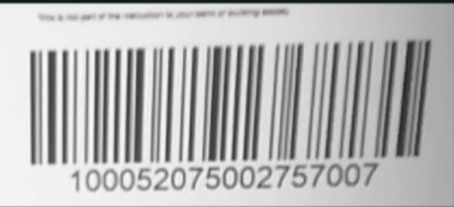
That's.. interesting. It does tell me a couple of things possibly, that that size parameter may primarily be used to adjust the reported coordinates, rather than affecting the actual performance... and also, that i don't have any idea why it'd be throwing that error, as a 36864 length Uint8Array is normally createable.
SO, that must be happening in barcode_locator.js at either line 67 or 70, where it is using the 3-args format of Uint8Array constructor ... in which it calculates offsets inside the image using the patchSize. So if that's correct -- and this is all just reading the code, i've not done any further debugging -- then reducing the patch size would probably allow for the larger size to work. It shouldn't blow up, though, and a larger patchsize should be just fine anyway... so there's definitely something bad happening there.
This only seems to happen when using the "src" parameter and not giving a target inputStream, when you give a InputStream it gets the size of the inputStream automatically and adjusts the coordinates.
It seems the "size" parameter affects the size of the canvas used to locate the barcode. So in my example I set it to 1280 and the image is 1920x1080. You take the furthest point (1920), divide by the size (1280) and you get the ratio difference. Then you multiply all the coordinates by that ratio to get the exact points:
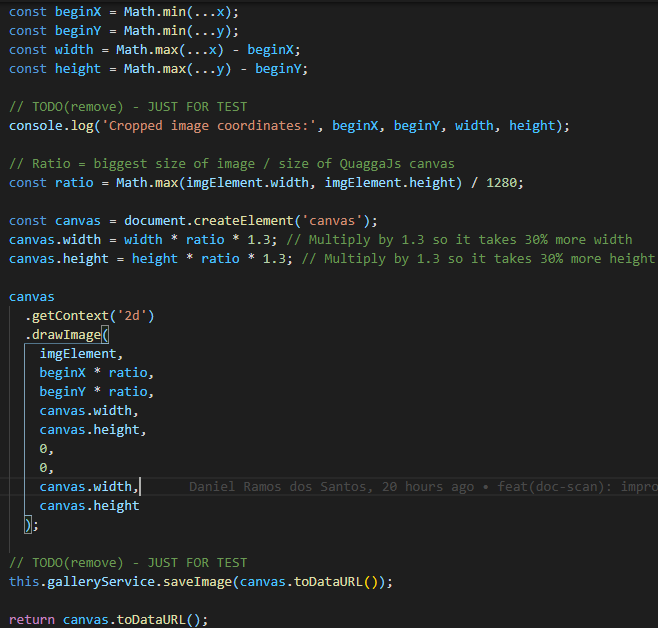
About the exception it starts throwing when I set the size to about 1400 or higher (I checked for 1920x1080 images). The exception indicates that is the line 67 like you suspected, but I didn't check the cause of it.
Also, I didn't check if the "patchSize" parameter causes this exception because I just scan with all of them xD
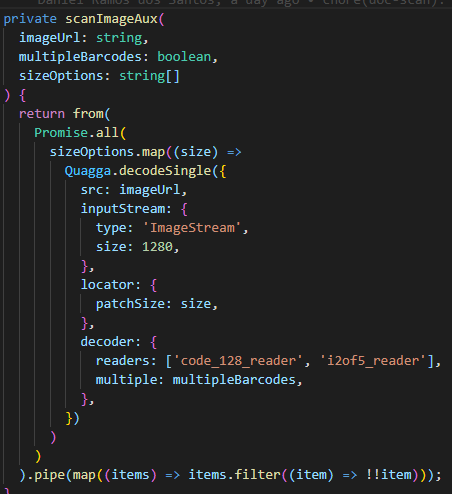
Yep, so when you increase the size too far, with the patchSize also up (i think), then you end up with one or both of the last 2 parameters in the constructor being called with a number that is out of bounds of the first parameter. I think it'll need some debugging to see what the intent of that section of code is, and to see how to repair it properly. At one point, I had just increased the buffer size, to try to cover for it, but that clearly was not the cause.