elk-zone
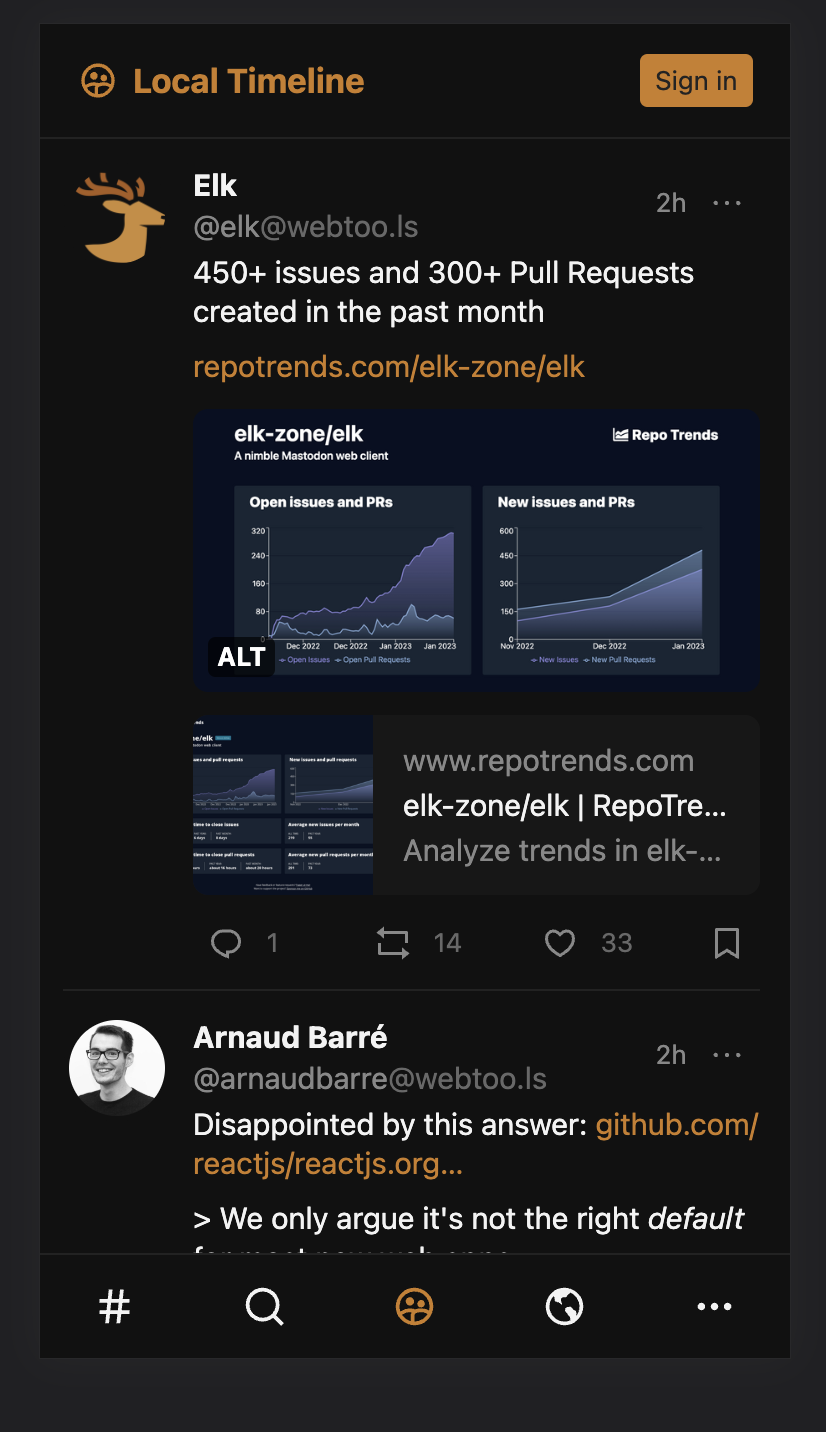
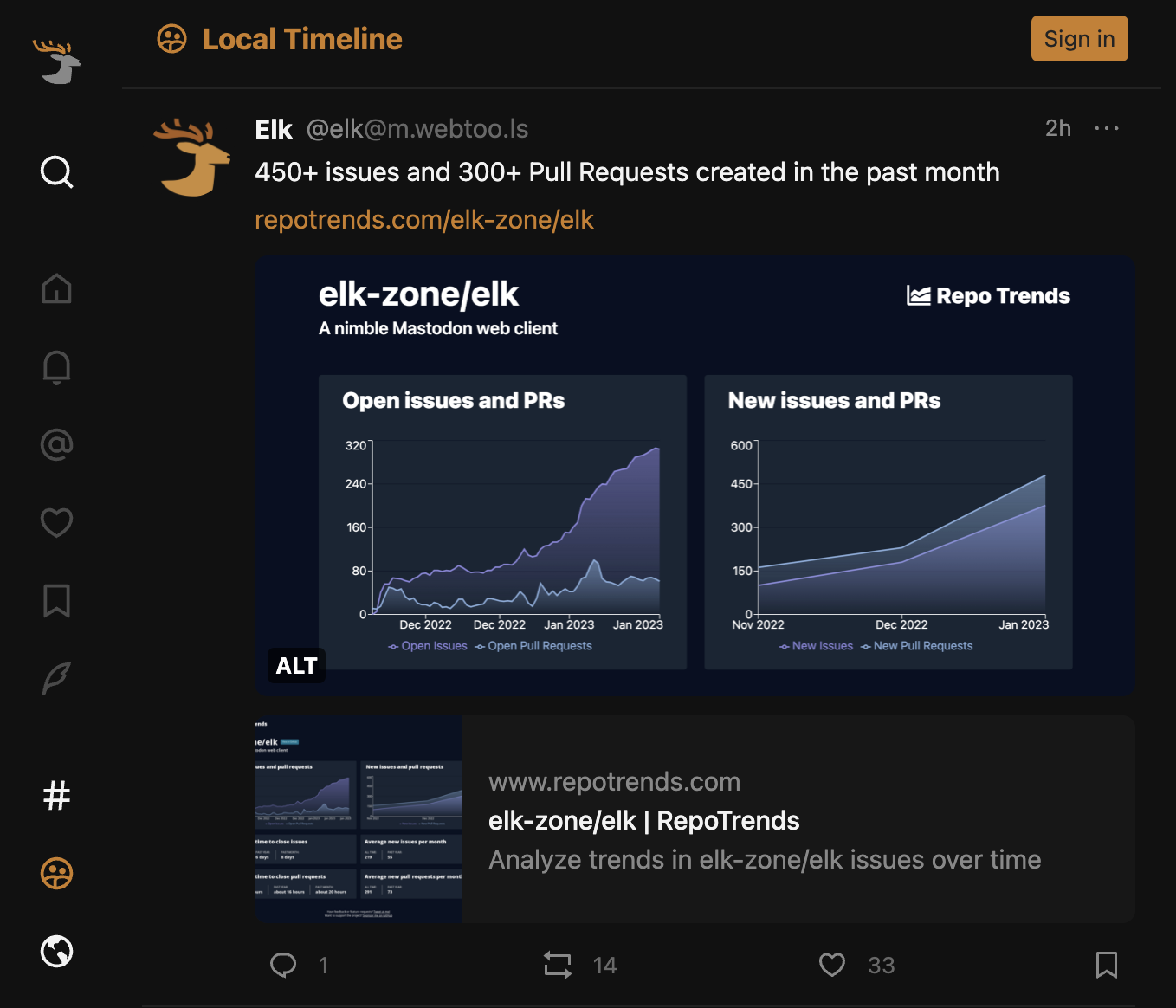
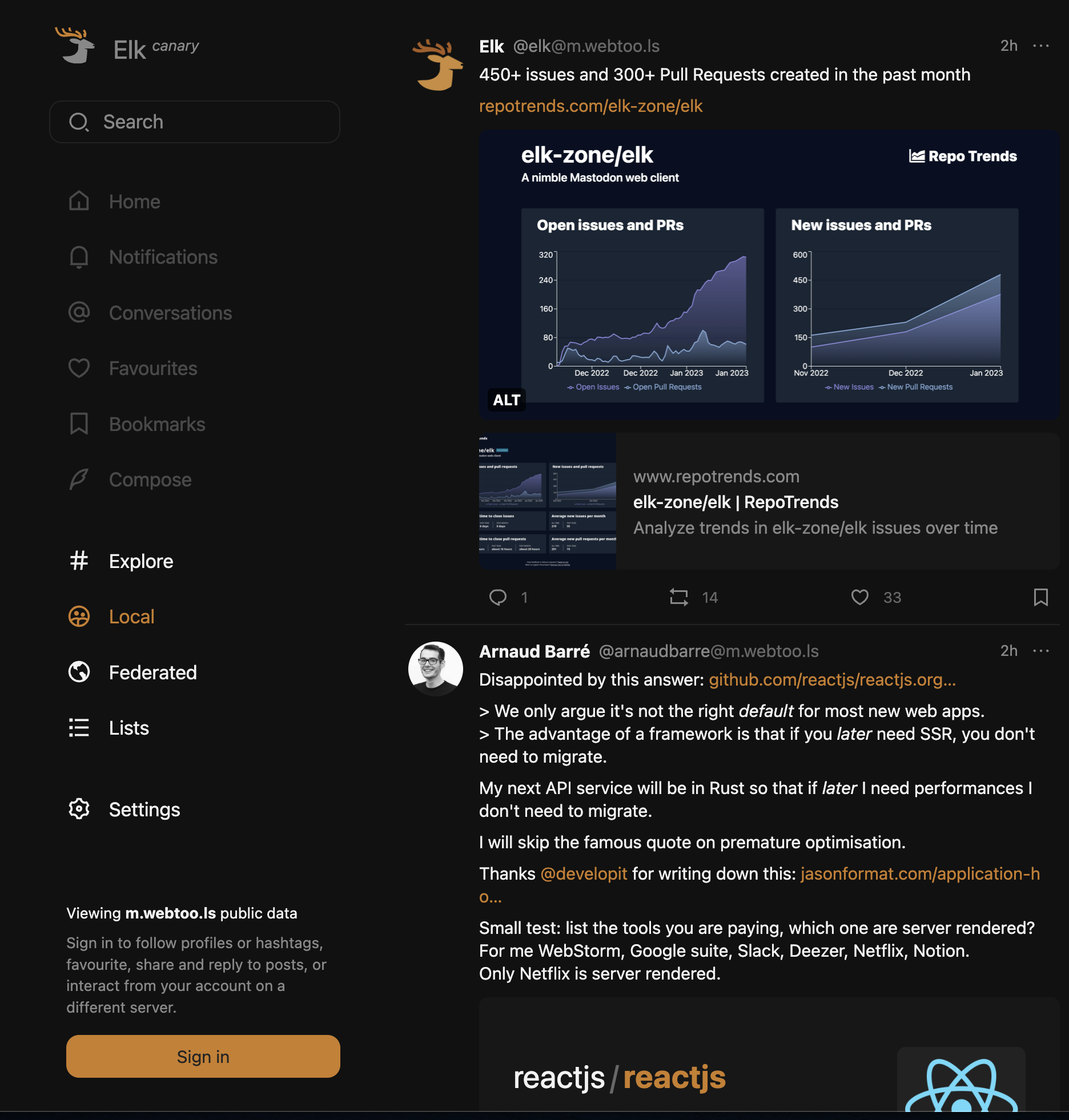
It's not clear how to sign in
Clear and concise description of the problem
There is no obvious "log in" button.
When I go to settings, there is a tab called "logged in users": https://elk.zone/settings/users - which contains only a link to upload a file ("user tokens"), and I don't know what that is or how to get one.
I rummaged around in my Mastodon settings pages and there's no obvious "user token" download, and I think that's quite a lot further than most people will bother going when trying to log in...!
Suggested solution
A log in button.
Alternative
Instructions on how to get a user token.
Additional context
No response


![bolt-new-by-stackblitz[bot] avatar](https://avatars.githubusercontent.com/in/182710?v=4 "Published by a pub.dev verified publisher")
I had this issue as well. I poked around and couldn't find anything. I eventually tried clicking "like" on a post, and that took me to a login page that worked well!

Issue related to xl:hidden css class & associated media query To replicate this issue:
- load app with screen width greater than 1279px

Closing this now as we currently show the "Sign in" button on small, medium and large screens on canary version