

 elementary
Initial Install doesn't create icons
Prerequisites
- [x] I have searched open and closed issues for duplicates.
Describe the bug
After installing a flatpak from flathub, the package's icon does not show up in the applications-menu, and the plank icon is a gray gear (missing icon).
Restarting both wingpanel and plank resolves the issue (so does restarting the computer), and from that point forward, the icon is available in both the applications-menu and in plank.
To Reproduce
Steps to reproduce the behavior:
- Go to flathub.org and select a package. In my case, I selected slack.
- Click on the
Installbutton and open the flatpakref. - Select "I understand" in sideload and click
Install. - After the installation is complete, click
Open App. - The icon in plank will be the gear icon, and if you click on
Applicationson the top left, slack is not there.
Next you can restart wingpanel/plank (or just restart your pc), and the icon should be available.
Expected behavior
I would expect the new application's icon to show up in applications-menu and plank immediately, instead of after a restart.
Screenshots or screen recordings
I'll get some screenshots in a little bit. coming soon!
Logs
same as screenshots, I'll try to gather some logs after running through the steps oncemore.
Platform Information
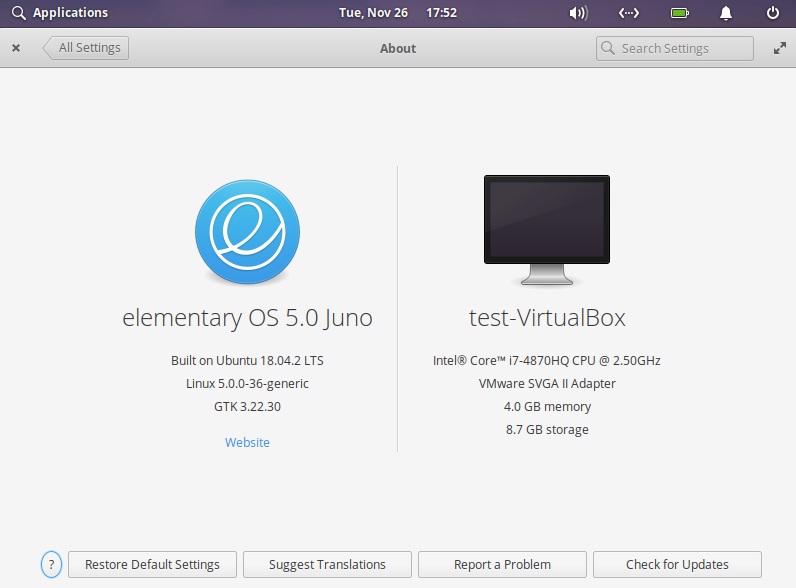
- [ ] I'm using the latest version from git that I've manually compiled
- [x] I'm using the latest released stable version

