

 elementary
Show selection dimensions (aka, ruler) as in OSX
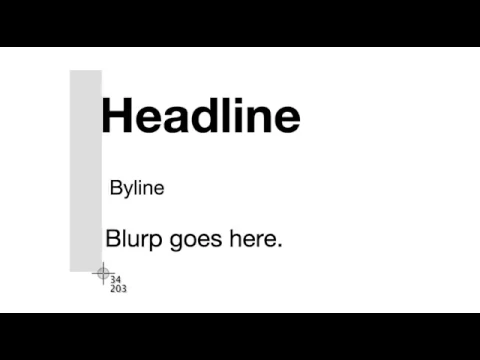


@danrabbit @cassidyjames I'm not sure who to mention for UI/UX questions, so please mention more appropriate people if necessary.
I've been coding this to show the numbers outside the box next to the cursor. I'm curious what behavior we want to have for when the numbers hit the edge of displayable space? Do they just go behind the edge of the monitor? Do they move to inside the box near the cursor? I"m not sure how OSX does it.
Thoughts?
@seesemichaelj would it work to display the dimensions in the middle of the rubberband area? That would not work for tiny dimensions, so I'm not sure how we'd handle that edge case.

It should yup! We can do a W x H and if the rubberband area gets too small length-wise, we can make it vertical without the x. The text should not be hidden by the rubberband area, but should be laid on top if it gets too small