
files

files copied to clipboard
 elementary
"Cannot copy a file over itself" dialog
Prerequisites
- [x] I have searched open and closed issues for duplicates.
Describe the bug
I was copying a bunch of files from one directory to another, and I didn't realise that two of the files I was copying were actually symlinks to the directory I was copying them to. So I got this message popup:
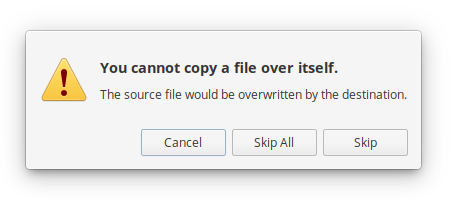
Ok, no worries, except that it doesn't tell me what file(s) it's referring to. I had to manually check the source and destination files to see what was different before I realised what the issue was.
A simple addition of the filename in question to this dialog would be a good idea.
Platform Information
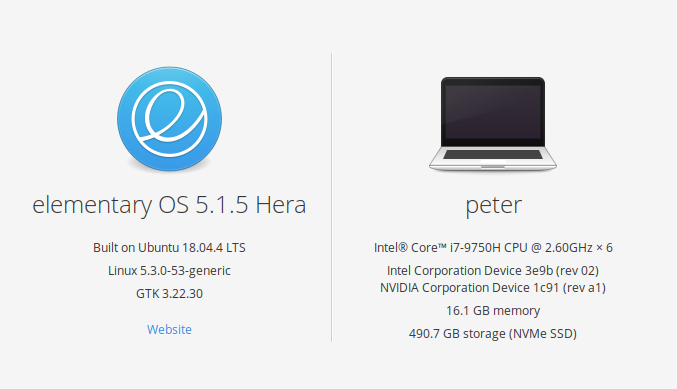
- [ ] I'm using the latest version from git that I've manually compiled
- [x] I'm using the latest released stable version


Yup I seem to have the same issue, I think because of the latest Files update, Paste into a selected folder when using Ctrl + V
