elementary
Update all doesn’t update all
What Happened?
Update all did not update all.
Steps to Reproduce
These are the steps I took. It probably won’t be easy to reproduce but documenting here so we can keep an eye out for it.
I had a bunch of operating system updates (~145) as well as app updates.
- I hit update all
- A bunch of updates got installed
At the end, I still had operating system updates (~125) and some app updates (of the apps that were previously listed)
Expected Behavior
Update all should update all apps and there shouldn’t be any other updates shown once it’s complete.
OS Version
6.x (Odin)
Software Version
Latest release (I have run all updates)
Log Output
n/a
Hardware Info
OS: elementary OS 6 Odin x86_64
Host: LabTop Mk IV
Kernel: 5.11.0-34-generic
Uptime: 8 days, 21 hours, 27 mins
Packages: 2351 (dpkg), 64 (flatpak)
Shell: fish 3.3.1
Resolution: 3840x2160
DE: Pantheon
WM: Mutter(Gala)
Terminal: io.elementary.t
CPU: Intel i7-10710U (12) @ 4.700GHz
GPU: Intel Device 9bca
Memory: 7306MiB / 15875MiB

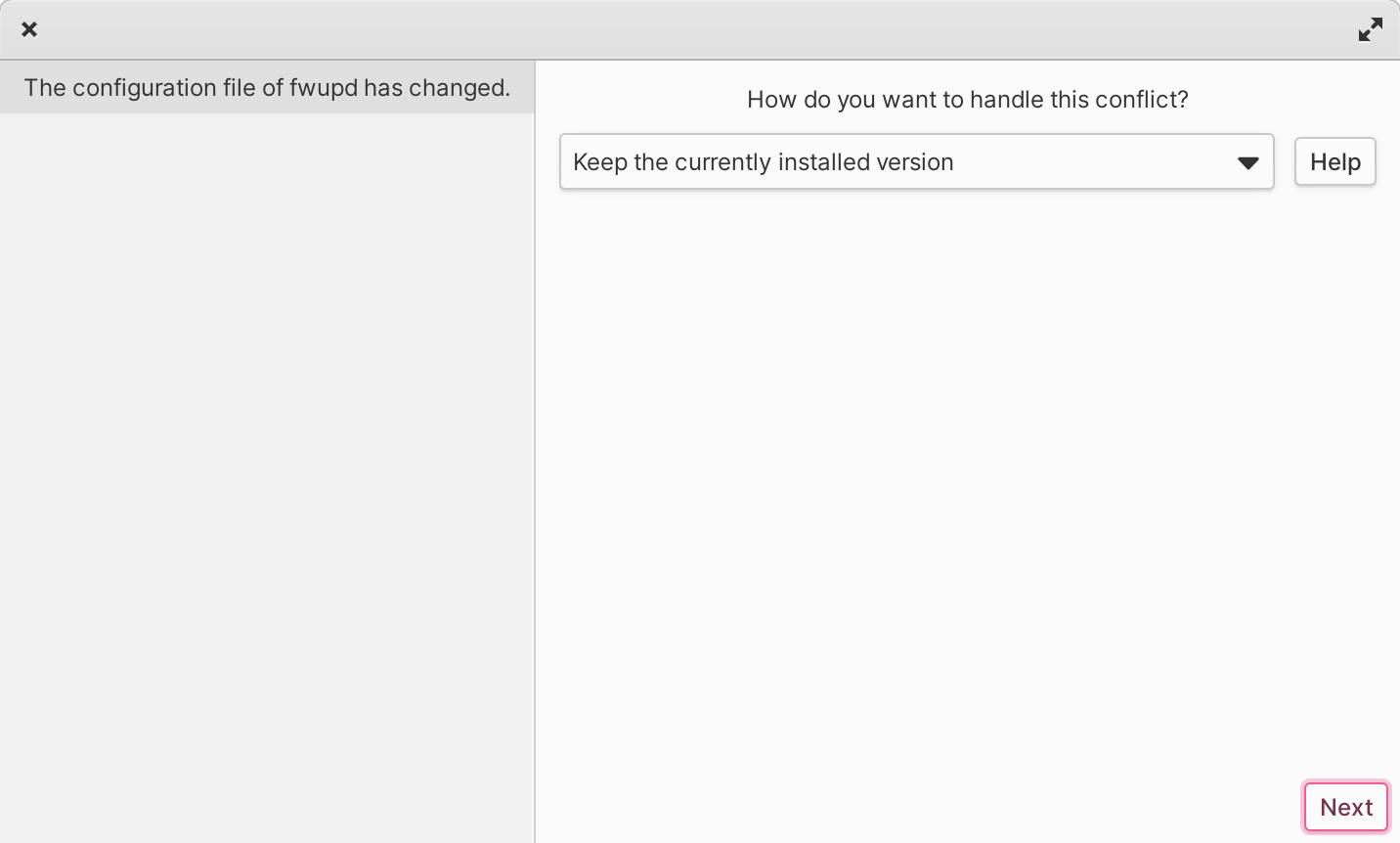
OK, so I ran the updater again on the remaining apps and got a graphical prompt for one of the updates.
The diff on it either didn’t work or what differed was not file contents but some metadata.
Then AppCenter crashed.
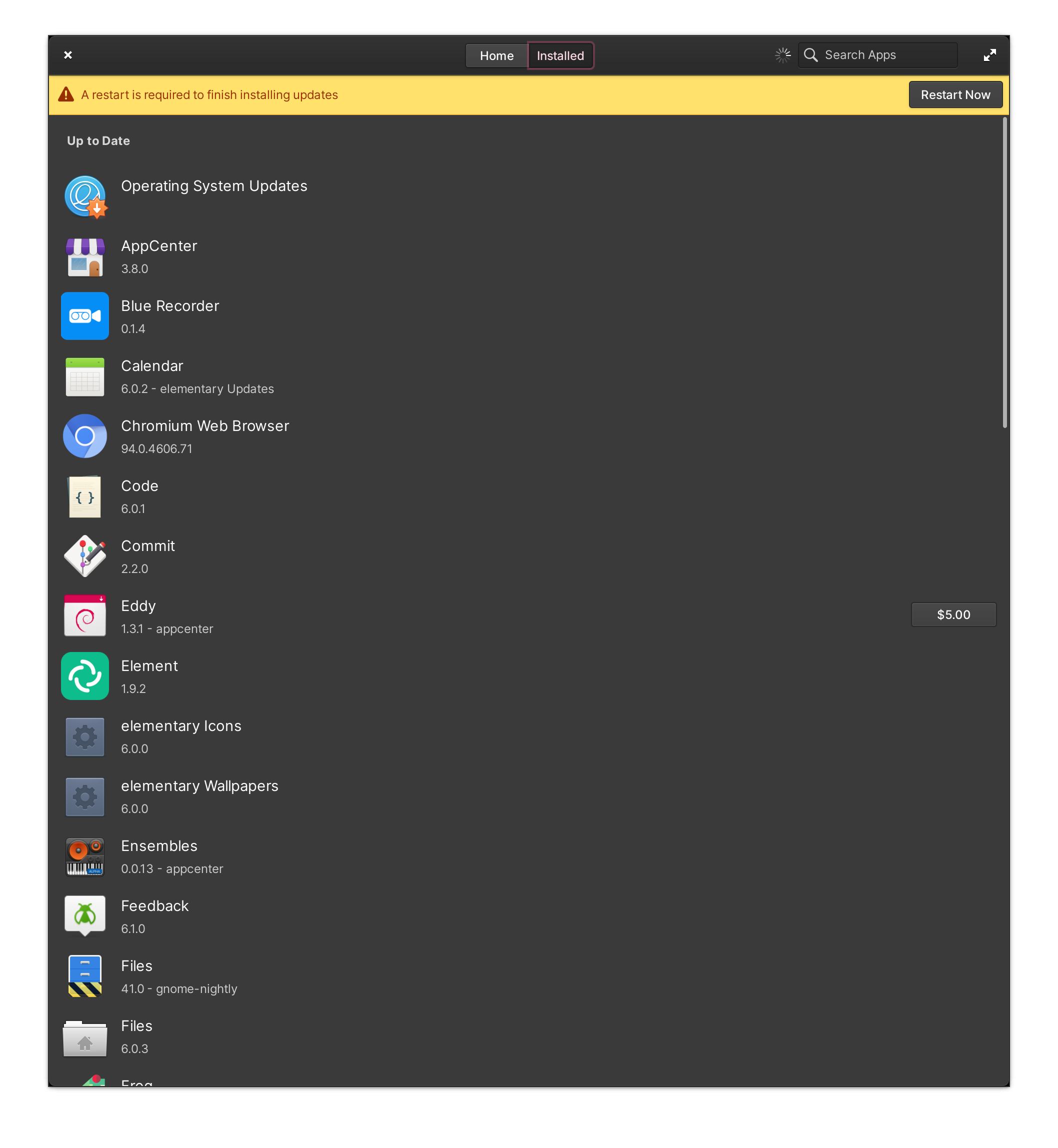
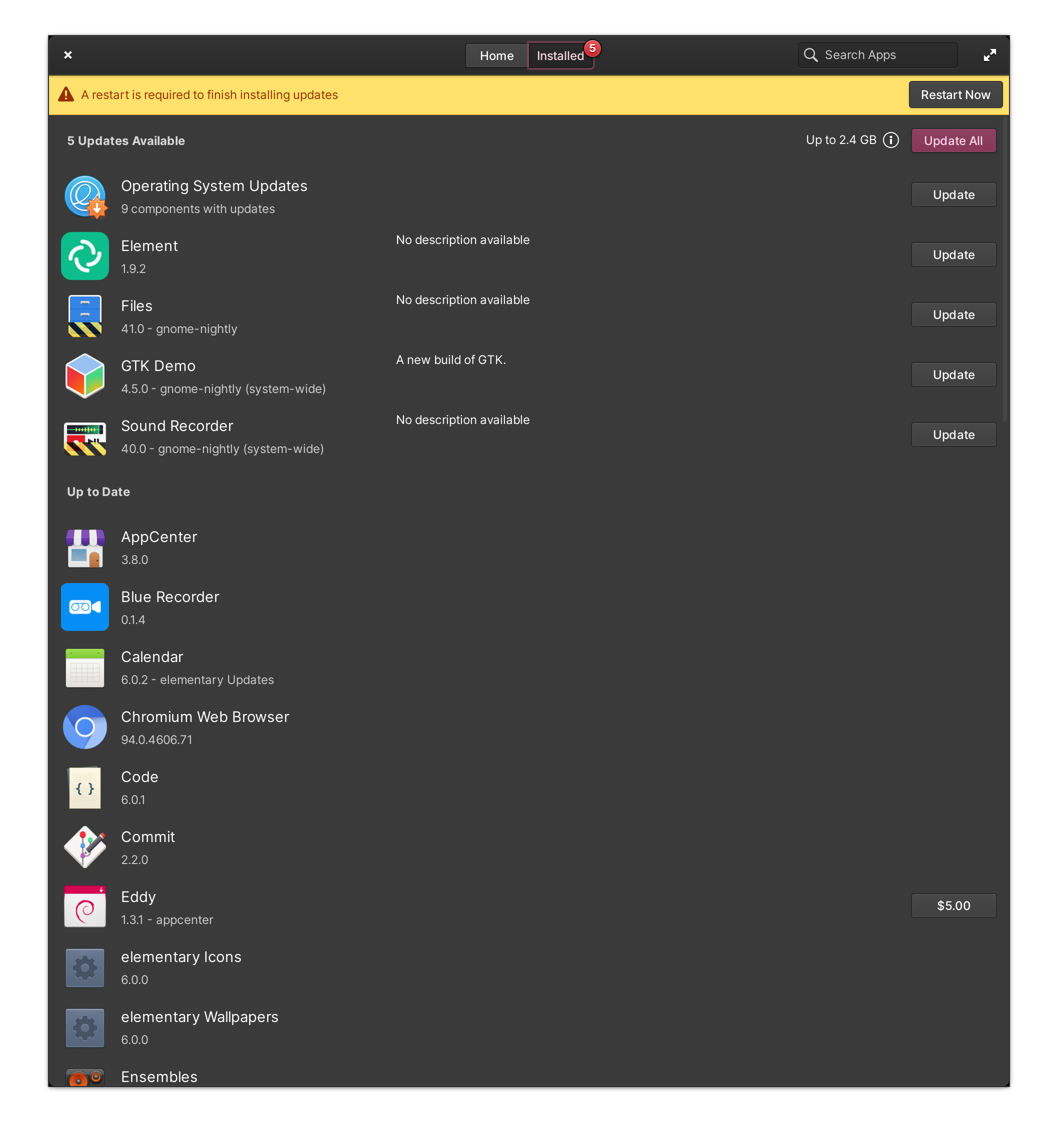
When I restarted it, I initially saw that a restart was required and all apps had installed. Leaving it open for a while, however, resulted in more app updates (including 9 OS updates) now showing.
I’ve taken screenshots of it all but I can’t post them right now because Files (which is one of the apps that was updated) has now stoppped launching properly (it takes a long time to launch and then does not appear. Trying to switch to it using the task switcher results in a dialog saying that it is stuck and asking whether to wait or force quit it.)
Going to restart the computer and see if that fixes things.
Right, so after the restart, I ran update all again. More stuff got installed and then AppCenter crashed.
Restarted AppCenter and manually installed the remaining OS updates and apps and it seems like all updates have now installed.
(And Files is launching properly again.)
Screenshots
The conflict prompt window (notice it does not obey colour scheme):
This should probably be a separate issue. Not sure which repo it should go in.
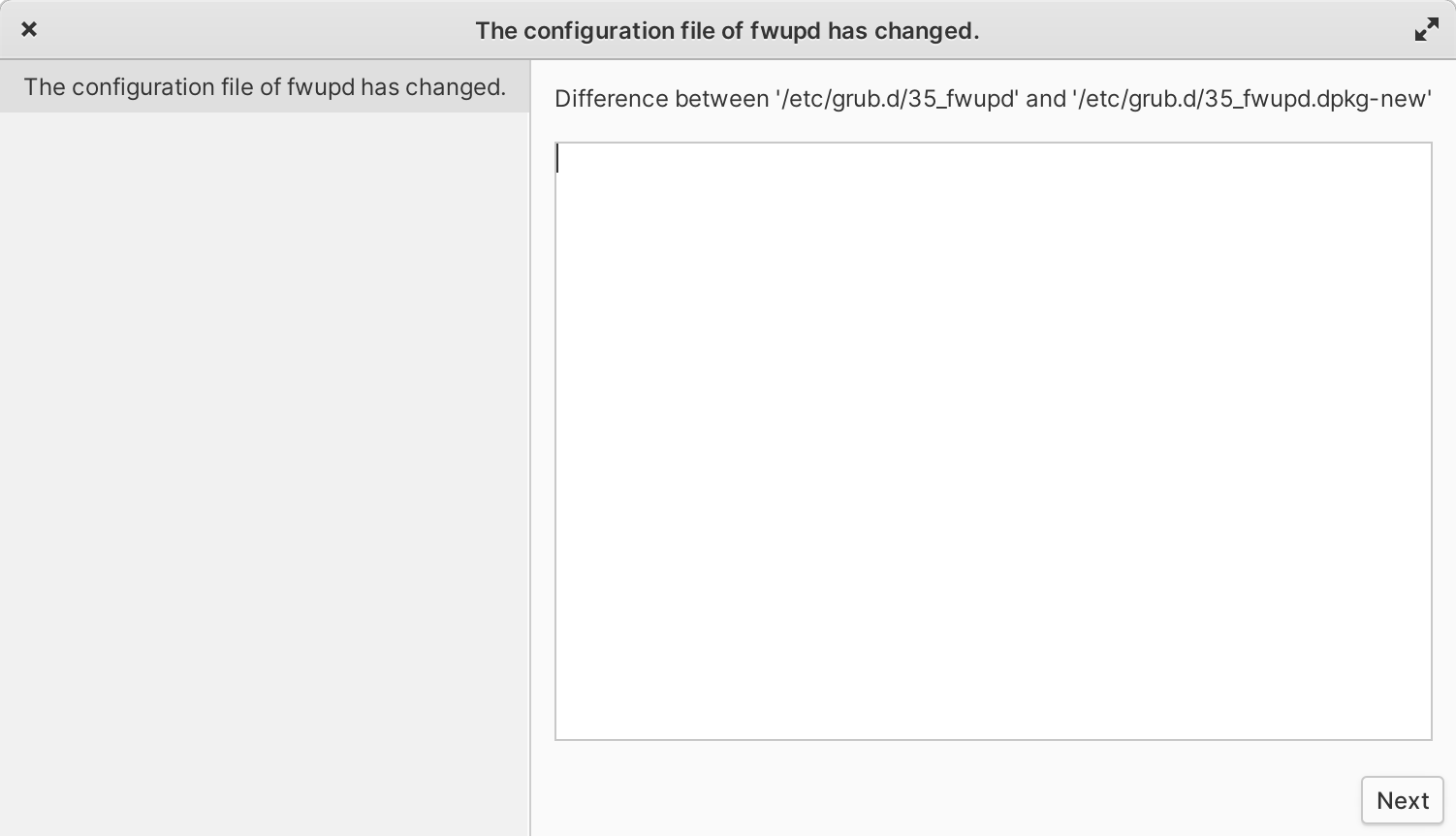
Initial restart required and after waiting a while (after relaunch of AppCenter following crash following Update All)
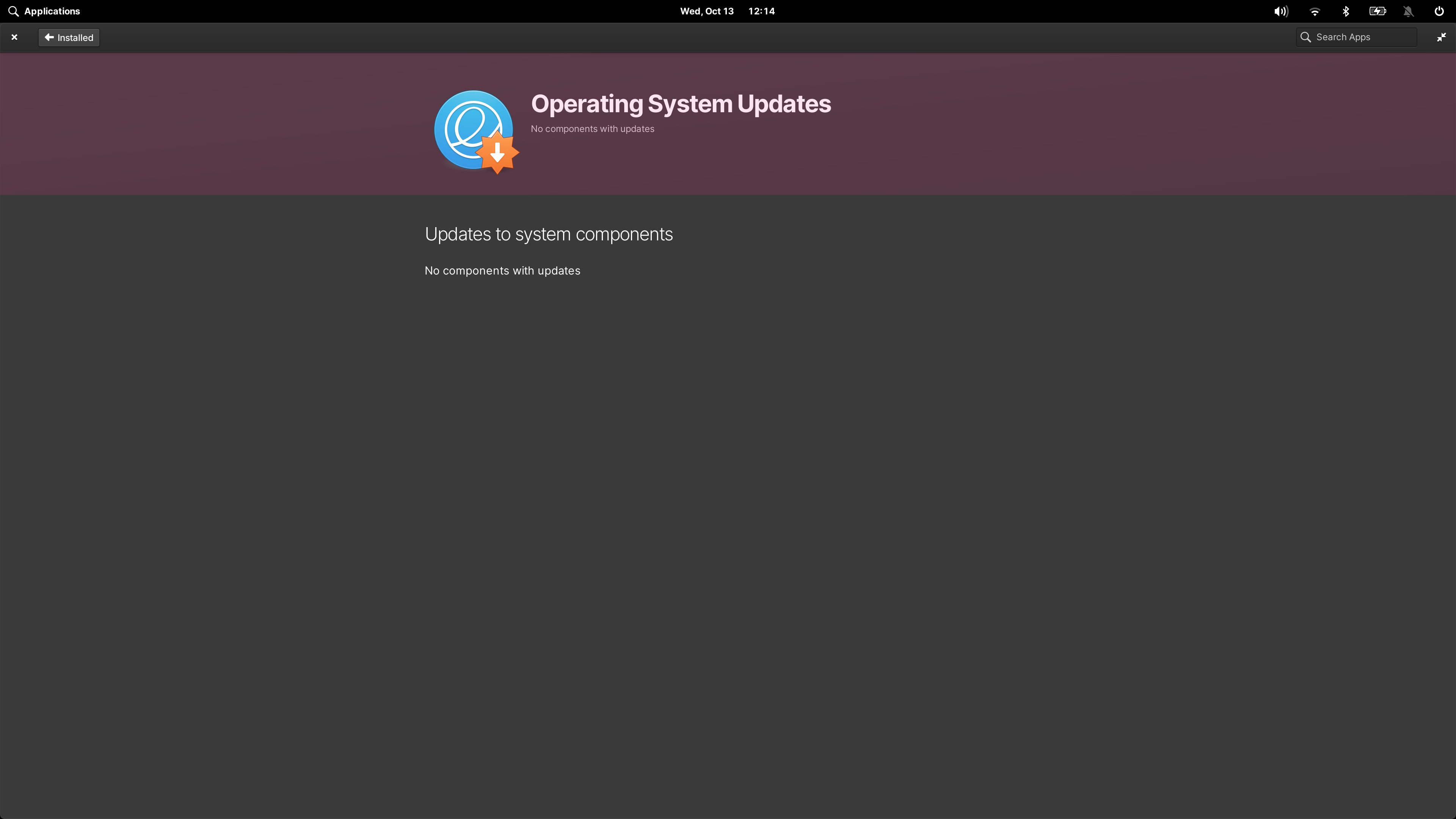
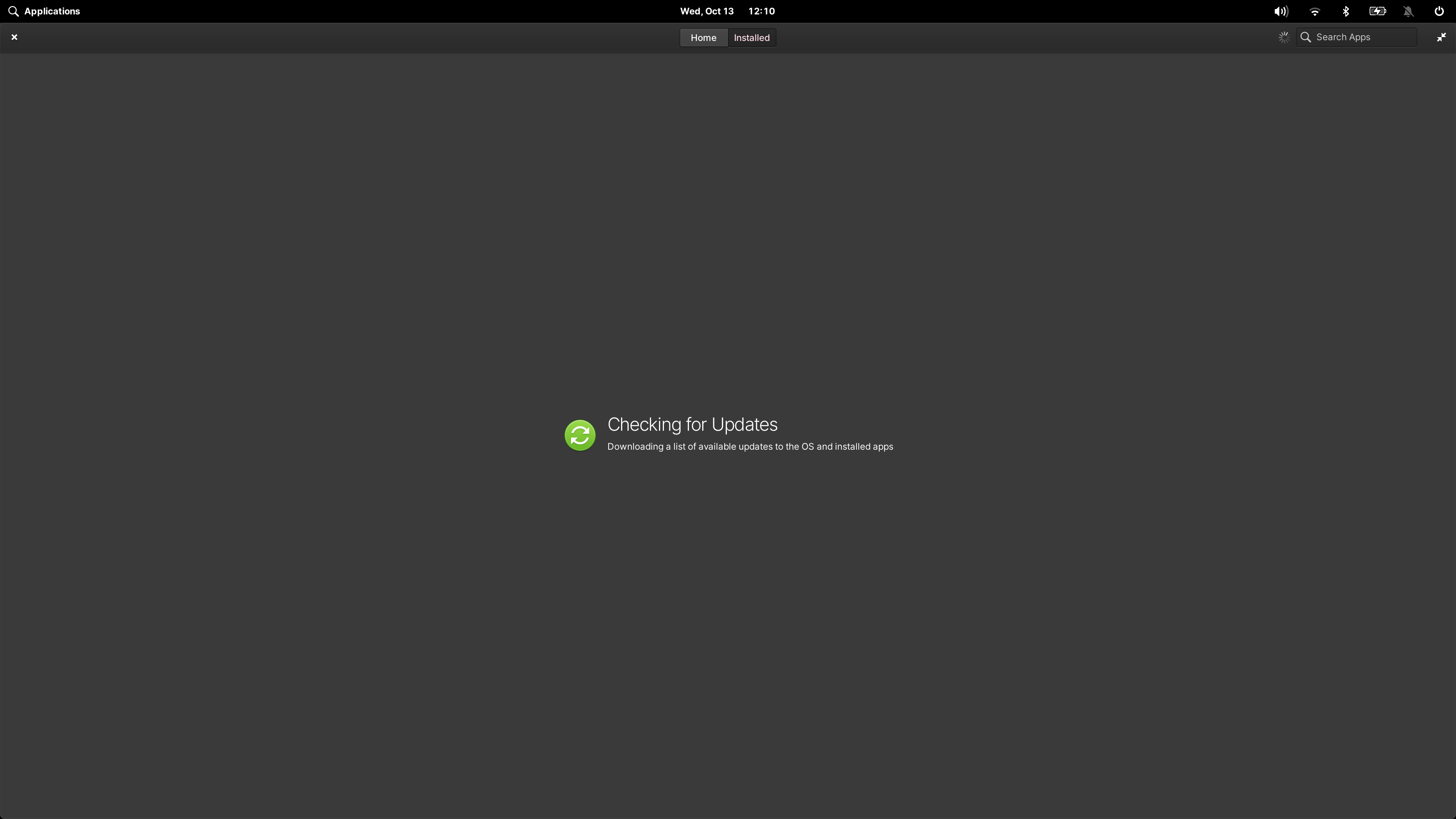
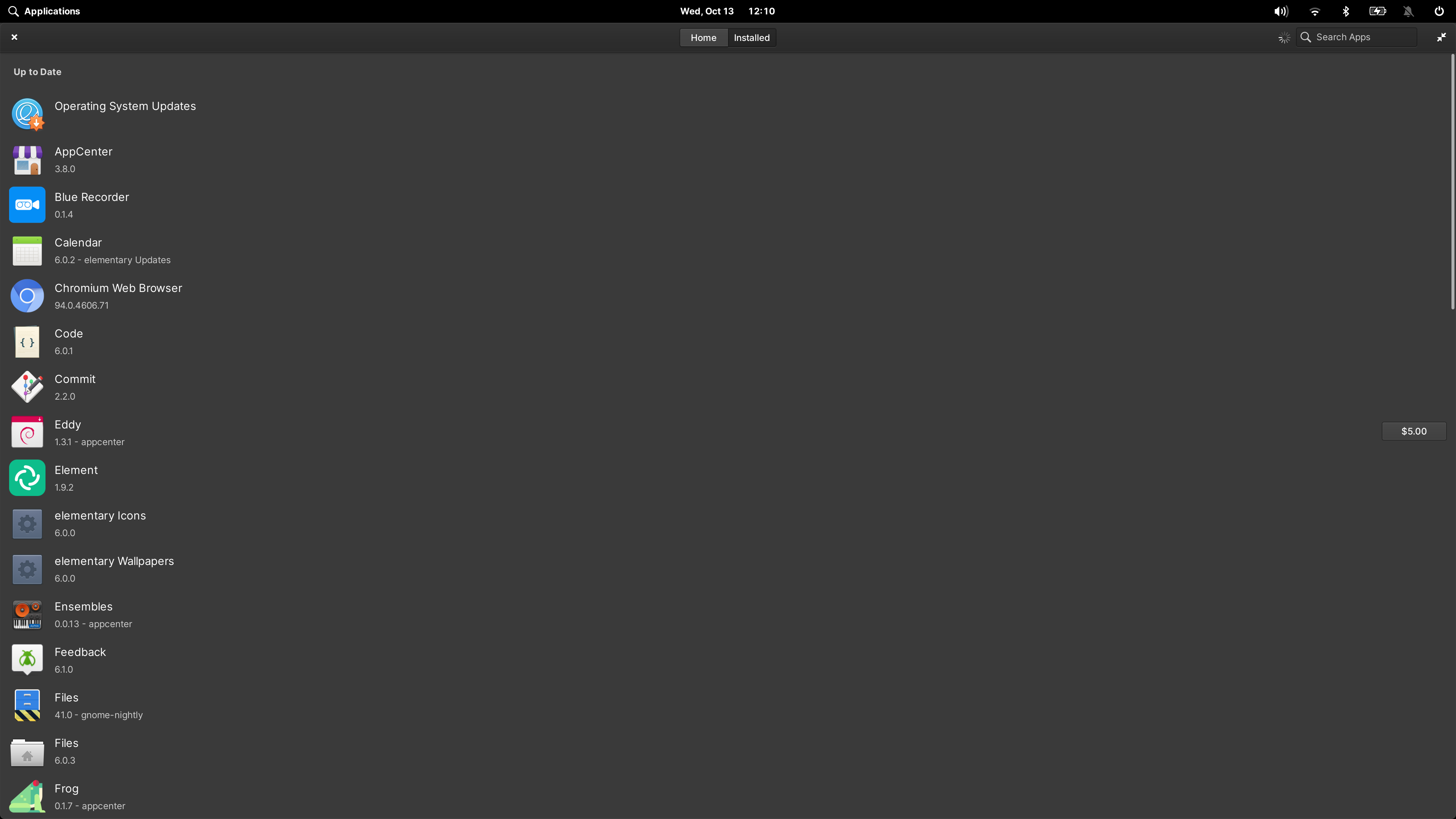
Checking for updates… no updates… after a while the updates show up
Updates shouldn’t show up later if there’s a separate checking for updates preloader screen.
This should probably be a separate issue here.

Updates continue to display after they’ve been installed in individual update.
This should probably be a separate issue here.
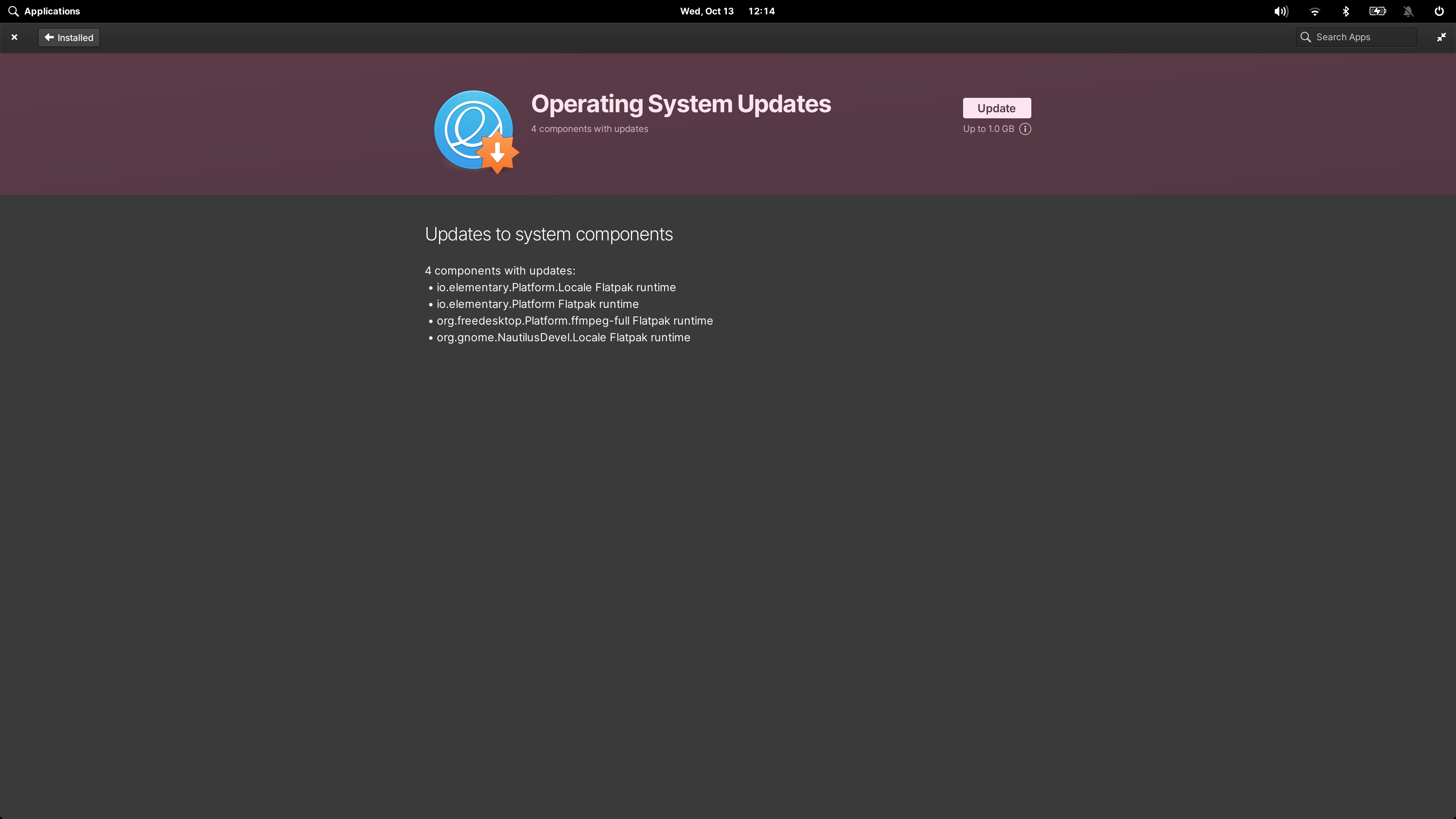
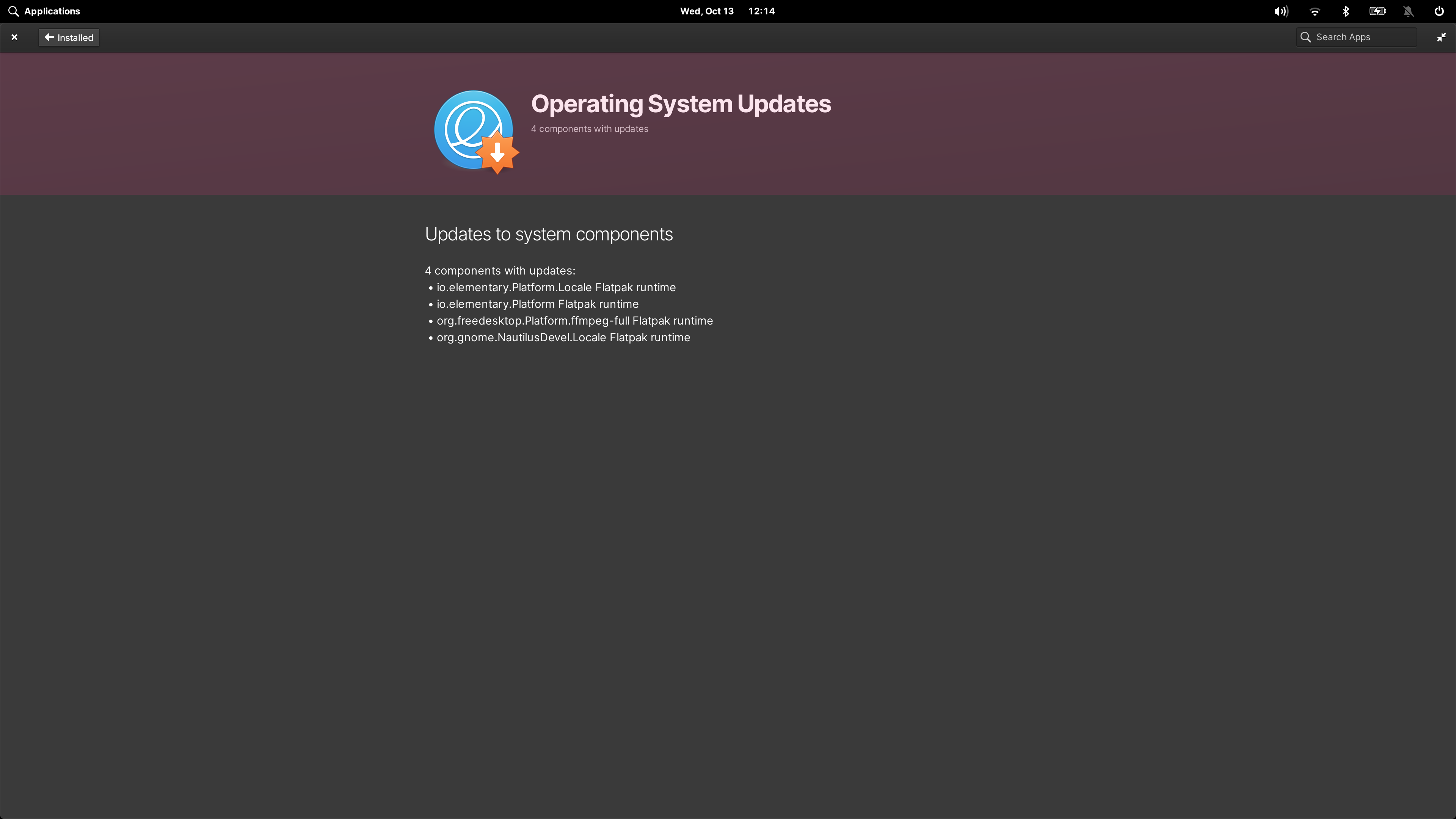
After going back and returning to the same app again, the updates list is gone: