

 element-hq
No full screen button in Element Call-powered calls on Desktop
Your use case
Start an Element Call in your Desktop app (after enabling it in Experimental settings). No full screen button can be find.
Have you considered any alternatives?
No response
Additional context
GNU/Linux/Debian 11 Version de Element : 1.11.8 Version de Olm : 3.2.12

From my testing (with Element version: 1.11.8 as desktop app, with app.element.io, as well as with Element Nightly) the "fullscreen widget" button at the top right does show the call in fullscreen mode.
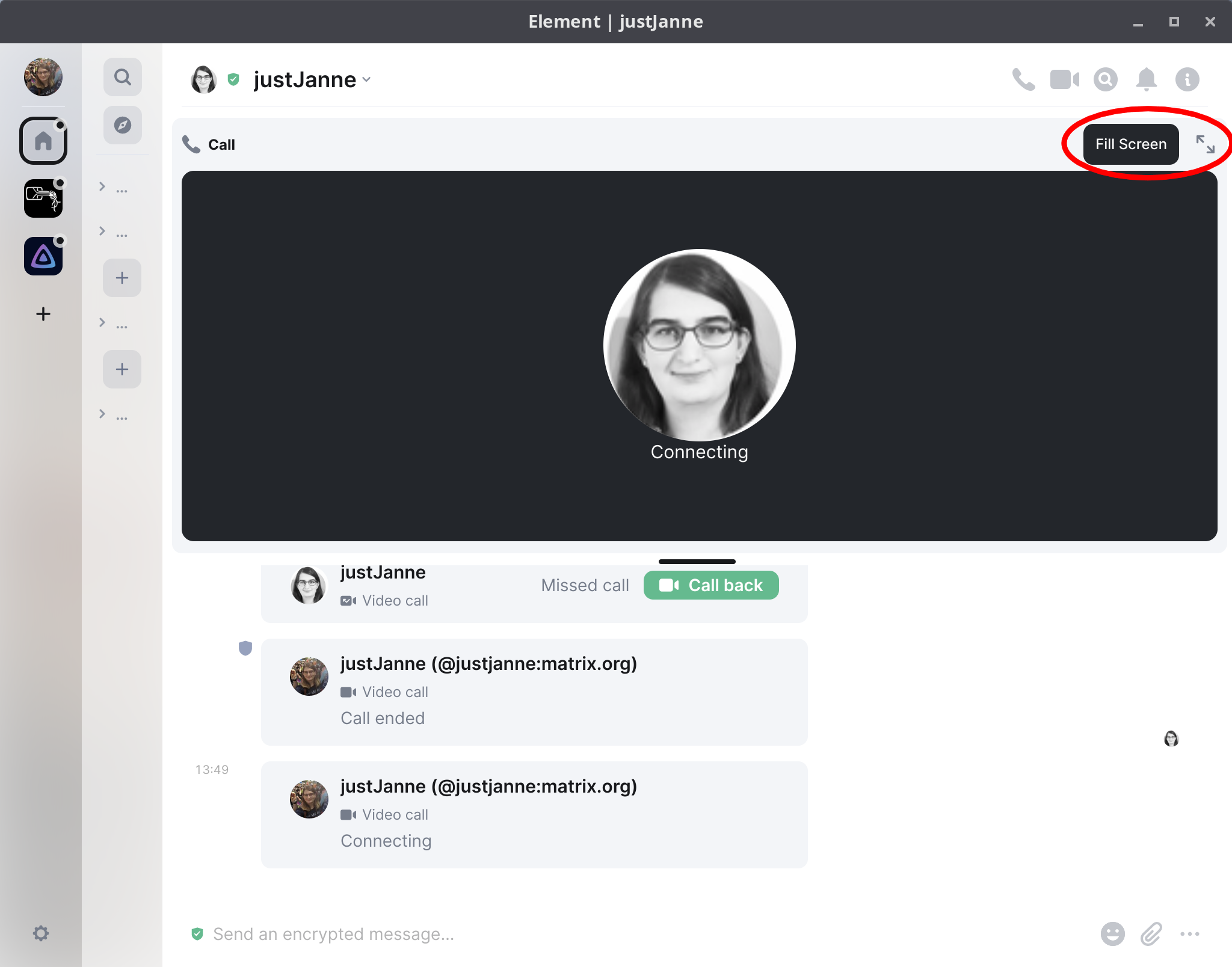
Did you not notice this button, or is it actually missing when you are using element?
It seems you are talking about a 1:1 call (I agree, there is such button in this case) whereas I'm talking about the experimental video room based on Element-Call.
What's the status? Is this a hard one to fix? Can't use video rooms for streaming right now ...

Now that element call is becoming more or less (and soon will be) the default way to make group calls, we miss this functionality.