

 elastic
ci: use k8s pod template agents
What does this PR do?
PoC with K8s CI Workers
Checklist
- ~~[ ] This is an enhancement of existing features, or a new feature in existing plugins~~
- [ ] I have updated CHANGELOG.asciidoc
- [ ] I have added tests that prove my fix is effective or that my feature works
- [ ] Added an API method or config option? Document in which version this will be introduced
- [ ] I have made corresponding changes to the documentation
- ~~[ ] This is a bugfix~~
- [ ] I have updated CHANGELOG.asciidoc
- [ ] I have added tests that would fail without this fix
- ~~[ ] This is a new plugin~~
- [ ] I have updated CHANGELOG.asciidoc
- [ ] My code follows the style guidelines of this project
- [ ] I have made corresponding changes to the documentation
- [ ] I have added tests that prove my fix is effective or that my feature works
- [ ] New and existing unit tests pass locally with my changes
- [ ] I have updated supported-technologies.asciidoc
- [ ] Added an API method or config option? Document in which version this will be introduced
- [ ] Added an instrumentation plugin? Describe how you made sure that old, non-supported versions are not instrumented by accident.
- [x] This is something else
- [ ] I have updated CHANGELOG.asciidoc
Why
- Delegate the Agents configuration to the consumers
- Faster provisioning.
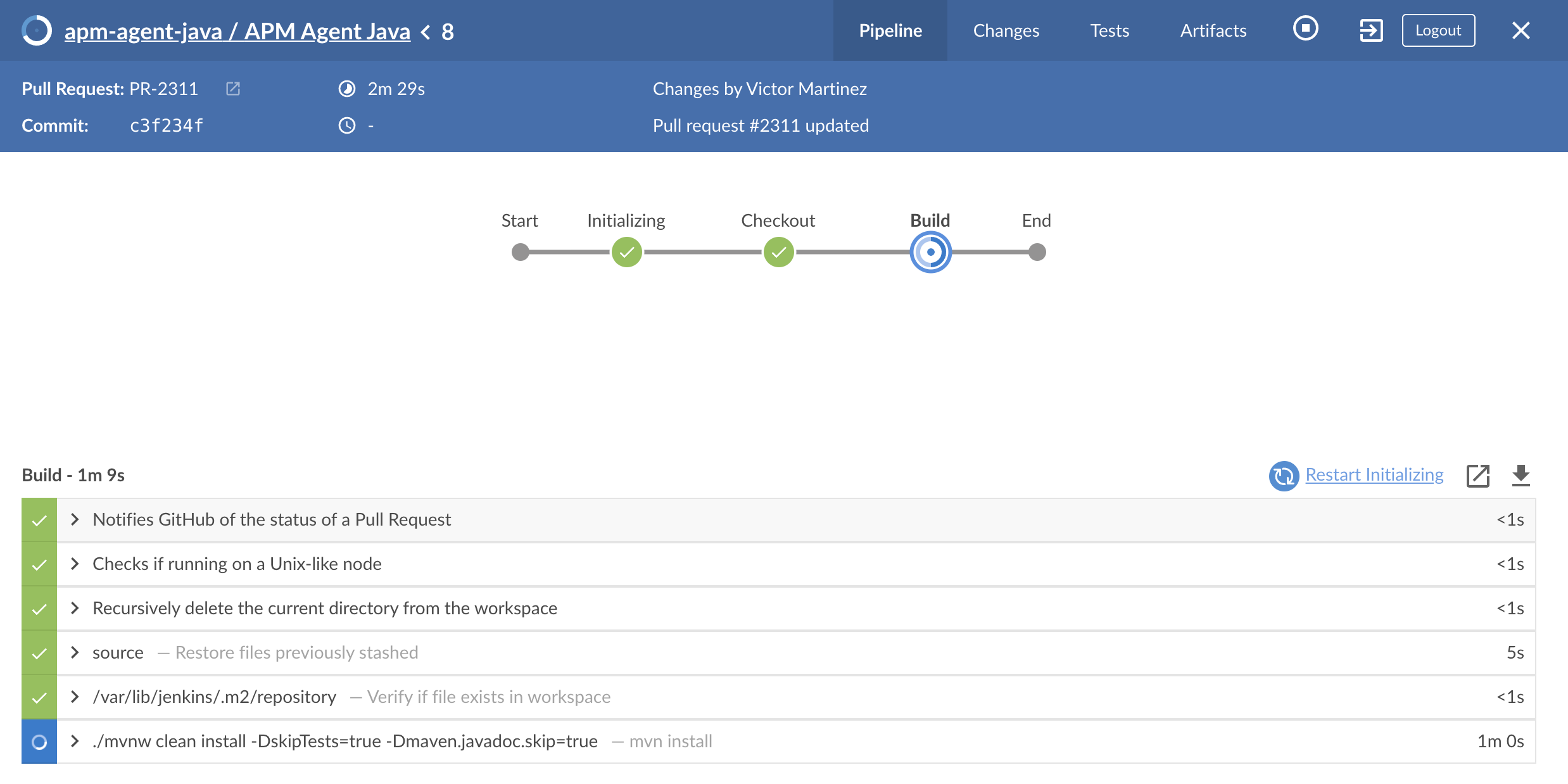
For instance, the agent is provisioned almost immediately, compared to the 2 minutes average per CI worker
Actions
- [ ] Cached workspace to speed up builds?
- [ ] Matrix support for difference openjdk versions

:broken_heart: Tests Failed
the below badges are clickable and redirect to their specific view in the CI or DOCS






Expand to view the summary
Build stats
-
Start Time: 2021-12-08T08:39:21.273+0000
-
Duration: 14 min 51 sec
-
Commit: 99f2581657917c44f465729badb511b3ef4fdebe
Test stats :test_tube:
| Test | Results |
|---|---|
| Failed | 7 |
| Passed | 17 |
| Skipped | 0 |
| Total | 24 |
Test errors 
Expand to view the tests failures
Tests / Smoke Tests 01 / test[mysql jdbc:tc:mysql:5://hostname/databasename] – co.elastic.apm.agent.jdbc.JdbcDbIT
Expand to view the error details
Could not find a valid Docker environment. Please see logs and check configuration
Expand to view the stacktrace
 java.lang.IllegalStateException: Could not find a valid Docker environment. Please see logs and check configuration
	at co.elastic.apm.agent.jdbc.JdbcDbIT.<init>(JdbcDbIT.java:35)
Tests / Smoke Tests 01 / test[postgresql jdbc:tc:postgresql:9://hostname/databasename] – co.elastic.apm.agent.jdbc.JdbcDbIT
Expand to view the error details
Previous attempts to find a Docker environment failed. Will not retry. Please see logs and check configuration
Expand to view the stacktrace
 java.lang.IllegalStateException: Previous attempts to find a Docker environment failed. Will not retry. Please see logs and check configuration
	at co.elastic.apm.agent.jdbc.JdbcDbIT.<init>(JdbcDbIT.java:35)
Tests / Smoke Tests 01 / test[postgresql jdbc:tc:postgresql:10://hostname/databasename] – co.elastic.apm.agent.jdbc.JdbcDbIT
Expand to view the error details
Previous attempts to find a Docker environment failed. Will not retry. Please see logs and check configuration
Expand to view the stacktrace
 java.lang.IllegalStateException: Previous attempts to find a Docker environment failed. Will not retry. Please see logs and check configuration
	at co.elastic.apm.agent.jdbc.JdbcDbIT.<init>(JdbcDbIT.java:35)
Tests / Smoke Tests 01 / test[mariadb jdbc:tc:mariadb:10://hostname/databasename] – co.elastic.apm.agent.jdbc.JdbcDbIT
Expand to view the error details
Previous attempts to find a Docker environment failed. Will not retry. Please see logs and check configuration
Expand to view the stacktrace
 java.lang.IllegalStateException: Previous attempts to find a Docker environment failed. Will not retry. Please see logs and check configuration
	at co.elastic.apm.agent.jdbc.JdbcDbIT.<init>(JdbcDbIT.java:35)
Tests / Smoke Tests 01 / test[mssql jdbc:tc:sqlserver:2017-CU12://hostname/databasename] – co.elastic.apm.agent.jdbc.JdbcDbIT
Expand to view the error details
Previous attempts to find a Docker environment failed. Will not retry. Please see logs and check configuration
Expand to view the stacktrace
 java.lang.IllegalStateException: Previous attempts to find a Docker environment failed. Will not retry. Please see logs and check configuration
	at co.elastic.apm.agent.jdbc.JdbcDbIT.<init>(JdbcDbIT.java:35)
Tests / Smoke Tests 01 / test[db2 jdbc:tc:db2:11.5.0.0a://hostname/databasename] – co.elastic.apm.agent.jdbc.JdbcDbIT
Expand to view the error details
Previous attempts to find a Docker environment failed. Will not retry. Please see logs and check configuration
Expand to view the stacktrace
 java.lang.IllegalStateException: Previous attempts to find a Docker environment failed. Will not retry. Please see logs and check configuration
	at co.elastic.apm.agent.jdbc.JdbcDbIT.<init>(JdbcDbIT.java:35)
Tests / Smoke Tests 01 / test[oracle jdbc:tc:oracle://hostname/databasename] – co.elastic.apm.agent.jdbc.JdbcDbIT
Expand to view the error details
Previous attempts to find a Docker environment failed. Will not retry. Please see logs and check configuration
Expand to view the stacktrace
 java.lang.IllegalStateException: Previous attempts to find a Docker environment failed. Will not retry. Please see logs and check configuration
	at co.elastic.apm.agent.jdbc.JdbcDbIT.<init>(JdbcDbIT.java:35)
Steps errors 
Expand to view the steps failures
Shell Script
- Took 1 min 51 sec . View more details here
- Description:
./scripts/jenkins/smoketests-01.sh
:bug: Flaky test report
:grey_exclamation: There are test failures but not known flaky tests.
:robot: GitHub comments
To re-run your PR in the CI, just comment with:
-
/test: Re-trigger the build. -
run benchmark tests: Run the benchmark test. -
run compatibility tests: Run the JDK Compatibility test. -
run integration tests: Run the APM-ITs. -
runelasticsearch-ci/docs: Re-trigger the docs validation. (use unformatted text in the comment!)

![mergify[bot] avatar](https://avatars.githubusercontent.com/in/10562?v=4 "Published by a pub.dev verified publisher")
