
testen
 testen copied to clipboard
 egoist
:heavy_check_mark: Run tests for multiple versions of Node.js in local env.
👉 This project is now maintained over at bevry/testen 👈
testen 

Run tests for multiple versions of Node.js in local env.
Install
You should have nvm and node >= 4 installed.
$ npm install -g testen
Usage
$ testen
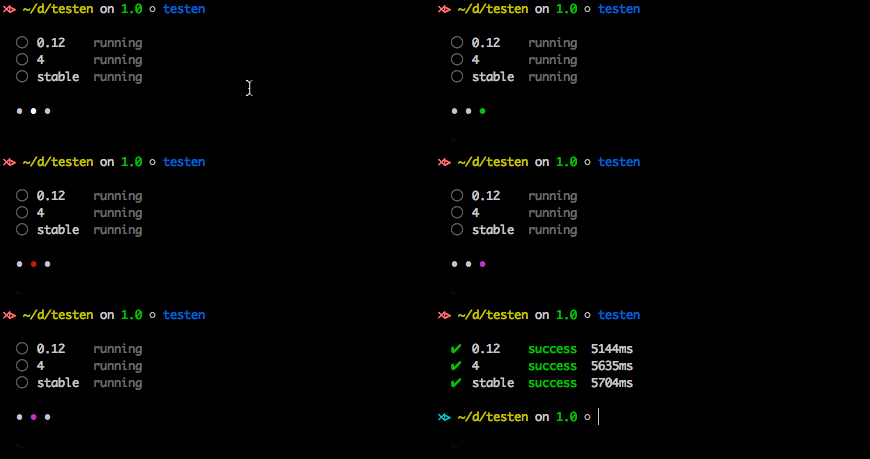
This will run npm test script, if .travis.yml or circle.yml exists, use node versions in it. Otherwise use preset node versions.
Sometimes you wanna override these node versions, just pass -n to do this:
$ testen -n 0.10 -n 0.12

# use system default node version
$ testen --system
Read Node.js versions from package.json
{
  "testen": {
    "node": ["0.12.0", "5", "4.2.4"]
  }
}
Read test command from package.json
{
  "testen": {
    "test": "npm run test:custom"
  }
}
CLI
$ testen --help

Usage:

  --system:             Use current node version
  -n/--node [version]:  Add a node version to test
  -s, --sequence:       Run tests in sequence
  -- [command]:         The test command you expect
  -V/--verbose:         Always output everything
                          ~ example: there are `console.log` in test
License
MIT © EGOIST
 egoist