

 eclipse-sumo
Detector
Hello,
I want to know the number of vehicles, the type of vehicles and the waiting time of the vehicles in the area indicated by the arrows in the picture below, which detector should I use for this scenario? and I would be very grateful if you could give me a brief information about why I should use that detector.
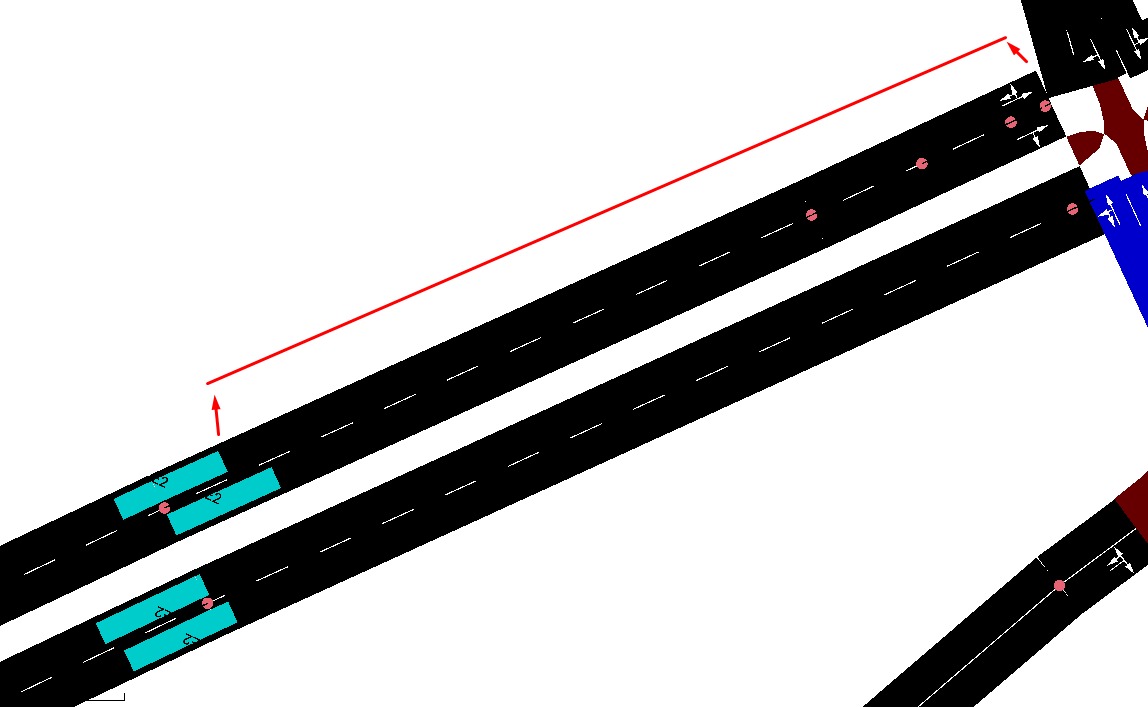

You already asked almost the same question in #11274 . You should extend the detector downstream to the stop line using endPos or length attribute (see docs). Then start learning TraCI and try out the hints from #11274 .

Also, if you have a related follow-up questions after an issue was closed (i.e. #11274) please continue to comment in that ticket rather than opening a new one.
To decide on the suitable detector, please refer to the documentation of their outputs. If, after this, you still have questions w.r.t detector choice, please try to make your question more specific. This can lead to an improved documentation.

Hello,
I am trying to place E2 detector in the areas I marked with an arrow below.
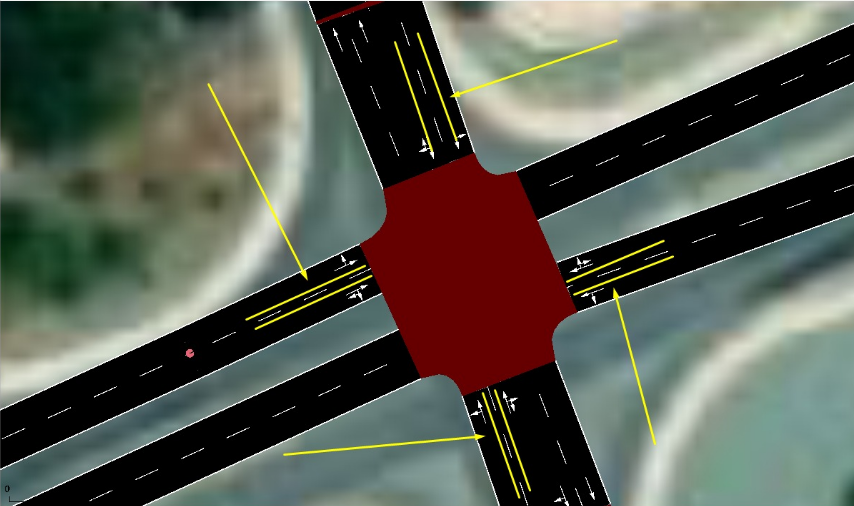
but the junctions seen in the screenshots below prevent me from doing this because the detectors I want to place need to go beyond these junctions.
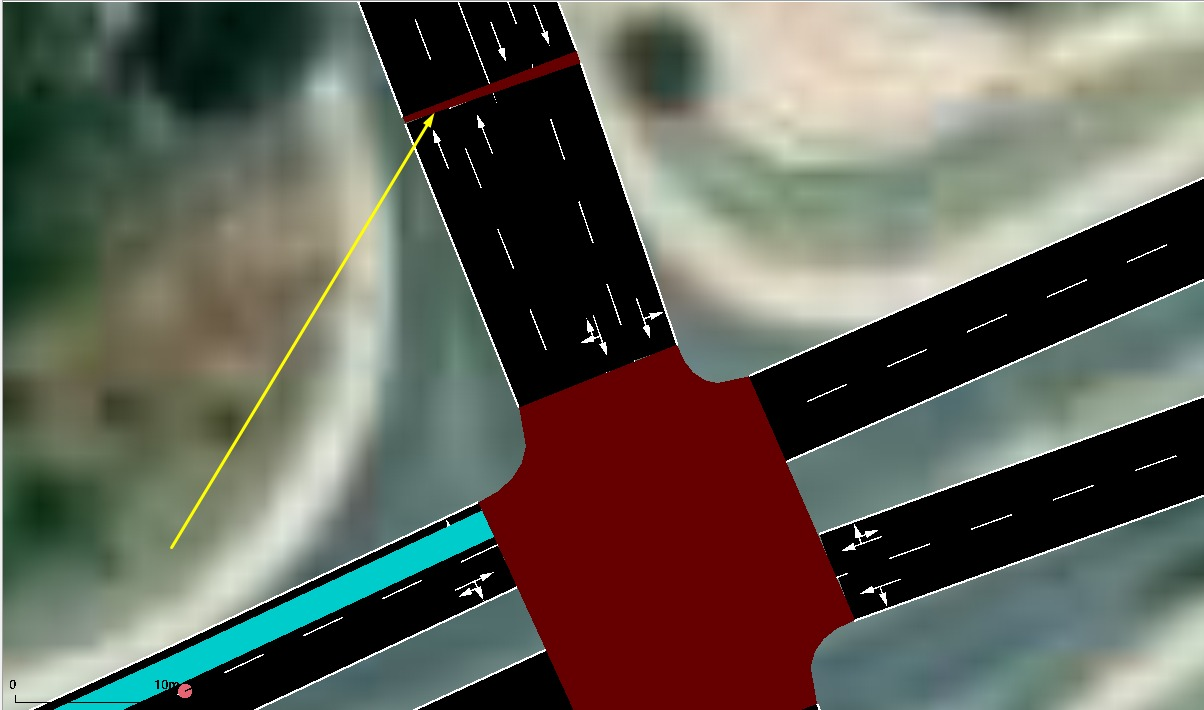
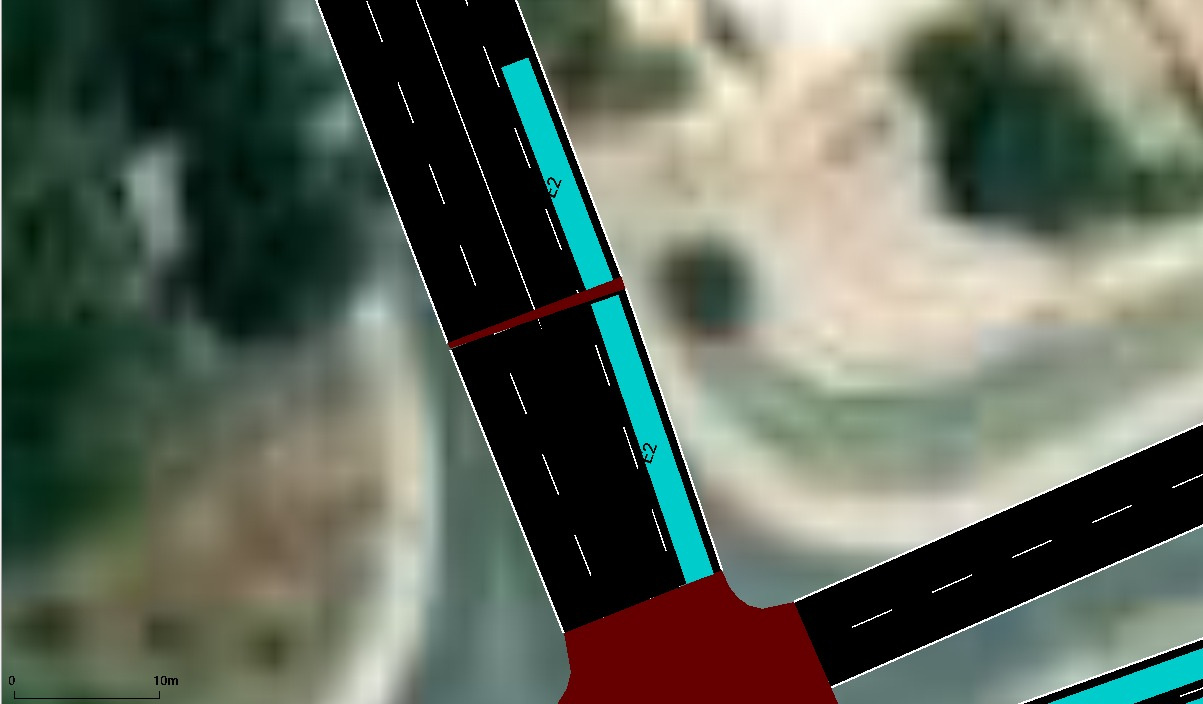
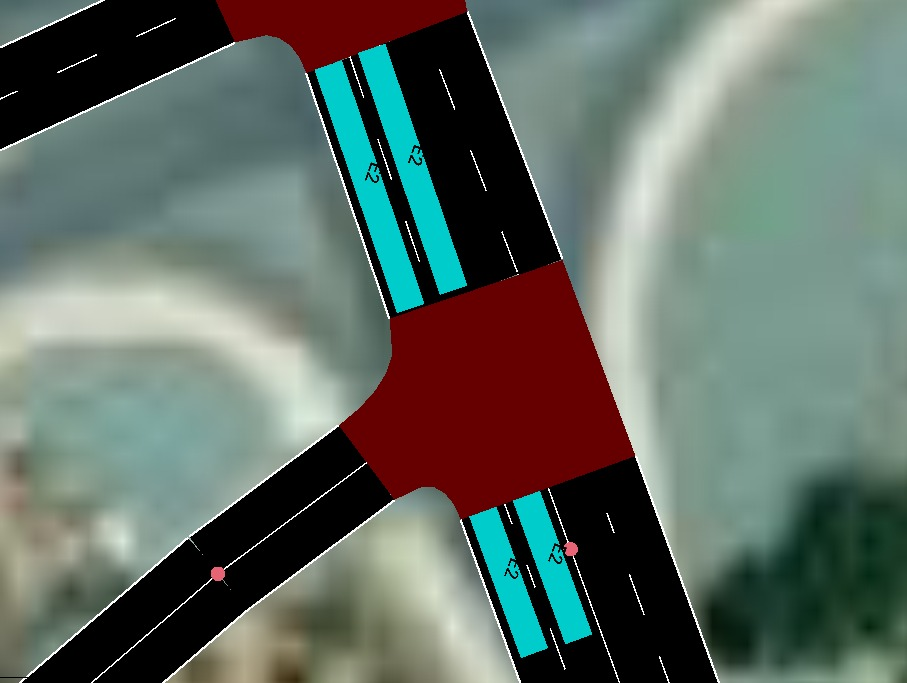
To solve this problem, I tried to delete the junctions with delete mode, but this caused the entire road to be deleted.
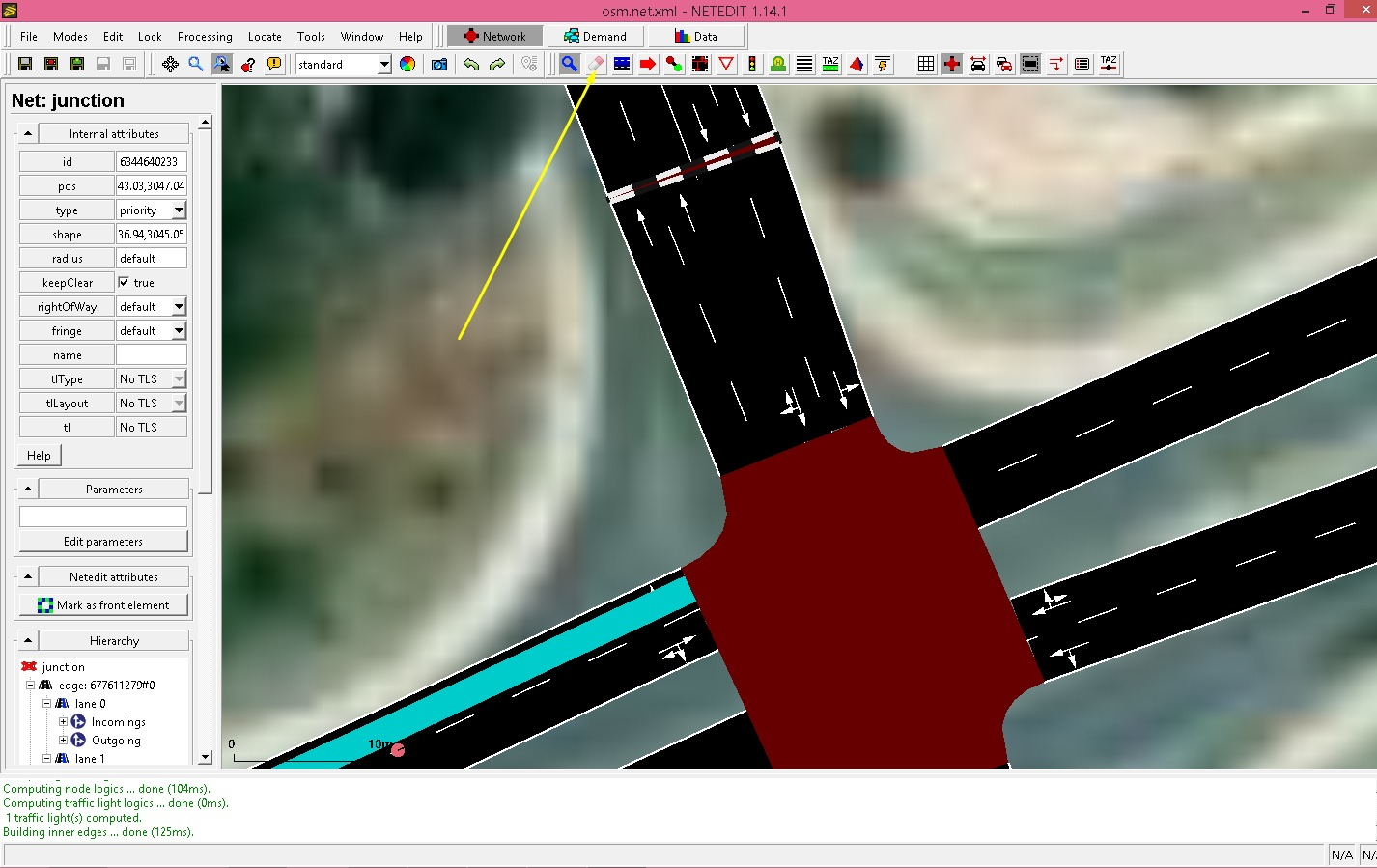
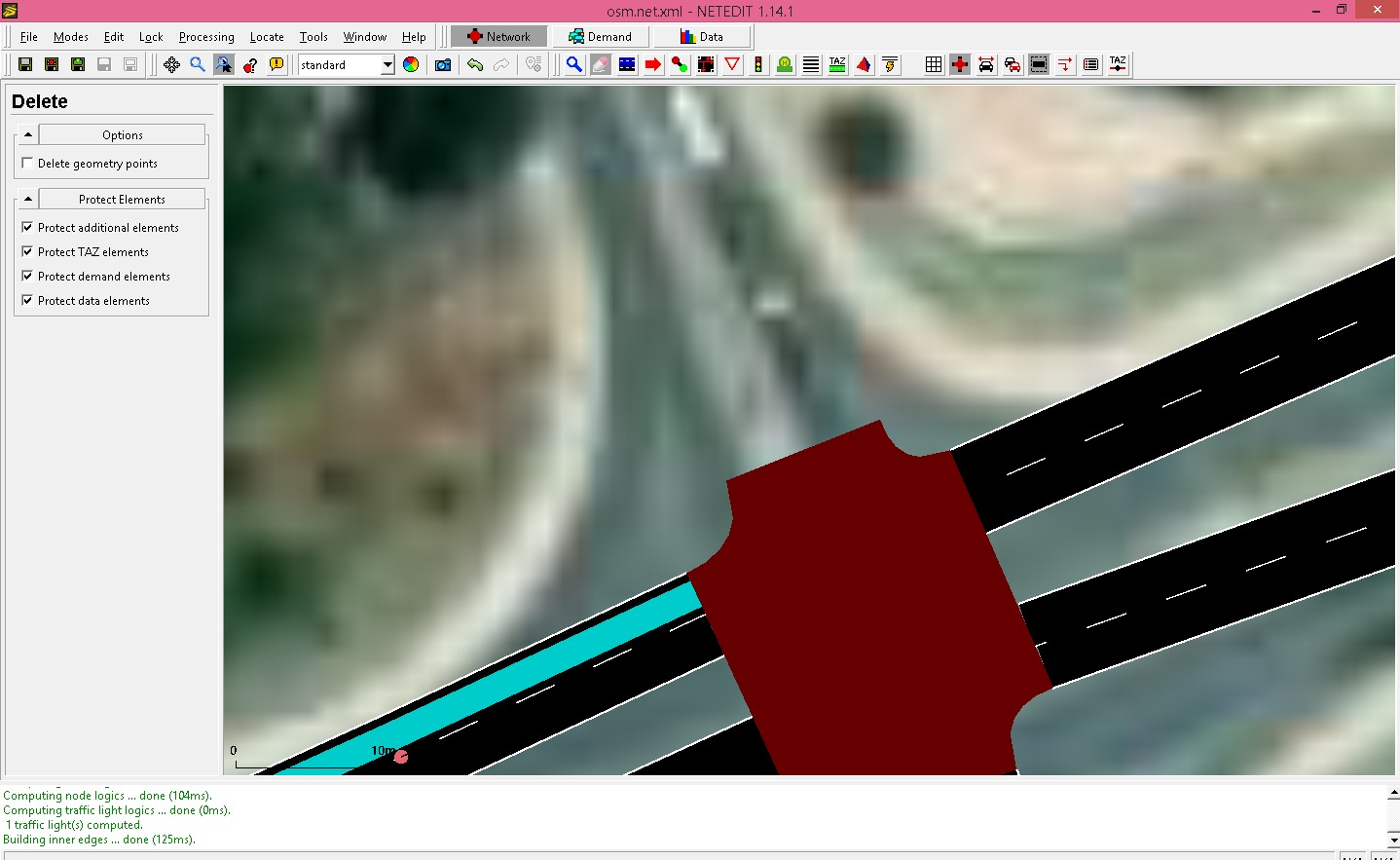
In the screenshot below, I tried to show how I want the E2 Detectors to be with arrows.
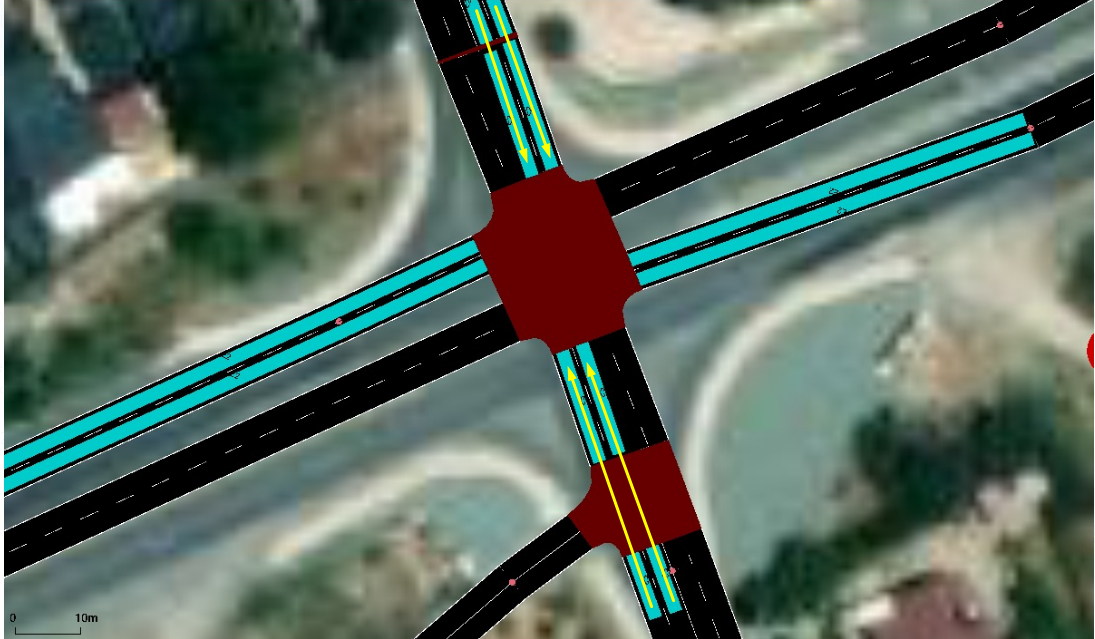
I would be very grateful if you could teach me how to remove the junctions and place the E2 detectors at the desired length.
You can place multi-lane e2 detectors that span across consecutive lanes and keep the junctions as they are.
Alternatively, remove all side roads at a junction, then right-click on the junction and select 'replace by geometry point'
Hello,
I removed all side roads but as can be seen from the screenshot below "replace by geometry point" can't selectable
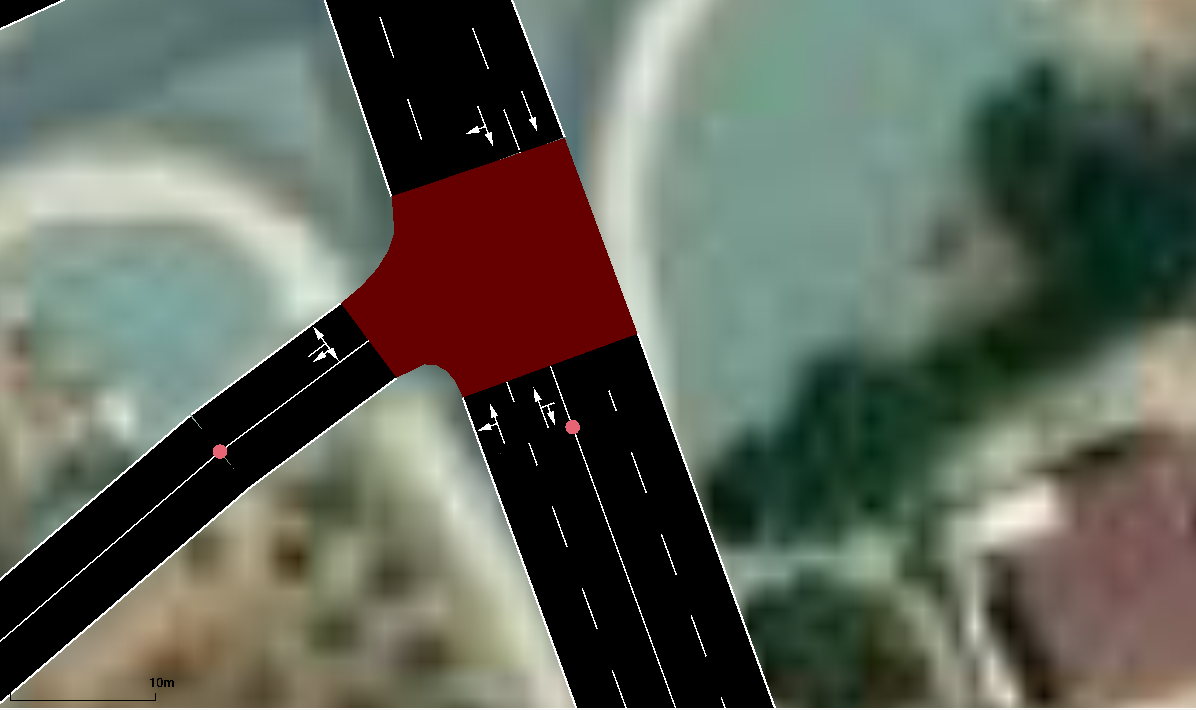
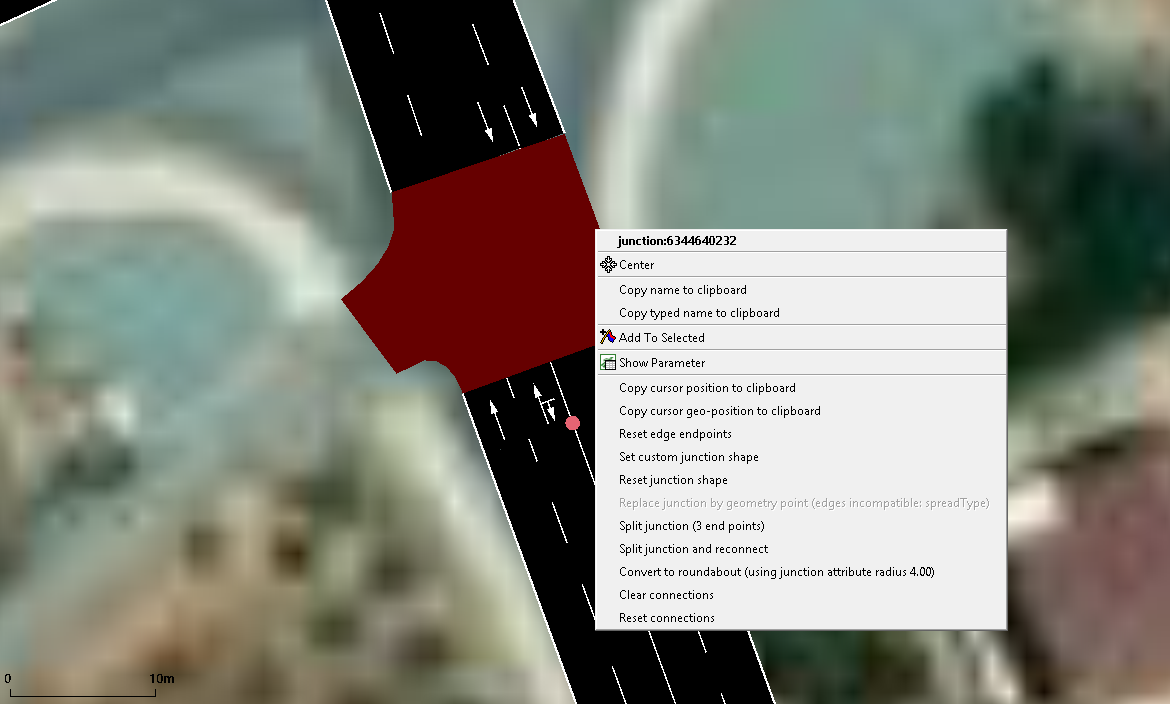
Also, I tried to use multi-lane E2 detector as you suggest and I have few questions about it, the output of all vehicles that are on the detector (blue area), will be generated as in the E2-detector, right? and what is the difference between the E2 detector and multi-lane E2 detector?
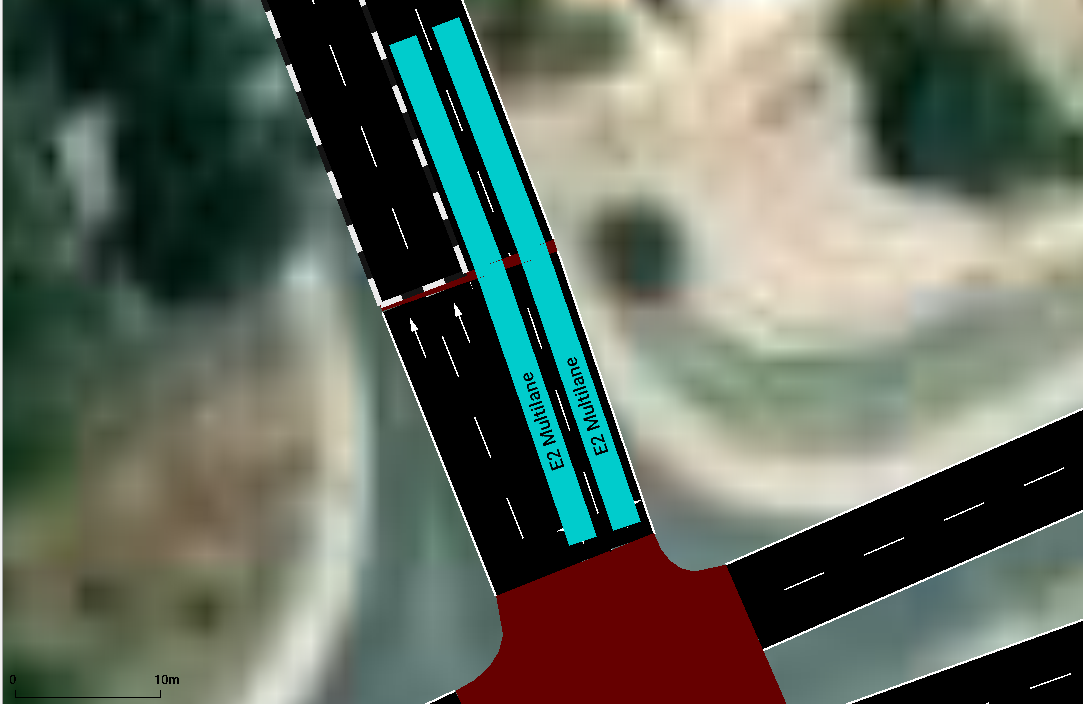
one more thing, I can not add the E2 Multilane Detector the the places I want. What is the reason of this?
See the attached screen recording please
- as the screenshot indicates, the edges have incompatible attributes ('spreadType') which you could change via inspect mode
- the difference is, that the multi-lane version spans more than 1 lane. You can select any number of consecutive lanes but have to click on them in driving order.
Hello @namdre ,
Were you able to watch the screen recording inside the zip file I attached? I don't know why but I could not place Multlane detector to the places/roads as I want. Could you please watch the screen recording and suggest me what do I need to do?
- you cannot click on junctions, instead click on the next lane beyond the junction
- you must not skip lanes, if you want a detector across 3 lanes then click on each of them in driving order
Hello @namdre ,
Actually, I tried to add the multiline E2 detector to the other roads in the same way as I did to the first path seen in the screen recording, but I could not succeed. I uploaded the files in the first post, is it possible for you to show me what do I need to do to add the E2 Multiline detectors to the places I showed in my previous messages by taking a screen recording? Also, I would be glad if you can show me how to remove the junctions I showed in my previos mesaages. I would be glad if you can help me.
Finally, If you know any tutorial about that topic can you please sent me it’s link please?
Thanks in advance
Look at the colors after clicking on the first lane for your E2 detector:
- everything that is blue is already covered
- everything dark green you can click on
- everything yellow is not a valid target.
So:
- Your clicks at the eastern approach do nothing because you click on the blue part (no need for multiple lanes here)
- your clicks at the southern approach fail because you are clicking on the yellow part instead of first clicking on the green lane between the blue and the yellow lane.
Unfortunately, I lack the time to add a screencast for the junction topic.
Hello,
What is the reason of conflict seen below?, Also, what kind of disadvantages / problems will I encounter if I select the save invalid positions button and save?
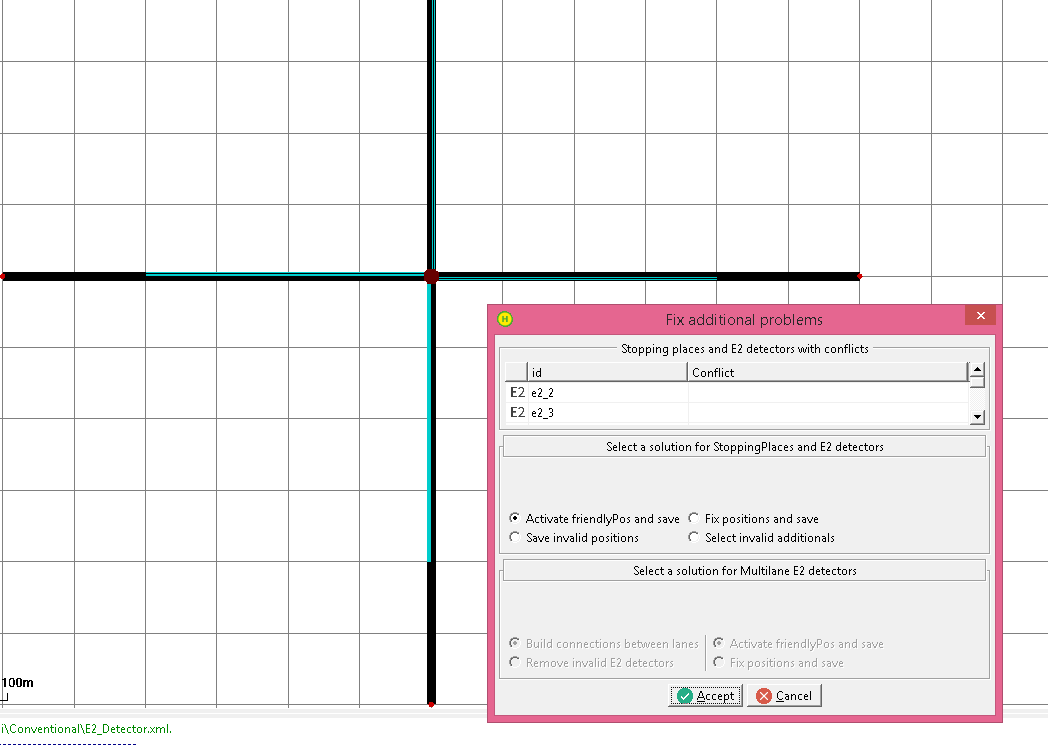

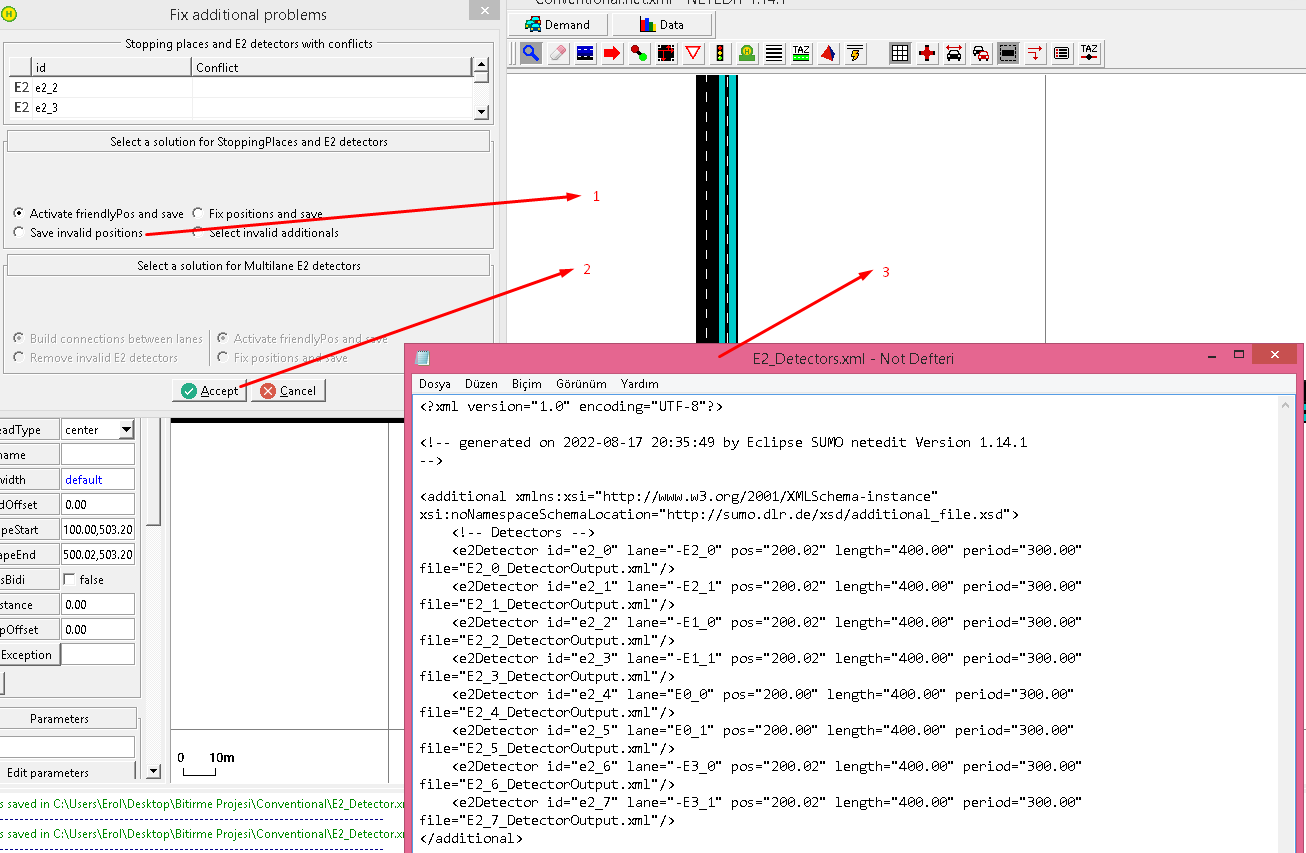
Thanks
From the screen recording below you can see the steps I followed to create Detectors and you can also see the "conflict" error.
bandicam 2022-08-17 21-23-23-755.zip
friendlypos=true will adjust detector length to the available lane length, thus the detector might be a bit shorter in the simulation but it won't give you an error.