

 eclipse-platform
Windows 125% scaling: Elements not shown
I configured one Monitor to scale fonts to 125%. When i move my eclipse IDE window to that monitor some elements disappear. For example the "refresh" button in the Search Result View.
125%:

 100%:
100%:


 100%:
100%:

Note that some of this behavior depends on how the Java executable is configured in terms of being HDPI aware or not. If the applications aren't HDPI aware then Windows does the scaling and the behavior is quite okay. I.e., I have 3 monitors all 4k. The really big 40" primary monitor is at 100%:
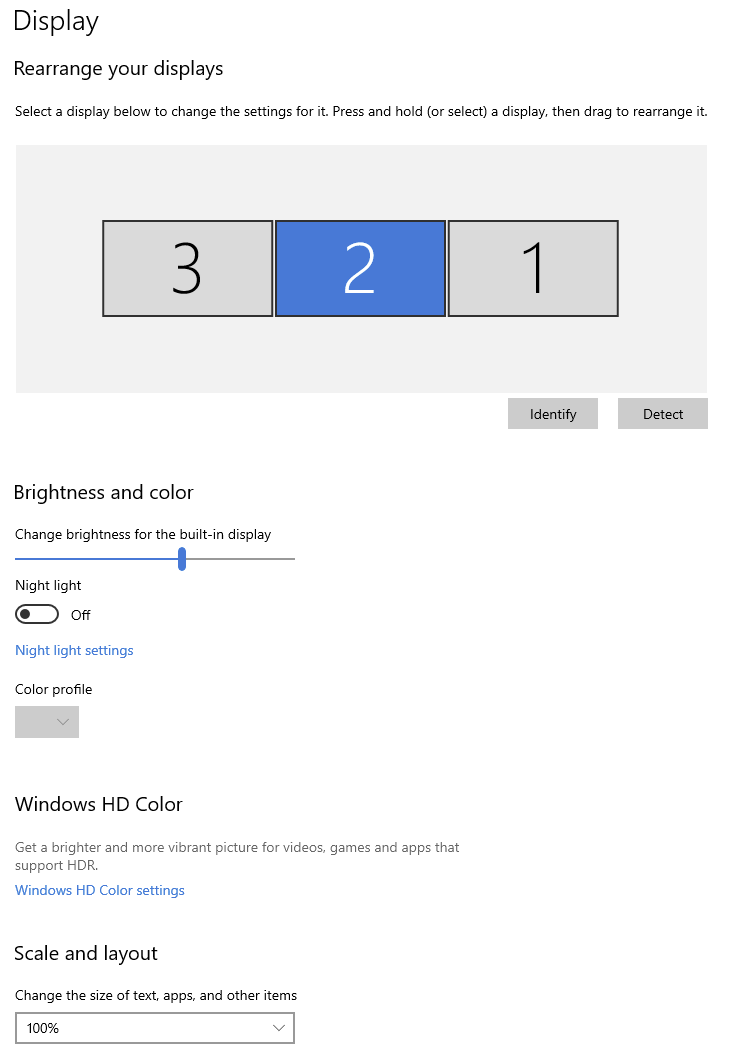
The others are 32" at 150% and 17" at 225%. This all works nicely (and look pretty) as I move windows between the monitors.
But I know that SWT tried to enable HDPI awareness and this made the IDEs unusable on everything other than the primary monitor. I also had to disable HDPI awareness from the java.exe to make the problems go away. Fractional scaling works poorly and there are a bunch of bugs open about that...

Has someone found a workaround to this bug? I am currently in a similar situation where menu contributions added through Eclipse extensions disappear when the DPI scaling changes and I have yet to find a way to show those buttons again.
