
eclipse.jdt.ls

eclipse.jdt.ls copied to clipboard
 eclipse-jdtls
Duplicate errors in the problems view when importing projects
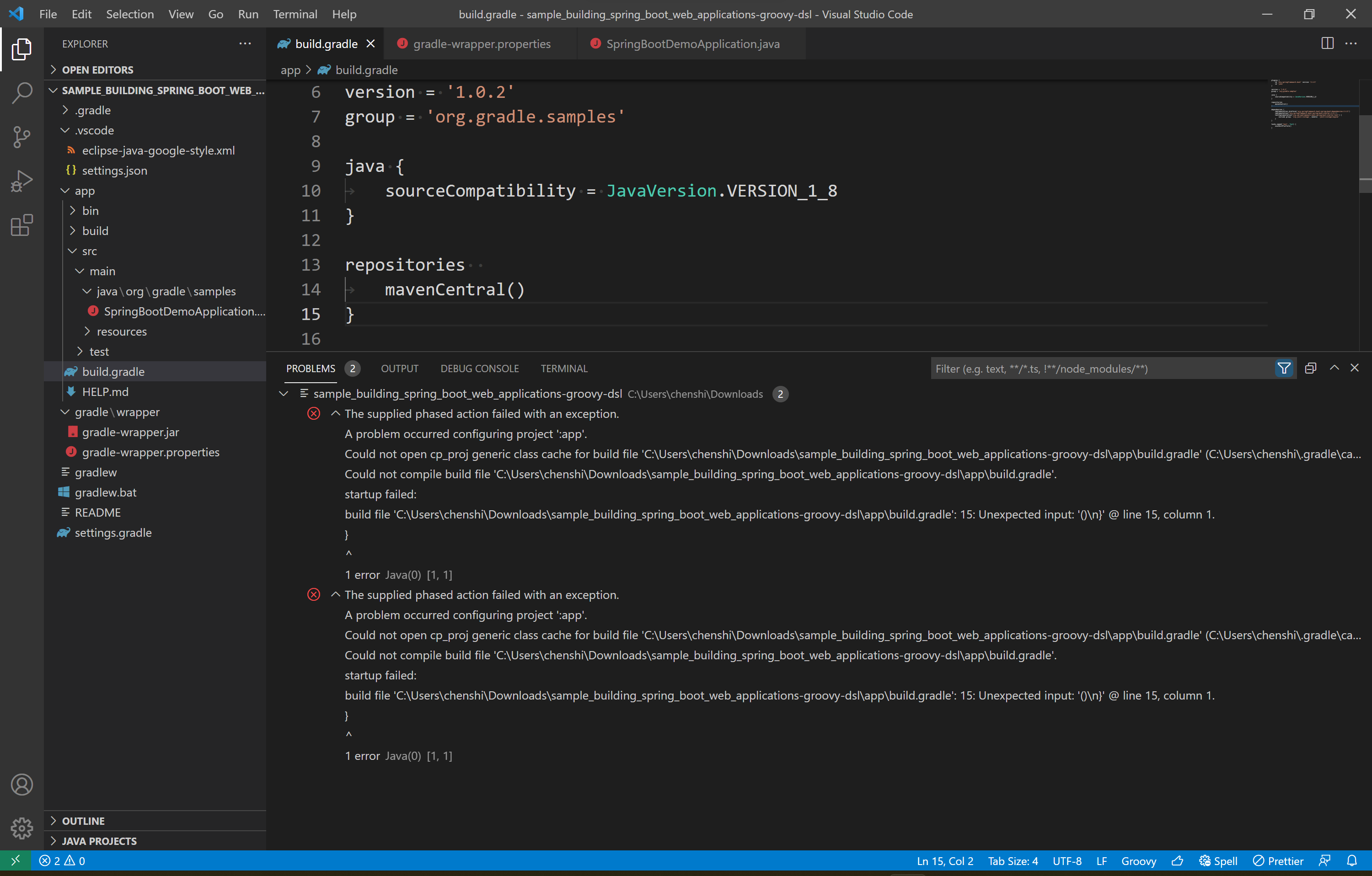
To reproduce:
- download https://docs.gradle.org/current/samples/zips/sample_building_spring_boot_web_applications-groovy-dsl.zip
- remove
{in line 13 from./app/build.gradle - reload window and recompile project


@iamshakkib You may want to take a look at https://github.com/jbosstools/jbosstools-central#get-the-code Just replace jbosstools/jbosstools-central with eclipse/eclipse.jdt.ls

Tested in the newest version (1.16.0), the issue can't be reproduced any more.