

 eclipse-che
Renaming a workspace
Summary
Hi,
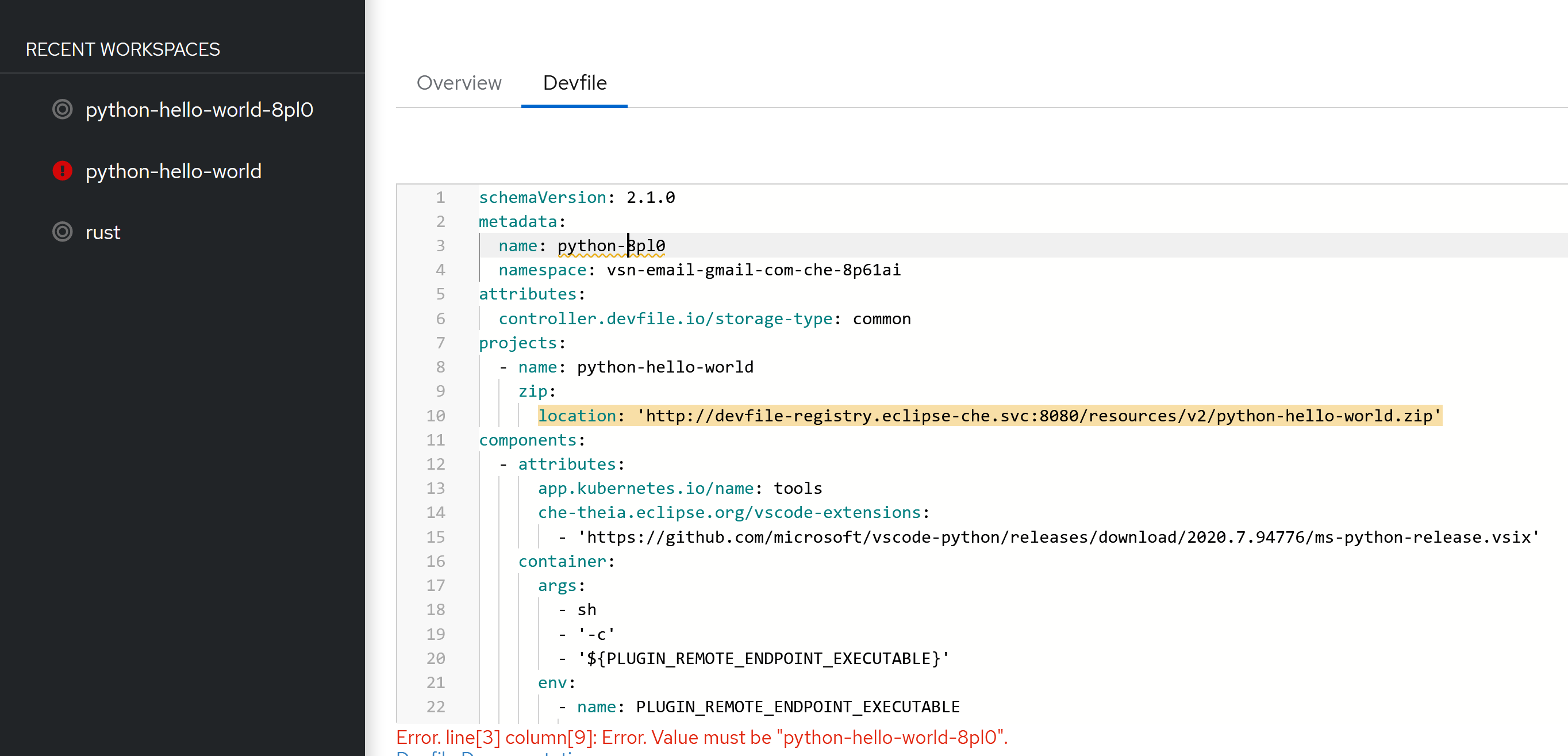
Is there a way to rename the workspace created with new workspace? I tried to edit the name, but it is not allowing me to change. Is the only way fix is to create a new custom devfile registry setup?
Relevant information
No response

Hi @vsndev3 , thank you for the question. Unfortunately today it is not possible to rename the workspace since the workspace name is the DevWorkpsace resource name, which is immutable. Here is a related issue: https://github.com/eclipse/che/issues/19543
Is the only way fix is to create a new custom devfile registry setup?
You can also create a new DevWorkpace resource (instead of modifying an existing one) with the desired workspace name

Hi @dkwon17 thanks for the response. How can I create the new DevWorkspace with a name? I have only two options with the default setup.
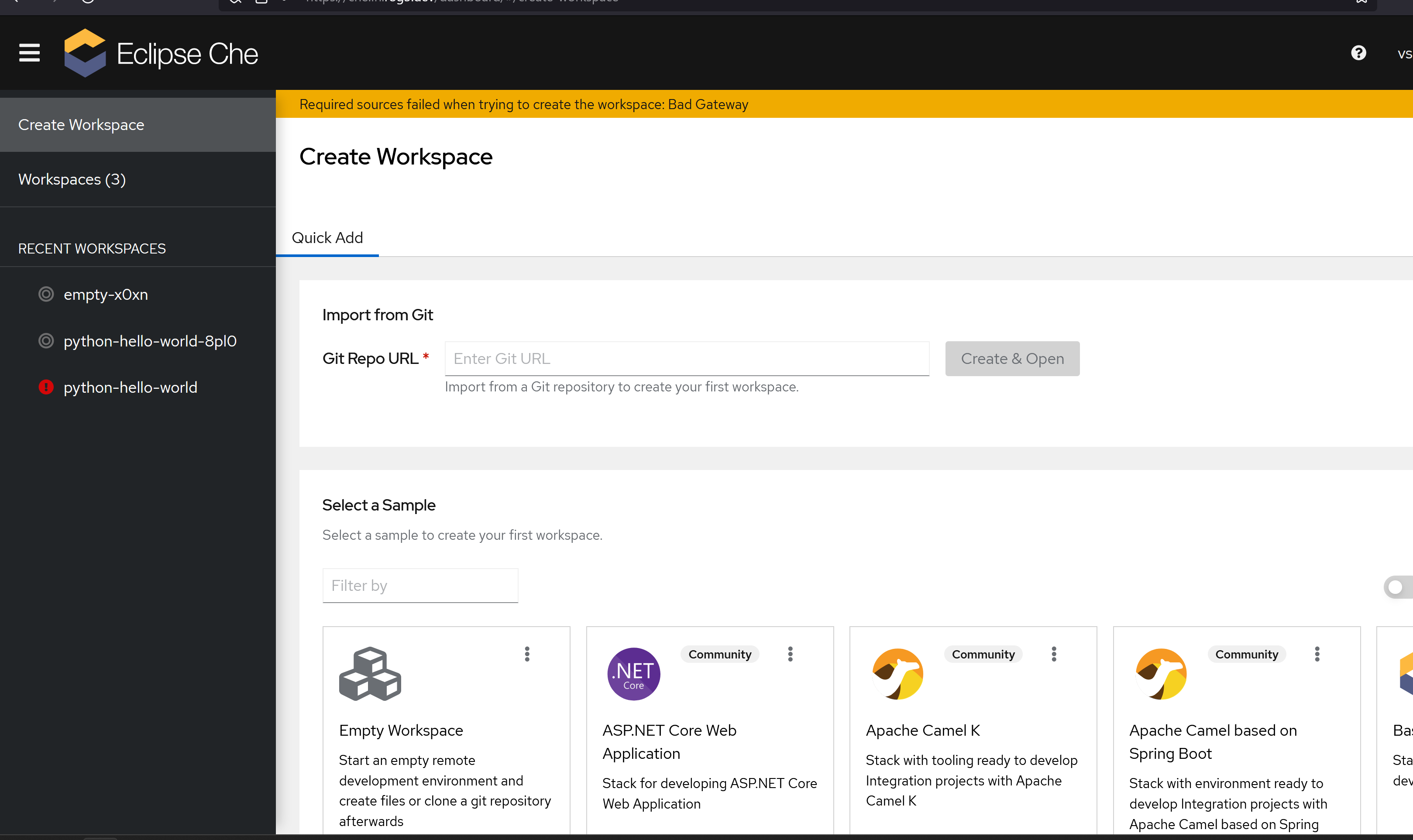
Here I can either do (A) Import from Git or (B) Select a Sample
If I do (A) using my custom hosted git it gives the below error (i guess this issue was already logged, i.e only from github.com it takes the import)

If I do (B) then it directly creates a workspace without asking for any user input
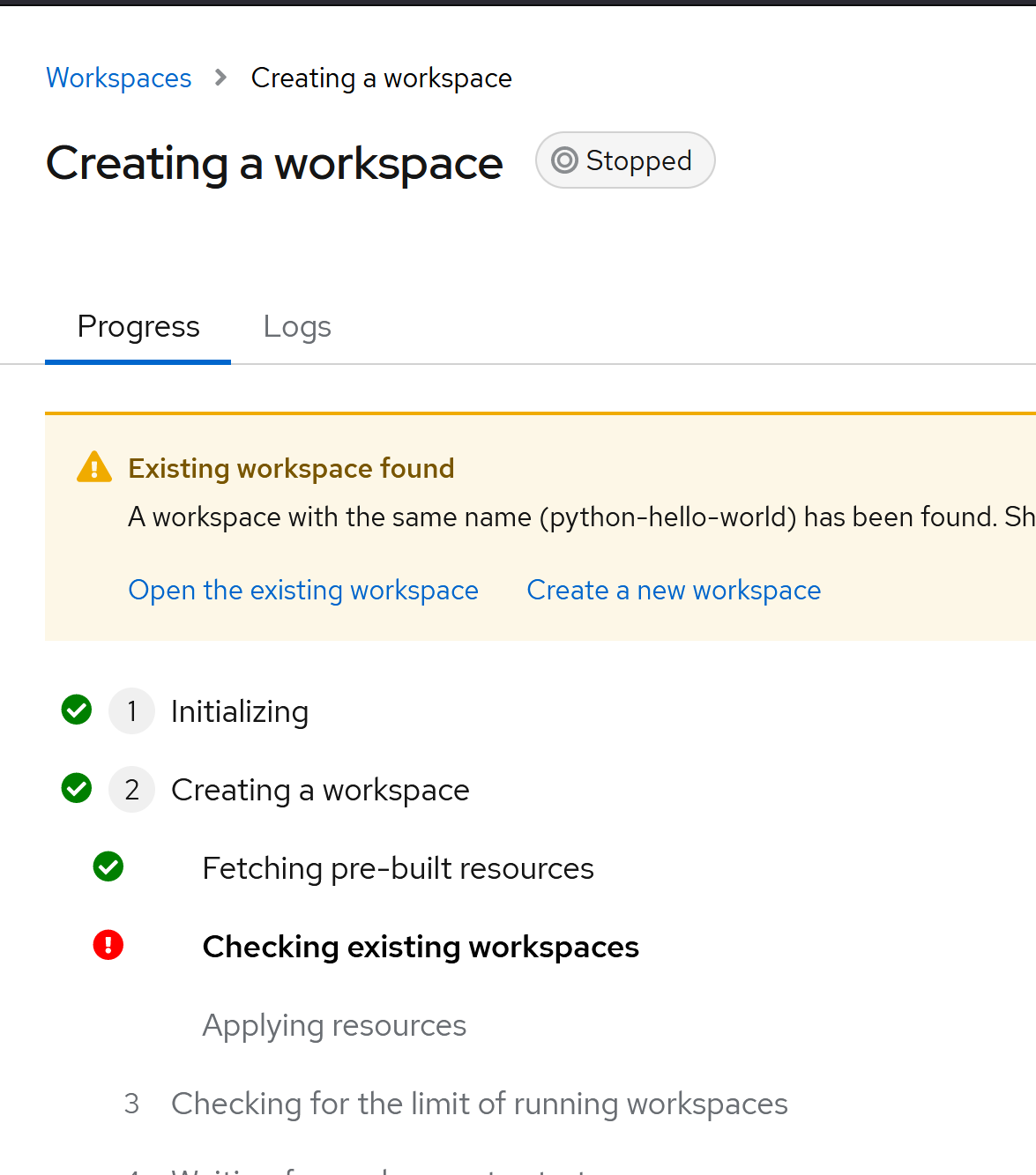 Then if i click create new workspace it go ahead and suffix a name, but no way to remove the hello-world from the name
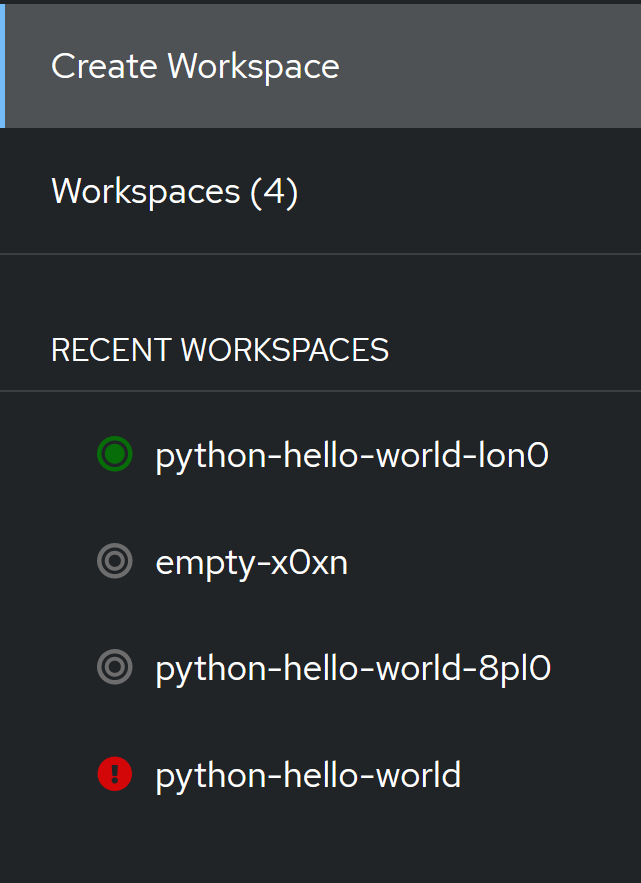
This may be a simple thing, but for me being able to change anything other than "hello-world" in the name of a workspace would be very very helpful
You can set the YOUR_USER_NAMESPACE and WORKSPACE_TO_RENAME environment variables and then try to run the following with kubectl:
Stop the workspace you want to "rename", and then run the following to make a new DevWorkspace with a different name (in the following example, I use new-name):
kubectl config set-context --current --namespace=$YOUR_USER_NAMESPACE && \
kubectl get devworkspace $WORKSPACE_TO_RENAME -o json | jq '.metadata.name = "new-name"' | kubectl apply -f -
Get the DevWorkspace template name and the new DevWorkspace's uid:
DWTemplate=$(kubectl get devworkspace new-name -o jsonpath="{.spec.template.components[-1].plugin.kubernetes.name}") && \
DWUid=$(kubectl get devworkspace new-name -o jsonpath="{.metadata.uid}")
Update the DW template's ownerReference (make sure to replace DWUid at the end of the patch content):
kubectl patch --type=json devworkspacetemplate $DWTemplate -p '[{"op":"add","path":"/metadata/ownerReferences/-","value":{"apiVersion":"workspace.devfile.io/v1alpha2","kind":"devworkspace","name":"new-name","uid":DWUid"}}]'
and then you can optionally delete the old DevWorkspace (note: deleting the old DevWorkspace would delete any changes in old workspace/codebase):
kubectl delete devworkspace ${WORKSPACE_TO_RENAME}
Then, from the workspace list from the dashboard, the workspace with the new name should be available. This works because workspaces are represented as DevWorkspace resources on the cluster
Thanks, With the above method, I am able to make the copy of the workspace with new name. The only problem is if I do the last "kubectl delete devworkspace ..." then opening of the renamed workspace gives error. For example, if I create a rust project from sample and rename to rustprojects everything works, however once i delete the original rust, then opening the rustprojects workspace gives error "Error processing devfile: plugin for component theia-ide-rust not found".
I think i figured out the problem in the code
kubectl patch --type=json devworkspacetemplate $DWTemplate -p '[{"op":"add","path":"/metadata/ownerReferences/-","value":{"apiVersion":"workspace.devfile.io/v1alpha2","kind":"devworkspace","name":"new-name","uid":"DWUid"}}]'
the double quote was missing in "DWUid", correctly placing this and deleting the old workspace via web interface, solved the issue