
planner
 planner copied to clipboard
 dxlliv
Plan your Instagram profiles like a pro
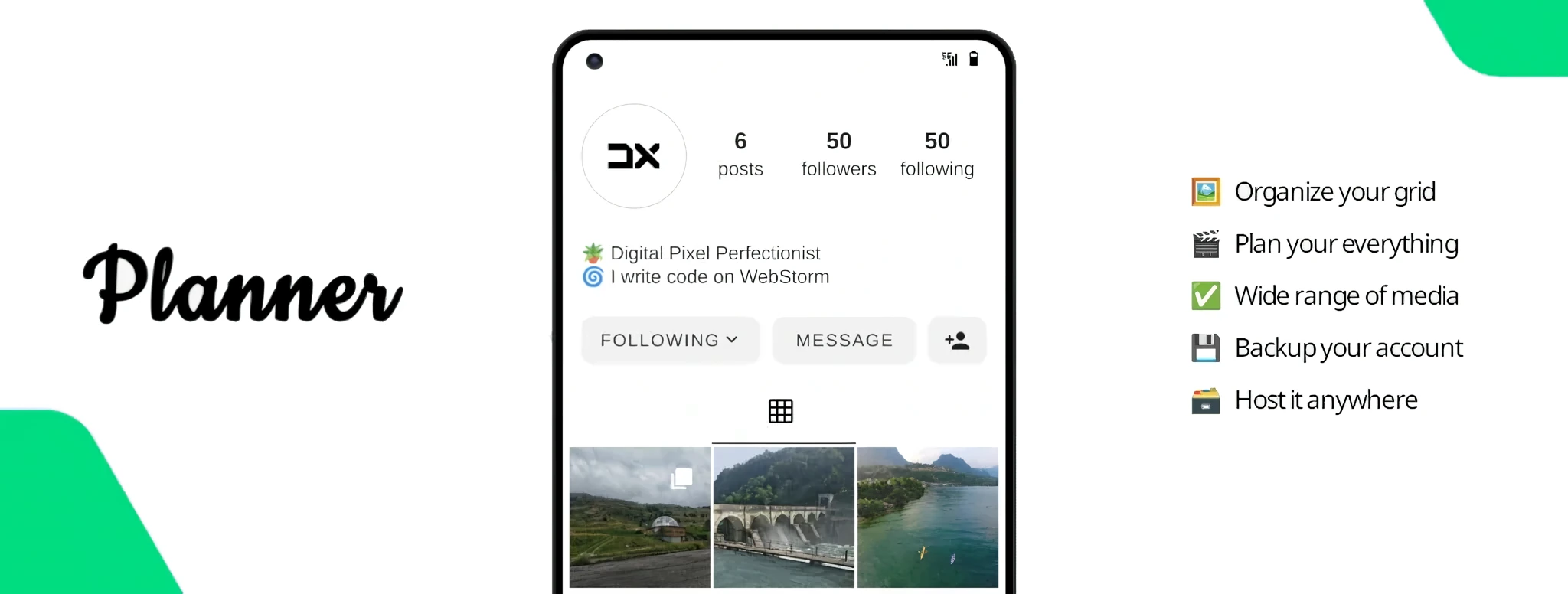
Instagram Planner
An elegant multifunctional open source planner for your Instagram profile





About
dxlliv/planner lets you preview what your profile grid will look like.
Plan the grid with no hassle and build your definitive Instagram profile.
Demo · Documentation · Support
Features
-
Organize your grid
Drag and drop your media or configure it in the old-fashioned way. -
Plan your everything
You will be able to plan posts, reels and highlightssoon in a while. -
A wide range of media
It supports both local and remote images, videos, albums and iframes. -
Limitless changes
Edit your media as much as you want and build your definitive grid. -
Backup your account
It can serve as a planner but also as a backup for all of your content. -
High quality media
Avoid compression and deliver your work without annoying limits. -
Host it anywhere
Take ownership of your data, put your files in a repository and deploy. -
Infinite possibilities
Make your profile memorable and more indexable by search engines.
Getting started
Make sure you have Node.js and Npm installed, then open your terminal.
Run this command to generate a dxlliv/planner instance from scratch:
npx create-plxnner planner

Configuration
You can update your profile by editing src/public/user/instagram/{username}.
Update planner.config.ts accordingly. For more details, check out the documentation.
Interactive Planning
You might like to plan your profile directly using a simple user interface.
In that case, just upload the media and rearrange your grid as desired.
Then export your changes as a zip file and overwrite the existing profile.
Development
If you would like to contribute to dxlliv/planner, clone the repo and move to the project directory:
git clone https://github.com/dxlliv/planner.git && cd planner
Install dependencies and run the project in development mode:
npm install && npm run dev
 dxlliv