

 drawpile
Extanding canvas of png adds a transparent area between the two parts of the document
If I create a new project, draw something simple and save it as png like this:
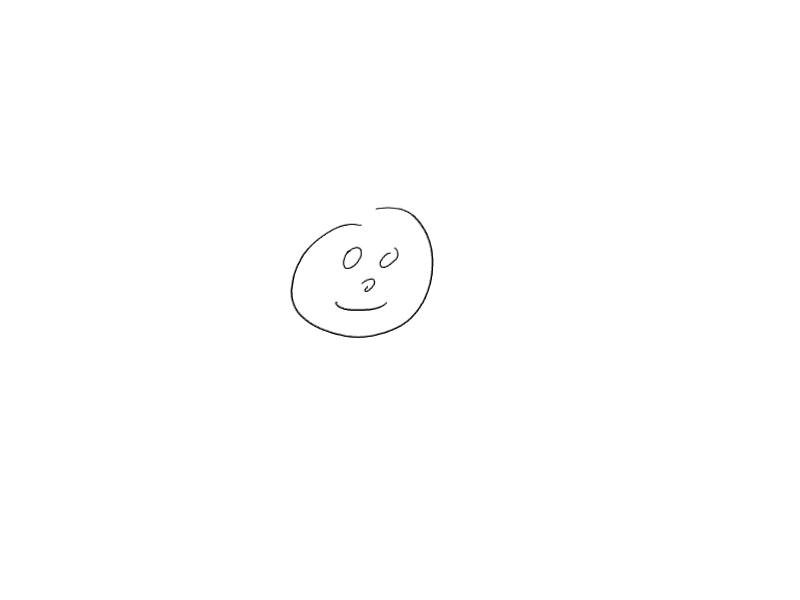
If I open it again from drawpile and extand it (Ctrl-k), drawpile adds an ugly transparent barrier in between the two parts:
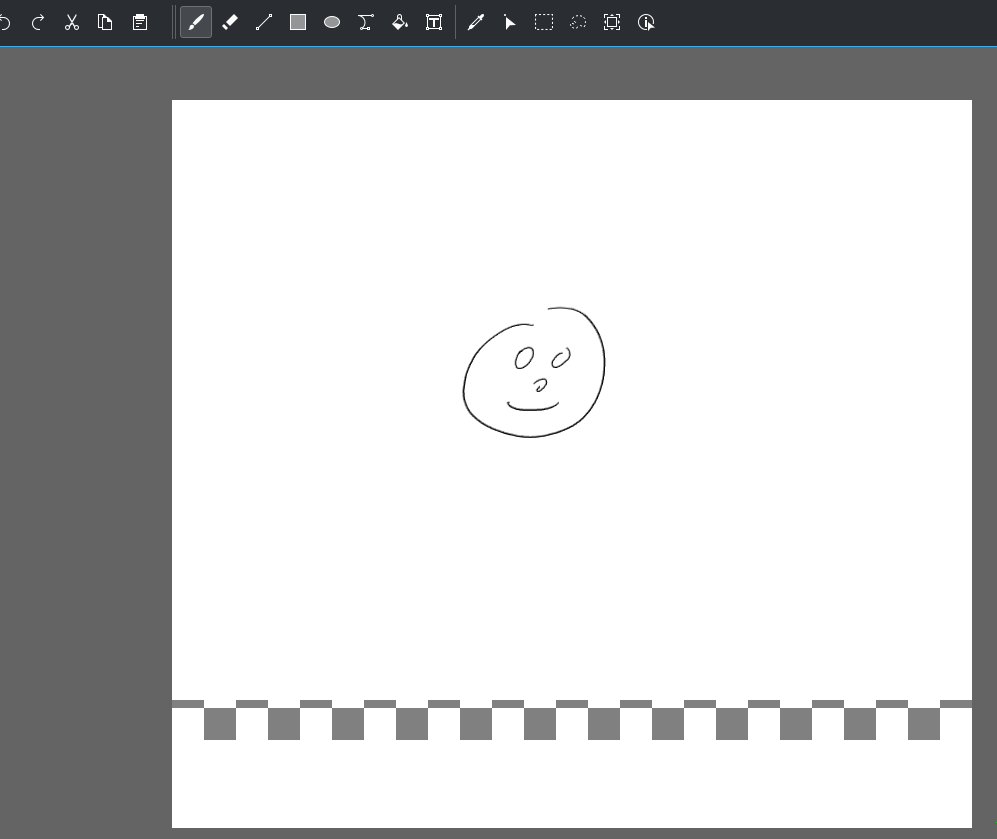
I can typically solve the problem by going into Edit > Define background > white, but it's not extremely practical. I'm also not sure to understand why the transparent line is only in a thin line.

When you resize the canvas, Drawpile tries to guess if you have a canvas-filling layer that acts as a background and then tries to use that color as the background for the newly added area, but doesn't quite manage to do so if your image size wasn't a multiple of 64 for internal reasons. It was a feature that existed before canvas backgrounds were a thing and doesn't really have a point anymore other than to be confusing.
That (mis)feature has been removed from Drawpile 2.2, instead the entire area will be transparent. That resolves this issue.
The reason for that is because your PNG doesn't have a distinction between background and foreground, it's been merged together. ORA is the only format that will keep them separate, which is probably what you want to save as if you want to edit your picture again later.

(I've taken over development on Drawpile, so I'm going through these tickets and organizing them.)
Effectively fixed and coming in Drawpile 2.2.