try

try copied to clipboard
 dotnet
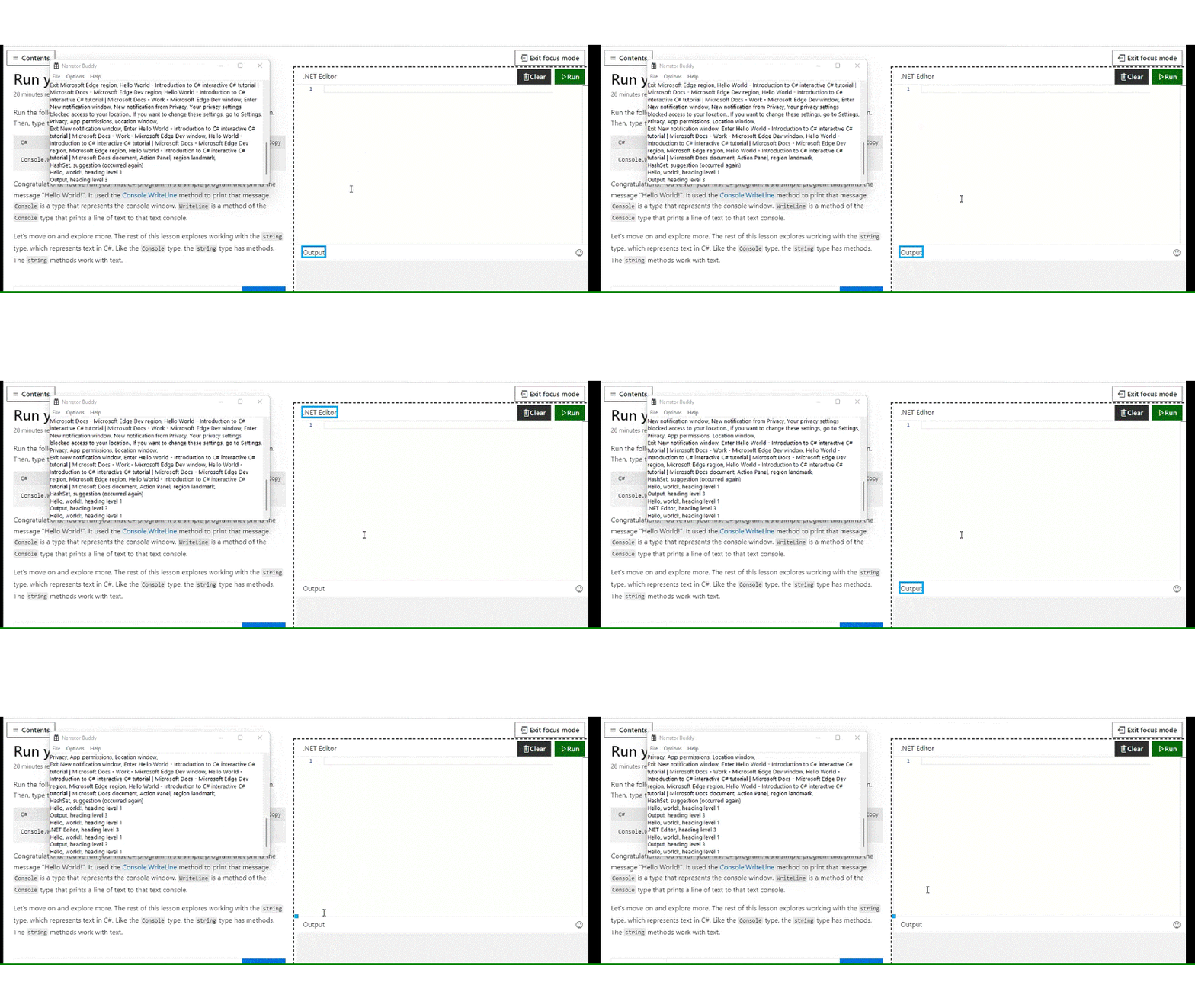
A11y_Docs - UX_Tutorial_EnterFocus_Screenreader: Screenreader is announcing unnecessary "Hello word" heading level 1 but visually heading is not present.
GitHubTags:
#A11yMAS; #A11yTCS; #A11ySev2; #DesktopWeb; #Docs - UX; #P1_Docs - UX_Web_Feb22; #Web; #Narrator; #NVDA; #WCAG1.3.1; #FTP; #STP; #ChromiumEdge; #Chrome;
Environment Details:
Application Name: Docs - UX #URL: https://docs.microsoft.com/en-us/dotnet/csharp/tutorials/intro-to-csharp/hello-world Windows version: Windows 11 Chromium Edge: Version 99.0.1150.7 (Official build) dev (64-bit) Screen-Readers: Narrator, NVDA[2021.3.1]
Repro Steps:
- Launch the url :https://docs.microsoft.com/en-us/dotnet/csharp/tutorials/intro-to-csharp/hello-world
- Tab till "tutorial" section
- Tab till enter focus button and hit enter
- Turn on screenreader
- Observe that Screenreader is announcing unnecessary "Hello word" heading level 1 or not.
Actual:
Screenreader is announcing unnecessary "Hello word" heading level 1 but visually heading is not present.
NOTE: Issue is not observed in NVDA.
Expected:
Screenreader should not announce unnecessary "Hello word" heading level 1 if visually heading is not present on the page.