

 dotnet
Blazor editor - invoking hints in autocomplete only works with < char
This issue has been moved from a ticket on Developer Community.
[severity:It's more difficult to complete my work]
The list of options only appears when writing “<” char. After writing more letters, it does not appear anymore.
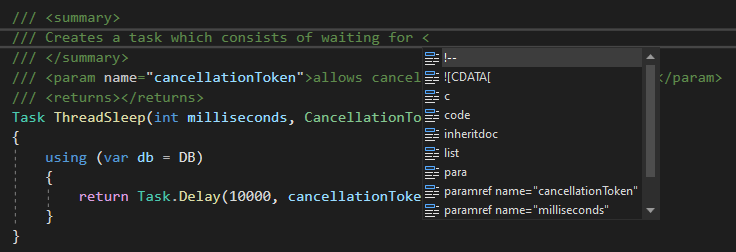
Example: writing <param shows no hints:
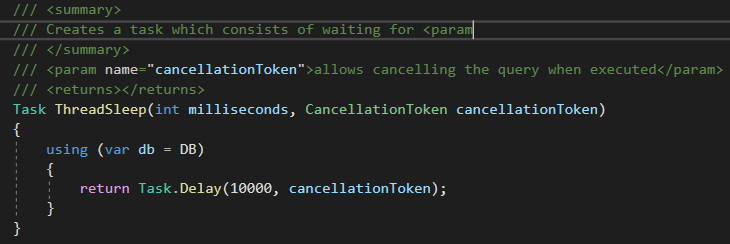
In C# editor, the hints are shown with every next letter and the autocomplete list content is filtered appropriately according to the current text:

Expected behavior: same as C# editor
Original Comments
Feedback Bot on 5/24/2022, 11:13 PM:
(private comment, text removed)
Original Solutions
(no solutions)

Goal here is to investigate what's going wrong. If this is a reliability issue in our completion stack we'll probably want to address it; however, if it's a straight up missing feature we'll re-evaluate when to do this work.
