

 dotnet
Syntax Highlighting flashing on idle
Describe the bug: I'm not sure how I got where I am… I have been editing in a single Razor file in VS and right now, I'm in a state where colors from syntax highlighting only appear for a very small fraction of a second before the text turns black again.
All background tasks are finished and according to Task Manager, VS is pretty close to being idle. However, there seems to be a constant 0.1MB/s IO happening
Version used: VS2022 17.1.1
To reproduce: shrug
Expected behavior: Constant colors and syntax highlighting
Actual behavior:
No syntax highlighting most of the time with some very quick flashes of colorization


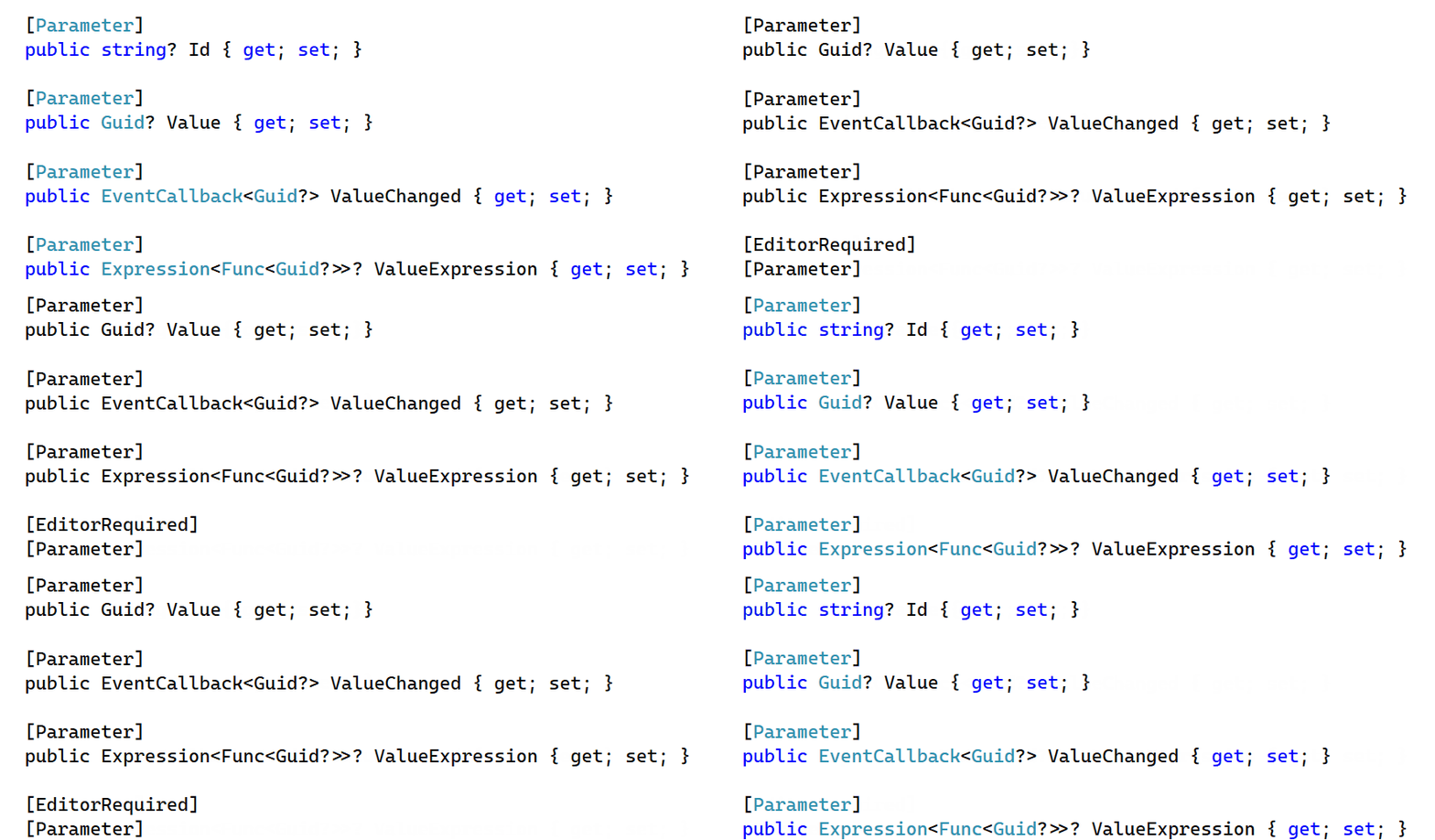
I have restarted VS and this file immediately shows the same behavior. I noticed however that it depends on how far I scroll into the document. The following Gif shows changing between two scroll positions: One shows constant coloring and one "tick" further down in the document shows the quick flashes of color. Scrolling up that one "tick" shows constant colors again.
All positions above that point are correct, all below are broken. The project fully compiles without errors.
I'm scrolling (down + up) twice:

@Tragetaschen / @MartinThorsen would you mind trying your scenario out in the latest VS 2022 preview build? One of our partner teams is saying they fixed this there: https://visualstudio.microsoft.com/vs/preview/

In VS 17.2.0 Preview 2.0 I have not been able to get into a no-syntax-highlighting state.
It's still a bit weird though: When I scroll through the document for the first time, with every wheel "tick" the syntax highlighting is lost and then restored. Once I have scrolled through the entire document, the highlighting is stable.

@NTaylorMullen I just installed the latest VS 2022 17.1.2 update and it is still not working correctly. Some types/keywords show up correctly, but some do. Scrolling like @Tragetaschen mentioned above seemed to work at first, but now I am right back to missing colors and the colors are still flashing.
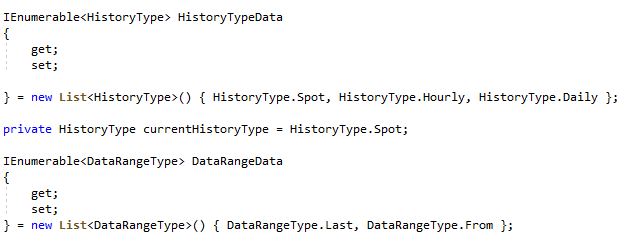
In general, the editing experience is behaving very erratically when editing .razor files as opposed to .cs.
Ex: If I use the Ctrl-K, Ctrl-D command to fix my formatting, the document scrolls up and I lose my caret. Ex: Sometimes using Alt-UpArrow to move a line works, sometimes it doesn't, sometimes it moves only part of the line. Ex: IntelliSense is extremely slow. Ex: Cursor and text cannot keep up with typing.
Also, it is as if the editing experience gets worse and worse the longer I am editing. I.e. the issues (and others) in the examples above get more and more prevalent.
We think the original issue is fixed. We think @Tragetaschen's secondary issue may also be fixed in the most recent builds, but we'll check it out locally and might get back ahold of you if we're not able to repro.
@MartinThorsen can you try out the experience in VS17.2 Preview2 and let us know if it reproduces? https://visualstudio.microsoft.com/vs/preview/

@ryanbrandenburg Man, I read that wrong. :-) I read that VS17.2 Preview2 was the second preview of an upcoming 17.1.2 release. I apologize. Installing Preview2 right now and will try it for a bit.
@ryanbrandenburg I see the exact same issue as @Tragetaschen . When I scroll through the .razor file, the syntax coloring is lost and then restored. It will then stabilize once I have scrolled through the entire document. If I close and reopen the document, the behavior reappears. The coloring is lost and then restored.
As for the other issues I am seeing, I will let you know once I have used the editor more. Could be that the color flashing was impacting perf.
This issue has been automatically marked as stale because it has been marked as requiring author feedback but has not had any activity for 4 days. It will be closed if no further activity occurs within 3 days of this comment. If it is closed, feel free to comment when you are able to provide the additional information and we will re-investigate.
Please see our Issue Management Policies for more information.

@ryanbrandenburg - please see my comment. I added my feedback 4 days ago, so I am hoping that this issue will not be closed by the bot due to no feedback.
We're doing a lot of different things which should improve the Coloration experience (including platform changes to how scrolling works) in general. The work item here will be to try this scenario against the last builds (post 17.2 Preview3) and make sure the experience has improved (I think it should have).
If the experience DIDN'T improve in latest builds we'll need to do a deeper investigation.
There's still a lot going on with flashing syntax highlighting in 17.2.0 Preview 3.0
The scrolling issue from https://github.com/dotnet/razor-tooling/issues/6189#issuecomment-1074847525 is still present.
In addition after typing some C# code in a code block, there's a lot going on in terms of syntax highlighting long after the typing has finished.
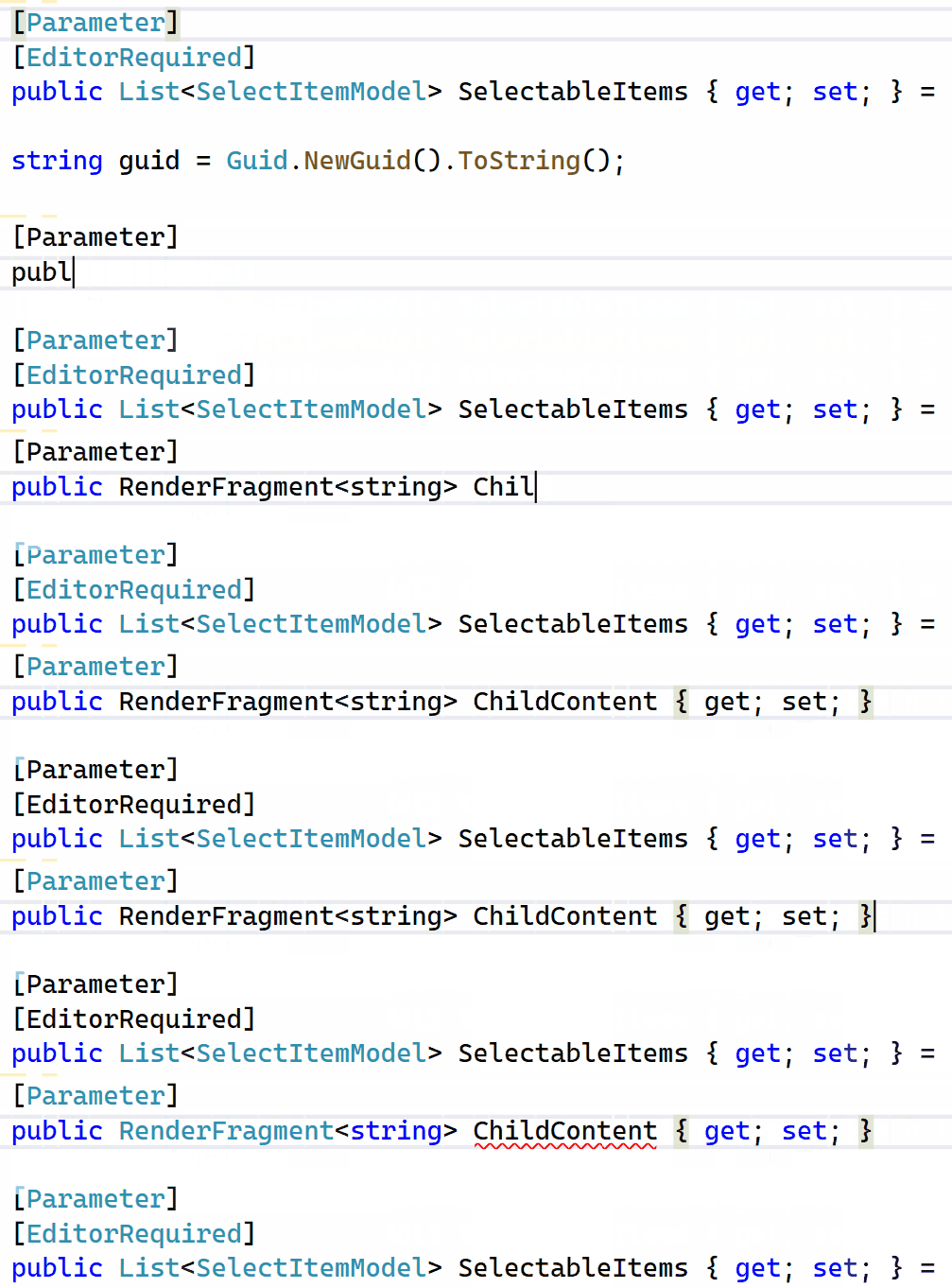
In the following Gif, I add the new ChildContent parameter and (intentionally cough) type quite badly.
After finishing the line, the Gif continues until all background tasks are finished. Only then the (warning-as-) error from nullability analysis is shown and everything calms down. (Edit: I just noticed the few colored pixels of the opening square bracket of the existing [Parameter]. In my recording, this is not present - seems like an encoding issue)
I have a feeling that this long period of churn after typing is also responsible for another, very, very annoying behavior: The inability of the Light Bulb to function properly.
After typing in a Razor component and then continuing in a different C# file, CTRL+. will frequently only show a spinner and do nothing else, or if the menu appears the refactorings like adding a using will have no effect and have to be selected multiple times before their effect actually applies. The latter behavior looks a lot like https://github.com/dotnet/roslyn/issues/33140
@MartinThorsen does your flashing only happen when (and immediately after) you're typing too or when things are "settled"?
@ryanbrandenburg It happens in both cases - when I type and when things are "settled".
@Tragetaschen thanks for the report and Gif! My first instinct is that what you're seeing is the SemanticTokens requests "stacking" on each-other while you type (but none of them completing until you stop). That's why basically nothing changes for awhile (string and RenderFragment aren't colored until you stop typing) then you stop and all the requests are able to flow through the system, including the diagnostic. The "flashing" would be from when the document was in a broken state ('{' without '}') so things got lost. If that were the case it would imply the following problems:
- No cancellation. Obviously we don't want to cancel the SemanticTokens request after every typing because then you don't get colors until you stop entirely, but stacking up 10-20 of them like you're seeing here seems bad too.
- Performance. Cancellation wouldn't matter if things were completing fast enough. We know that some SemanticTokens requests can take awhile and my current operating theory based on telemetry is that this is caused by Razor waiting on Roslyn's response. I'm curious how large the file you're working in is since we mostly see perf problems for larger files (for which the generated C# may be even larger).
- Possibly thread interruption. It seems that with the time it took you to type these out at least some of the earlier requests should have completed, unless they kept getting kicked off their thread (probably by
document\didChangerequests?).
Regardless I'm going to take a deeper look into this. If either of you (or anyone else on 17.2 Preview3) get into this state again it would be really helpful if you used the "Report a Problem" feature in VS. The telemetry collected by that may help us understand what's going wrong more specifically.
I've collected some data: https://developercommunity.visualstudio.com/t/Telemetry-for-dotnetrazor-tooling6189/10014252
I have started a fresh instance of VS and opened the file. I waited until all background processes were finished. Then, I started the recording, waited for VS to react again and typed what is shown in the Gif above (with less errors this time - practicing helps). After that, I waited (surprisingly long) until the background processes were back to idle again and the nullability error appeared. While waiting, the flashing appeared as shown in the Gif, so this is perfectly reproducible for me. When the error appeared, I stopped recording.
The file itself is rather simple: 32 lines including empty ones, referencing two other components, no HTML, and 10 [Parameter]s.
The project itself is medium sized with around 200 *.razor files.
Regarding 3: In the Gif above as well as this telemetry run the existing [Parameter] line below the line I'm typing on does not change coloring for most of the time while typing. I'm doing this on my Core i7 Surface Book 3 (1065G7) with 4 Cores and 8 Threads. There is an external fan that pretty much successfully prevents thermal throtteling.
@Tragetaschen thanks for the data, we're taking a look now but initial impressions are that this is actually a performance issue. Most of the coloration requests are timing out, which might lead to unexpected behavior.
17.2.0 Preview 4.0 (and 5.0) have been a huge step forward performance-wise, but I can still see flickering of the syntax highlighting. It's just for a couple of seconds, though, instead of the really long time before.
I have had the exact same experience - better, but still see flickering and the need the scroll the editor window initially to get syntax coloring.
I just had a case where a file did not show full syntax highlighting, only some basic HTML coloring.
Closing and reopening the file did not fix this. Typing a character then reactivated full syntax highlighting.
We believe that this should be either fixed or much improved at this point. If anyone is still seeing this, could you please open a new issue? This one has gotten pretty stale.
