

 dotnet-architecture
Problems to run SPA with VS 2022 in debug mode
Hi Support Team, I followed detailed instruction for VS set up to run the applications in debug mode. Especially I changed the configuration as indicated for SPA case. But unfortunately I faced then following error:


Hi @ChrisFist, I again tested the application and it is working fine. Sharing the screenshot, I recommend not changing any instructions. Sometimes a failed startup can corrupt the running containers. Can you delete all images and volumes or reset Docker and try again?
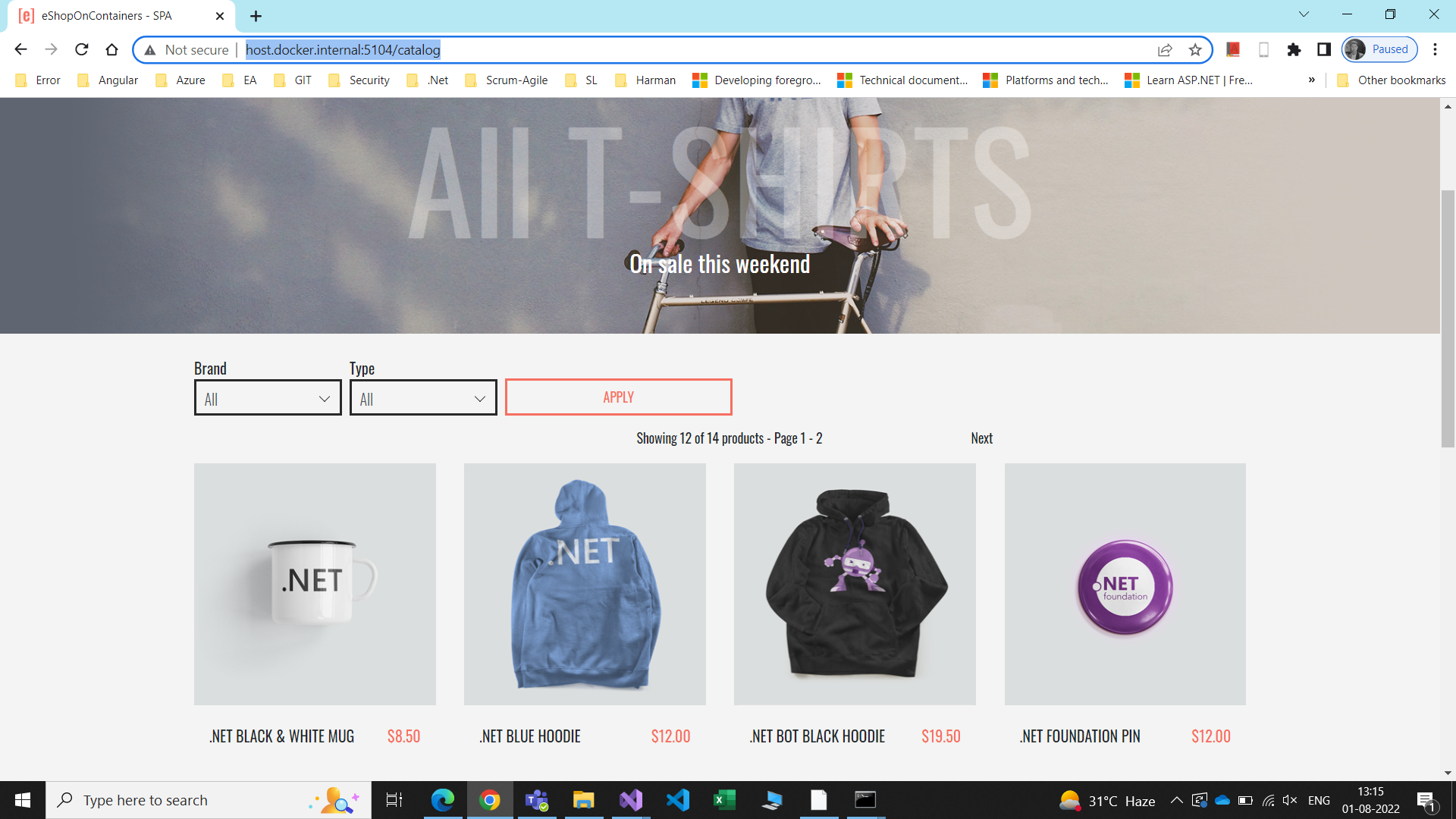

Dear Support team I created an unlisted Youtube video, where I show what I did and which errors I face in detail: https://youtu.be/69uwn932mvA Unfortunately I cannot run the apps using docker-compose w/o Visual Studio. When runnung the system with VS2022 in debug mode I can run the MVC application but not SPA. Problems with Angular configuration though I added the code changes in Dockerfile of SPA. I hope the video helps you to understand the problem in my enviroment.
I get same error while debugging in VS2022, after modifying /WebSPA/Dockerfile and docker-compose.override.yml, as suggested.

So "npm start" gives "ng: not found" error, looks like there is no Angular in the WebSPA container. Don't know how it is supposed to work, but after installing Angular in the container's Client folder it starts working, and keeps doing so after rebuildings, cause it creates node_modules folder with Angular in the project source folder.
Hi, that's a good hint I installed angular globally but that fixed only partially bthe problem. Can you please explain more detailed how you installed Angular as you told in the Client folder. Since I don't know much about angular on linux. You went into directory /app/Client of the container and installed there the Angular CLI and then it was working?
Yes, it worked like workaround, but i don't really know what i'm doing, and i would like to know how to fix it properly.
Yes that is really not a satisfying situation. Are you able to run the applications without VS. If I run without VS I can use the MVC and SPA applications but only the catalog searching works. as soon as I try to login I face authorization problems.
Yes, I can run and use login process, but i think it is separate issue from one you have in starting post, so it might be confusing to discuss in same thread. I have some temporary issues, when some services have been started, and others not yet, but they resolve themselves by waiting, or by reseting/restarting or smth like that. Also I've noticed on your video, that everything is opening much slower, than on my pretty mediocre pc. Are you using ssd or hdd? Do you have enough hardware resources for this pretty heavy project?
You are right there are two problems I face: When runnig the apps via "docker-compose up" command even after a full build (no cache issue) the database IdentityDb does not contain all t ables. E.g., table IdentityProperties is missing. And that causes of course problems. The other problem is runnig the SPA in VS debug mode. Your workarround is fine for my purposes currently. The database problem is somehow I suppose a synchronization problem between the containers. Wen starting the APP within VS the table is created:
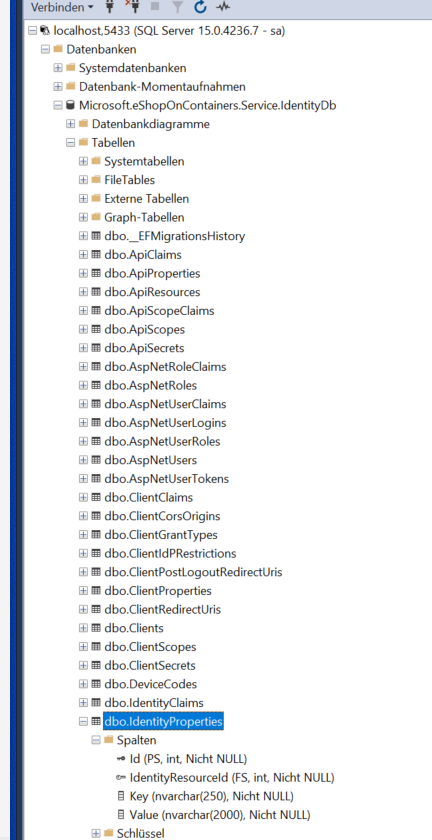
but I have no clou how to resolve this build issue. Anyhow I close this issue.