
core

core copied to clipboard
 dotCMS
Can't save changes in Work Flow if user with special characters is added.
Bug Description Can't save changes in Work Flow if user's name has special characters in 'Who can Use' panel.
To Reproduce
- Go to 'Work Flows'
- Select any Work Flow step.
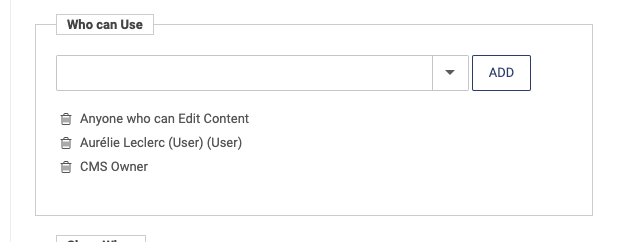
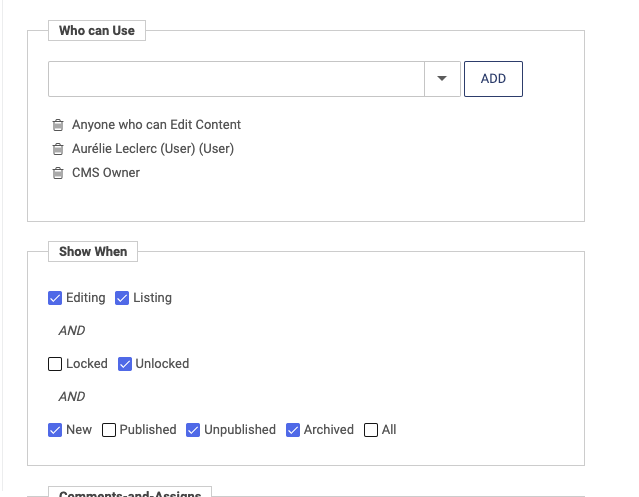
- In 'Who can Use' make sure that an user with special characters is already added (I've created an user with name 'Aurélie Leclerc').
- In 'Show When' panel change some options.
- Click 'Save'.
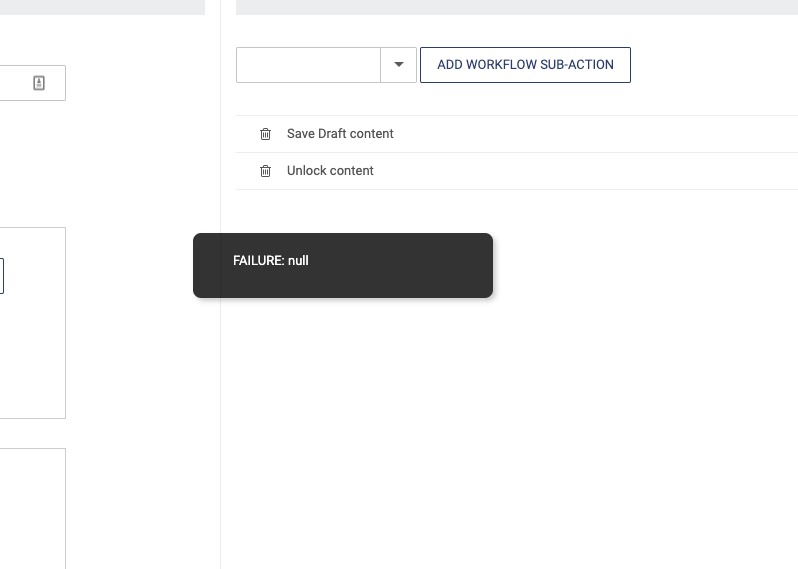
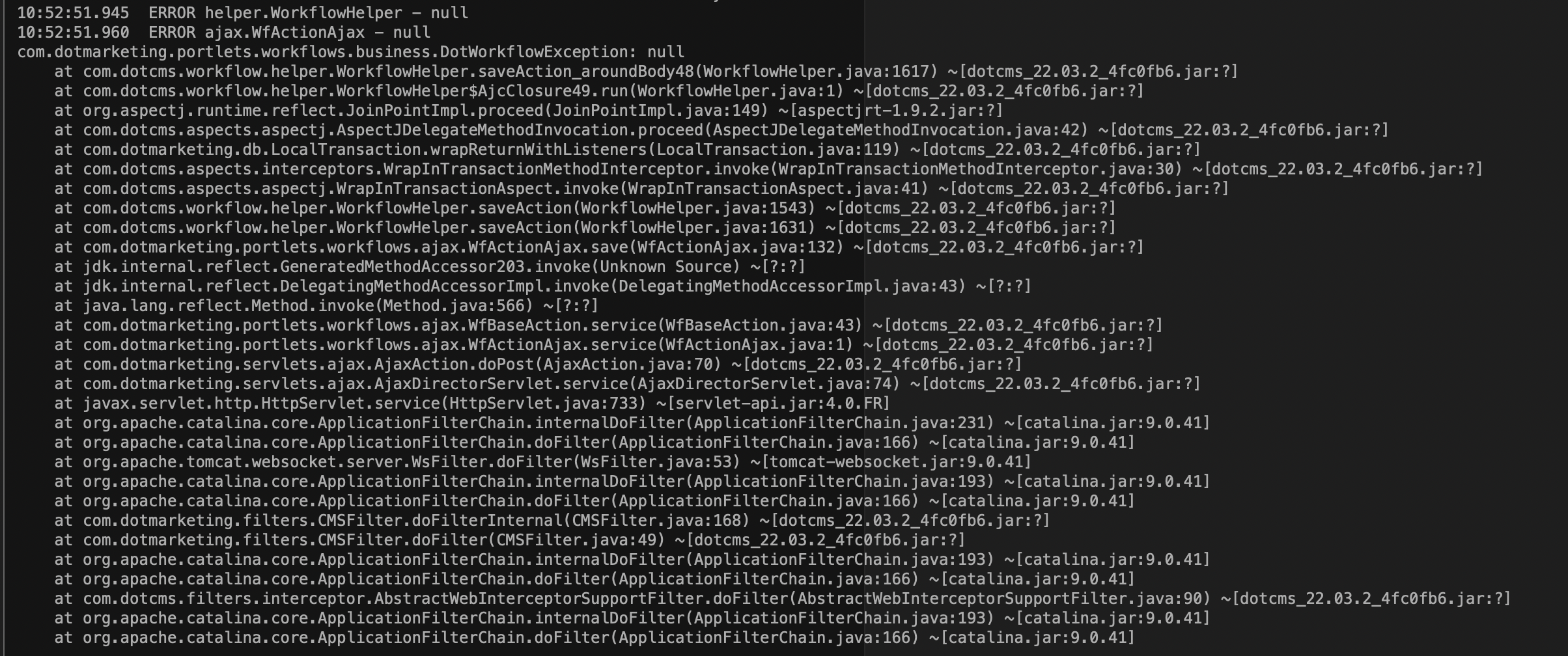
- 'FAILURE: null' error pops up.
Expected behavior No error messages pops up, the message expected is 'Saved'.
Screenshots
Desktop (please complete the following information):
- OS: MacOS
- Browser: Brave (Chrome)
- Version: 1.41.100
Smartphone (please complete the following information):
- Device: Desktop
- OS: Monterey
- Browser: Brave (Chrome)
- Version: 1.41.100
Additional context If you add an user with special characters and do changes in 'Show When' panel you will be able to save changes, but if an user with special characters is already added in 'Who can Use' panel and then make some changes the error message appears.
