

 dolanmiu
Styles for Line Numbers?
Thanks very much for your great library! Works really well over here, managing to generate some high-quality Word docs.
I'm trying to style line numbers added to the Section in the following way:
document.addSection({
      lineNumberCountBy: 1,
      lineNumberRestart: docx.LineNumberRestartFormat.CONTINUOUS,
...
I get line numbers that look like this (ain't nobody want to see those serifs):

There is a "Line Number" style that is "hidden until used" buried deep in the Manage Style dialog. But, any attempt to change this via the global style mechanism in your library doesn't seem to have any effect.
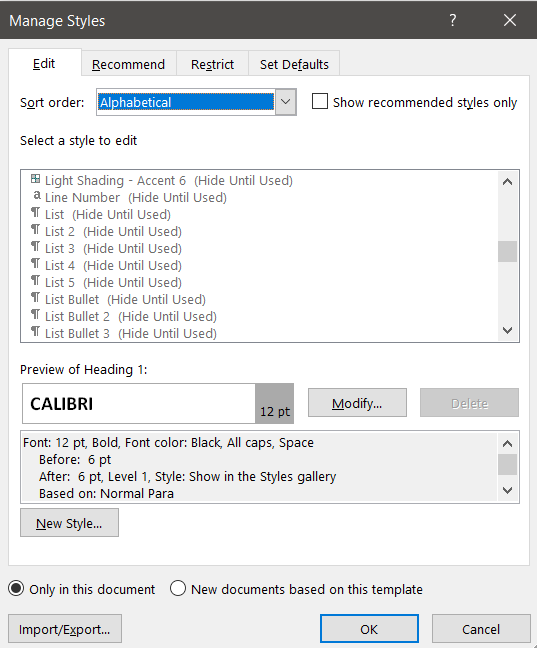
Would appreciate any suggestions? Ideally, I would like to be able to configure the style using the new Document({styles: <>}) mechanism, with a value something like this:
    {
      id: "Line Number",
      name: "Line Number",
      basedOn: "Normal",
      quickFormat: true,
      run: {
        font: "Calibri",
        size: 20,
        bold: false,
      },
    },

Bump.
I'm also looking to change the Numbering font type and size. Is this possible? Also, on a separate note, does the library support List Styles? List Styles are more flexible than Numbering and there is a particular use case I'm after: no obligatory indentation after the number.
