

 docker
Update download shows (and makes) no progress for days
- [ ] I have tried with the latest version of Docker Desktop (-> Thats what I am trying)
- [ ] I have tried disabling enabled experimental features
- [x] I have uploaded Diagnostics
- Diagnostics ID: 08B19409-F57B-4704-A460-19BD1DEE2EDD/20211007045041
Expected behavior
Available updates run smoothly and show a progress in some way (I would like to see how much of a download is already processed, ETA etc.).
Actual behavior
Docker shows me there are updates available (for days now):

Clicking on the button shows a dialog stating that the update is in progress:
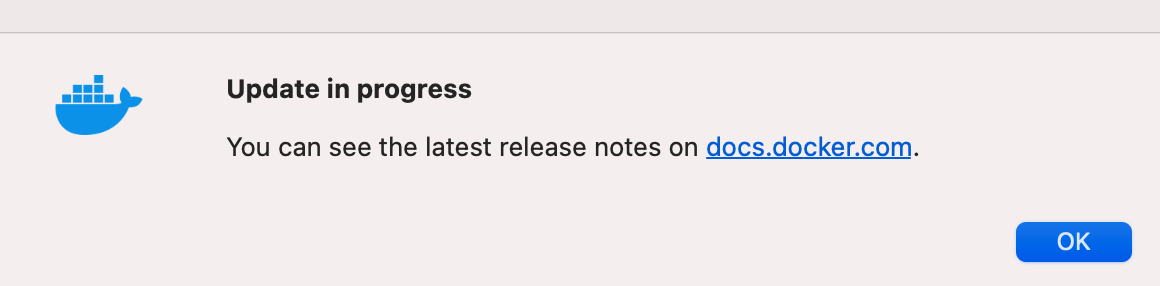
Nothing happens in the end. I have even restarted several times hoping that the download is already finished. And the respective button suggests the update might finish with a restart (but obviously it doesn't):

Information
- macOS Version: 11.6
- Intel chip or Apple chip: 2,4 GHz 8-Core Intel Core i9
- Docker Desktop Version:

easy copy to clipboard would be convenient
Steps to reproduce the behavior
See above

Could you please run this command and show us the result so that we could understand more about what's happening during the update
/usr/bin/log show --debug --info --style syslog --last 7d | grep [Ss]parkle
You can adjust the number of days after --last 7d to see if there's more log

Today I magically managed to download and upgrade successfully to 4.1.0 ...

Meanwhile I seem to have the problem again.
The version 4.1.0 offers an update dialogue and a new update seems to be available:
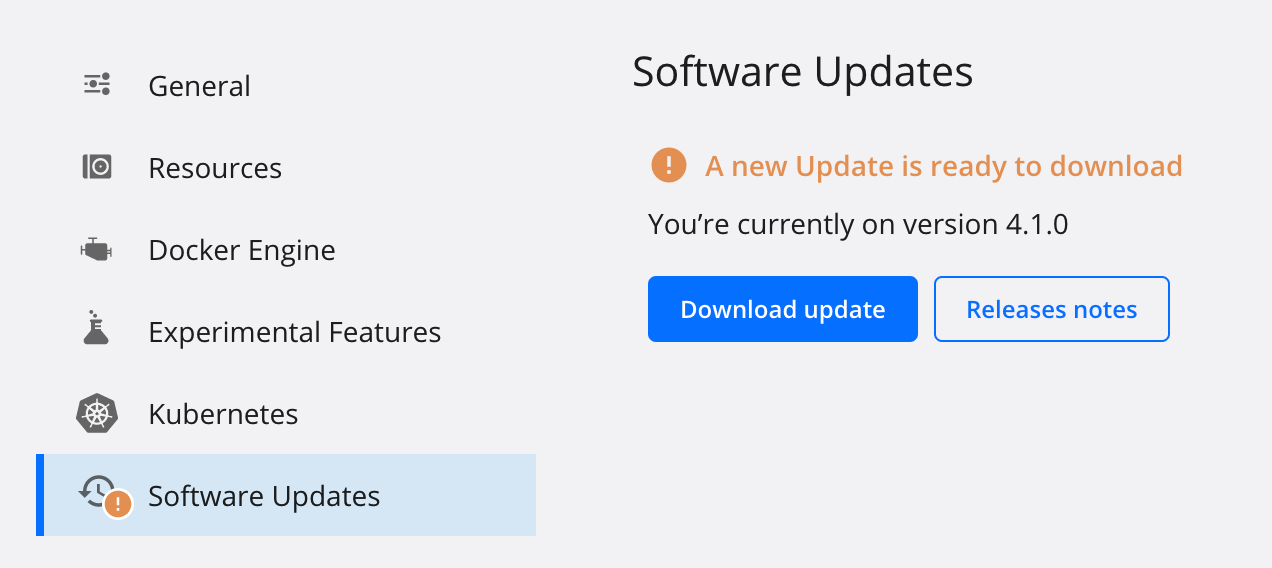
However, pressing the download button seems to lead to some background activity (button is greyed out):
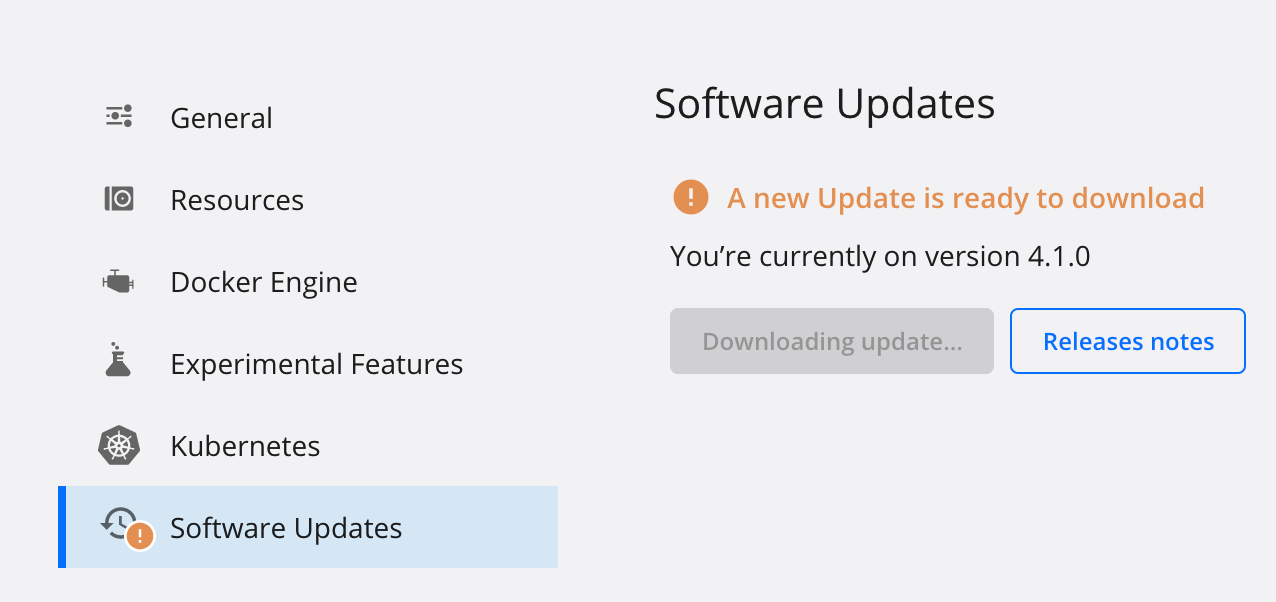
But in the end nothing happens, after some hours I can press the button again ...
Here again some logs, hoping that it helps to solve the issue:
I am seeing this issue as well. Everyday when I log on I am asked to update but nothing seems to happen.
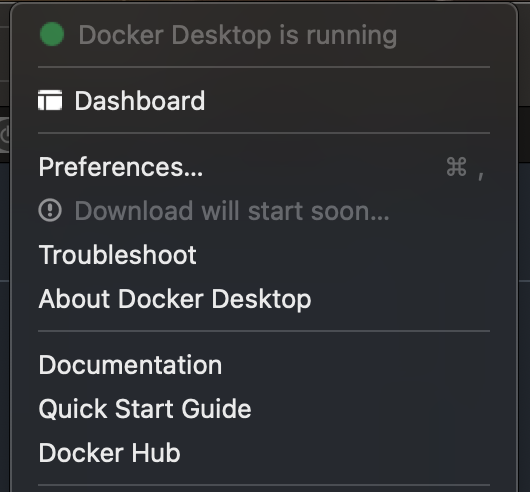
system dropdown says "Download will start soon..."
I am also on 4.1.0

Same problem on 4.2.0. I used brew upgrade --cask --force docker to upgrade from 4.1 → 4.2 already, but the issue is still here.

Meanwhile I seem to have the problem again. The version 4.1.0 offers an update dialogue and a new update seems to be available:
However, pressing the download button seems to lead to some background activity (button is greyed out):
But in the end nothing happens, after some hours I can press the button again ...
Same issue with 4.3.2 -> 4.4.2 on MacOS.

Same here, having Downloading update now for some days, it is really a mess!
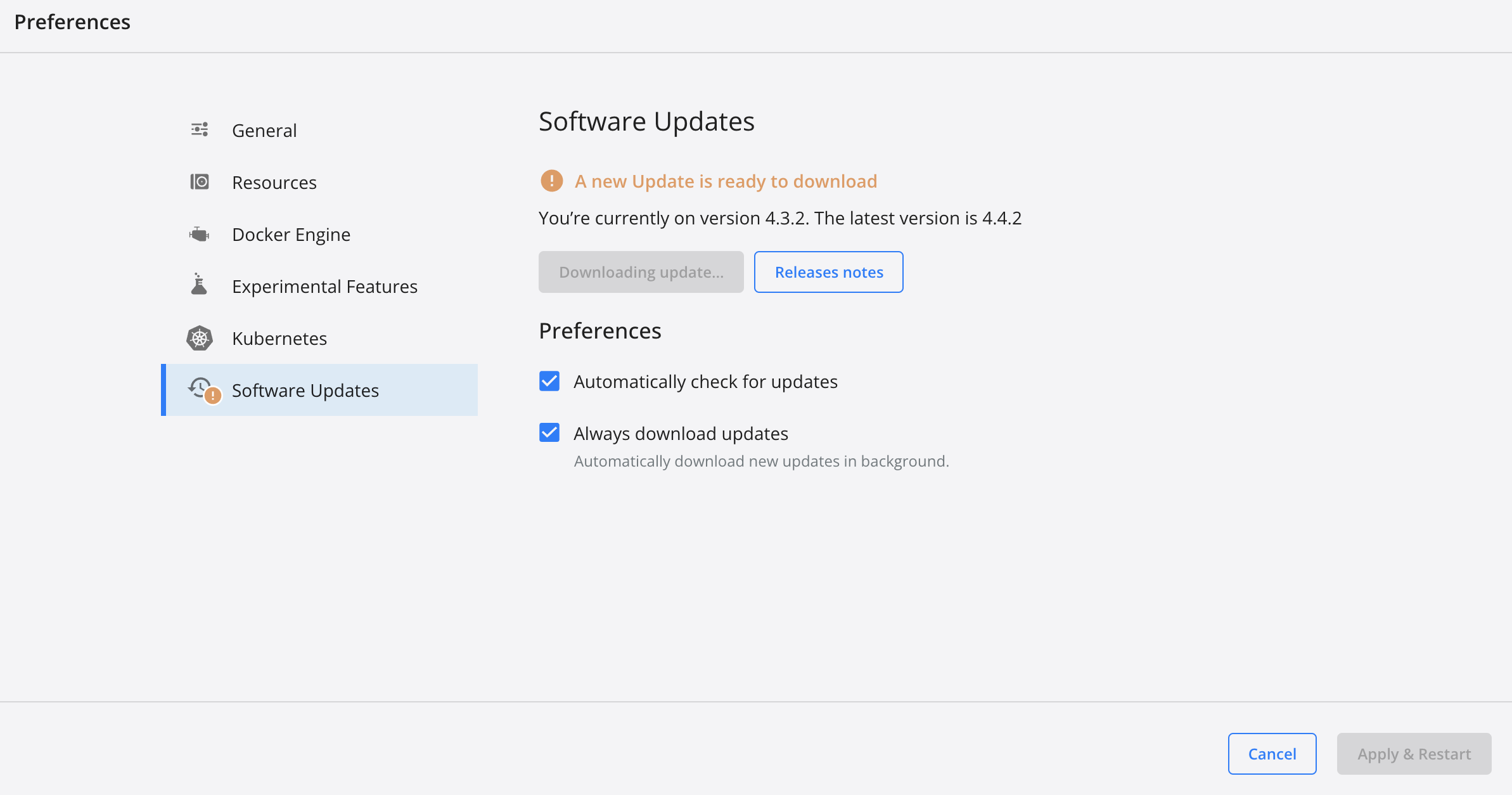


Restarting Docker for Mac made the issue go away for me.
Yes for me as well. Still an annoying bug. No progress, and then a restart required.
Same issue, I've re-installed Docker for Mac at this point at least 5 times to deal with this. The current stuck upgrade is 4.6.0 to 4.6.1.
Docker says "A new Update is ready to download". The download button says "Downloading update" but it's been that way for days. The menu bar Docker widget thing shows "Download will start soon...".
I'm on MacOS 12.3 21E230 on Apple Silicon.

Meanwhile I installed docker-desktop via Homebrew and do frequently updates (brew upgrade --cask). This does not always run smoothly but anyways better than leaving the updates to the product itself.
any ETA for this issue ? Docker for mac stuck on downloading update for few weeks now.. (from 4.5.0 to 4.6.1)

Same here, it says You’re currently on version 4.5.0 (74594). The latest version is 4.7.1 (77678)
But it's stuck on "Downloading update...".
I use a MacBook Pro (14-inch, 2021) M1 Pro with MacOS 12.3.1 (21E258)

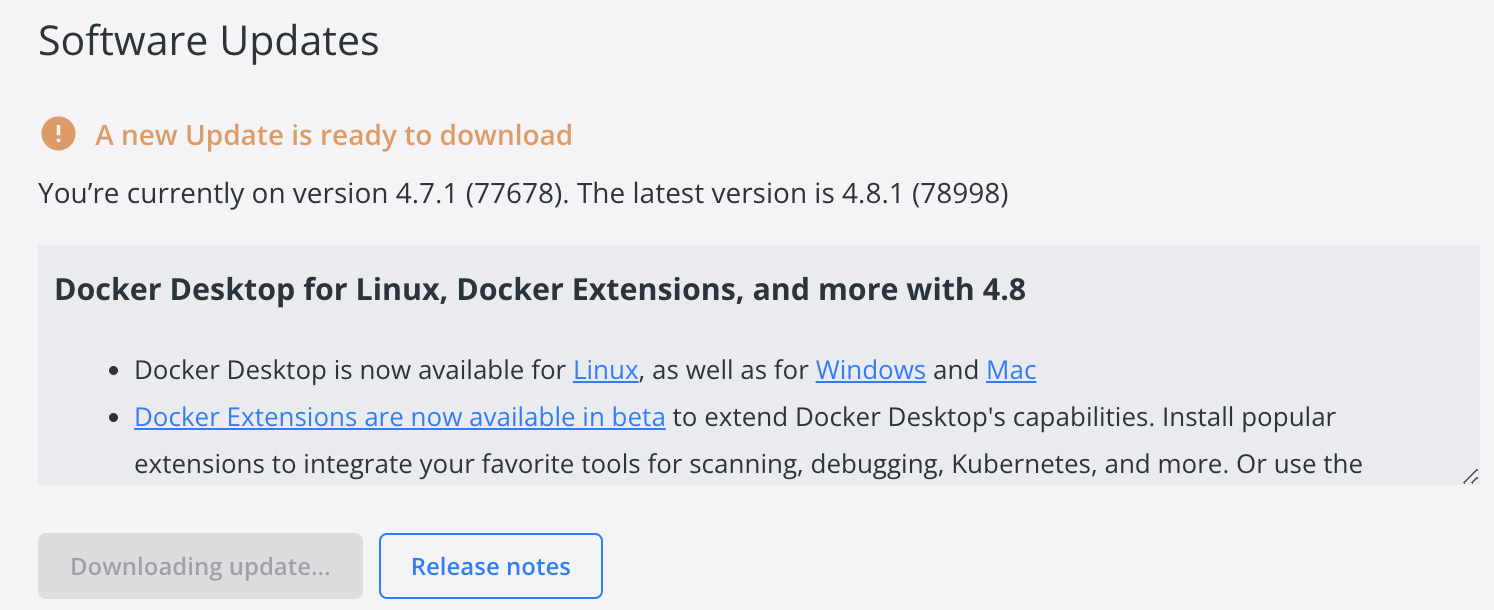 Same here, downloading update forever


Same here when going from 4.6.1 to 4.8.1 on an M1 MacBook Air with macOS Monterey 12.0.1 (21A559)

Me too. 4.7.0 to 4.8.2. This is not the first time and I've had to do a fresh install most times.


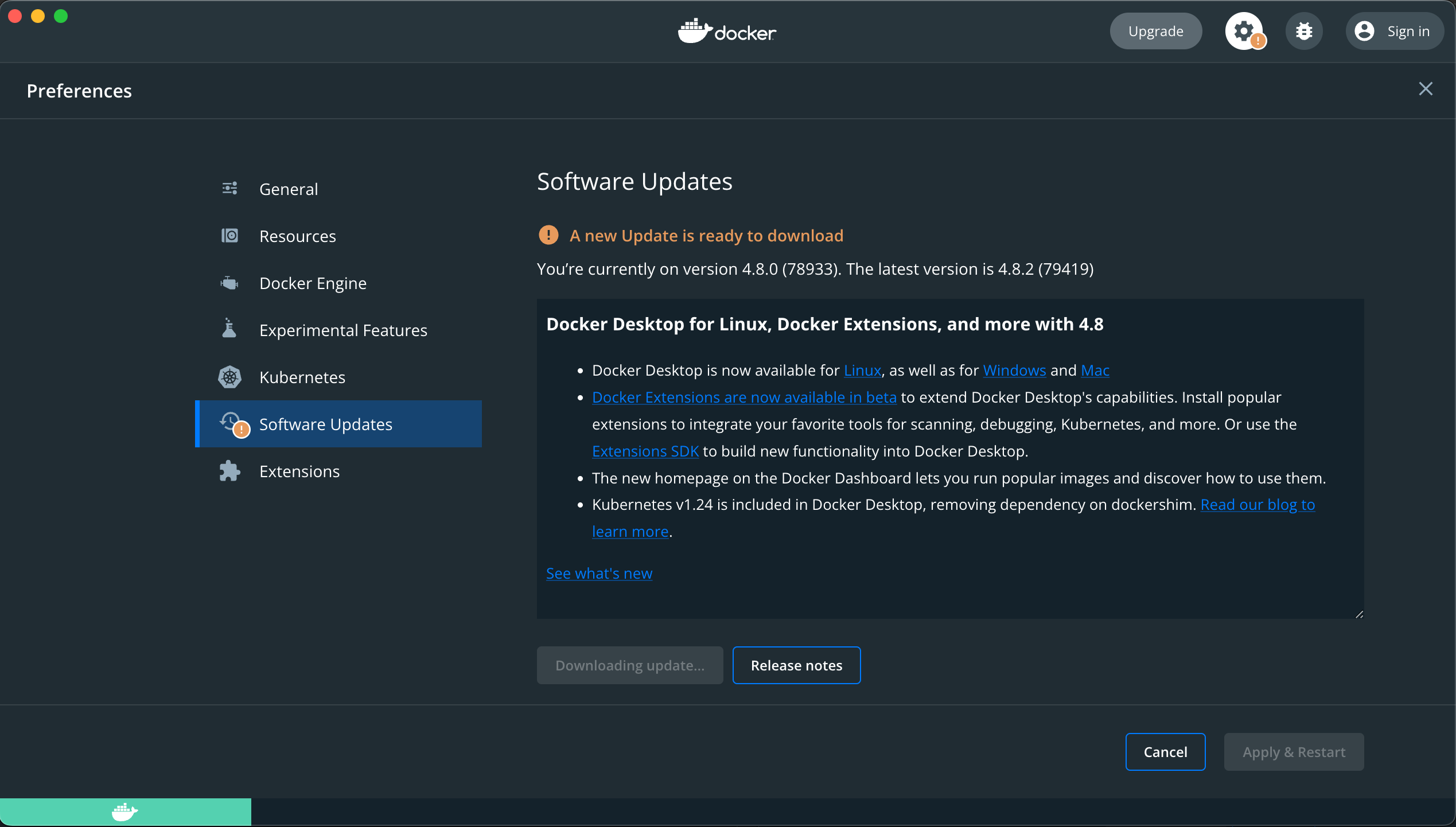

I had the same error for at least a month. As soon as I resized the Docker Disk Image (from 60GB to 120GB) it installed.

https://forums.docker.com/t/docker-desktop-wont-update-on-macos/114648/18 worked for me


@bmwilly comment worked for me. In case that link goes away: System Preferences / Security & Privacy / Privacy tab, select Full Disk Access (click the lock to make changes), Add (+), browse to Applications and select Docker. Stop and restart docker desktop, update should complete download and be ready to restart and apply.

Same problem
You’re currently on version 4.10.1 (82475). The latest version is 4.12.0 (85629)
Stuck on "Downloading update...", solved by giving docker full disk access

I think some sort of more useful error (e.g. "please give docker access to these folders" or "please give docker full disk access") would be helpful. There are also MacOS dev guidelines for Apps to automatically send users to the Privacy -> Disk Access tab.
This is still a problem. The update experience in Docker Desktop is incredibly frustrating.

