

 docker
Dev Environments Not Detecting Visual Studio Code Remote Containers Extension
Describe the bug Docker Desktop - Dev Environments can't be accessed from Docker Desktop console because it cannot detect Remote Containers installation in Visual Studio Code. Git and Visual Studio Code itself have been found by Docker Desktop. However, it can't seem to find the extension, and as a result is not moving past the tools checklist screen. I've restarted Windows, Docker Desktop, and pretty much everything else, but keep getting the same results. Clicking the install button on the Remote Container item simply opens Visual Studio Code, and when you check the installation of the extension, it's installed, as can be seen from the second screenshot below.
To Reproduce Steps to reproduce the behavior:
- Go to Docker Desktop
- Click on Dev Environments
Expected behavior Docker Desktop should detect Remote Containers Extension in Visual Studio Code so that Dev Environments can be accessed from Docker Desktop.
Screenshots


Desktop (please complete the following information):
- OS: Windows 10 - Home Edition
- Version 21H1
Additional context Add any other context about the problem here.

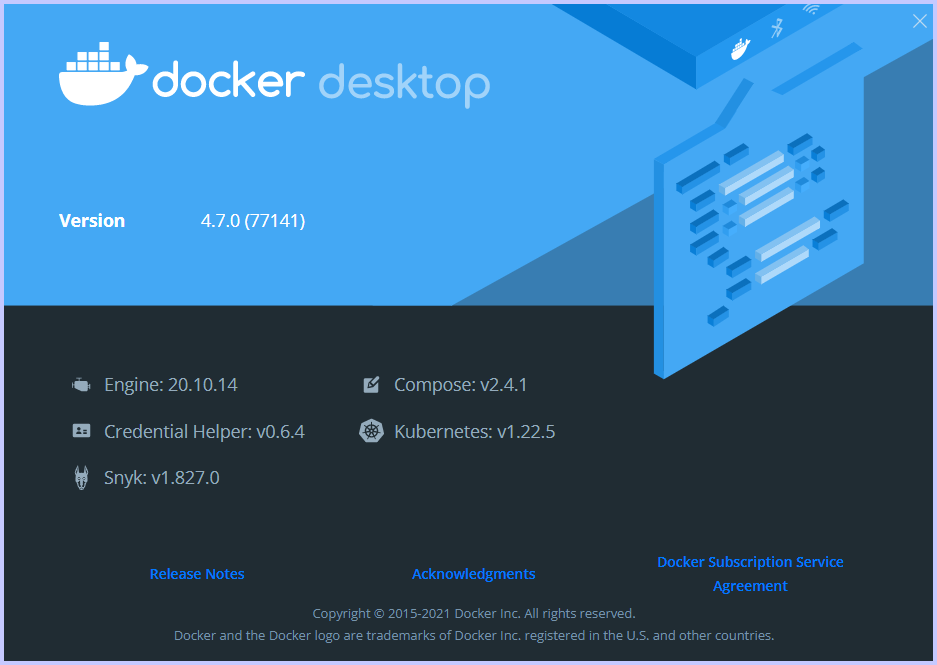
@kaefahtech can you screenshot the about window of Docker Desktop and add it this issue please?

I see this as well. Here is a screenshot of about:
This issue might have something to do with user accounts and/or privilege. I use Docker as a regular (non-admin) Windows 10 user account; this same user account would have initiated the Docker Desktop installation, but it seems likely I provided admin credentials to allow the install to proceed. This account has VSCode installed via Microsoft Store. As a test, I logged into the admin account, installed VSCode (via Microsoft Store) and the Remote - Containers extension, and there I did not see the issue.
