

 dnfield
SVG widget is not render in a proper position while paint using paintChild method in PaintingContext
Steps to Reproduce
- Run the attached sample below
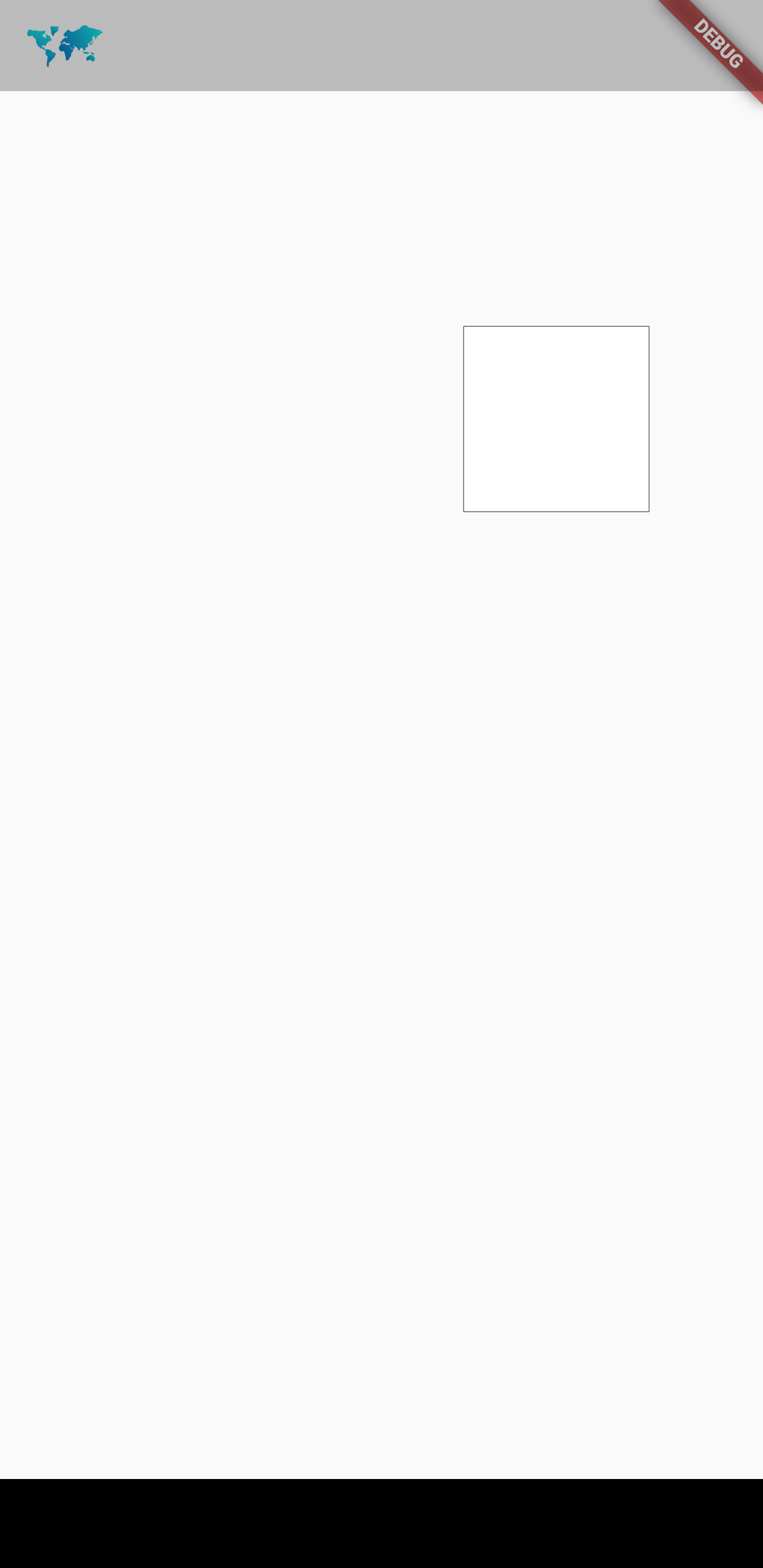
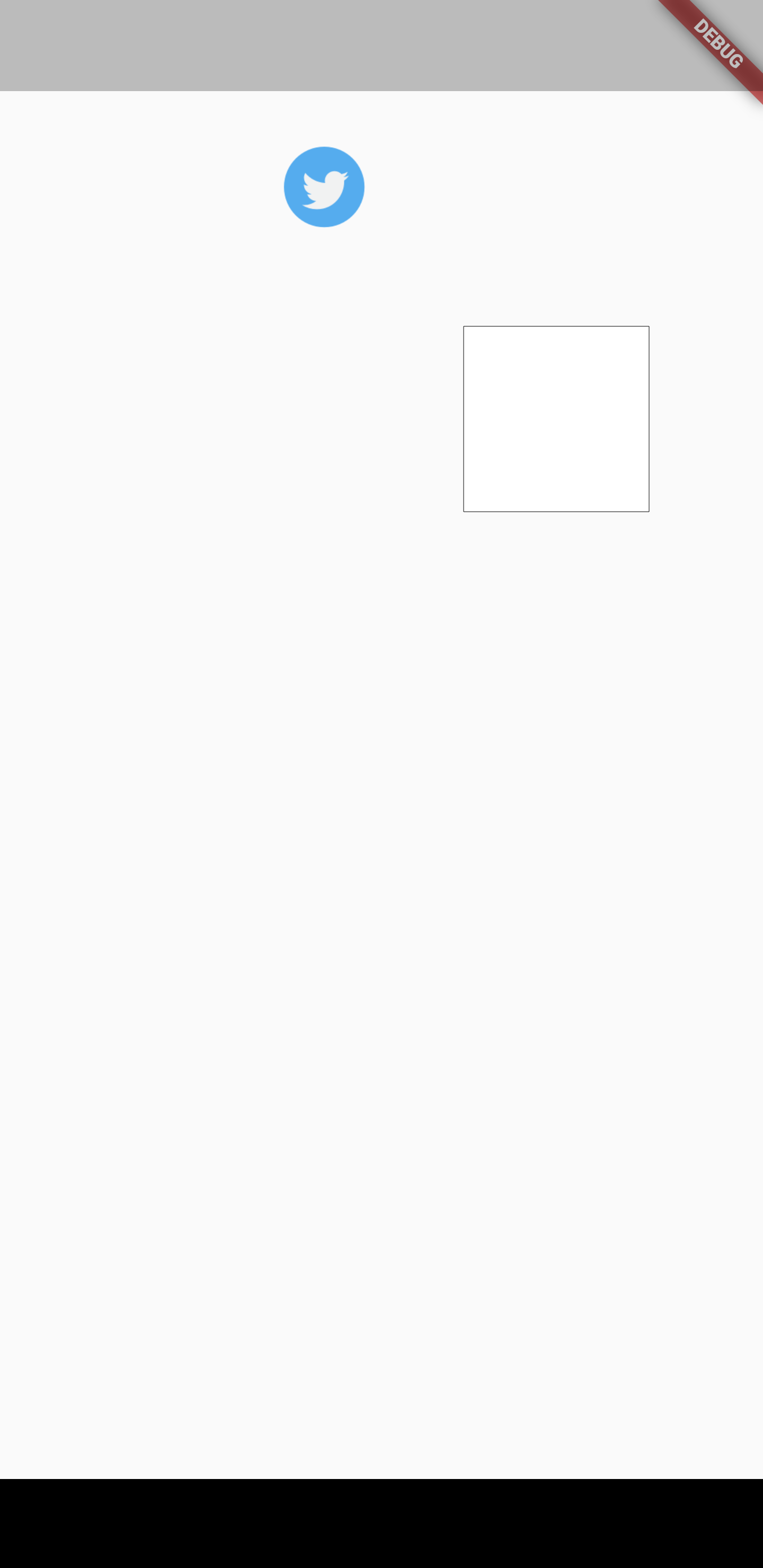
- When I paint the image widget with the help of paintChild method in the PaintingContext it renders in a proper position but when it comes to the SVG image widget it didn't render properly.
- In the attached sample I have added both Image and SVG widgets.
Sample: custom_widget_painter.zip
Expected results:

Actual results:

Logs
PS E:\customer_widget_painter> flutter analyze
Analyzing customer_widget_painter...
No issues found! (ran in 115.9s)
[√] Flutter (Channel stable, 2.10.5, on Microsoft Windows [Version 10.0.19042.1706], locale en-US)
    • Flutter version 2.10.5 at C:\src\flutter
    • Upstream repository https://github.com/flutter/flutter.git
    • Framework revision 5464c5bac7 (4 weeks ago), 2022-04-18 09:55:37 -0700
    • Engine revision 57d3bac3dd
    • Dart version 2.16.2
    • DevTools version 2.9.2

[√] Android toolchain - develop for Android devices (Android SDK version 30.0.3)
    • Android SDK at C:\Users\YuvarajGajaraj\AppData\Local\Android\sdk
    • Platform android-31, build-tools 30.0.3
    • Java binary at: C:\Program Files\Android\Android Studio1\jre\bin\java
    • Java version OpenJDK Runtime Environment (build 11.0.12+7-b1504.28-7817840)
    • All Android licenses accepted.

[√] Chrome - develop for the web
    • Chrome at C:\Program Files\Google\Chrome\Application\chrome.exe

[X] Visual Studio - develop for Windows
    X Visual Studio not installed; this is necessary for Windows development.
      Download at https://visualstudio.microsoft.com/downloads/.
      Please install the "Desktop development with C++" workload, including all of its default components

[√] Android Studio (version 2021.2)
    • Android Studio at C:\Program Files\Android\Android Studio1
    • Flutter plugin can be installed from:
       https://plugins.jetbrains.com/plugin/9212-flutter
    • Dart plugin can be installed from:
       https://plugins.jetbrains.com/plugin/6351-dart
    • Java version OpenJDK Runtime Environment (build 11.0.12+7-b1504.28-7817840)

[!] Android Studio (version 4.1)
    • Android Studio at C:\Program Files\Android\Android Studio
    • Flutter plugin can be installed from:
       https://plugins.jetbrains.com/plugin/9212-flutter
    • Dart plugin can be installed from:
       https://plugins.jetbrains.com/plugin/6351-dart
    X Unable to determine bundled Java version.
    • Try updating or re-installing Android Studio.

[√] VS Code (version 1.67.1)
    • VS Code at C:\Users\YuvarajGajaraj\AppData\Local\Programs\Microsoft VS Code
    • Flutter extension version 3.40.0

[√] Connected device (4 available)
    • sdk gphone x86 arm (mobile) • emulator-5554 • android-x86    • Android 11 (API 30) (emulator)
    • Windows (desktop)           • windows       • windows-x64    • Microsoft Windows [Version 10.0.19042.1706]
    • Chrome (web)                • chrome        • web-javascript • Google Chrome 101.0.4951.54
    • Edge (web)                  • edge          • web-javascript • Microsoft Edge 99.0.1150.46

[√] HTTP Host Availability
    • All required HTTP hosts are available

! Doctor found issues in 2 categories.

Can you share the source in a non-zip form please?
I suspect you're missing the offset.

Hi @dnfield,
Here is the complete code which I have used to reproduce the issue.
import 'package:flutter/material.dart';
import 'package:flutter/rendering.dart';
import 'package:flutter_svg/flutter_svg.dart';

void main() {
  runApp(const MyApp());
}

class MyApp extends StatelessWidget {
  const MyApp({Key? key}) : super(key: key);

  @override
  Widget build(BuildContext context) {
    return MaterialApp(
      title: 'Flutter Demo',
      theme: ThemeData(
        primarySwatch: Colors.blue,
      ),
      home: const MyHomePage(),
    );
  }
}

class MyHomePage extends StatefulWidget {
  const MyHomePage({Key? key}) : super(key: key);

  @override
  State<MyHomePage> createState() => _MyHomePageState();
}

class _MyHomePageState extends State<MyHomePage> {
  @override
  Widget build(BuildContext context) {
    return Scaffold(
      body: MyExample(children: [
        SizedBox(child:
        // Image(image: AssetImage('assets/maps_twitter.png'))
                    SvgPicture.asset(
              'assets/map.svg',
            )
            )
      ]),
    );
  }
}

class MyExample extends MultiChildRenderObjectWidget {
  MyExample({
    Key? key,
    required List<Widget> children,
  }) : super(key: key, children: children);

  @override
  RenderMyExample createRenderObject(BuildContext context) {
    return RenderMyExample();
  }
}

class MyExampleParentData extends ContainerBoxParentData<RenderBox> {}

class RenderMyExample extends RenderBox
    with ContainerRenderObjectMixin<RenderBox, MyExampleParentData> {
  @override
  void setupParentData(RenderObject child) {
    if (child.parentData is! MyExampleParentData) {
      child.parentData = MyExampleParentData();
    }
  }

  @override
  void performLayout() {
    size = constraints.biggest;

    for (var child = firstChild; child != null; child = childAfter(child)) {
      child.layout(
        constraints.copyWith(maxHeight: 50),
      );
    }
  }

  @override
  void paint(PaintingContext context, Offset offset) {
    final Path path = Path();
    path.moveTo(100, 100);
    path.lineTo(200, 100);
    path.lineTo(200, 200);
    path.lineTo(100, 200);
    path.lineTo(100, 100);
    context.canvas.save();
    context.canvas.translate(150, 150 - 10 - 64);
    context.canvas.scale(1.0);
    context.canvas.drawPath(
        path,
        Paint()
          ..color = Colors.white
          ..style = PaintingStyle.fill);
    context.canvas.drawPath(
        path,
        Paint()
          ..color = Colors.black
          ..style = PaintingStyle.stroke);
    context.canvas.clipPath(path);

    for (var child = firstChild; child != null; child = childAfter(child)) {
      context.paintChild(child, Offset(114, 114));
      context.canvas.restore();
    }
  }
}
It is working fine with Image widget.
Ahh ok. this is likely a bug in flutter_svg then not respecting the offset. If you change context.paintChild(child, Offset(114, 114)) to use Offset.zero does it paint consistently with the image?
I have definitely introduce da bug in flutter_svg related to this - @jonahwilliams noticed something similar recently. Argh.
Hi @dnfield,
Thanks for confirming it as a bug. I have given Offset.zero and its output can be found below,
Image:
| SVG | Image |
|---|---|
 |
 |
For your reference, I have attached the project here
Project: custom_widget_painter.zip
Thanks, Yuvaraj.