

 dmnfarrell
Problem plotting even trivial data
On Mac OS High Sierra, I am having trouble with plotting. I put in a small set of integers by hand, and try to plot and get "no numeric data to plot," as in the attached plot.
 Anything I try to do with scatter plots just gives me 'NoneType object is not iterable':
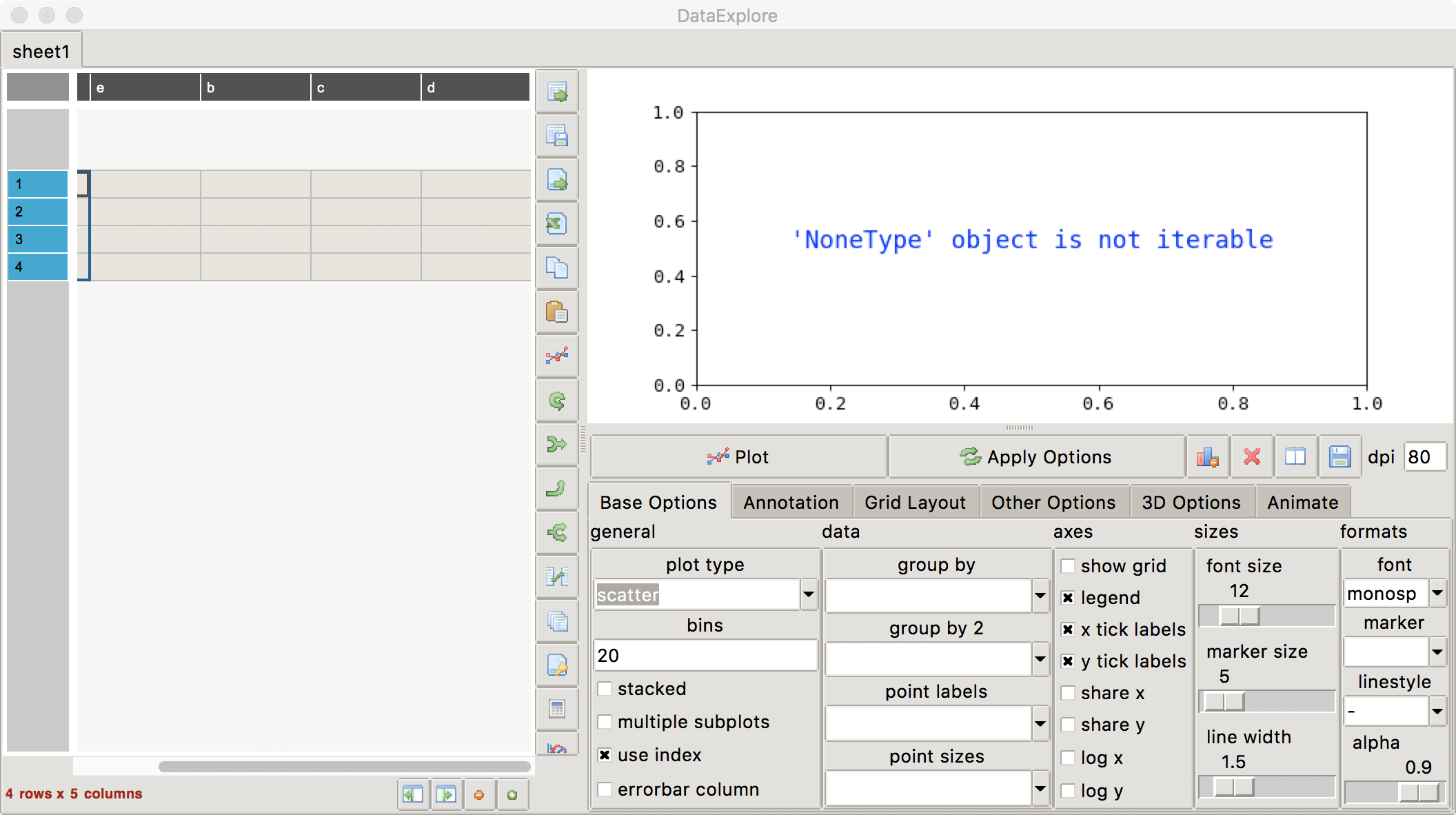 I got started with this because I got the
 NoneType error on some real data I was trying to scatter plot.
Obviously I am doing something horribly wrong, but I have no idea what it is.

OK, I see part of the problem: when I typed the integers into those cells, I got strings (the names of the integers) instead of integers (I could see because a filter of foo == 12 didn't leave anything, but foo == '12' did). I'm not sure how to avoid this problem, though. I have no idea how one indicates a desire to input numbers, instead of strings. It might also be a nice thing to visually distinguish strings from integers.
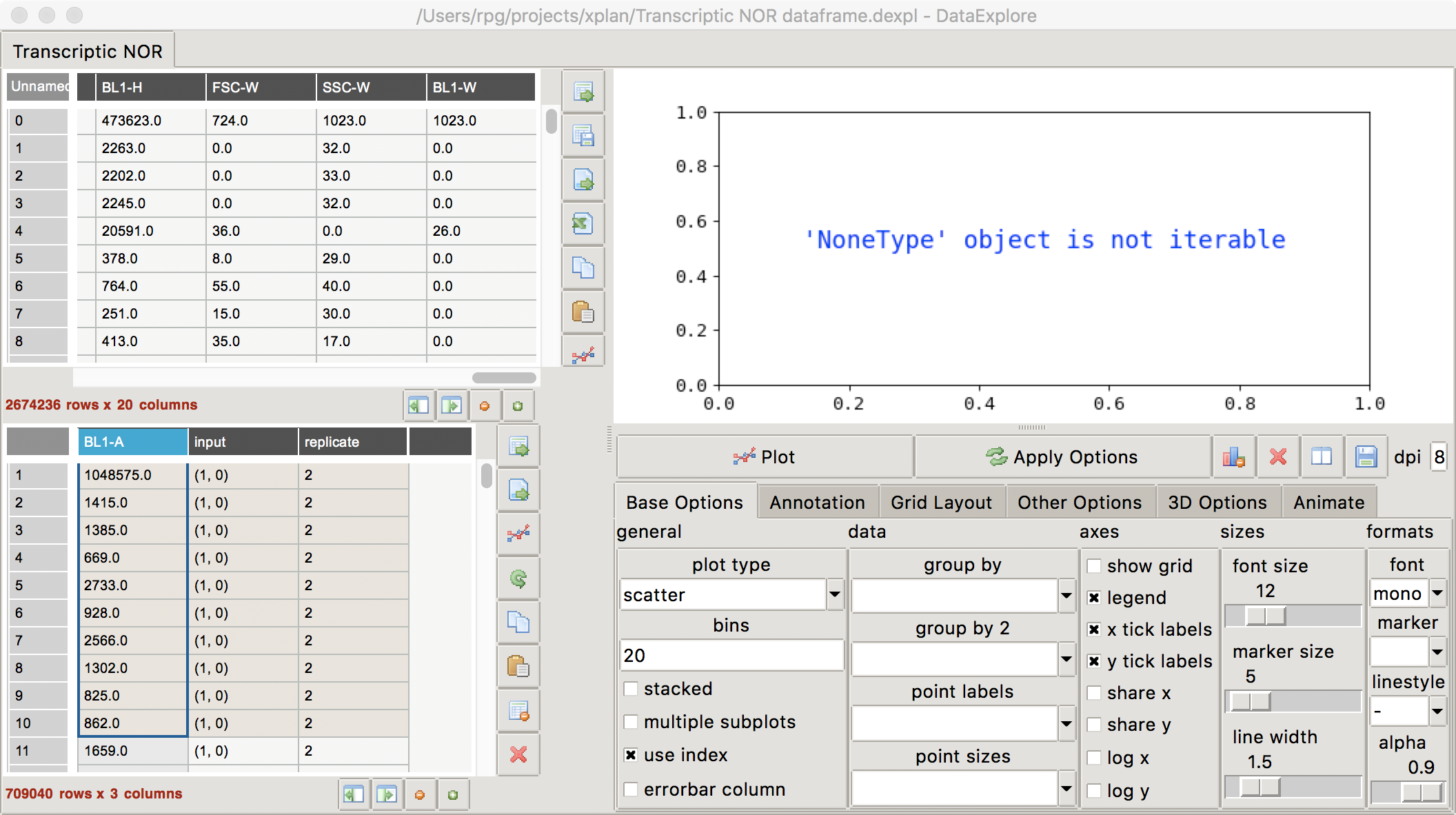
Although the line plot issue seems to be a data entry error I caused when I was trying to make the minimal test case, the scatter plot issue persists in numerical data, as illustrated below:
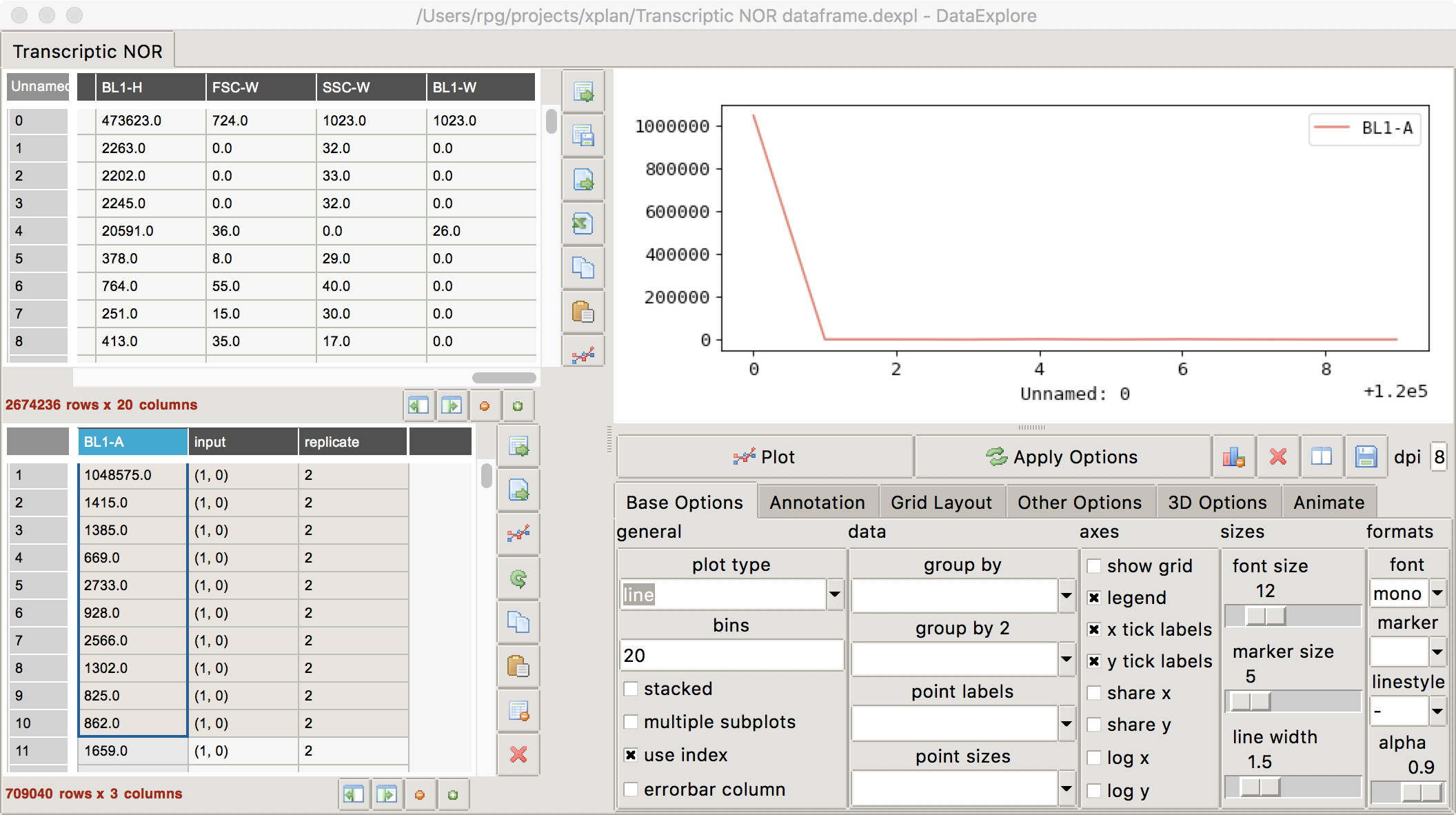
 Line plotting seems to work:
 but many other plots do not:
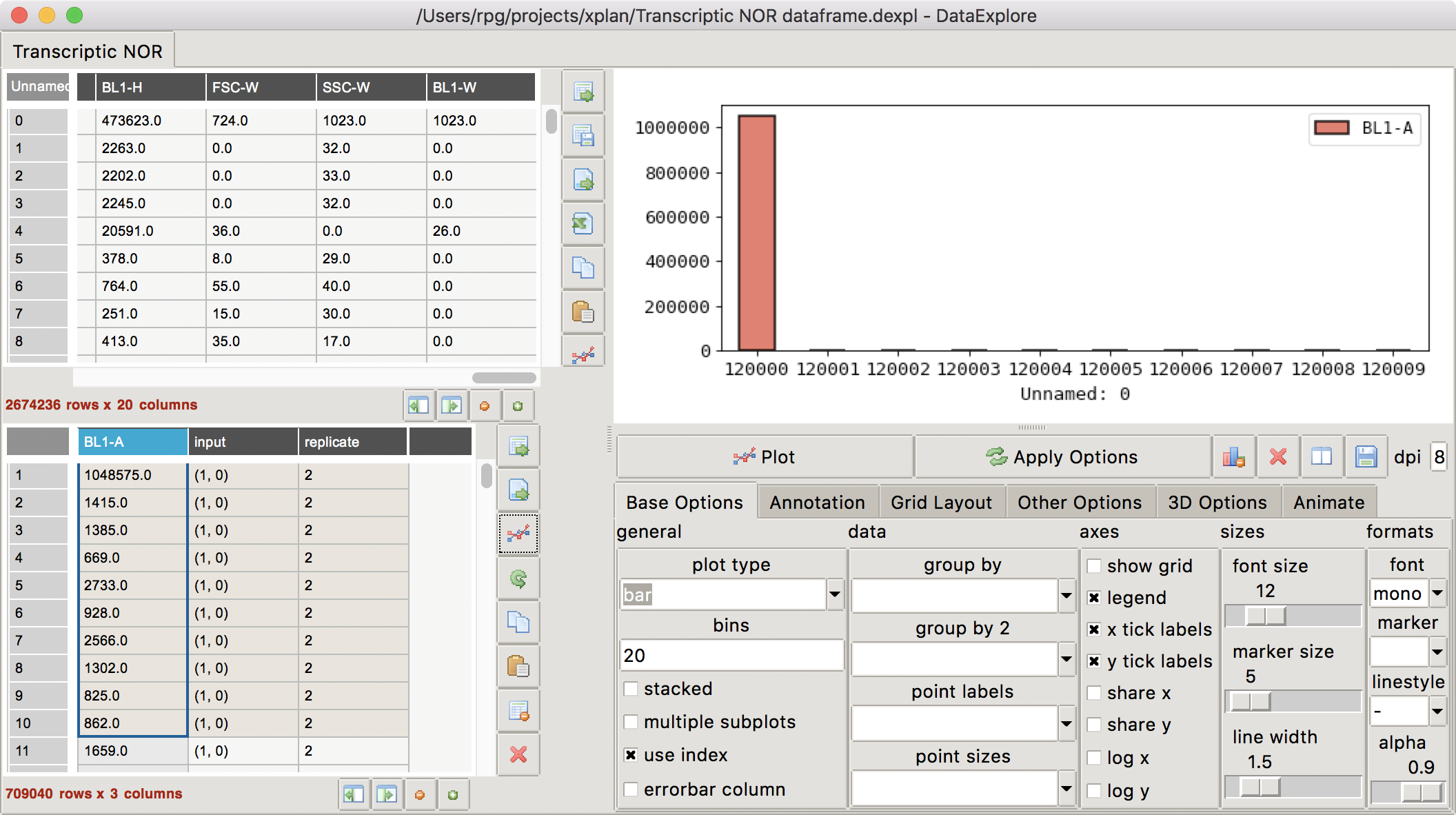 I'm not at all sure where the X axis tic values came in the above plot.
Maybe a way to help users figure this out would be to somehow dump the python commands that make the plots, so that we can try to figure out how the various parameters are interpreted?
Thanks, and Happy New Year.
I'm not at all sure where the X axis tic values came in the above plot.
Maybe a way to help users figure this out would be to somehow dump the python commands that make the plots, so that we can try to figure out how the various parameters are interpreted?
Thanks, and Happy New Year.
OK, I have reloaded my data frame into pandastable, this time setting it up to throw me into the pdb on exceptions (which are otherwise, I think, swallowed by dataexplore).
Here's the backtrace:
-> main()
  /Users/rpg/src/pandastable/main.py(48)main()
-> app = DataExplore(projfile=opts.projfile)
  /Users/rpg/src/pandastable/pandastable/app.py(101)__init__()
-> self.loadProject(projfile)
  /Users/rpg/src/pandastable/pandastable/app.py(545)loadProject()
-> self.newProject(data)
  /Users/rpg/src/pandastable/pandastable/app.py(496)newProject()
-> self.addSheet(s, df, meta)
  /Users/rpg/src/pandastable/pandastable/app.py(767)addSheet()
-> table.child.plotSelected()
  /Users/rpg/src/pandastable/pandastable/core.py(2980)plotSelected()
-> self.pf.replot()
  /Users/rpg/src/pandastable/pandastable/plotting.py(275)replot()
-> self.data = self.table.getSelectedDataFrame()
> /Users/rpg/src/pandastable/pandastable/core.py(2954)getSelectedDataFrame()
-> raise e
> /Users/rpg/src/pandastable/pandastable/core.py(2950)getSelectedDataFrame()
-> data = df.iloc[list(rows),cols]
  /Users/rpg/projects/xplan/xplan-experiment-analysis/lib/python3.6/site-packages/pandas/core/indexing.py(1472)__getitem__()
-> return self._getitem_tuple(key)
  /Users/rpg/projects/xplan/xplan-experiment-analysis/lib/python3.6/site-packages/pandas/core/indexing.py(2013)_getitem_tuple()
-> self._has_valid_tuple(tup)
  /Users/rpg/projects/xplan/xplan-experiment-analysis/lib/python3.6/site-packages/pandas/core/indexing.py(222)_has_valid_tuple()
-> self._validate_key(k, i)
  /Users/rpg/projects/xplan/xplan-experiment-analysis/lib/python3.6/site-packages/pandas/core/indexing.py(1961)_validate_key()
-> raise IndexingError('Too many indexers')
And the problematic block of code is here (from core.py):
   def getSelectedDataFrame(self):
        """Return a sub-dataframe of the selected cells"""

        df = self.model.df
        rows = self.multiplerowlist
        if not type(rows) is list:
            rows = list(rows)
        if len(rows)<1 or self.allrows == True:
            rows = list(range(self.rows))
        cols = self.multiplecollist
        try:
            data = df.iloc[list(rows),cols] <---- HERE
        except Exception as e:
            print ('error indexing data')
            if 'pandastable.debug' in sys.modules.keys():
                raise e
            else:
                return pd.DataFrame()
        return data
When that is called in for the data subframe shown above, it's called as
df.iloc[[[0,1,2,3,4,5,6,7,8,9]], (1,)]
and that is what triggers the *** pandas.core.indexing.IndexingError: Too many indexers.
That said, I have no idea how this comes to be. If I put only
df.iloc[[[0,1,2,3,4,5,6,7,8,9]]]
i.e., drop the cols argument, all seems to be well. I suspect something is wrong here since cols is set with the value of self.multiplecollist, and (1,) is a tuple, not a list.
Looks like these lines in app.py are supposed to prevent this from happening:
426:        if type(table.multiplecollist) is tuple:
427:            table.multiplecollist = list(table.multiplecollist)
But at this point, I am stumped. I have looked at all mentions of multiplecollist, and I cannot figure out how it could be set to a tuple. There simply aren't that many places where it's set, at least not explicitly, and none of them look like they could put a tuple in there.
So any help would be much appreciated.
I think I added that code was because multiplecollist was being returned as a tuple after reloading from disk. It must be a Mac issue. A fix would be to cast to a list inside that method. I have not been able to test this on OSX because I have no access to a Mac.

I was thinking of replacing the class attribute with a property, and make the setter do the coercion. I'll submit a PR in a moment.