

 django
contact form does not appear to work
Hi, I tried to use the contact form at https://www.djangoproject.com/contact/foundation/ but I believe clicking the send button does not work. After sending, it goes back to the contact page but there is no confirmation or error message. I tried this on both firefox and brave. I've not received a reply to my question on the mail address I provided, and I've submitted the form weeks ago, so I do not think the form went through.

Hi @Anton-4,
I tried this contact form in firefox it's working cool, but not working in Brave browser

Thanks for checking @yashdobariya, did you get a confirmation after pressing send?
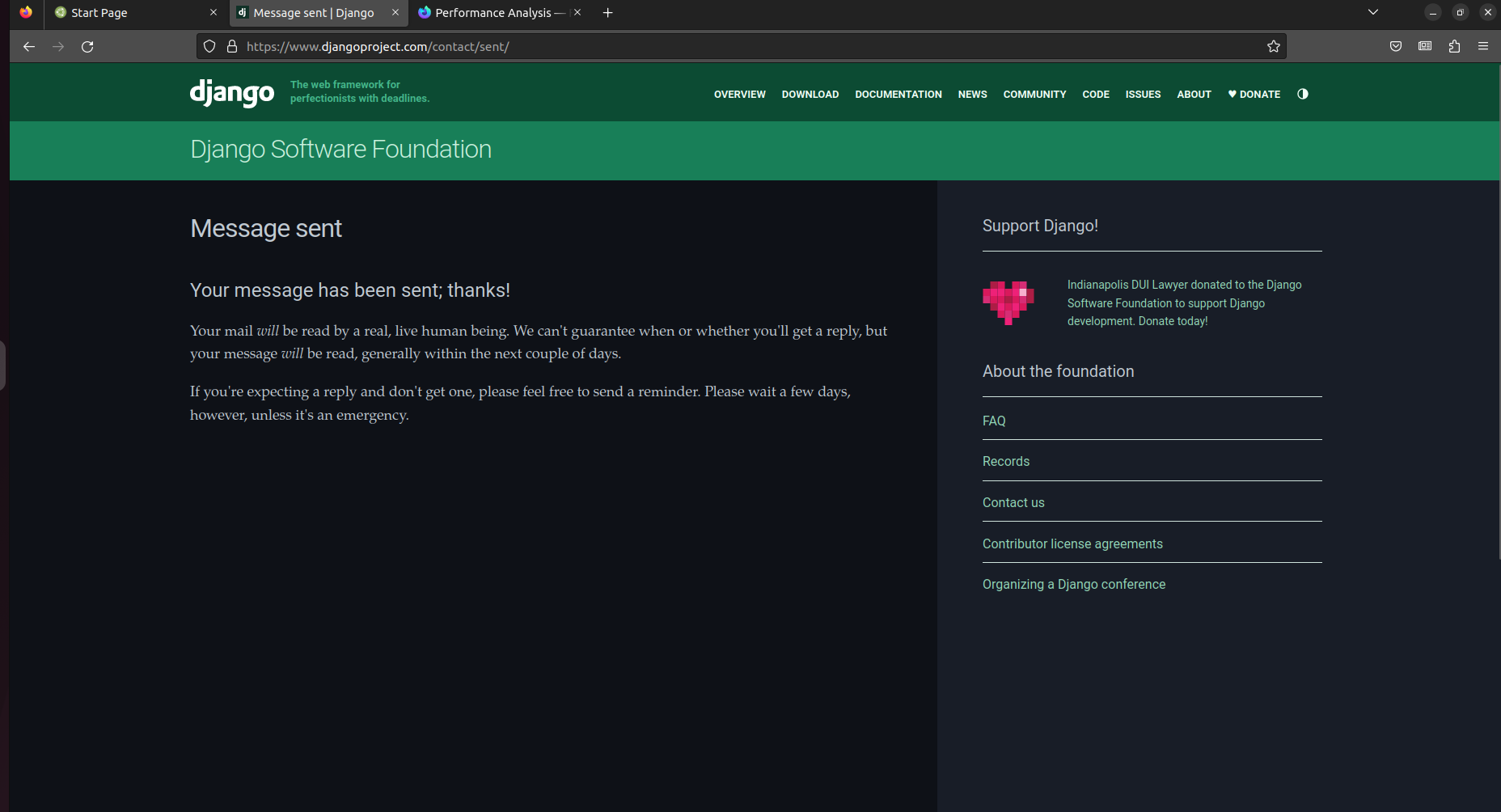 @Anton-4 yes
I got around to trying this again and could still not get the form to go through. To make sure my firefox settings were not the cause I tried it with a fresh install of firefox 111.0.1 on windows 11. On clicking the send button I again landed on the same page, not on the "Message sent" page. This was everything printed in the developer console:
Cookie “theme” does not have a proper “SameSite” attribute value. Soon, cookies without the “SameSite” attribute or with an invalid value will be treated as “Lax”. This means that the cookie will no longer be sent in third-party contexts. If your application depends on this cookie being available in such contexts, please add the “SameSite=None“ attribute to it. To know more about the “SameSite“ attribute, read https://developer.mozilla.org/docs/Web/HTTP/Headers/Set-Cookie/SameSite switch-dark-mode.a0e0dca32970.js:85:61
Content-Security-Policy warnings 4
Content Security Policy: Ignoring “'unsafe-inline'” within script-src: ‘strict-dynamic’ specified anchor
Content Security Policy: Ignoring “https:” within script-src: ‘strict-dynamic’ specified anchor
Content Security Policy: Ignoring “http:” within script-src: ‘strict-dynamic’ specified anchor
Content Security Policy: Ignoring “'unsafe-inline'” within script-src: nonce-source or hash-source specified anchor
Partitioned cookie or storage access was provided to “https://www.google.com/recaptcha/api2/anchor?ar=1&k=6[...]o&co=a[...]&hl=en&v=6[...]” because it is loaded in the third-party context and dynamic state partitioning is enabled.

Content-Security-Policy warnings 4
Content Security Policy: Ignoring “'unsafe-inline'” within script-src: ‘strict-dynamic’ specified anchor
Content Security Policy: Ignoring “https:” within script-src: ‘strict-dynamic’ specified anchor
Content Security Policy: Ignoring “http:” within script-src: ‘strict-dynamic’ specified anchor
Content Security Policy: Ignoring “'unsafe-inline'” within script-src: nonce-source or hash-source specified anchor
Partitioned cookie or storage access was provided to “https://www.google.com/recaptcha/api2/anchor?ar=1&k=6[...]o&co=a[...]l=en&v=6[...]w&size=normal&cb=p[...]s” because it is loaded in the third-party context and dynamic state partitioning is enabled.

reCAPTCHA validated for 'data-widget-uuid="419a7893ed01473d88b4b158bd4be5c0"'. Setting input value...
I also ran into this. I'd click submit, the window scrolled up, but I was still seeing the contact form with all the values I entered. I tried this two or three times (firefox on a mac) before giving up and sending an email to a googlegroups address I had.

Hi @Anton-4, @yashdobariya and @tim-schilling :)
I will take a look, which was the version of Firefox used?

Thanks for your help @sabderemane. I tested it now and it still happens on firefox 116.0.2 on Ubuntu 22.04. Earlier it also failed on firefox 111.0.1 on windows 11, so I suspect any version of firefox will do.
Works for me, it was probably fixed by cdf7621ca0193984bb8238461798d52730b06aef.
