

 diegomura
zIndex has a strange behavior
Describe the bug
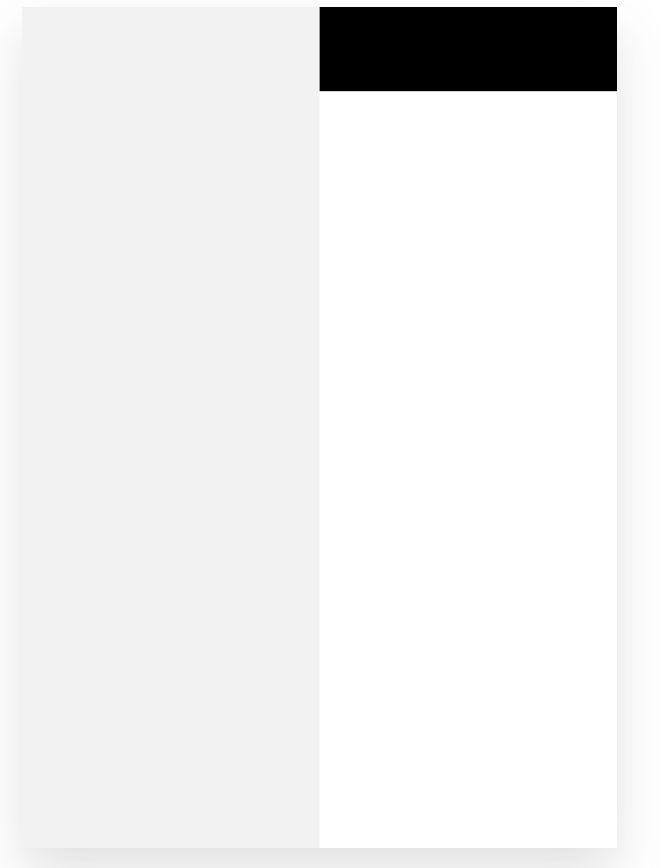
when z-index is not specified, elements are rendered on top of the other, the way they are placed in the document flow. But when z-index is specified, it is placed behind other elements, no matter where the style component was placed in the document flow
hence the following code does not render as expected:
const Quixote = () => (
  <Document>
    <Page>
      <View
        style={{
          height: '10%',
          width: '100%',
          position: 'absolute',
          top: 0,
          backgroundColor: 'black',
          zIndex: 1
        }}
      />
      <View
        style={{
          backgroundColor: '#F2F2F2',
          width: '50%',
          height: '100%',
        }}
      />
    </Page>
  </Document>
);
To Reproduce
Here is an example with z-index not specified (or specified to 0):
 repl (without
 z-index)
repl (with z-index set to 0
Relevant code:
const Quixote = () => (
  <Document>
    <Page>
      <View
        style={{
          backgroundColor: '#F2F2F2',
          width: '50%',
          height: '100%',
        }}
      >
      </View>
      <View
        style={{
          height: '10%',
          width: '100%',
          position: 'absolute',
          top: 0,
          backgroundColor: 'black',
          zIndex: 0
        }}
      >
      </View>
    </Page>
  </Document>
);
Here is an example with z-index set to a positive value:
 repl
repl
Expected behavior With the code listed in the bug description, we should see the black box on top of the grey box
Desktop (please complete the following information):
- OS:Windows
- Browser none (on node v16.13.2)
- React-pdf version 2.1.0


Yea its pretty weird, to add a watermark to the pdf I had to keep it as the last item and remove all zIndexes or other items will appear on top of it
