

 diasurgical
The resolution list is wrong on macOS.
Important information macOS 12.3.1 / Test Build #6931 / Download
Describe The resolution list in the options menu is wrong in macOS. A value that exceeds the maximum resolution of the monitor is displayed. It probably occurs on models with Retina display.
Screenshots
-
Monitor
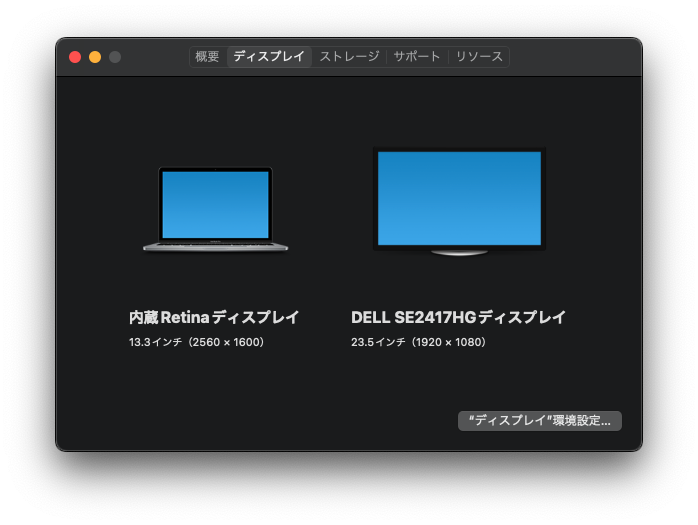
-
Built-in Reina Display
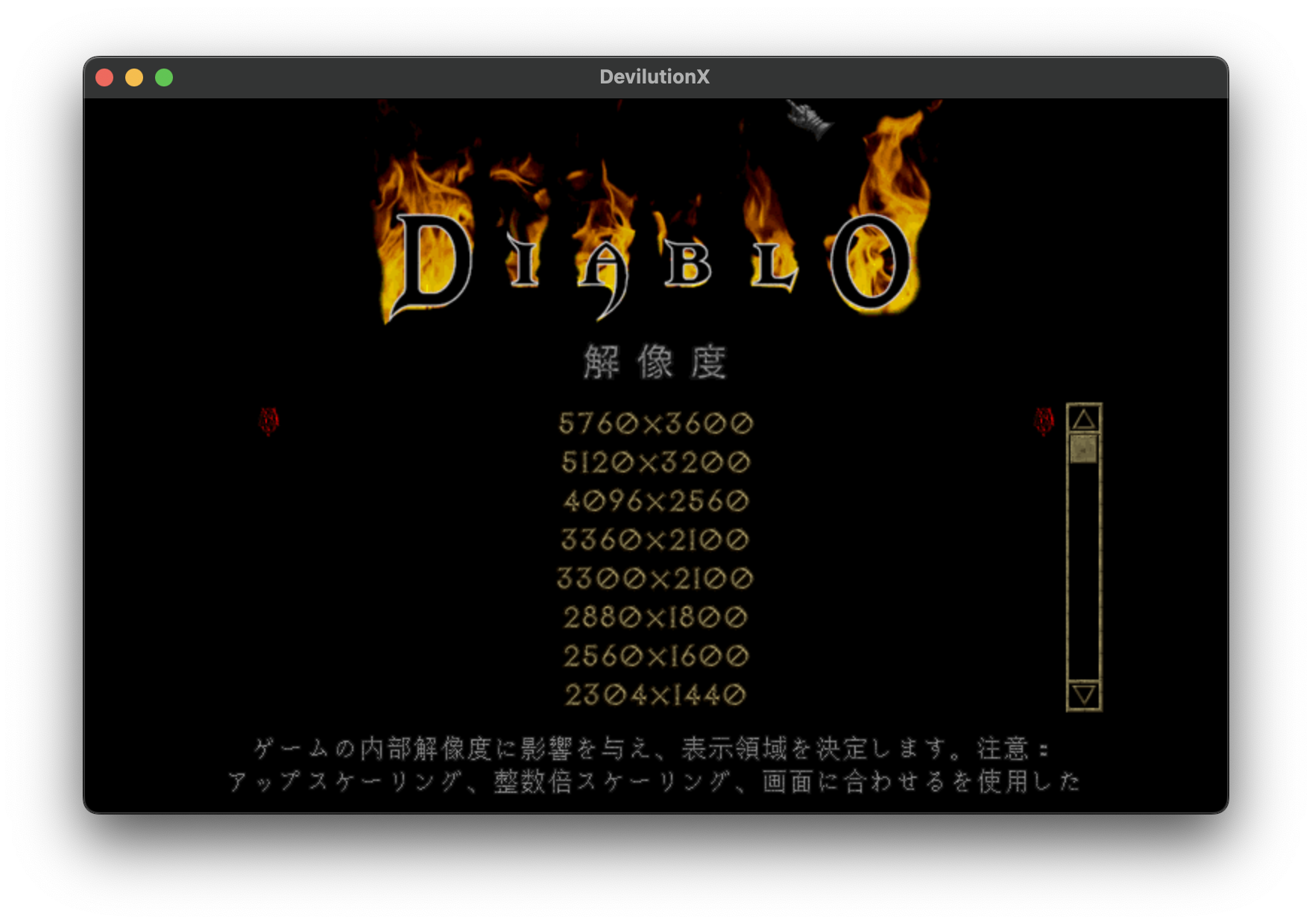
-
External Display
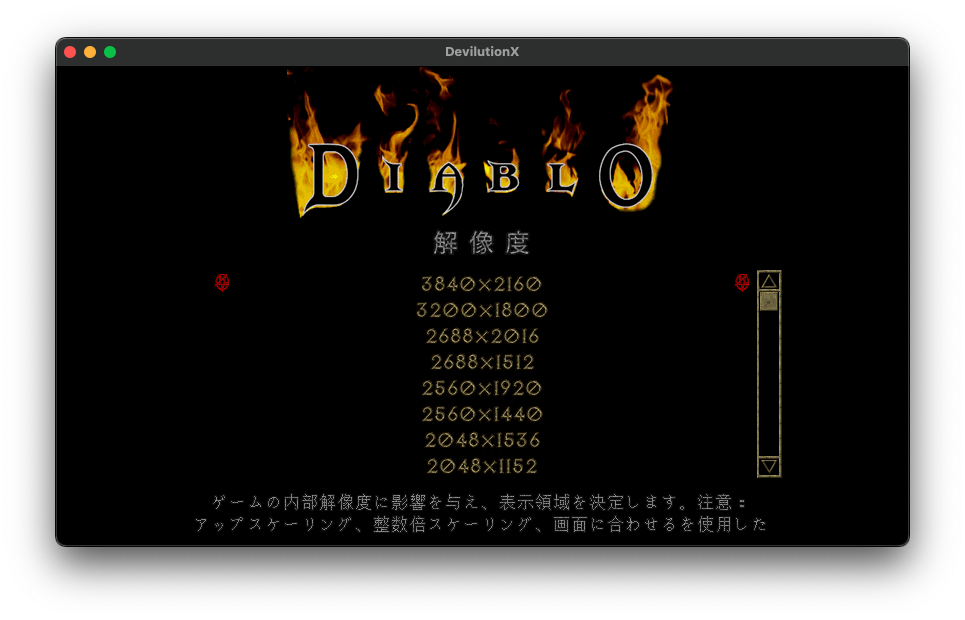
Expected behavior The maximum resolution should be 2560 x 1600 on a Built-in Reina Display and 1920 x 1080 on an external display.

Perhaps, in SDL2, we can just use the value returned by the SDL_GetDisplayMode function.
https://github.com/diasurgical/devilutionX/blob/df8c1a3e8cdde80595453e1bca25dd92131942de/Source/options.cpp#L687
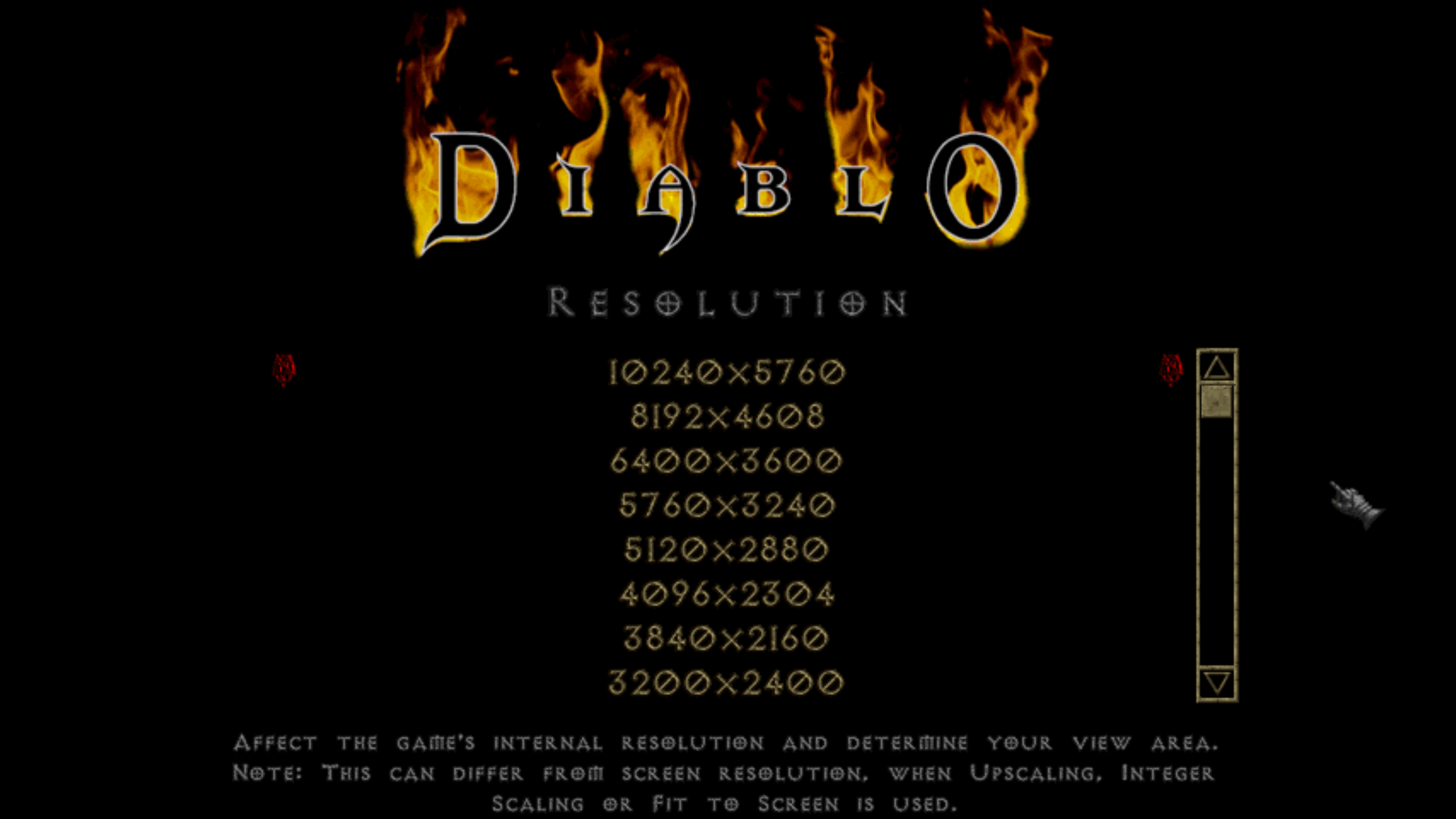
@DrGonzo564 How about on an iMac 5K? Wouldn't the resolution selection show something like 10240 x 5760?
@DrGonzo564 How about on an iMac 5K? Wouldn't the resolution selection show something like 10240 x 5760?
@bubio
This is what I'm seeing posted screen shots below... I leave DevilutionX at 640x480 tho otherwise the image doesn't display in fullscreen properly
my displays default resolution is set at 2560 x 1440 but it can go up to 3200 x 1800 in the display settings
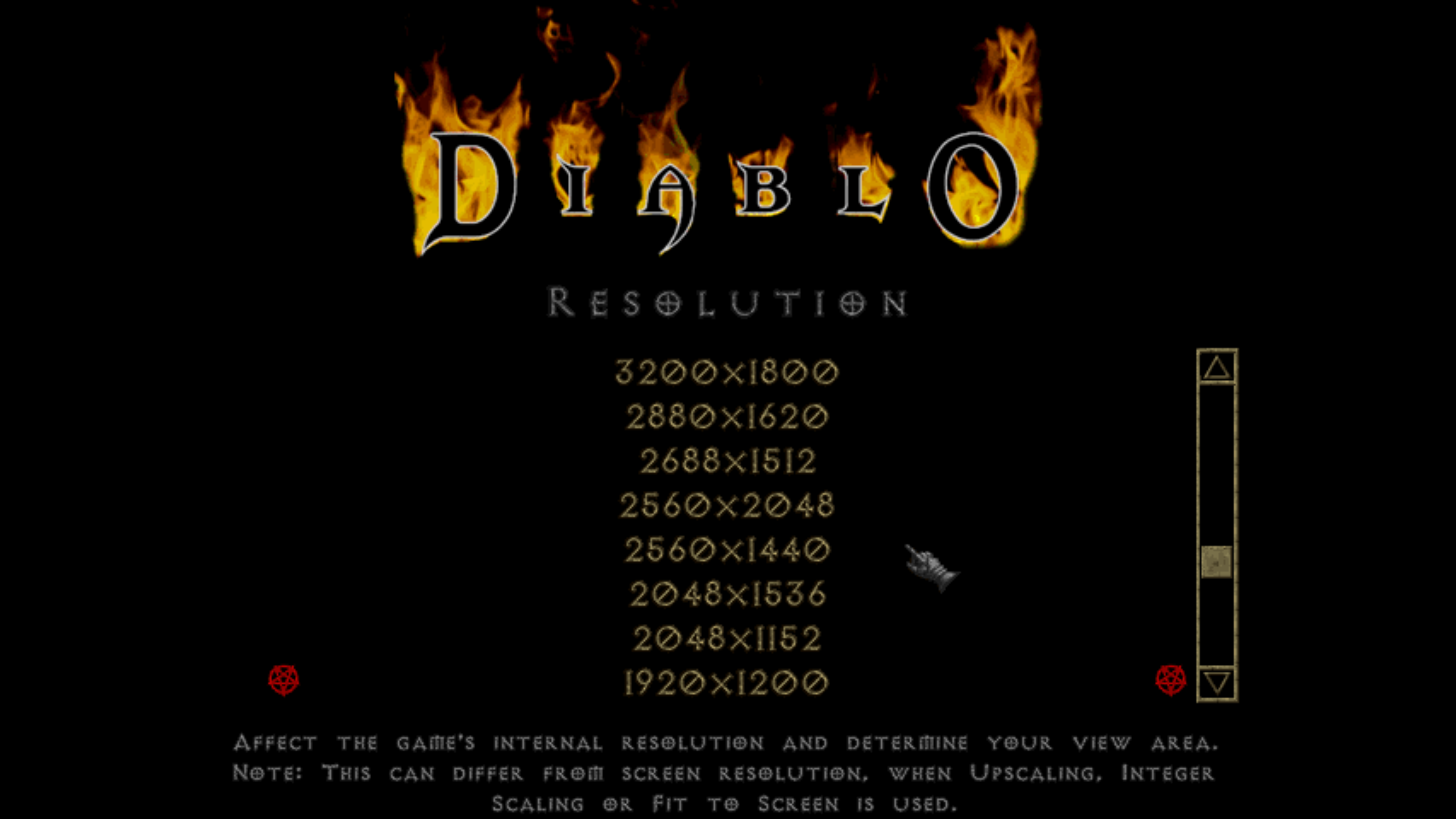
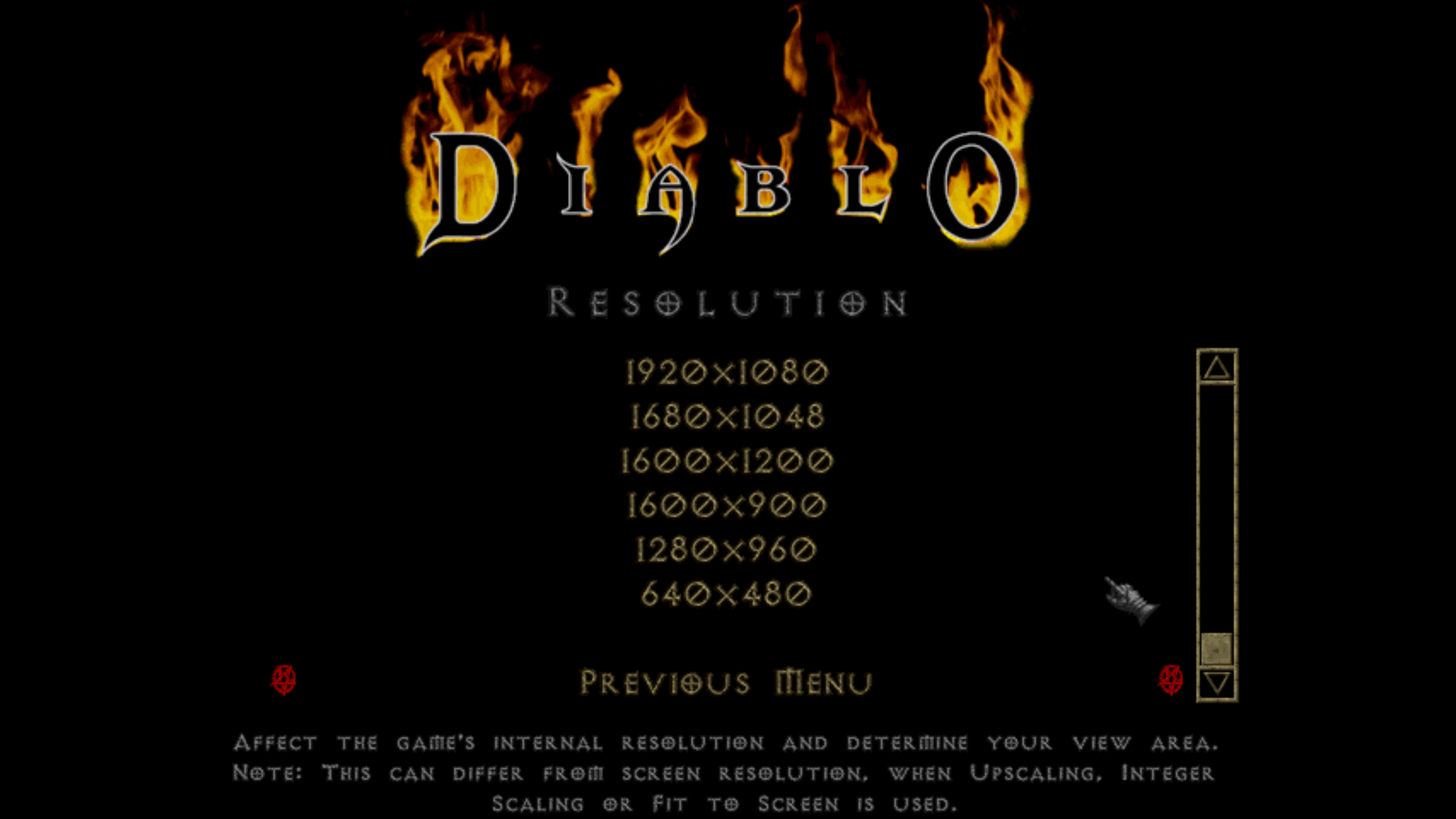

This seems relevant. https://github.com/libsdl-org/SDL/issues/5290#issuecomment-1027272308

535a84b688407a96f2cb811e81ed61e0388836f5
When this is done, the external display appears to be the correct choice (the maximum value is 1080p).
For the built-in display, a much larger value is available for selection.
d24bfccda69f1245ca85b355f4e1037db1613e15
It appears that the SDL has been updated, but it is still not correct.
- External** display is correct.(1920 x 1080 is the maximum resolution)
- Built-in display is incorrect.(2560 × 1600 is the maximum resolution)