
prs
 prs copied to clipboard
 dhth
dhth
Stay updated on PRs without leaving the terminal
prs
✨ Overview
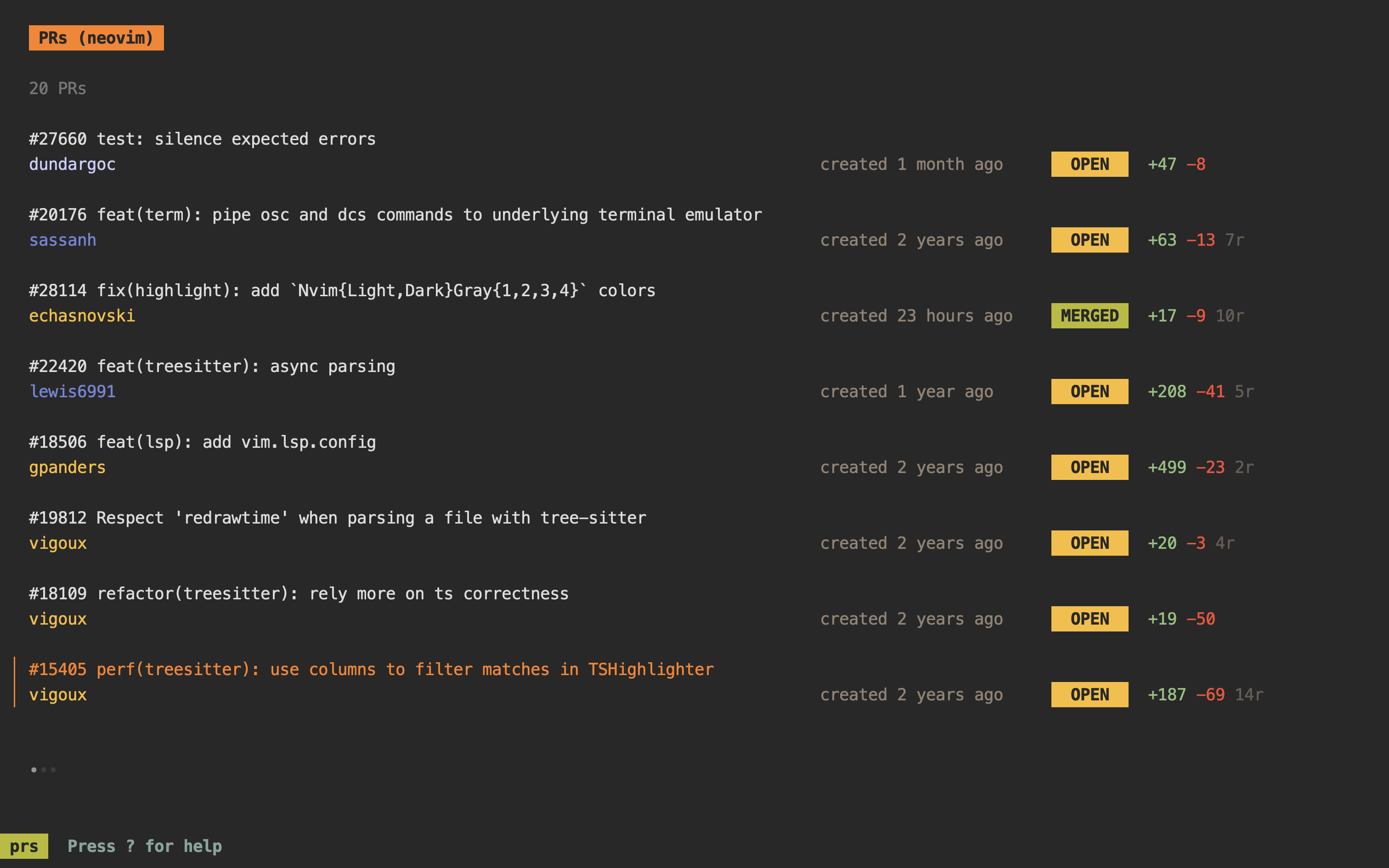
prs lets you stay updated on the PRs you care about without leaving the
terminal.
prs is not a replacement of gh, or the Github
web UI itself, it simply allows you to get to the updates you care about in
fewer key presses.

🤔 Motivation
For my day job as a tech lead, I need to stay updated on several PRs, and my
hope is that prs will let me do that faster than the Github web UI (or other
tools for that matter).
💾 Installation
homebrew:
brew install dhth/tap/prs
go:
go install github.com/dhth/prs@latest
🛠️ Pre-requisites
🛠️ Configuration
Create a configuration file that looks like the following. By default prs will
look for this file at ~/.config/prs/prs.yml.
diff-pager: delta
pr-count: 20
sources:
- owner: owner
  repos:
    - name: repo-a
    - name: repo-b
    - name: repo-c
⚡️ Usage
prs
prs -config-file /path/to/config.yml
prs -mode=reviewer # to only see PRs requesting your review
prs -mode=author # to only see PRs authored by you
Screenshots
Reference Manual
   prs Reference Manual

   (scroll line by line with j/k/arrow keys or by half a page with <c-d>/<c-u>)

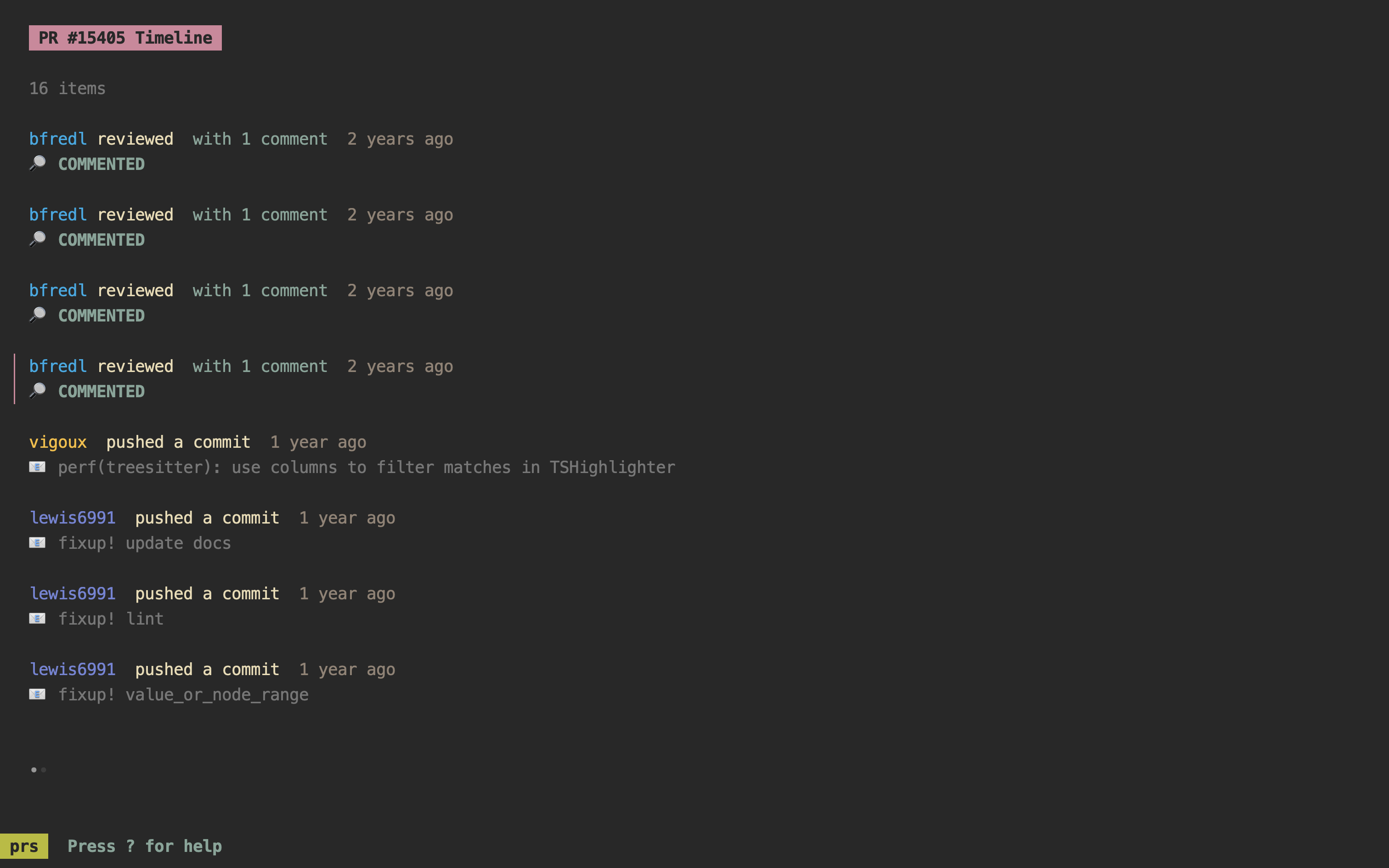
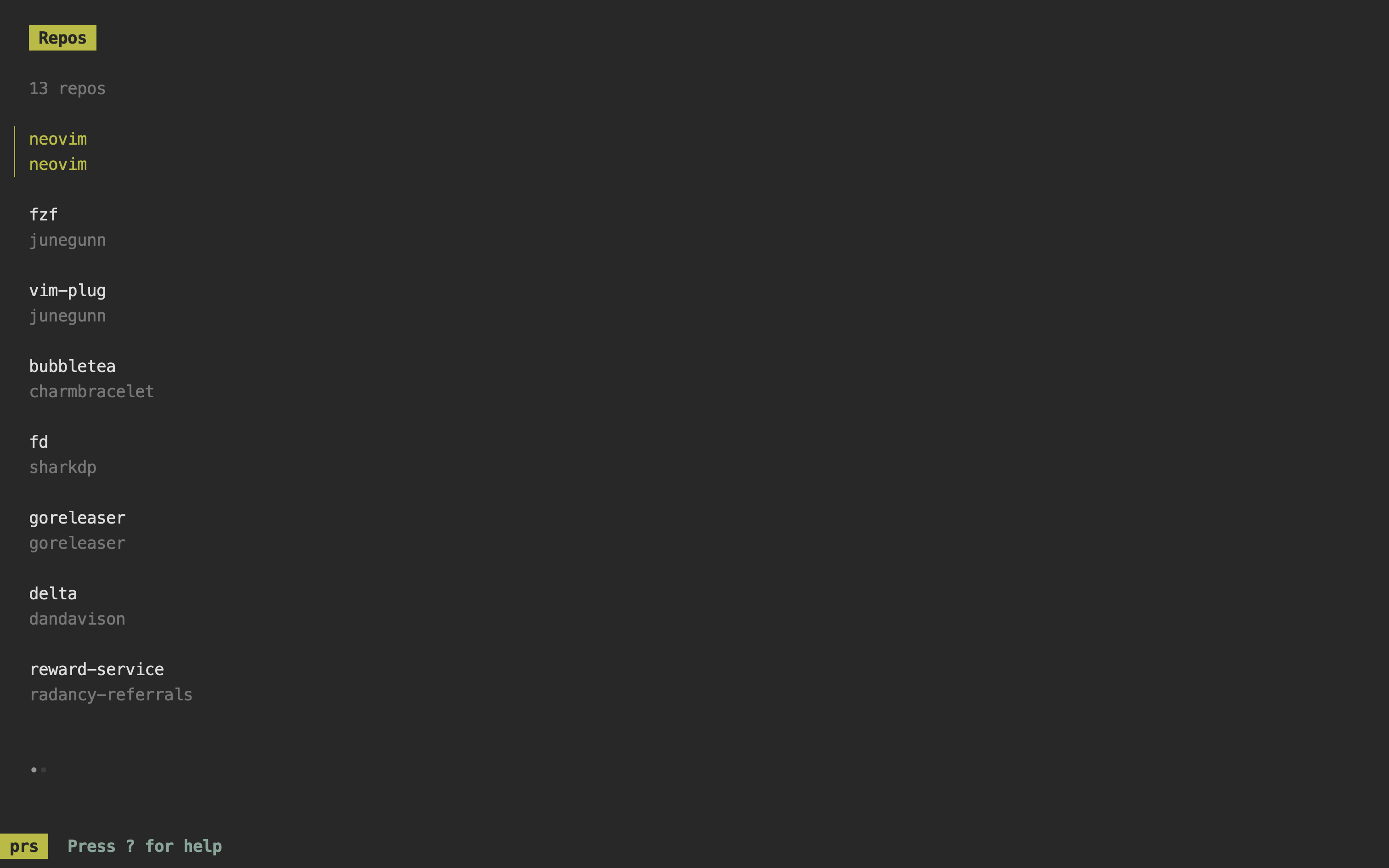
   prs has 5 views:
   - PR List View
   - PR Timeline List View
   - PR Review Comments View
   - Repo List View (only applicable when -mode=repos)
   - Help View (this one)

   Keyboard Shortcuts

   General

       <tab>                               Switch focus between PR List and PR Timeline Pane
       1                                   Switch focus to PR List View
       2                                   Switch focus to PR Timeline List View
       3                                   Switch focus to PR Review Comments View
       <ctrl+s>                            Switch focus to Repo List View
       ?                                   Switch focus to Help View

   PR List/Timeline List View

       <ctrl+v>                            Show PR details
       <ctrl+d>                            Show PR diff


   PR List View

       Indicators for current review
       decision:

       ±  implies                          CHANGES_REQUESTED
       🟡 implies                          REVIEW_REQUIRED
       ✅ implies                          APPROVED

       <ctrl+b>                            Open PR in the browser
       <ctrl+r>                            Reload PR list
       <enter>                             Switch focus to PR Timeline View for currently selected PR
       <enter>                             Show commit/revision range

   PR Timeline View

       <ctrl+b>                            Open timeline item in browser
       <ctrl+r>                            Reload timeline list
       <enter>                             Switch focus to Review Comments View for currently selected item
Acknowledgements
prs is built using bubbletea.
 dhth
dhth