msfs-webui-devkit

msfs-webui-devkit copied to clipboard
 dga711
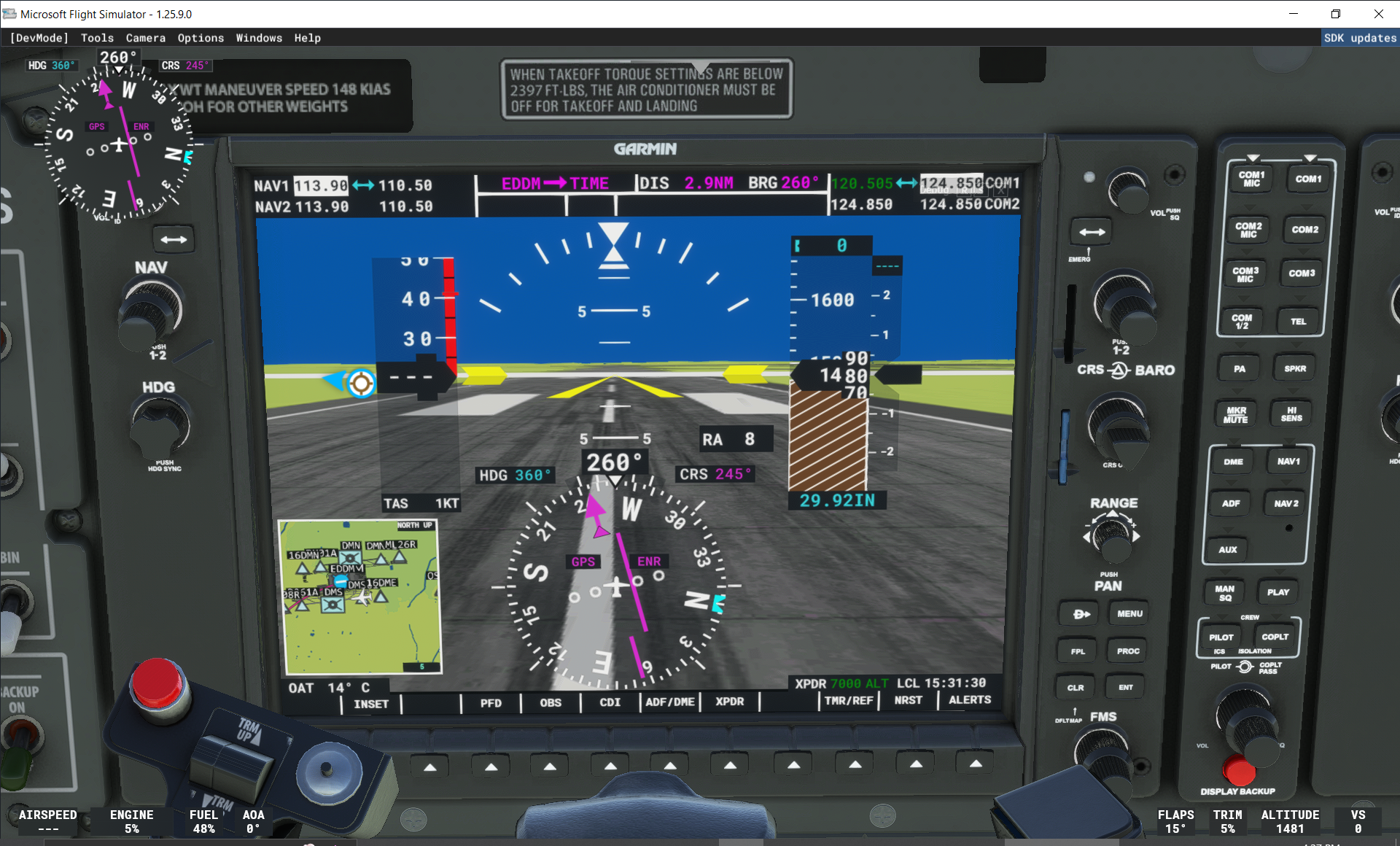
UI not showing up on any panel
In game, on any panel where you activated the code, it should show an opaque UI Element in the top right corner.
MSFS version: Microsoft Flight Simulator Game of the Year Edition
webui-devkit version: 0.92
I followed every single step on the Readme and the UI does not appear. Maybe I'm missing something?
I did the following:
- Extract
msfs-webui-devkitinto the community folder, ie:C:\FlightSimulator\Community\msfs-webui-devkit - Added
<script type="text/javascript" src="/JS/debug.js"></script>to the fileC:\FlightSimulator\Official\Steam\asobo-vcockpits-core\html_ui\Pages\VCockpit\Core\VCockpit.html, after thecommon.jsscript tag. - Restarted MSFS and started a Fly with some random plane. The panel looks like this: